
You’re building a bot to scrape article summaries, update metadata, or analyze edit history. You hit the Wikipedia documentation page and freeze. There are two main doors: MWAPI is the original MediaWiki action-based interface that has powered bots since the early 2010s and the newer REST API is a modern, stateless interface designed for high-performance data retrieval. Which one do you pick?
The wrong choice slows your bot down, breaks when endpoints change, or gets you rate-limited before you finish your first batch. The right choice saves hours of debugging and keeps your infrastructure stable. This guide cuts through the noise so you can decide in five minutes.
Key Takeaways
- MWAPI remains the gold standard for complex queries, authentication, and write operations like editing pages or managing user accounts.
- REST API excels at simple, high-speed reads-especially for getting page content, summaries, and basic metadata without heavy parsing.
- Use MWAPI if you need to modify data, use advanced filters (like query generators), or handle session cookies.
- Switch to REST API if you are building a read-only dashboard, need JSON responses that require zero post-processing, or want better caching support.
- Hybrid approaches work best: use REST for fast lookups and MWAPI for heavy lifting or writes.
Understanding the Two Interfaces
To choose correctly, you first need to know what each system actually does under the hood. They aren’t just different URLs; they represent different philosophies about how data should be served.
| Feature | MWAPI (Action API) | REST API |
|---|---|---|
| Protocol Style | Action-based (GET/POST with parameters) | Resource-based (Standard HTTP methods) |
| Response Format | XML or JSON (requires parsing logic) | Clean JSON only |
| Authentication | Cookie-based sessions & OAuth | OAuth 2.0 tokens primarily |
| Write Support | Full support (edit, delete, upload) | Limited (mostly read-only, some draft edits) |
| Query Complexity | High (generators, modules, meta) | Low (fixed endpoints) |
| Rate Limiting | Strict per-user limits | More generous for anonymous reads |
MWAPI, often called the Action API, lives at /w/api.php. It works by sending an "action" parameter (like query, edit, or login) along with other arguments. It’s incredibly flexible but verbose. You might send a request to get page titles, then another to get their content, then another to get revision history. Each step requires careful error handling because the response structure changes based on the module used.
In contrast, the REST API lives at /w/rest.php. It follows standard web conventions. Want the lead paragraph of "Python (programming language)"? You hit a single URL like /v1/page/title/Python_(programming_language)/summary. The response is always consistent JSON. No guessing, no nested XML tags. It feels like using a modern SaaS product rather than configuring a legacy server.
When to Choose MWAPI
Despite being older, MWAPI is not dead. In fact, for serious bot infrastructure, it’s still the workhorse. Here’s when you should default to it:
- You Need to Write Data: If your bot edits articles, uploads files, creates redirects, or manages watchlists, you must use MWAPI. The REST API’s write capabilities are limited to specific draft workflows and lack the granular control needed for automated maintenance tasks.
- Complex Queries Are Required: Suppose you need to find all pages edited by a specific user in the last month that contain a certain word. MWAPI’s
querymodule withgeneratorfeatures lets you chain these conditions together in one request. REST API cannot do this natively. - Session Management Matters: If your bot logs in as a registered account to bypass rate limits or access protected namespaces, MWAPI’s cookie-based authentication is more mature and widely supported by libraries like
Pywikibot. - Backward Compatibility: Many existing tools and scripts rely on MWAPI. Rewriting them for REST introduces risk without clear benefit unless you’re starting fresh.
For example, if you’re building a bot that automatically fixes broken links across thousands of articles, MWAPI allows you to fetch the list of broken links via deadlinks generator, then apply edits using the edit action-all within a single authenticated session.
When to Choose REST API
The REST API shines where simplicity and speed matter most. Consider it when:
- You Only Read Public Content: Fetching article summaries, infoboxes, or full wikitext for display purposes is faster and easier with REST. The endpoints are predictable and don’t require understanding MediaWiki’s internal module structure.
- Performance Is Critical: REST responses are smaller and parse quicker. If your app serves real-time previews to users, every millisecond counts. REST avoids the overhead of constructing complex query strings.
- You Want Better Caching: Because REST URLs are static resources (e.g.,
/v1/page/id/12345/content), CDNs and browsers cache them naturally. MWAPI’s dynamic nature makes caching harder since parameters change frequently. - Developer Experience Counts: New developers find REST intuitive. Documentation is clearer, examples are simpler, and errors are less cryptic. This reduces onboarding time for teams.
Imagine building a mobile app that shows quick facts about historical events. Instead of querying MWAPI for title → revision → content, you call /v1/page/title/D-Day/extract and get plain text instantly. Less code, fewer bugs, happier users.
Hybrid Strategy: Best of Both Worlds
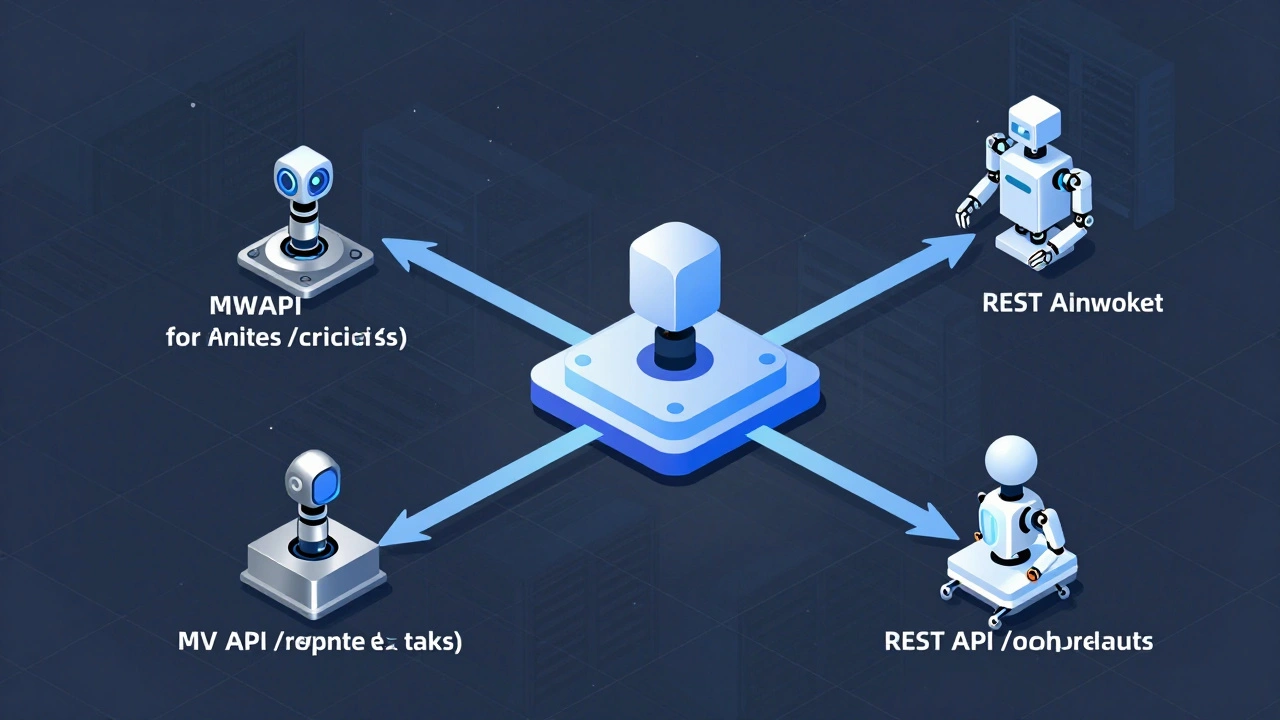
You don’t have to pick just one. Smart bots often combine both APIs depending on the task.
Here’s a practical pattern:
- Use REST API for initial discovery: Get article IDs, check existence, retrieve basic metadata.
- Fall back to MWAPI for deep analysis: When you need revision diffs, talk page comments, or category memberships.
- Use MWAPI exclusively for any write operation: Edits, moves, deletes, or user management.
This approach minimizes latency for common cases while retaining power for edge cases. For instance, a monitoring bot could use REST to quickly scan new articles for vandalism keywords, then switch to MWAPI to revert edits and log actions securely.
Common Pitfalls to Avoid
Even experienced developers make mistakes here. Watch out for these traps:
- Assuming REST Can Replace MWAPI Entirely: It can’t. Trying to force complex queries into REST leads to inefficient loops and excessive requests.
- Ignoring Rate Limits: Both APIs enforce limits, but they differ. Anonymous users face stricter caps on MWAPI. Always implement exponential backoff and respect
X-RateLimit-Remainingheaders. - Hardcoding Endpoints: Wikipedia domains vary (
en.wikipedia.org,de.wikipedia.org, etc.). Build your client to accept base URLs dynamically. - Skipping Error Handling: MWAPI returns detailed error codes; REST uses standard HTTP status codes. Handle both gracefully. A 429 Too Many Requests means pause. A 404 Not Found means skip.
Real-World Example: Building a Citation Checker Bot
Let’s say you’re creating a bot that checks whether references in articles are still live. Here’s how you’d split the workload:
- Step 1: Find Articles - Use MWAPI’s
list=searchto find articles containing<ref>tags. - Step 2: Extract References - Use MWAPI’s
prop=revisionswithrvslots=referencesto pull raw reference HTML. - Step 3: Validate Links - Parse the HTML locally, extract URLs, and ping them. No API needed here.
- Step 4: Report Results - If you want to display findings on a public dashboard, use REST API to fetch current article titles and summaries for context.
Notice how MWAPI handles the heavy lifting (finding and extracting structured data), while REST provides lightweight presentation data. Neither alone would suffice efficiently.
Future-Proofing Your Infrastructure
As of 2026, the Wikimedia Foundation continues investing in REST API improvements, especially around visual editor integration and mobile-friendly outputs. However, MWAPI remains fully supported and receives security updates regularly.
If you’re starting today, lean toward REST for new read-only services. But keep MWAPI knowledge alive-it’s essential for community tooling, admin tasks, and advanced automation. Don’t abandon it; complement it.
Can I use both MWAPI and REST API in the same bot?
Yes, absolutely. Many production bots do exactly this. Use REST for fast, simple reads and MWAPI for complex queries or writes. Just ensure proper authentication handling for each.
Which API is faster for fetching article content?
REST API is generally faster for simple content retrieval because it returns clean JSON without extra metadata. MWAPI may return larger payloads with additional fields you don’t need.
Do I need an API key to use either endpoint?
No, neither requires an API key for public read access. However, for write operations or higher rate limits, you’ll need to authenticate via OAuth (for REST) or login cookies (for MWAPI).
Is REST API available on all language editions of Wikipedia?
Most major language editions support REST API, but smaller ones may have limited functionality. Always test your target wiki’s /w/rest.php/v1/ endpoint directly to confirm availability.
What happens if I exceed rate limits?
You’ll receive HTTP 429 errors. Implement retry logic with exponential backoff. For sustained high-volume usage, consider running your bot from a Wikimedia Cloud Services instance to get higher quotas.