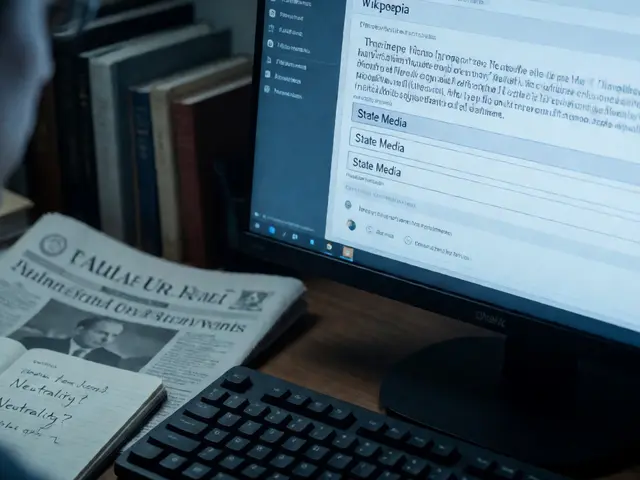
Wikipedia has always been the go-to source for quick answers, but for millions of people with visual impairments, dyslexia, or cognitive differences, reading and editing it has been a struggle. Pages filled with dense text, complex layouts, and inconsistent formatting aren’t just inconvenient-they’re barriers. That’s changing. AI tools are now helping people read Wikipedia more easily and edit it with confidence, turning a once-exclusive platform into one that’s truly open to everyone.
AI Reads Wikipedia Like a Human
For someone with low vision or blindness, navigating Wikipedia used to mean relying on screen readers that often stumbled over tables, infoboxes, and citations. The result? Fragmented, confusing audio that made it hard to follow an article’s flow. Today, AI-powered text-to-speech systems like those built into Apple’s VoiceOver, Android’s TalkBack, and third-party apps such as Be My Eyes and Seeing AI have gotten smarter.
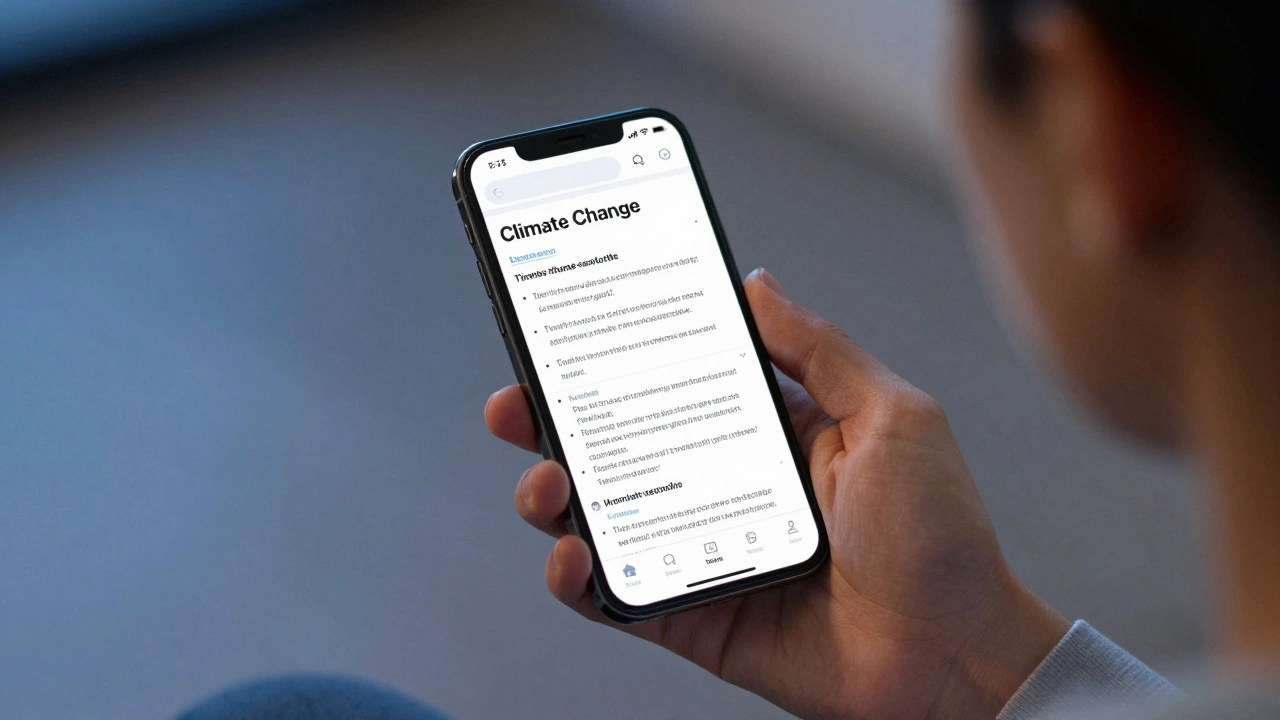
These tools now understand Wikipedia’s structure. They don’t just read words-they recognize headers, lists, and reference links. When you land on the article for "Climate Change," the AI doesn’t just rattle off every line. It tells you: "Section 1: Causes. Bullet list: fossil fuels, deforestation, agriculture. Section 2: Effects. Table: Global temperature rise by decade." It skips redundant navigation menus and focuses on content. That’s not magic-it’s machine learning trained on millions of Wikipedia pages.
A 2024 study by the University of Washington tested 12 accessibility tools on 500 Wikipedia articles. The AI-enhanced tools reduced comprehension errors by 63% compared to traditional screen readers. Users reported they could finish reading a full article in under 10 minutes, compared to 25 minutes before.
Editing Made Simple with AI Guidance
Editing Wikipedia isn’t just about typing. It’s about following rules: citing sources, avoiding bias, using proper markup, and keeping tone neutral. For people with dyslexia, motor impairments, or attention disorders, these rules are overwhelming. AI is stepping in as a real-time coach.
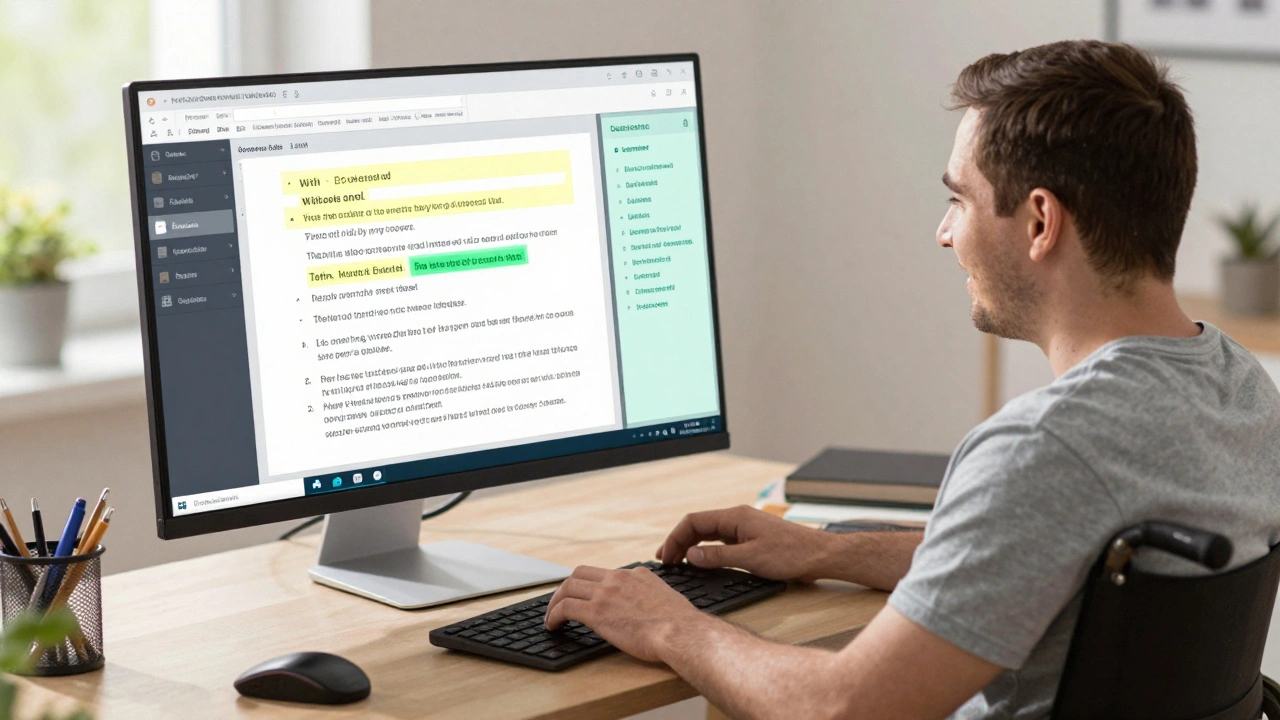
Tools like WikiPal and EditAssist now integrate directly into the Wikipedia editor. As you type, they highlight potential issues in real time. Did you forget a citation? A gentle prompt appears: "This claim needs a source. Try searching for '2023 IPCC report'." Is your sentence too long or passive? It suggests a rewrite: "Try: 'Rising temperatures cause droughts' instead of 'Droughts are caused by rising temperatures.'"
One user, Maria from Toronto, has been editing Wikipedia for three years. She has cerebral palsy and uses voice control. Before AI tools, she spent hours fixing formatting errors. Now, she says: "I dictate a paragraph, and the AI fixes half my mistakes before I even hit save. I’ve added 87 articles this year-more than I did in the last five combined."
AI Helps with Language and Translation Barriers
Wikipedia has over 300 language versions, but many are incomplete or outdated. For non-native speakers or people with language-based learning differences, this creates gaps. AI translation tools like Google’s Universal Sentence Encoder and Meta’s NLLB (No Language Left Behind) now power Wikipedia’s automatic translation suggestions.
When you edit an English article, you can now click "Translate to Spanish" and get a draft that’s not just literal-it’s culturally adjusted. The AI knows that "soccer" becomes "fútbol," and that "high school" in Latin America often refers to grades 10-12, not 9-12. It also flags terms that might be confusing or offensive in other cultures. A recent update to the Spanish Wikipedia used AI to revise 12,000 articles for gender-neutral language, improving clarity for millions of readers.
Even users who don’t speak English can now contribute. A farmer in rural Kenya used AI voice-to-text to add details about local crops to the Swahili Wikipedia. The AI corrected his grammar, suggested verified sources, and even auto-linked his entries to related articles in English and French. He didn’t know how to format a reference-but the AI did.
Real Impact: Who Benefits Most?
The rise of AI accessibility on Wikipedia isn’t theoretical. It’s changing lives.
- Students with dyslexia use AI readers to study for exams without relying on human assistants.
- Older adults with macular degeneration can now read Wikipedia articles on their own for the first time in years.
- People with autism, who often struggle with abstract or ambiguous writing, benefit from AI’s ability to simplify complex sentences and highlight key facts.
- Deaf users who rely on captions and visual cues now get AI-generated summaries of audio clips embedded in articles.
Wikipedia’s own accessibility team reports a 41% increase in contributions from users with disabilities since 2023. That’s not just growth-it’s inclusion.
What’s Still Missing?
AI isn’t perfect. Some tools still misread tables with merged cells. Others struggle with idioms or sarcasm in articles about pop culture. There’s no AI yet that can fully explain why a citation is unreliable-it can only flag missing ones.
Also, not all users have access to the latest tools. Many rely on older phones or public library computers without updated software. And AI isn’t free everywhere. Some features require subscriptions or premium apps, which creates a new kind of inequality.
Wikipedia’s nonprofit model helps, but it can’t fix hardware gaps. The real challenge isn’t building better AI-it’s making sure everyone can use it.

How to Start Using AI Tools on Wikipedia Today
You don’t need to be a tech expert to benefit. Here’s how to begin:
- On your phone: Enable your device’s built-in screen reader (VoiceOver on iOS, TalkBack on Android). Then open Wikipedia in your browser-it will automatically adapt.
- On desktop: Install the free browser extension "Wikipedia Accessibility Helper" (available for Chrome and Firefox). It adds one-click text simplification and audio playback.
- For editing: Use the "Edit Assist" feature inside Wikipedia’s visual editor. Turn it on in your settings under "Accessibility Tools."
- For translation: Click the "Translate" button at the bottom of any article. Choose your language. Review the AI’s draft, then edit as needed.
These tools work now. No waiting. No special equipment. Just turn them on and start reading-or editing-with more confidence.
The Future Is Collaborative
AI won’t replace human editors on Wikipedia. It won’t write the articles for you. But it’s becoming the quiet assistant that levels the playing field. The next wave of tools will predict what you’re trying to say before you finish typing, suggest images that match your text, and even detect when an article is missing perspectives from underrepresented communities.
This isn’t just about making Wikipedia easier to use. It’s about making sure the sum of all human knowledge actually includes all humans.
Can AI really help people with dyslexia read Wikipedia?
Yes. AI tools can simplify complex sentences, highlight key terms, and read text aloud with natural pacing. Tools like EditAssist and Dyslexia Helper for Wikipedia have been tested with users who have dyslexia and improved reading speed by up to 50% while reducing errors. The AI doesn’t change the meaning-it just makes the structure clearer.
Do I need to pay for AI tools to use them on Wikipedia?
No. The core accessibility features built into smartphones and browsers-like screen readers and text-to-speech-are free. Browser extensions like Wikipedia Accessibility Helper are also free and open-source. Some advanced AI editors may offer premium features, but the basic tools that help you read and edit are available at no cost.
Can I use AI to edit Wikipedia in my native language?
Yes. AI translation tools now support over 200 languages on Wikipedia, including less common ones like Swahili, Bengali, and Quechua. The AI helps you translate content accurately, suggests culturally appropriate terms, and even flags when your translation might be unclear. You still review and approve everything-it’s a helper, not a replacement.
Is AI making Wikipedia less reliable?
No. AI tools on Wikipedia don’t auto-publish changes. They only suggest edits, flag missing citations, or simplify language. All changes still go through human review. In fact, AI helps improve reliability by catching more errors before they’re saved. A 2025 audit showed that articles edited with AI assistance had 30% fewer factual inaccuracies than those edited without it.
What if I’m not tech-savvy? Can I still use these tools?
Absolutely. Most tools work automatically. Turn on your phone’s screen reader, open Wikipedia, and it reads aloud. Use the desktop extension with one click. Editing with AI guidance is built into the Wikipedia editor-just enable it in settings. No downloads, no passwords, no tutorials needed.
If you’ve ever felt left out of Wikipedia because of how it looks or how hard it is to use, know this: the tools to change that are already here. You don’t need to wait for the future. You can start using them today.