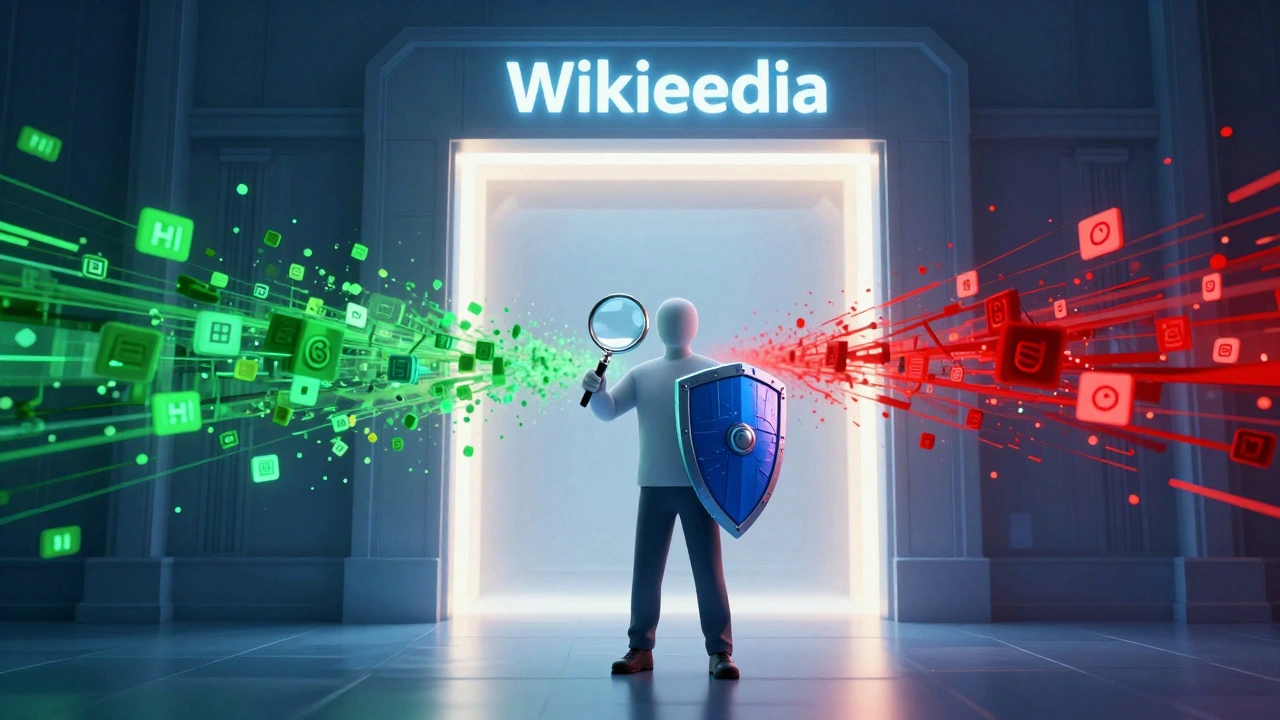
Every day, thousands of edits hit the Wikipedia is a free online encyclopedia that anyone can edit. Most are helpful. Some are noise. A few are outright attacks. If you are stepping into the role of a reviewer for Pending Changes is a protection level on Wikipedia where new or untrusted editors must have their edits reviewed by others before they become visible., you are standing at the gate. Your job is not to rewrite articles. It is to decide what stays and what goes. Doing this efficiently saves time, protects content, and keeps the community moving.
Many new reviewers feel overwhelmed. The queue looks endless. The diffs (difference views) look like code. But there is a method to the madness. You do not need to read every word. You need to spot patterns, trust your gut on obvious fixes, and dig deep only when something feels off. This guide breaks down exactly how to triage these changes quickly without sacrificing accuracy.
The Mindset of an Efficient Triage Agent
Before you click "accept" or "reject," you need the right mental framework. Efficiency does not mean rushing. It means prioritizing. Think of yourself as a filter, not a judge. You are filtering out harm and letting in value. Everything else is secondary.
Here is the golden rule: If it looks wrong, reject it. If it looks right, accept it. If you are unsure, flag it.
- Speed comes from pattern recognition. After reviewing fifty edits, you will start seeing common vandalism templates-random letters, offensive slurs, false biographical details. These take seconds to spot.
- Perfection is the enemy of progress. Do not try to fix grammar while reviewing pending changes. That is for later. Your job is binary: safe or unsafe?
- Trust the tools. Wikipedia provides powerful filters and history logs. Use them. They highlight likely issues so you don't have to hunt for them manually.
Remember, you are part of a larger ecosystem. If you miss one bad edit, someone else might catch it later. If you accidentally reject a good edit, the editor can appeal. The system has safeguards. Your goal is volume with reasonable care.
Anatomy of a Diff: What to Look For First
When you open a pending change, you see a "diff." This shows removed text in red and added text in green. Reading this correctly is the core skill of triage. Do not read top-to-bottom like a novel. Scan for intent.
| Visual Cue | Meaning | Action |
|---|---|---|
| Red text removed, nothing added | Deletion | Check if the deleted info was cited. If yes, reject. If no, maybe accept. |
| Green text added, no citations | Addition without sources | Reject unless it is a minor typo fix. |
| Mixed red/green in same paragraph | Rewrite/Edit | Read carefully. Check for tone shifts or factual errors. |
| Only whitespace changes (spaces/newlines) | Formatting | Accept immediately. No content changed. |
Pay special attention to Citations are references to external sources that verify the information in an article.. Wikipedia runs on verifiability. If an editor adds a claim but removes the citation, that is a red flag. If they add a claim with a broken link or a non-reputable source (like a personal blog), that is also a red flag. Always check the quality of the source, not just its presence.
Common Vandalism Patterns to Spot Instantly
Vandals often follow predictable scripts. Recognizing these allows you to clear your queue in minutes rather than hours. Here are the most frequent types you will encounter:
- Biographical Sabotage: Adding fake deaths, arrests, or scandals to living people. This is high-risk. If you see "died in 2026" or "convicted of fraud" added to a politician's page, reject it immediately unless there is a major news outlet citing it.
- Gibberish Injection: Random strings of characters, memes, or nonsense phrases inserted into serious topics. These are easy to spot because they break the flow of the sentence.
- Link Spam: Adding links to affiliate sites, porn, or obscure blogs. Check the URL. If it leads to a site that isn't a recognized authority, remove it.
- Tone Policing: Changing neutral language to overly positive or negative phrasing. For example, changing "the company faced criticism" to "the company was hated by everyone." This violates the Neutral Point of View policy.
If you see any of these, do not hesitate. Reject the edit and leave a brief tag explaining why (e.g., "unverifiable," "vandalism," "no source"). This helps the editor learn and alerts other reviewers.
Handling Gray Areas: When to Flag vs. Reject
Not every edit is black and white. Sometimes an editor makes a good point but cites a weak source. Other times, they improve clarity but change the meaning slightly. These are gray areas. Here is how to handle them efficiently:
Scenario 1: Good content, bad source. If the addition is valuable but the citation is shaky, do not reject it outright. Instead, accept the edit but add a "citation needed" tag inline. Or, better yet, find a better source yourself and update the reference. This turns a potential conflict into a collaboration.
Scenario 2: Minor grammar fixes. Accept these instantly. Do not nitpick style guides. As long as the English is understandable, let it pass. Perfectionism slows down the entire project.
Scenario 3: Disputed facts. If two reliable sources contradict each other, and the editor picks one side without acknowledging the other, flag the section for discussion. Do not make the call yourself. Move the debate to the talk page.
Use the Talk Page is a discussion forum associated with each Wikipedia article where editors discuss improvements and disputes. wisely. It is your safety net. If you are stuck, post a question there. Experienced editors will chime in.

Tools and Shortcuts for Faster Review
You do not have to work blind. Wikipedia offers several tools to speed up your workflow. Learning these shortcuts can double your review rate.
- Contributions Link: Before reviewing a specific edit, click the editor's username. Check their contribution history. Have they been banned before? Do they only edit one topic obsessively? A clean history suggests good faith. A chaotic history suggests caution.
- Page History: Look at recent changes to the article. Is there an edit war happening? If two users are reverting each other repeatedly, step back. Tag the page for protection instead of trying to mediate via pending changes.
- AutoWikiBrowser (AWB): Advanced reviewers use bots to batch-process simple tasks. While you may not start here, knowing that automation exists helps you focus on complex human judgments.
- Keyboard Shortcuts: Learn the hotkeys for accepting (usually 'A') and rejecting ('R'). Using the mouse for every action wastes precious seconds.
Also, utilize the Filtering System is software on Wikipedia that automatically detects likely vandalism based on patterns.. The system already flags many obvious abuses. Trust its initial assessment but always verify manually. False positives happen, especially with new editors who write differently.
Avoiding Burnout: Sustainable Review Habits
Triage work can be mentally draining. You are constantly exposed to negativity, misinformation, and sometimes hate speech. To keep going, you need boundaries.
Set a timer. Review for twenty-five minutes, then take a five-minute break. Stand up. Walk away from the screen. This prevents fatigue-induced errors. When you are tired, you are more likely to miss subtle vandalism or reject innocent edits out of frustration.
Do not engage emotionally. If a vandal insults you in their edit summary, ignore it. Do not reply. Do not argue. Just reject the edit. Engaging gives them the attention they seek. Silence is the best response.
Finally, remember that you are helping millions of readers. Every accepted good edit improves knowledge. Every rejected bad edit protects integrity. It matters. But it doesn't define you. Keep it professional, keep it efficient, and keep moving forward.
How many pending changes should I review per day?
There is no set number. Quality matters more than quantity. However, experienced reviewers often handle 50-100 edits daily. Start with 10-20 to build confidence. Focus on accuracy first, then speed will naturally increase.
What if I accidentally reject a good edit?
It happens. The editor will receive a notification. They can re-submit the edit or contact you on your talk page. Apologize briefly if contacted, explain your reasoning, and accept the corrected version. Mistakes are learning opportunities.
Can I suggest changes instead of just accepting or rejecting?
Yes. You can edit the draft directly before accepting it. This is called "improving" the edit. Fix typos, add missing commas, or correct minor factual errors. Just ensure you do not alter the editor's original intent significantly.
How do I know if a source is reliable?
Reliable sources include major newspapers, academic journals, and established books. Avoid personal blogs, social media posts, and self-published material. If the source has editorial oversight and fact-checking processes, it is generally acceptable.
Is it okay to skip reviews if I'm busy?
Absolutely. Wikipedia is volunteer-driven. There is no obligation. Skip days or weeks as needed. The community relies on consistency over intensity. Better to review ten edits well than fifty poorly.