Imagine you’re a reporter in a breaking news situation. A celebrity just announced a scandal, or a local politician made a controversial claim. You need context fast. Your first instinct? Wikipedia. But before you quote that article on the air or in print, you have to ask yourself one critical question: is this actually true, or is it just someone’s opinion from three years ago?
For journalists, Wikipedia is a free online encyclopedia that serves as a primary reference tool for background information but requires rigorous verification due to its open-edit model. It is not the final authority; it is the starting line. The difference between a solid story and a retraction often lies in how deeply a reporter digs into the metadata, citations, and community discussions surrounding an entry.
The Danger of Taking Things at Face Value
Most people read Wikipedia like a textbook. They skim the lead section, grab a date or a statistic, and move on. This approach works for casual learning, but it fails in professional journalism. Why? Because anyone can edit a page. While vandalism is rare and usually caught quickly, subtle inaccuracies or biased phrasing can linger for months if no one notices them.
Journalists treat Wikipedia entries as living documents. An article isn't static; it’s a snapshot of a consensus that changes daily. If you cite a fact from a Wikipedia page today, it might be different next week. That volatility means you cannot rely on the text alone. You need to look under the hood. You need to see the machinery that keeps the wheels turning.
Reading Between the Lines: The Role of Templates
One of the most overlooked tools for assessing reliability is the use of templates. These are small, standardized boxes or labels placed on articles to signal specific issues or statuses. To a casual reader, they might look like clutter. To a journalist, they are red flags or green lights.
Consider the "Disputed" template. If you see this at the top of a section, it means editors disagree on the facts presented there. It’s a direct invitation to dig deeper. Another common one is the "Notable" tag. If an article lacks this, it might be a stub or a page that hasn’t met the criteria for significant coverage yet. For a reporter checking the background of a minor figure, this tells you the source is thin.
Then there are maintenance templates. Have you ever seen a box saying "This article needs additional citations"? That is your cue to stop trusting the current text. It means the existing references are insufficient to support the claims being made. In a high-stakes investigation, this single tag can save you from citing an unsupported claim.
| Template Type | What It Signals | Journalist Action |
|---|---|---|
| Citation Needed | A specific claim lacks a reliable source. | Verify the claim independently; do not cite that specific sentence. |
| Disputed | Editors conflict over accuracy or neutrality. | Check the Talk Page to understand the nature of the dispute. |
| Stub | The article is incomplete and brief. | Use only for basic identification; seek external sources for depth. |
| Featured Article | High quality, well-sourced, and neutral. | Higher confidence level, but still verify key dates/facts. |
The Citation Trail: Verifying Sources
If templates are the warning lights, citations are the engine. Every factual statement in a good Wikipedia article should link to a source. But not all sources are created equal. A journalist’s job is to evaluate the quality of these links.
When you click a citation, where does it take you? If it leads to a peer-reviewed journal, a major newspaper archive, or a government database, you’re on solid ground. If it leads to a blog post, a press release from the subject themselves, or another Wikipedia page (a "circular reference"), you should proceed with caution.
Here is a practical rule of thumb: check the date of the source. If the article discusses events from 2024, but the citation is from a 2019 book, the information might be outdated. Context matters. A journalist doesn’t just check *if* a source exists; they check *when* it was published and *who* wrote it. Is the author an expert in the field? Is the publication known for bias? These questions separate a competent reporter from a careless one.
Talk Pages: Where the Real Story Happens
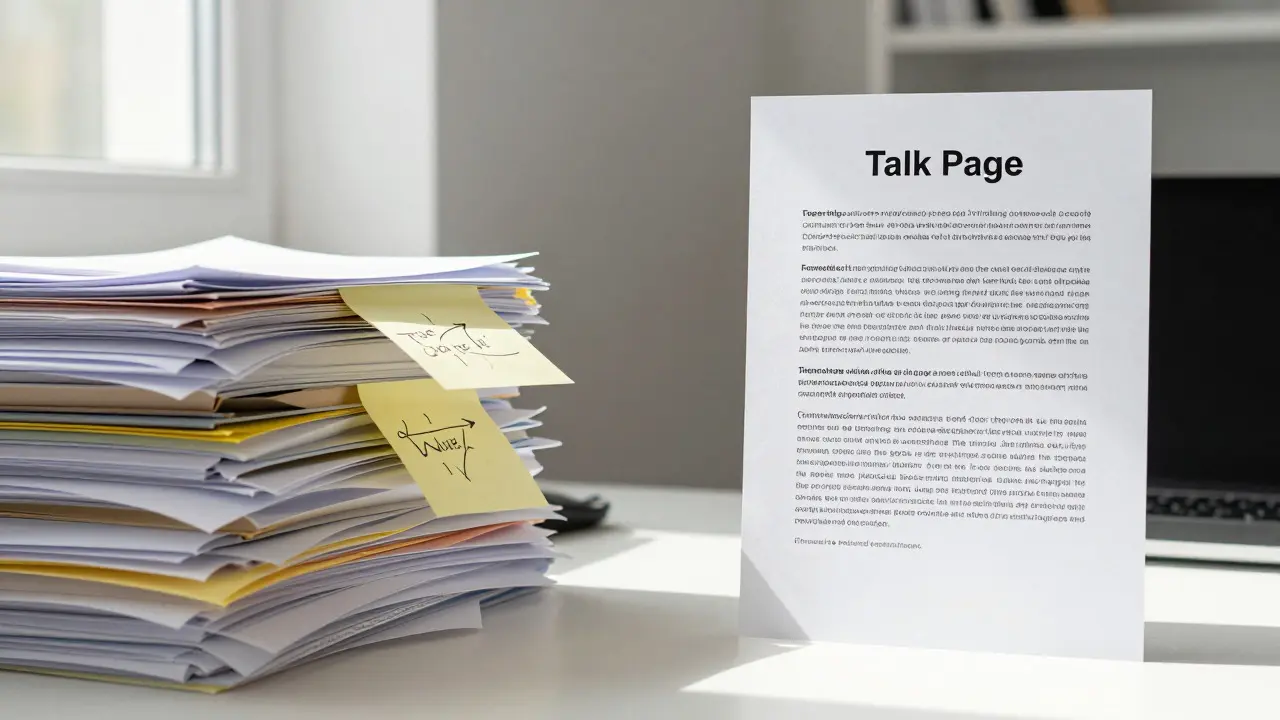
This is the part most people miss. Every Wikipedia article has a companion page called the "Talk Page." It is essentially a public comment section where editors discuss what needs fixing, adding, or changing. For a journalist, this is gold.
Why go here? Because the Talk Page reveals the health of the article. If the last discussion was five years ago, the article might be stagnant. If there are heated debates about neutrality, you know the topic is contentious. Sometimes, a crucial detail-like a correction to a name or a clarification of a legal status-is discussed here before it’s even updated in the main text.
Let’s say you’re writing about a controversial tech startup. The main article says the company raised $50 million. But you notice a recent comment on the Talk Page arguing that the funding was actually $30 million because some investors pulled out. If you don’t check the Talk Page, you might publish the wrong number. The main article updates slowly; the Talk Page moves fast.
Practical Workflow for Fact-Checking
So, how does this look in practice? Here is a streamlined process many veteran reporters use when relying on Wikipedia for background checks:
- Scan the Lead Section: Read the first two paragraphs to get the gist. Note any immediate red flags like missing images or broken links.
- Check the Status Box: Look for quality tags. Is it a "Good Article" or "Featured Article"? If not, assume higher risk.
- Inspect Citations: Click three random citations. Are they reputable? Do they match the text exactly? If the text says "many experts agree" but the citation is a single opinion piece, that’s a mismatch.
- Browse the Talk Page: Skim the last few threads. Are there ongoing disputes? Has the article been vandalized recently? This gives you a sense of stability.
- Verify Key Facts Externally: Take the most important fact you plan to use (e.g., a birth date, a lawsuit outcome) and find it in a primary source outside of Wikipedia. Never cite Wikipedia directly in a news story; cite the source Wikipedia used.
Common Pitfalls to Avoid
Even experienced journalists make mistakes. One common trap is the "Recency Bias." Just because an edit was made yesterday doesn’t mean it’s accurate. New edits are often less scrutinized than older ones. Always give new content extra scrutiny.
Another pitfall is ignoring the "References" section entirely. Some writers skim the body text and assume the references are fine. But sometimes, the reference list contains dead links or paywalled articles that are impossible to verify. If you can’t access the source, you can’t vouch for it.
Finally, don’t forget the image files. Yes, really. The caption of an image can contain errors that aren’t present in the text. If you’re using a photo from Wikipedia, double-check the file description. Mislabeling a person or place in a photo is a classic blunder that undermines credibility instantly.
Building Trust Through Transparency
Using Wikipedia effectively isn’t about blind trust; it’s about informed skepticism. By understanding how the platform works-its templates, its citation logic, and its community governance-you turn a potential liability into a powerful research asset. You stop seeing it as a finished product and start seeing it as a work in progress that you can audit.
When you do this, you protect your reputation. You ensure that your audience gets accurate context. And you demonstrate to your editors that you’ve done your homework. In a world where misinformation spreads faster than truth, that diligence is not just good practice; it’s essential.
Can I cite Wikipedia directly in a news article?
Generally, no. Most style guides, including AP Style, discourage citing Wikipedia directly because it is a tertiary source. Instead, you should follow the citations provided in the Wikipedia article and cite the original primary or secondary sources (like newspapers, books, or academic journals).
What does a 'Stub' tag mean for reliability?
A 'Stub' tag indicates that the article is very short and incomplete. It suggests that the information available is minimal and likely lacks depth. For journalists, this means the page is useful for basic identification but not for detailed analysis or complex facts.
How do I check if a Wikipedia article is up-to-date?
Look at the 'History' tab to see the date of the last significant edit. Also, check the Talk Page for recent discussions. If the last edit was over a year ago and the topic involves current events, assume the information may be outdated and verify externally.
Are Featured Articles more reliable than regular ones?
Yes, significantly. Featured Articles undergo a rigorous review process by the Wikipedia community to ensure high standards of writing, sourcing, and neutrality. They are considered the gold standard within the platform, though journalists should still verify key facts against primary sources.
What is the best way to handle conflicting information on a Talk Page?
If the Talk Page shows a dispute, avoid citing the contested fact until it is resolved. Look for the consensus among editors or seek independent confirmation from a primary source. If the dispute is unresolved, it is safer to omit the specific detail or note the controversy in your reporting.