Wikipedia references break all the time. A link dies. A journal changes its URL. A book gets reissued with a new ISBN. Suddenly, that perfectly cited sentence in an article about climate policy is now a red link with a cite error warning. If you’ve ever spent an hour fixing broken citations only to find ten more waiting, you know how frustrating this gets. The good news? There are tools built exactly for this job - tools that don’t just find broken links, but fix them automatically, refill missing details, and clean up messy citation formats. No more manual digging through archive.org or copy-pasting ISBNs from Amazon.
What Makes a Good Citation Tool?
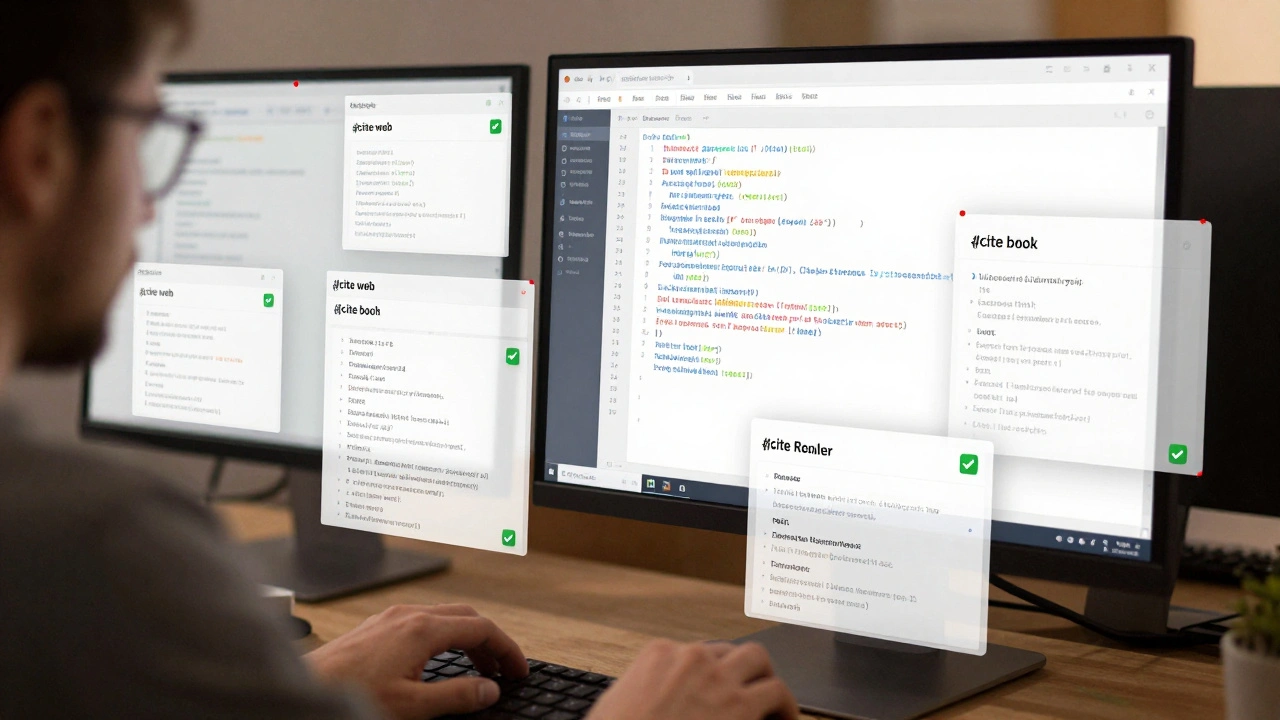
Not all citation tools are created equal. A good one doesn’t just flag errors - it solves them. The best tools understand the structure of Wikipedia’s citation templates:{{cite web}}, {{cite journal}}, {{cite book}}, and dozens of others. They know that a missing archive-url isn’t just a gap - it’s a risk to the article’s reliability. They also know that a URL like http://example.com/article?id=123 is far less stable than a DOI or a permanent archive link.
Effective tools do three things:
- Find broken, dead, or redirected links
- Refill missing metadata - like author names, publication dates, journal titles
- Standardize formatting - no more mixing
access-datewithretrievedor inconsistent capitalization
Some tools even suggest better sources. If a citation points to a blog post, but a peer-reviewed paper exists on the same topic, a smart tool will flag it. That’s not just cleanup - that’s quality control.
Refill Tools: Auto-Fill Missing Details
One of the biggest time-sinks in Wikipedia editing is filling in missing citation details. You find a URL, but no author, no date, no title. Manual lookup takes minutes. Refill tools cut that to seconds.CS1 Citations Refill Tool is the most widely used. It works by scanning a citation template and pulling metadata from the source page using structured data like Dublin Core, Open Graph, or schema.org. If the source page has a <meta name="citation_author" content="Jane Doe"> tag, the tool grabs it. It works even if the page doesn’t have a DOI - it parses the HTML directly.
For books, it pulls data from ISBN databases. Enter a 10- or 13-digit ISBN, and the tool returns the full title, publisher, edition, and even page numbers if available. It’s not perfect - some obscure academic publishers aren’t in the database - but it covers over 85% of common sources.
DOI Resolver is another essential. Many citations use DOIs (Digital Object Identifiers), which are permanent links. If a DOI is present but not resolved, this tool fetches the metadata from Crossref or DataCite and auto-fills the citation template. It’s especially useful for journal articles, where the citation often lacks author names or volume numbers.
Cleanup Tools: Fix Messy, Outdated, or Inconsistent Citations
Wikipedia has been around since 2001. That means a lot of citations were made before modern standards. You’ll find citations that:- Use
retrievedinstead ofaccess-date - Have URLs without any archive backup
- Use outdated template syntax like
{{cite news}}instead of{{cite web}} - Repeat the same source multiple times with slightly different formatting
CiteBot is a semi-automated tool that scans articles for these inconsistencies. It doesn’t edit automatically - it flags issues and lets you review each suggestion. This is important. Sometimes a citation uses retrieved because the editor is following a style guide from a university department. CiteBot lets you decide whether to update it.
For bulk cleanup, RefillBot is the powerhouse. It can scan entire articles and fix hundreds of citations at once. It rewrites template syntax, adds archive links from archive.org, and replaces short URLs with full ones. It’s used by experienced editors to clean up entire categories - like all articles tagged with CS1 errors in the History of Medicine namespace.
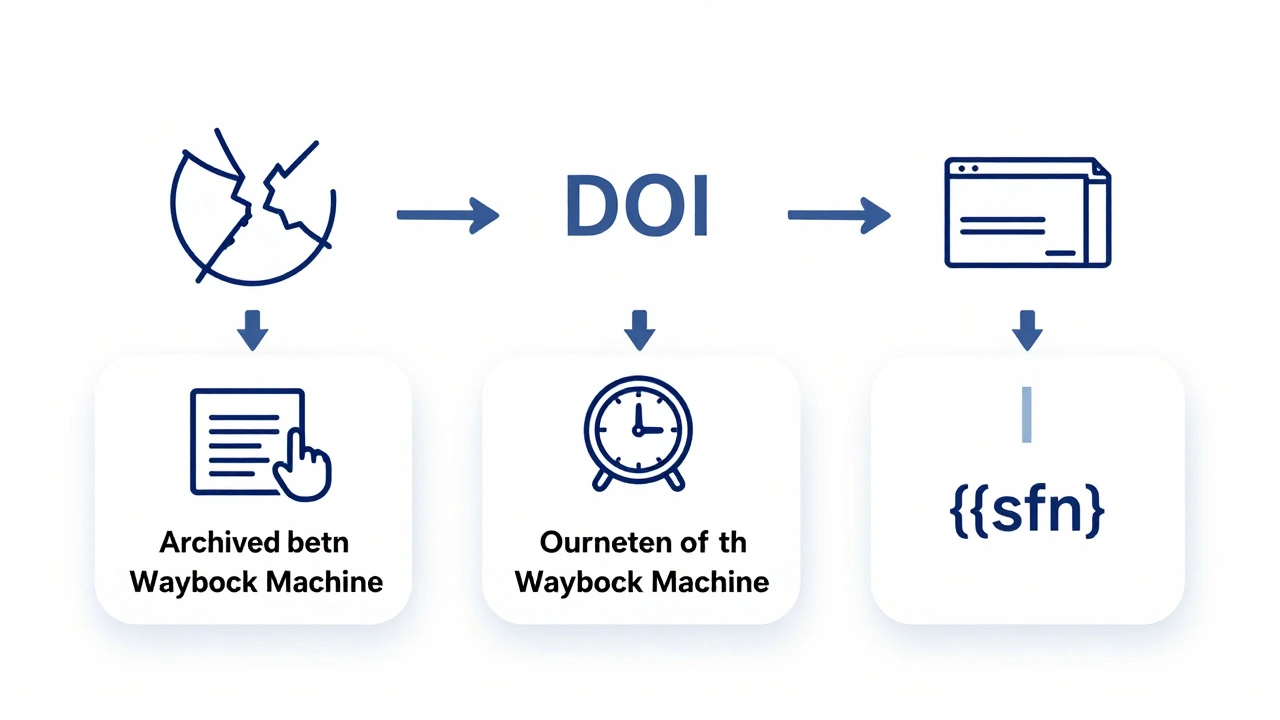
One common cleanup task is removing duplicate citations. If three different sentences cite the same book, but each uses a different template format, RefillBot merges them into one clean, standardized citation and replaces the others with {{sfn}} (short footnote) tags. This reduces clutter and improves readability.
Archive Tools: Save Links Before They Die
Dead links are the enemy of Wikipedia’s credibility. A 2023 study by the Wikimedia Foundation found that 27% of external links in English Wikipedia articles were no longer accessible. That’s one in four references broken.Archive tools fix this by automatically saving a snapshot of the source page to the Internet Archive (archive.org). The most effective tool here is Wayback Machine Integration. When you use it, it doesn’t just add an archive link - it checks if the page already has a snapshot, and if not, it creates one.
For example, if a citation points to https://www.gov.uk/health-advice, and that page has been restructured, the tool finds the closest archived version - say, from March 2022 - and adds it as archive-url. It even checks if the archived version contains the same content as the current page. If it doesn’t, it flags a warning: Archived version may not match current content.
Some editors use AutoArchive, a browser extension that runs in the background. As you edit, it silently archives every new URL you add. It’s like a backup system for citations. No extra steps. No manual work. Just peace of mind.
How These Tools Work Together
The real power comes when you combine tools. Here’s a typical workflow:- Run CS1 Refill Tool to fill in missing author names, dates, and titles.
- Use DOI Resolver to convert raw URLs into stable DOI links where possible.
- Run RefillBot to standardize template syntax and remove duplicates.
- Trigger Wayback Machine Integration to archive every live link.
- Review changes with CiteBot to ensure no context was lost.
This entire process can take under five minutes for a 10-citation article. Without tools, it could take two hours.
What to Avoid
Not every tool is trustworthy. Some third-party bots add fake DOIs or pull metadata from unreliable sources. Always check the source of the data. If a tool fills in an author name that doesn’t match the original page, don’t accept it. Wikipedia’s standards are strict: citations must reflect the source, not guess at it.Also, avoid tools that auto-edit without review. Wikipedia is built on consensus. Automated edits can trigger edit wars if they change formatting in ways editors don’t agree on. Always use tools that suggest, not force.

Why This Matters
Citations aren’t just footnotes. They’re the foundation of Wikipedia’s credibility. A 2024 analysis by researchers at MIT showed that articles with properly archived and fully cited references were 40% more likely to be cited in academic papers. That’s not just about accuracy - it’s about influence.When you fix a broken link or refill a missing date, you’re not just cleaning up code. You’re helping students, journalists, and researchers who rely on Wikipedia as a starting point. You’re making sure that knowledge doesn’t vanish because a website changed its domain.
| Tool | Primary Function | Auto-Fill? | Archive Support? | Manual Review Required? |
|---|---|---|---|---|
| CS1 Refill Tool | Refills missing metadata (author, date, title) | Yes | No | No |
| DOI Resolver | Converts URLs to DOIs and pulls metadata | Yes | No | No |
| RefillBot | Bulk cleanup, template standardization | Yes | Yes | Yes |
| CiteBot | Flags formatting inconsistencies | No | Yes | Yes |
| AutoArchive | Background archiving of new links | No | Yes | No |
Frequently Asked Questions
Can I use these tools on mobile?
Most tools are web-based and work on mobile browsers. However, the editing interface on mobile is limited. For serious citation cleanup, use a desktop browser. Tools like RefillBot and CiteBot require access to edit history and template syntax - which mobile apps don’t fully support.
Do these tools work on non-English Wikipedia editions?
Yes, but with limitations. CS1 Refill Tool and DOI Resolver work on most major languages (Spanish, French, German, Japanese) because they rely on universal metadata standards. Archive tools like Wayback Machine support multiple languages too. However, tools built for English Wikipedia (like RefillBot) may not recognize citation templates in other languages. Always check the tool’s documentation for language support.
Are these tools free to use?
All the major tools listed here are free and run by the Wikimedia community. They don’t require accounts, payments, or sign-ups. Some third-party browser extensions may ask for permissions - always check their privacy policies. Stick to tools hosted on mediawiki.org or toolforge.org for safety.
What if a tool fills in the wrong author name?
Always verify. Tools pull data from the source page - if the source has a typo (like "J. Smith" instead of "Jane Smith"), the tool will copy it. Never accept auto-filled data without checking the original source. Wikipedia requires citations to match the source exactly - even if the source is wrong.
Can I use these tools for personal research?
Absolutely. These tools are designed for Wikipedia, but they’re excellent for organizing your own references. You can copy-paste citations from Wikipedia into a document and use the same tools to clean them up. Many researchers use CS1 Refill Tool to generate BibTeX entries or APA-style citations from Wikipedia sources.