When a major event happens-like a protest in Santiago, a flood in Karachi, or a political shift in Nairobi-it doesn’t stay confined to one language. People around the world write about it in their own tongues. But if you only read English, you might never know how deeply the story is being told elsewhere. That’s where interlanguage links come in. These little links on the bottom of Wikipedia pages connect articles across languages, turning a single article into a global conversation.
What interlanguage links actually do
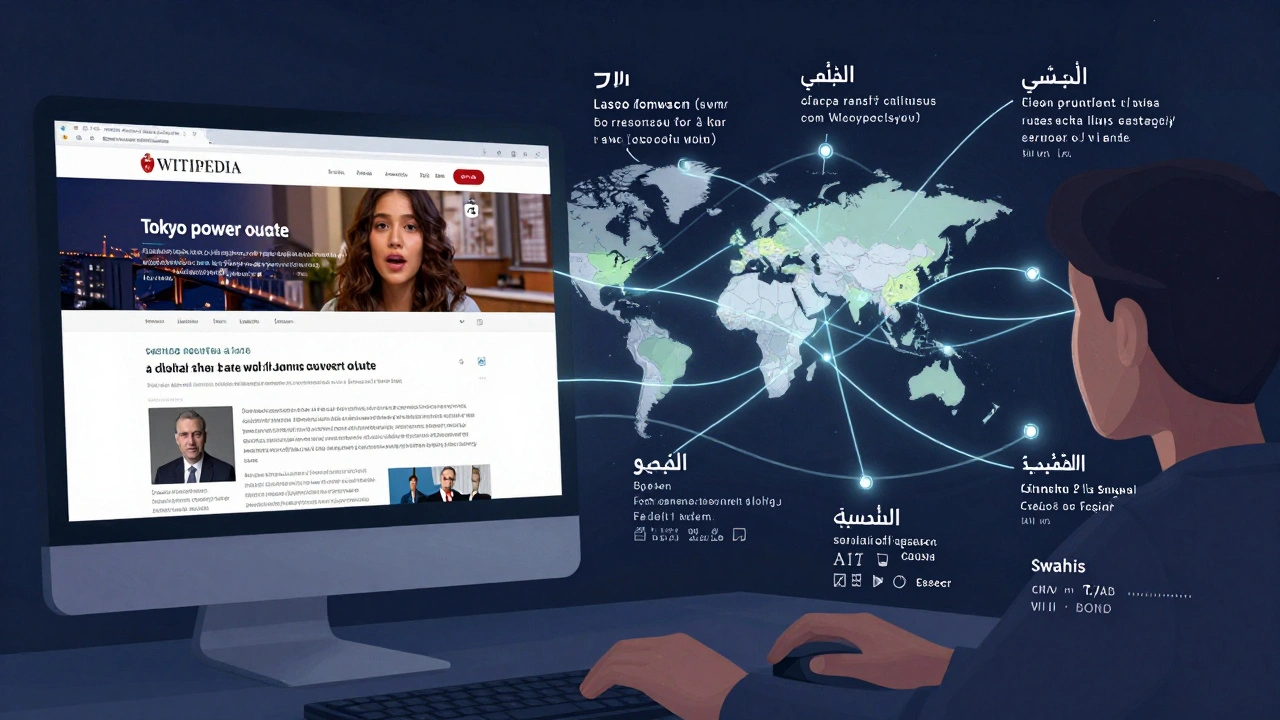
Every Wikipedia article in one language can have a sidebar or footer section listing links to the same topic in other languages. Clicking ‘Español’ under an article about the 2025 Chilean constitutional referendum takes you to the Spanish version. Click ‘العربية’ and you’re in Arabic. These aren’t translations you find on Google Translate-they’re full articles written by local editors who live through the events.
These links aren’t automatic. They’re manually added by volunteers who know both languages and understand the topic well enough to confirm the content matches. That’s why some articles have 30+ language links, while others only have five. The more globally significant the event, the more languages it tends to appear in.
Why this matters for tracking real-time events
On January 10, 2026, a wildfire broke out near Sydney, Australia. Within hours, the English Wikipedia page was updated with details from local emergency services. But by noon that same day, the article had also been expanded in Japanese, Korean, and Portuguese. Why? Because people in those countries have family or friends in Australia. They wanted to understand what was happening in their own language.
Meanwhile, the French Wikipedia page included interviews with climate scientists from Marseille who were analyzing the fire’s link to regional drought patterns. The Hindi version linked to similar wildfires in Maharashtra the previous year. The Russian version cited government statements about air quality warnings.
If you only checked the English page, you’d miss all that context. Interlanguage links let you see how the same event is framed differently across cultures. One language might focus on politics. Another on personal stories. A third on economic fallout. Together, they form a richer, more accurate picture than any single version ever could.
How to use interlanguage links to track global events
Here’s how to actually use these links when something big happens:
- Start with the English Wikipedia page for the event. Search for the event name + "Wikipedia" on Google.
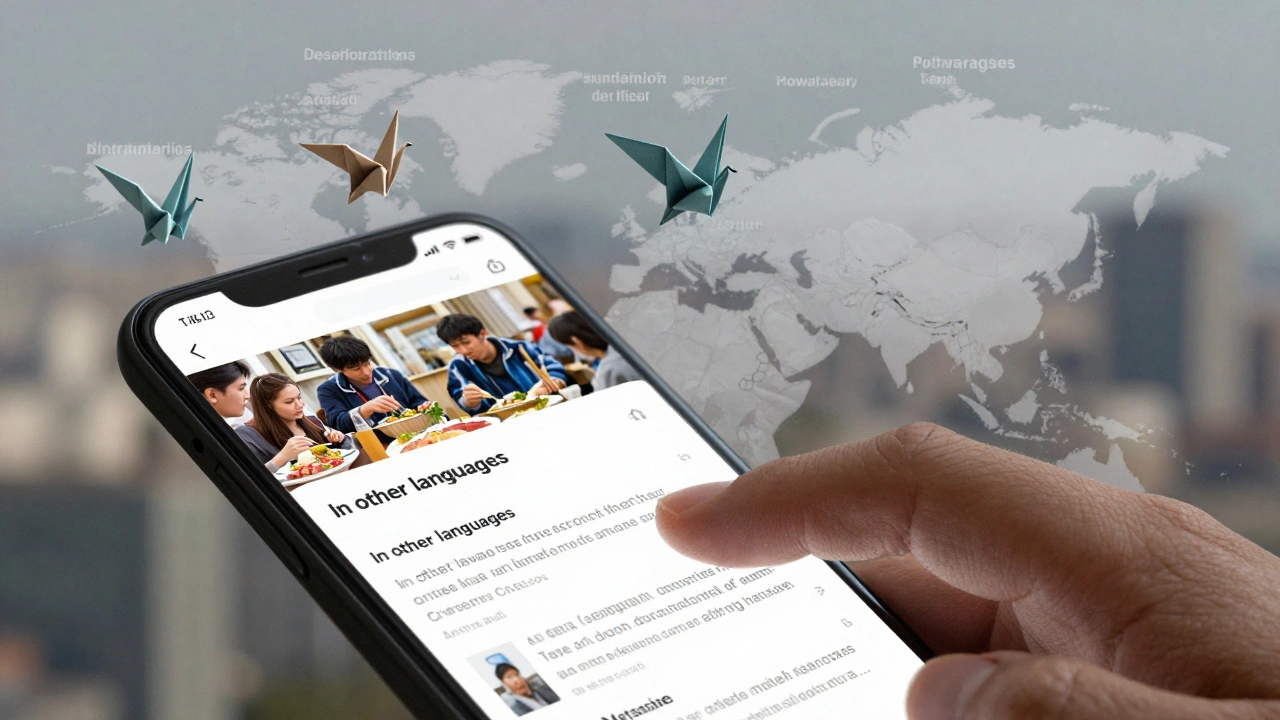
- Scroll to the bottom of the page. Look for the list of language links on the left sidebar (on desktop) or under "In other languages" (on mobile).
- Click on languages you recognize-or ones you think might be relevant. For example, if there’s unrest in Ukraine, check Ukrainian, Russian, Polish, German, and Turkish.
- Compare the headlines, structure, and details. Is one version longer? Does it include quotes or data the others don’t?
- Use browser translation tools only as a last resort. Many non-English Wikipedia pages are written with more detail than their English counterparts.
Pro tip: Some languages have better coverage than others. For major global events, Arabic, Spanish, French, and Mandarin often have the most detailed articles. For regional events, local languages like Swahili, Vietnamese, or Bengali can offer insights you won’t find anywhere else.
What you won’t find in English
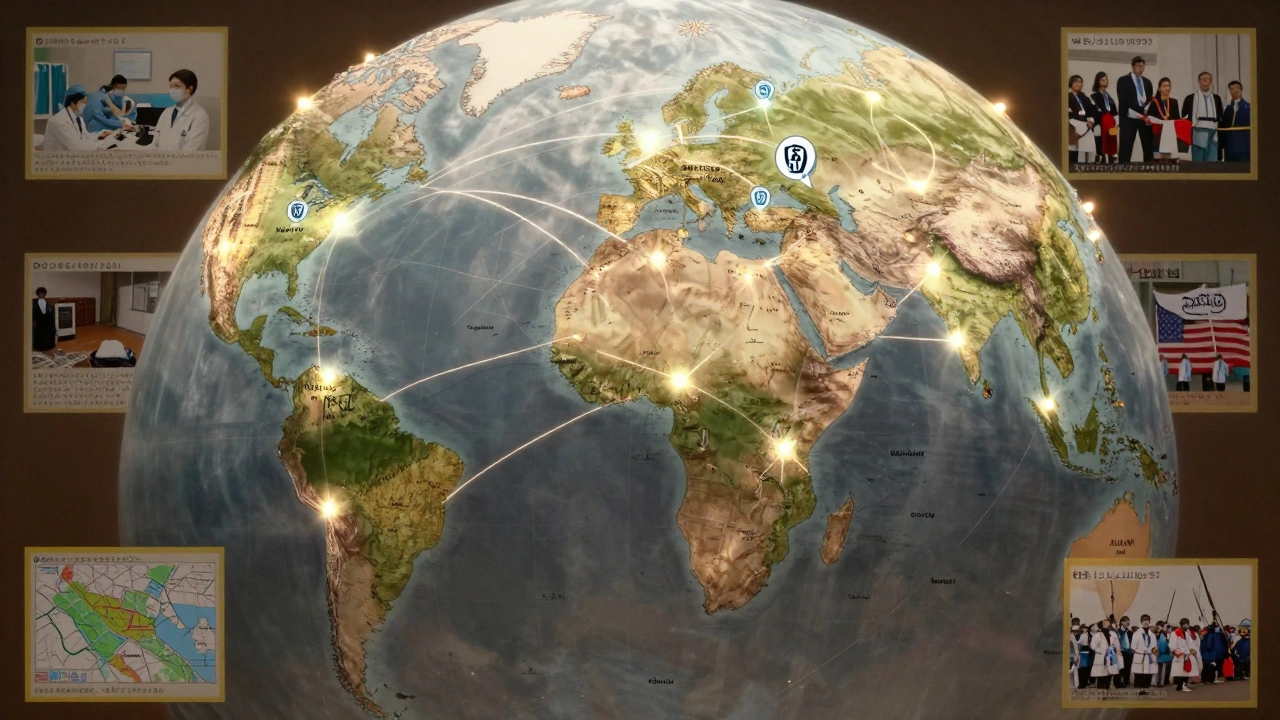
English Wikipedia has the largest number of editors, but that doesn’t mean it has the best coverage. In fact, some of the most detailed reports on global events come from smaller language editions.
In 2024, the collapse of a bridge in Sudan was covered in 12 languages. The English version had two paragraphs. The Arabic version had six pages of eyewitness accounts, maps, and links to local news sites. The Somali version included interviews with families displaced by the collapse. The French version analyzed the bridge’s construction history and corruption allegations.
Why? Because English-speaking editors often rely on English-language media, which may not report on events outside Western media cycles. But editors in other countries are more likely to write about events that directly affect their communities-even if those events get ignored by global outlets.
Tools to make interlanguage tracking easier
Manually checking dozens of language versions is time-consuming. Here are a few ways to speed it up:
- Wikidata-the structured database behind Wikipedia-lets you search for an event and see all its language versions in one place. Go to wikidata.org, search the event, and click "Sitelinks" to see every Wikipedia version.
- Wikipedia’s Language Tool-type "Special:InterlanguageLinks" into any Wikipedia URL bar, then paste the page title. It shows you all linked versions in a clean list.
- Browser extensions like "Wikipedia Language Links" for Chrome or Firefox highlight all available language versions on any page with a pop-up menu.
These tools don’t replace reading the articles-they just help you find them faster.
Limitations and what to watch out for
Interlanguage links aren’t perfect. Sometimes, the link exists but the article is incomplete. Other times, the article in another language is biased or poorly sourced. Always check the edit history and talk pages.
Also, not every event has links. Minor local events-like a school closure in rural Bolivia or a labor strike in Bangladesh-may only appear in one or two languages. That doesn’t mean they didn’t happen. It just means no one with access to Wikipedia and the language skills to write about it has done so yet.
And don’t assume all language versions are equal. The English version often gets updated first, but not always best. Sometimes, the most accurate version is the one written in the local language by someone who was there.
Real-world example: The 2025 Tokyo Power Grid Failure
On December 18, 2025, a major power outage hit Tokyo. The English Wikipedia page had 1,200 words: causes, duration, affected areas, government response.
The Japanese version? Over 4,500 words. It included:
- Names of neighborhoods where backup generators failed
- Quotes from hospital staff who used battery-powered ventilators
- Photos of people sharing food in train stations
- Links to local city council meeting minutes
- A timeline updated every 30 minutes for 72 hours
The Korean version focused on how South Korean companies in Tokyo were affected and how their employees got home. The Chinese version compared it to a 2021 outage in Shanghai. The German version analyzed the grid’s aging infrastructure.
Without checking the Japanese version, you’d think it was just a big blackout. With it, you understand it was a humanitarian moment, too.
Why this isn’t just for researchers
You don’t need to be a journalist or academic to use this. If you have family abroad, this helps you understand what’s really happening there. If you’re a student, it deepens your research. If you’re just curious, it shows you how the world sees itself.
Interlanguage links turn Wikipedia from a collection of articles into a living, multilingual archive of human experience. Every time you click one, you’re stepping into someone else’s reality.
What comes next
Wikipedia’s interlanguage system is growing. New language editions are being added every year-like Rohingya, Tigrinya, and Quechua. More people are editing from mobile phones in places where internet access is limited but Wikipedia is free.
Soon, you’ll be able to search for "2026 Jakarta floods" and see not just 20 languages, but 40-with audio summaries, photo essays, and even video clips embedded by local contributors.
The future of global news isn’t in CNN or BBC. It’s in the quiet, collaborative work of thousands of volunteers writing in their own languages, linking their stories together, one interlanguage link at a time.
How do interlanguage links work on Wikipedia?
Interlanguage links are manually added connections between Wikipedia articles on the same topic but in different languages. They appear in the sidebar or at the bottom of a page. Each link takes you to the equivalent article in another language, written by local editors who understand the context better than automated translators ever could.
Are interlanguage links always accurate?
Not always. Links are added by volunteers, so sometimes the article in another language is outdated, incomplete, or biased. Always check the edit history and talk page of the article you’re viewing. If the content seems off, compare it with other language versions to find the most balanced account.
Can I use Google Translate to read non-English Wikipedia articles?
You can, but it’s not ideal. Google Translate often gets cultural context wrong, mistranslates technical terms, and strips away nuance. Many non-English Wikipedia articles contain details not found in the English version. Reading the original-even with a browser translation tool-is more reliable than relying on machine translation alone.
Why do some events have more language links than others?
Events that affect large populations, involve major countries, or have international consequences tend to get more language coverage. For example, a war in Ukraine will have dozens of language versions. A local protest in a small town might only appear in one or two. The number of links reflects both global interest and the number of active editors in each language community.
How can I find the most detailed version of a global event on Wikipedia?
Start with the English version, then check the interlanguage links. Look for articles in languages spoken in the affected region-like Arabic for Middle East events, Portuguese for Brazil, or Swahili for East Africa. Compare the length, sources, and level of detail. Often, the version in the local language has the most depth, including interviews, maps, and official documents not found elsewhere.
Is there a tool to see all language versions of a Wikipedia page at once?
Yes. Go to Wikidata.org, search for the event or topic, and click the "Sitelinks" section. It shows every Wikipedia version linked to that item, sorted by language code. You can also use Wikipedia’s built-in tool by typing "Special:InterlanguageLinks" into the URL bar and pasting the article title.