Ever spent hours editing a Wikipedia article, only to have another editor undo your changes - not because they’re wrong, but because they feel you’re wrong? You’re not alone. Content disputes on Wikipedia are common, and they don’t always get solved with a few edits and a polite talk. Sometimes, you need help from someone outside the argument. That’s where mediation comes in.
When a Edit War Isn’t Just a Clash of Opinions
Wikipedia thrives on collaboration, but collaboration doesn’t mean agreement. Editors often disagree on facts, sourcing, tone, or even how much detail to include. A simple edit might spark a back-and-forth that grows into a full-blown edit war. You undo their change. They undo yours. Someone else jumps in. The article becomes a battleground. Page protection gets triggered. The talk page fills with frustration.
This isn’t just noise - it’s a sign the community can’t resolve it on its own. If you’ve tried:
- Discussing on the article’s talk page for over a week
- Citing reliable sources repeatedly
- Asking for third-party opinions
- Following Wikipedia’s neutral point of view (NPOV) guidelines
...and still hit a wall, then mediation is your next step. It’s not a last resort - it’s a tool built into Wikipedia’s structure for exactly this.
What Mediation Actually Does
Mediation on Wikipedia isn’t about deciding who’s right or wrong. It’s about creating space for dialogue. A trained volunteer mediator steps in - someone with no stake in the dispute, who’s seen this before. They don’t rewrite the article. They don’t ban users. They don’t force consensus.
Instead, they:
- Listen to both sides - often privately
- Identify the real issue behind the arguments
- Help clarify what sources are acceptable
- Guide editors toward language that meets Wikipedia’s standards
- Propose compromise solutions that stick
Think of them like a referee who doesn’t call penalties - they just make sure the game keeps going fairly.
How to Request Mediation
It’s not hard. You don’t need to be an expert. Here’s how:
- Make sure you’ve tried resolving it on the article’s talk page first. Document your efforts. Save links to comments.
- Go to the Mediation Committee page. This is the official hub.
- Click “Request mediation” at the top of the page.
- Fill out the form. Be clear. Include:
- The article title
- A brief summary of the dispute
- Links to key talk page discussions
- Names of involved editors (if you know them)
- What outcome you’re hoping for
Don’t write a novel. Just give the facts. The mediators read hundreds of these. Clarity beats emotion.
What Happens After You Submit
You’ll get an automated confirmation. Then, within a few days, a mediator will be assigned. They’ll reach out to all parties involved - usually via email or talk page message. They’ll ask questions. They’ll read your edits. They might even suggest a meeting on a dedicated mediation talk page.
There’s no timeline. Some cases resolve in a week. Others take a month. But here’s what you should expect:
- No public verdict
- No one gets banned unless they’ve broken rules
- No one “wins” - the article improves
The goal isn’t to make you happy. It’s to make the article better.
What Mediation Won’t Do
It’s easy to misunderstand what mediation is. It’s not:
- A way to get your version approved
- A tool to punish editors you dislike
- A shortcut to bypass consensus
- A replacement for following Wikipedia’s policies
If you’re asking for mediation because you think your source is better than theirs - that’s not enough. You need to show that the dispute is blocking progress. If the issue is about which of two equally valid sources to use, mediation won’t pick one. It’ll help you find a way to include both, or explain why one doesn’t meet Wikipedia’s standards.
Real Examples of Mediation Working
One case involved a biography of a local politician. One editor kept adding claims about their stance on education funding. Another kept removing them, saying the claims weren’t cited in reliable sources. The talk page was full of accusations: “You’re biased!” “You’re erasing facts!”
Mediation stepped in. The mediator found that both sides were using local news outlets - but one editor used opinion pieces, the other used official budget reports. The mediator helped rewrite the section to say: “Some local commentators have argued X, while official records show Y.” That satisfied both sides. The article became more accurate - and less heated.
Another case: a dispute over whether a small company’s product was “innovative.” One editor used marketing language. Another insisted on technical specs. The mediator helped reframe the section around verifiable features - not adjectives. The article improved. No one lost.
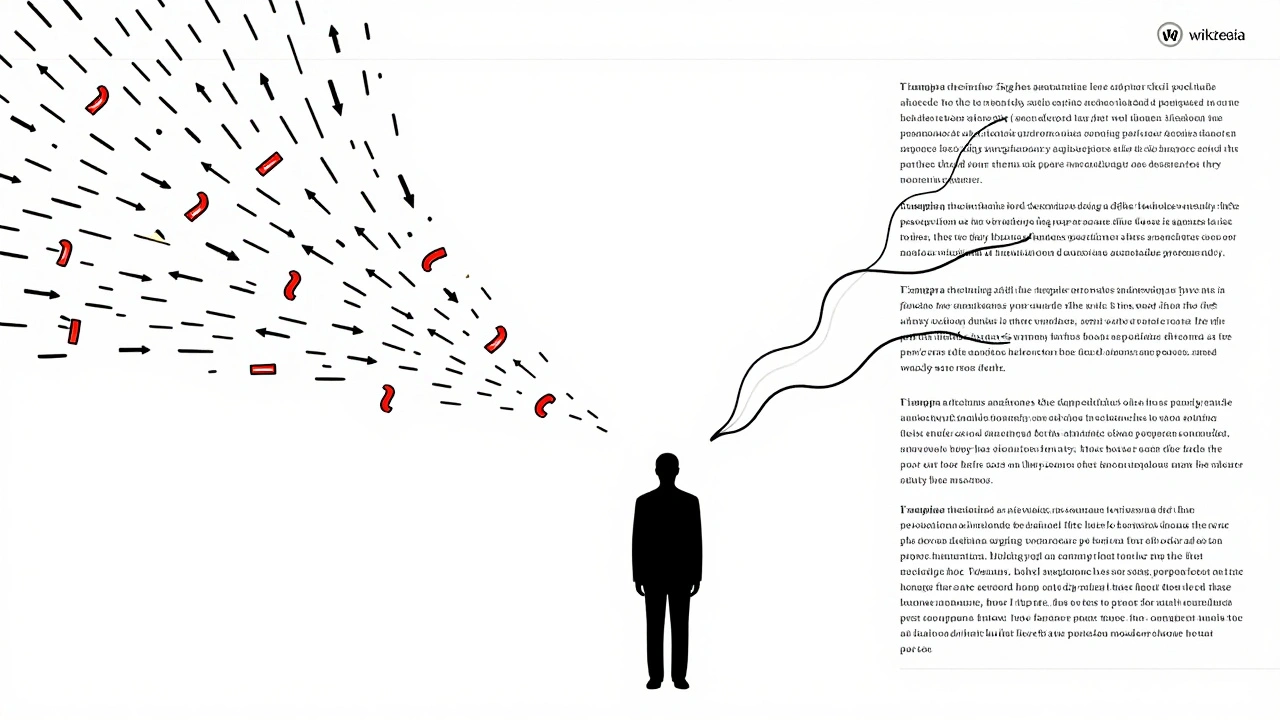
Why Mediation Works Better Than Arbitration
Some editors think the answer is arbitration - a formal, court-like process where admins make binding decisions. But arbitration is rare. It’s slow. It’s intense. It often leaves people feeling defeated.
Mediation is the middle ground. It’s informal. It’s flexible. It’s designed for repair, not punishment. Over 70% of mediation requests lead to a resolution without needing further steps. That’s not luck - it’s structure.
What to Do If Mediation Fails
It doesn’t always work. Sometimes, the parties are too entrenched. Sometimes, one side refuses to engage. If mediation doesn’t resolve it, you still have options:
- Request a third-party review on the Third Opinion page
- Ask for administrative intervention if there’s a policy violation
- Wait - sometimes, time and new editors bring fresh perspective
But don’t give up. If the article matters to you, keep pushing - just do it calmly, and with evidence.
Final Tip: Be the Editor Who Asks for Help
Wikipedia isn’t broken because people disagree. It’s broken when people stop talking. The best editors aren’t the ones who win arguments. They’re the ones who know when to step back - and ask for help.
Mediation isn’t a sign of weakness. It’s a sign of commitment. You care enough about the article to want it done right - not just done your way.
Can anyone request mediation on Wikipedia?
Yes. Any registered editor can request mediation, even if they’re not the main person in the dispute. You don’t need to be the article’s creator or have a long editing history. Just show you’ve tried resolving it first.
How long does mediation usually take?
Most mediation cases are assigned within 7-14 days. Resolution can take anywhere from a few days to a few weeks, depending on how complex the dispute is and how responsive the editors are. There’s no deadline, but mediators aim to move things forward as quickly as possible.
What if the other editor refuses to participate?
Mediation can still proceed. The mediator will review the history, read the talk pages, and make recommendations based on policy - even if one side doesn’t respond. Silence doesn’t mean agreement, but it doesn’t block the process either.
Is mediation anonymous?
No. Mediators know who you are, but they don’t share personal details. Your username is the only identifier used. You don’t have to reveal your real name, location, or any private information.
Can I request mediation for a minor edit?
Technically yes, but it’s not recommended. Mediation is meant for disputes that are blocking progress on important articles. If it’s a single word, a punctuation mark, or a sourcing preference with no major impact, try discussing it first. Save mediation for conflicts that affect the article’s quality or neutrality.