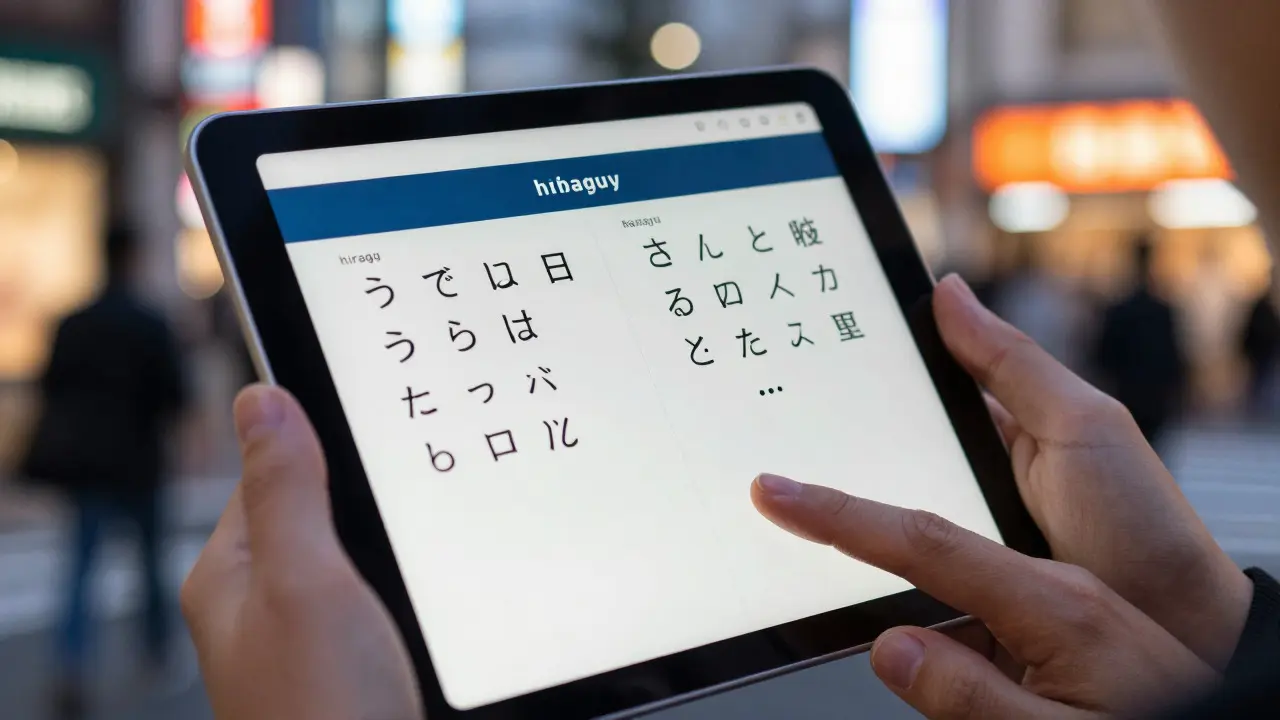
Imagine trying to read a menu in Tokyo without knowing how to distinguish between Hiragana and Katakana. Or attempting to fill out a form in Mumbai where the input field only accepts English letters. These aren't just minor inconveniences; they are barriers that exclude billions of people from digital participation. Supporting script diversity is no longer a niche technical challenge-it's a fundamental requirement for any product aiming for global reach. The difference between a website that works everywhere and one that breaks in half the world often comes down to how well you handle text rendering beyond the Latin alphabet.
The Scale of the Problem: Why Latin-Only Thinking Fails
Most developers grow up with the Latin Alphabet, which consists of roughly 26 base characters plus diacritics. It’s simple, linear, and left-to-right. But this represents less than 50% of the world's population. When you step outside Europe, North America, and parts of Africa, the complexity explodes. You encounter scripts like Devanagari (used for Hindi and Marathi), a complex Indic script where consonants carry inherent vowels unless modified by matras, or Arabic, which is written right-to-left and changes shape depending on whether it's at the start, middle, end, or isolated position of a word.
The core issue isn't just about having the right characters; it's about how those characters behave. In Latin text, 'A' looks like 'A' regardless of context. In Arabic, the letter 'B' has four distinct visual forms. If your system doesn't account for this, users see broken, disconnected glyphs. This is why supporting script diversity requires more than just adding a font file-it demands a deep understanding of Unicode standards and text processing engines.
Unicode: The Universal Language of Text
To solve these fragmentation issues, the industry relies on Unicode, a standard that assigns a unique number to every character in every writing system. Think of it as a universal ID card for symbols. Without Unicode, you’d have separate, incompatible code pages for Japanese, Thai, and Russian, making data exchange a nightmare. With Unicode, a single string can contain a mix of English, Chinese, and Emoji, and theoretically, any compliant system should render them correctly.
However, Unicode alone isn't enough. It defines *what* a character is, but not always *how* it should look or behave in specific contexts. That’s where OpenType technology comes in. OpenType fonts include tables of instructions-like ligatures, kerning pairs, and contextual substitutions-that tell the browser or operating system exactly how to arrange the glyphs. For example, an OpenType font for Arabic will include rules for shaping the letters based on their neighbors. If you use a basic TrueType font without these tables, your Arabic text might look correct in isolation but fail when connected into words.
| Script System | Directionality | Complexity Level | Key Technical Challenge |
|---|---|---|---|
| Latin | Left-to-Right | Low | Diacritic placement and case sensitivity |
| Cyrillic | Left-to-Right | Medium | Similar-looking characters across languages (e.g., Greek vs. Cyrillic) |
| Arabic | Right-to-Left | High | Contextual shaping (4 forms per letter) and ligatures |
| Devanagari | Left-to-Right | Very High | Conjunct consonants and vowel marks above/below baseline |
| CJK (Chinese/Japanese/Korean) | Vertical or Horizontal | Extremely High | Huge character sets (20,000+ glyphs) and vertical layout support |
Handling Bidirectional Text: The RTL Challenge
One of the most common pitfalls for developers targeting global audiences is handling bidirectional (BiDi) text. When you mix English and Arabic in a single sentence, the order of characters in memory (logical order) differs from the order they appear on screen (visual order). For instance, if you write "Hello [Arabic Name]", the name appears after "Hello" logically, but visually, because Arabic reads right-to-left, the entire block shifts. If your CSS doesn't specify `direction: rtl` and `unicode-bidi: embed`, you’ll end up with mirrored punctuation, misplaced numbers, and confusing layouts.
This isn't just a visual bug; it affects usability. Buttons labeled "Next" in Arabic must align to the right side of the screen, not the left. Search bars must expand from right to left. Ignoring this creates a disjointed user experience that signals to native speakers that the product wasn't built for them. Tools like the Unicode Bidirectional Algorithm (UBA) automate much of this, but developers must still understand the underlying logic to debug edge cases, such as embedding Latin acronyms within RTL sentences.

Font Selection and Coverage Gaps
Choosing the right fonts is critical for script diversity. A font that covers Latin characters perfectly might be missing thousands of glyphs needed for Vietnamese or Thai. This is known as font coverage. To mitigate this, modern web development relies on variable fonts and font subsetting. Variable fonts allow you to adjust weight, width, and optical size in a single file, reducing HTTP requests. Subsetting lets you load only the specific glyphs required for a page, which is crucial for CJK languages where full font files can exceed 10MB.
Consider the case of a news site covering both European and Southeast Asian events. If you use a generic sans-serif font that lacks Thai support, the browser will fall back to a system font, causing inconsistent styling. The solution is to use a robust typeface family like Noto Sans, developed by Google, which aims to provide uniform coverage across all Unicode blocks. By implementing a fallback stack in your CSS, you ensure that even if the primary font fails, the secondary option maintains readability and visual consistency.
Practical Implementation Steps for Developers
How do you actually implement this in a real project? Here is a practical checklist to ensure your application supports diverse scripts effectively:
- Audit Your Content: Identify all languages and scripts your users need. Don't guess; ask your market research team. Do you need support for Tamil, Bengali, or Georgian?
- Select Unicode-Compatible Fonts: Use tools like Font Squirrel or Google Fonts to find families with broad coverage. Check the glyph map to verify specific characters exist.
- Configure CSS Directionality: Add `dir="rtl"` attributes to HTML elements containing right-to-left text. Use CSS logical properties (like `margin-inline-start` instead of `margin-left`) to make layouts adaptable.
- Test with Real Data: Don't just test with lorem ipsum. Use actual names, dates, and currency formats from target regions. A date format that works in New York might be reversed in Paris or Japan.
- Validate Rendering: Use browser developer tools to inspect computed styles and check for missing glyphs (often displayed as empty boxes or question marks).
For backend systems, ensure your database fields use UTF-8 encoding. While most modern databases default to this, legacy systems might still use ASCII or ISO-8859-1, which will corrupt non-Latin characters upon storage. Always validate data integrity during migration to prevent silent data loss.
The Business Case for Multilingual Reach
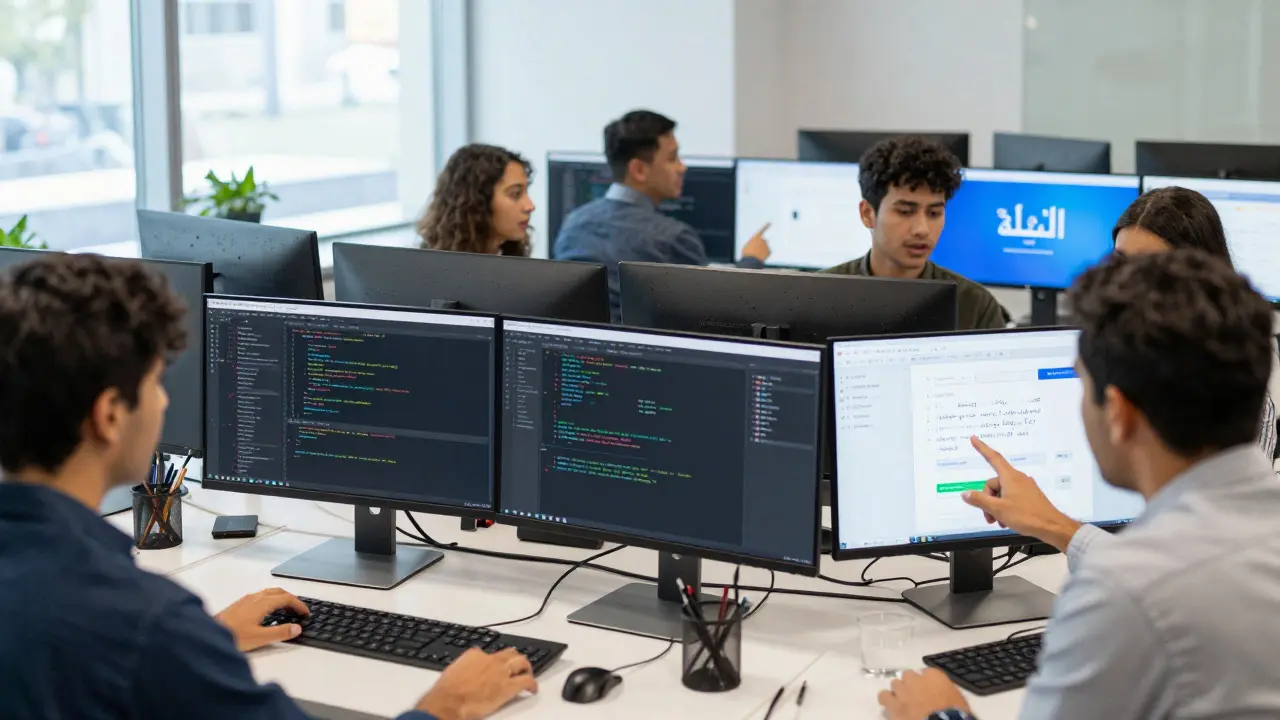
Why invest in this complexity? Because the future of the internet is non-Western. According to recent demographic trends, the fastest-growing digital markets are in South Asia, Southeast Asia, and the Middle East. These regions are not just emerging; they are becoming primary drivers of e-commerce growth. If your checkout flow breaks for a user in Jakarta due to unrendered Javanese characters, you lose that sale. More importantly, you signal a lack of respect for their culture, which damages brand loyalty.
Supporting script diversity is also an accessibility win. Users with dyslexia or visual impairments may benefit from specific font features available in high-quality OpenType fonts. By prioritizing technical excellence in text rendering, you create a more inclusive product that performs better across all demographics, not just those who speak English.
Frequently Asked Questions
Do I need a different font for every language?
Not necessarily. Many modern typefaces, such as Noto Sans or Inter, cover multiple scripts including Latin, Cyrillic, Greek, and Hebrew. However, for complex scripts like Devanagari or CJK, you may need specialized fonts or a comprehensive family that includes those specific glyph sets. Always check the font's coverage map before committing.
What happens if my browser doesn't support a specific script?
If the browser lacks the necessary font or rendering engine support, characters typically appear as empty rectangles (tofu) or question marks. To prevent this, use web-safe fallbacks and ensure your server serves appropriate font files via @font-face. Modern browsers have excellent Unicode support, but older devices may still struggle with very new Unicode versions.
Is UTF-8 sufficient for all text encoding needs?
Yes, UTF-8 is the de facto standard for the web and supports the entire Unicode range. It is backward-compatible with ASCII and efficient for Latin-based text while remaining capable of storing complex multi-byte characters for CJK and other scripts. Unless you have a very specific legacy constraint, always use UTF-8.
How does right-to-left text affect my CSS layout?
RTL text reverses the visual direction of the interface. Elements that were aligned left will now align right. Using CSS logical properties (like padding-inline-start) instead of physical ones (padding-left) allows your layout to automatically adapt to the direction of the text. This ensures that margins and paddings remain consistent relative to the reading direction.
What is the difference between Unicode and OpenType?
Unicode is the standard that defines the identity of characters (the code points). OpenType is a font format that contains those characters along with instructions on how to display them. Unicode tells the computer what a character is; OpenType tells it how to draw that character in context, including ligatures, kerning, and positional variations.