Ever tried to write a news piece on Wikinews, only to feel like you're shouting into a void? You hit "publish," and then... nothing. No feedback, no edits, just silence. That’s usually because your article didn’t make it through the Review Queue. It’s not that your writing was bad; it’s that you missed the technical handshake required to get your work seen.
Wikinews isn't Wikipedia. It doesn't have thousands of eyes watching every edit in real-time. Instead, it relies on a structured, multi-step verification process. If you want your byline to stick, you need to master two specific areas: the Template System and the Review Process. These aren't just bureaucratic hurdles; they are the engine that keeps the platform credible and current.
The Role of Templates in Standardizing News
If you’ve ever looked at a raw Wikinews article without formatting, it looks like a text file dumped from a notepad. Boring. Hard to read. And crucially, hard for bots and humans to categorize. This is where MediaWiki Templates come in. They are pre-written chunks of code that standardize how information appears.
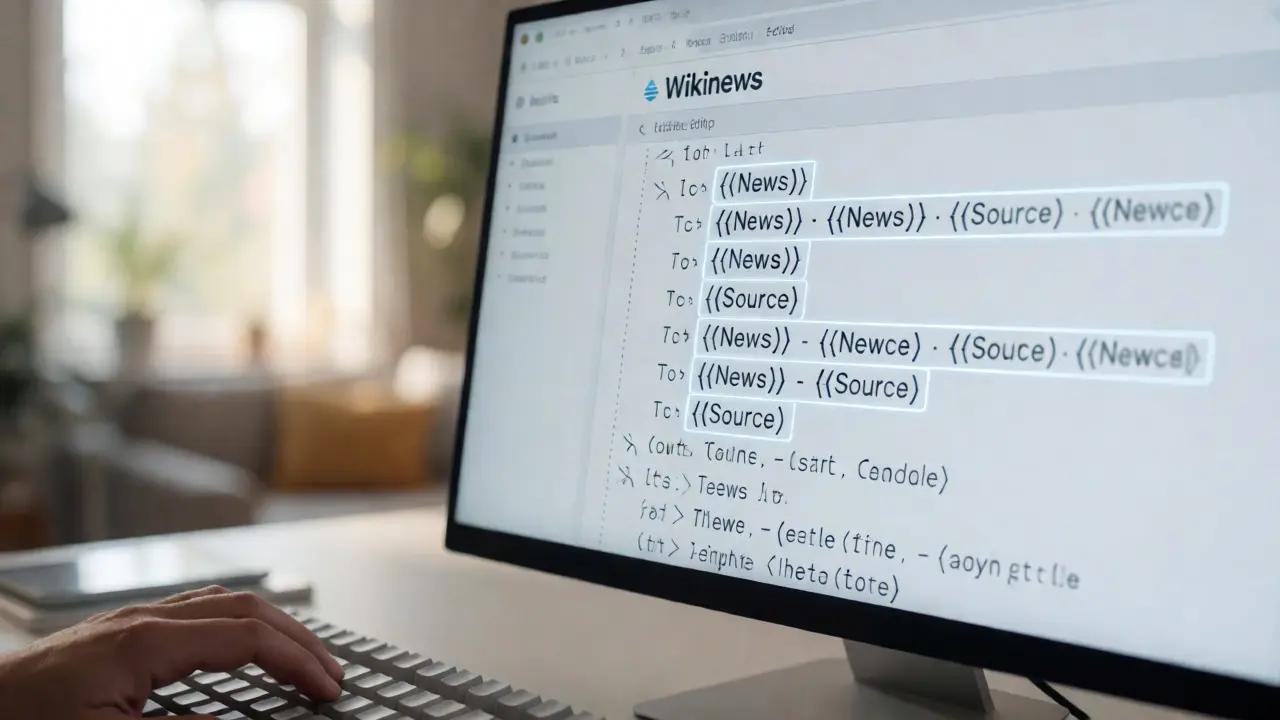
Think of them as the scaffolding for your story. When you insert a template, you’re telling the system exactly what kind of content you’re providing. For example, the {{News}} template is mandatory for almost every article. It adds the sidebar with related links, sets the category tags, and flags the article as ready for review. Without it, your article might technically exist, but it won’t be indexed correctly in the portal pages.
Here’s why this matters practically: Search engines and internal search functions rely on these metadata tags. If you forget the {{Category}} tag within your template structure, your story about a local election in Madison might never show up under "Politics" or "United States." You’re essentially hiding your own work.
- {{News}}: The backbone. Sets layout and categories.
- {{Source}}: Cites original reporting or wire services (AP, Reuters).
- {{Editnotice}}: Flags issues like neutrality or citation needed.
- {{Stub}}: Marks incomplete articles so others know to expand them.
Don’t underestimate the power of consistency. Readers trust Wikinews because it looks professional. A missing template breaks that illusion instantly. It signals amateur hour, and reviewers often reject submissions simply because the formatting wasn’t done right.
Navigating the Review Queue
Once you’ve formatted your article with the correct templates, you submit it. But you don’t publish it yourself. On Wikinews, publication requires approval. This happens via the Review Queue. It’s a holding pen where experienced contributors check your work against strict criteria before it goes live.
Why does this exist? Because anyone can write here. Unlike traditional newspapers with editors-in-chief, Wikinews uses a peer-review model. This prevents vandalism and ensures factual accuracy. But it also creates a bottleneck. As of late 2025, the average wait time for a first-time contributor’s article to be reviewed was roughly 48 to 72 hours. Experienced users can speed this up by engaging with the queue themselves.
How do you engage? You go to the "Articles for Review" page. Here, you’ll see a list of pending submissions. You don’t have to be an admin to help. If you spot an obvious typo or a broken link in someone else’s draft, you can fix it directly. If the article meets all guidelines, you mark it as "Approved." If it needs work, you leave a constructive comment explaining exactly what’s missing.
| Role | Permissions | Responsibility | Impact on Workflow |
|---|---|---|---|
| New Contributor | Create/Edit drafts | Submit accurate info | Adds volume to queue |
| Active Editor | Edit approved articles | Quality control | Reduces rejection rate |
| Reviewer | Approve/Reject | Gatekeeping | Clears bottlenecks |
| Administrator | Delete/Protect | Maintenance | Handles edge cases |
Notice the shift in responsibility. New contributors add volume. Active editors improve quality. Reviewers clear the backlog. If you want to move faster, stop waiting for reviews and start doing them. It’s the fastest way to learn the ropes and build trust with the community.

Common Pitfalls in Template Usage
Most rejections aren’t about bad facts. They’re about bad formatting. Let’s look at the top three mistakes I see new users make with templates.
First, misplaced categories. Users often put the {{Category}} tag outside the main body or forget to nest it properly within the {{News}} template. This results in an article that exists but has no home. It floats in limbo, invisible to readers browsing topic portals.
Second, ignoring the source requirement. Wikinews demands verifiability. If you’re summarizing a press release, you must cite it using the {{Source}} template. If you’re writing original reportage, you need to explain your methodology. Reviewers will kick back articles that sound like opinion pieces rather than news reports. Keep it neutral. Stick to who, what, when, where, and why.
Third, over-tagging. Some users think more tags mean better visibility. They slap ten different category tags on a short blurb. This clutters the database and confuses the algorithm. Stick to the most relevant primary and secondary categories. Quality over quantity.
Streamlining Your Workflow with User Scripts
Writing news is fast-paced. By the time your article is approved, the event might already be old news. To keep up, you need efficiency. Enter user scripts and gadgets. These are small JavaScript snippets you can enable in your preferences to automate repetitive tasks.
For instance, the "Twinkle" gadget helps with tagging and reverting edits quickly. Another useful tool is the "HotCat" interface, which lets you change categories without editing the full wikitext. Imagine changing five category tags manually versus clicking a dropdown menu. The latter saves minutes per article, which adds up when you’re handling multiple stories.
You should also bookmark key pages: "Recent Changes," "Articles for Review," and "Village Pump" (the community discussion board). Checking Recent Changes twice a day keeps you aware of breaking stories you can cover. Checking Articles for Review helps you find easy wins-articles that are nearly ready but just need one small fix.

Building Credibility Through Consistency
Why bother with all this technical stuff? Because credibility is currency on Wikinews. An administrator who sees you consistently using correct templates and helping in the review queue will trust your judgment. Over time, you might get promoted to "Reviewer" status, allowing you to approve articles without needing another person’s sign-off.
This hierarchy isn’t elitist; it’s practical. Trust reduces friction. If you’re known for clean, well-templated articles, your future submissions get reviewed faster. People recognize your username. They know you follow the rules. That reputation takes months to build but seconds to destroy if you spam the queue with poorly formatted drafts.
Consider the long game. You’re not just publishing a single story. You’re building a portfolio. Each approved article is a testament to your ability to collaborate within a structured system. Whether you’re a student journalist looking for clips or a hobbyist wanting to contribute to open knowledge, mastering these tools makes you a valuable asset to the project.
Troubleshooting Stuck Submissions
What if your article sits in the queue for a week? Don’t panic. First, check if you received any comments. Maybe there’s a dispute over neutrality or a missing citation. Address those points directly in the talk page. Be polite. Explain your reasoning. Provide sources.
If there’s no response, bump the thread gently. Post a brief note asking for a second opinion. Sometimes articles slip through the cracks during busy periods. If it’s been over two weeks with no activity, consider resubmitting with minor improvements. Show that you’re active and responsive. Inactivity is the biggest killer of momentum in volunteer projects.
Finally, remember that rejection isn’t personal. If your article gets declined, read the reasons carefully. Was it too opinionated? Did it lack sources? Fix those issues and try again next time. Every rejected draft teaches you something about the community’s standards. Use that feedback to sharpen your skills.
Do I need to know HTML to use Wikinews templates?
No, you don’t need to know HTML. Wikinews uses wikitext, which is much simpler. Templates are inserted using double curly braces, like {{Template Name}}. Most common templates have simple parameters you fill in, such as date, location, and source URL. There are also visual editor options now that handle some of this automatically, though learning basic wikitext gives you more control.
How long does it take for an article to be reviewed?
It varies widely based on complexity and reviewer availability. Simple news briefs might be approved in under 24 hours. Complex investigative pieces or controversial topics can take several days to a week. Contributing to other people’s reviews often speeds up your own turnaround time because you become familiar with the community’s expectations.
Can I edit my article after it’s published?
Yes, but with limitations. Once published, articles enter a "protected" state for a short period to prevent immediate vandalism. After that, you can make minor corrections like fixing typos or updating outdated links. Major changes usually require going back through the review process or discussing them on the article’s talk page to ensure consensus.
What happens if I break a template?
If you accidentally break a template, the article might display weird code or lose its formatting. Don’t worry-it’s easily fixable. Check the preview mode before saving. If you’ve already saved, compare your version with the previous one using the "History" tab. Revert to the last good version and try again. Community members are generally helpful and will guide you through fixing it.
Are there penalties for poor formatting?
There are no formal penalties like bans for occasional formatting errors. However, repeated negligence can lead to slower review times or temporary restrictions if you’re flooding the queue with low-quality drafts. The goal is education, not punishment. Most veterans started out making the same mistakes you are making now.