
On Wikipedia, a single click can remove an article forever. That’s not a mistake-it’s by design. Speedy deletion isn’t about punishment. It’s about keeping the encyclopedia clean, reliable, and useful. But tagging an article for speedy deletion isn’t something you do because it looks bad or you disagree with it. You do it because it clearly breaks one of the speedy deletion criteria. Get it wrong, and you waste time. Get it right, and you help Wikipedia stay trustworthy.
What Speedy Deletion Actually Means
Speedy deletion isn’t a slow process. It’s meant for cases so obviously against Wikipedia’s rules that no debate is needed. Think of it like removing a broken lightbulb from a streetlamp-you don’t call an electrician for that. You just replace it. Same here.
Wikipedia has 15 specific reasons listed under CSD (Criteria for Speedy Deletion). These aren’t suggestions. They’re hard rules. If an article meets one of them, it can be deleted within hours by any experienced editor. No waiting. No voting. Just action.
But here’s the catch: many editors tag articles for deletion too quickly-or worse, for the wrong reason. That’s why accurate criteria selection matters. Tagging something as "G13" (draft abandonment) when it’s really "A7" (no assertion of significance) doesn’t just confuse others. It delays real cleanup.
The 5 Most Common Speedy Deletion Tags-and How to Use Them Right
Out of the 15 criteria, five cover over 80% of all speedy deletions. Learn these well. Skip the rest until you’re comfortable.
- A7: No assertion of significance - The article says nothing about why the subject matters. Example: "John Smith is a software developer." That’s not enough. You need to know what he built, led, or achieved that makes him notable. If the article doesn’t say it, and you can’t find it in reliable sources, tag A7.
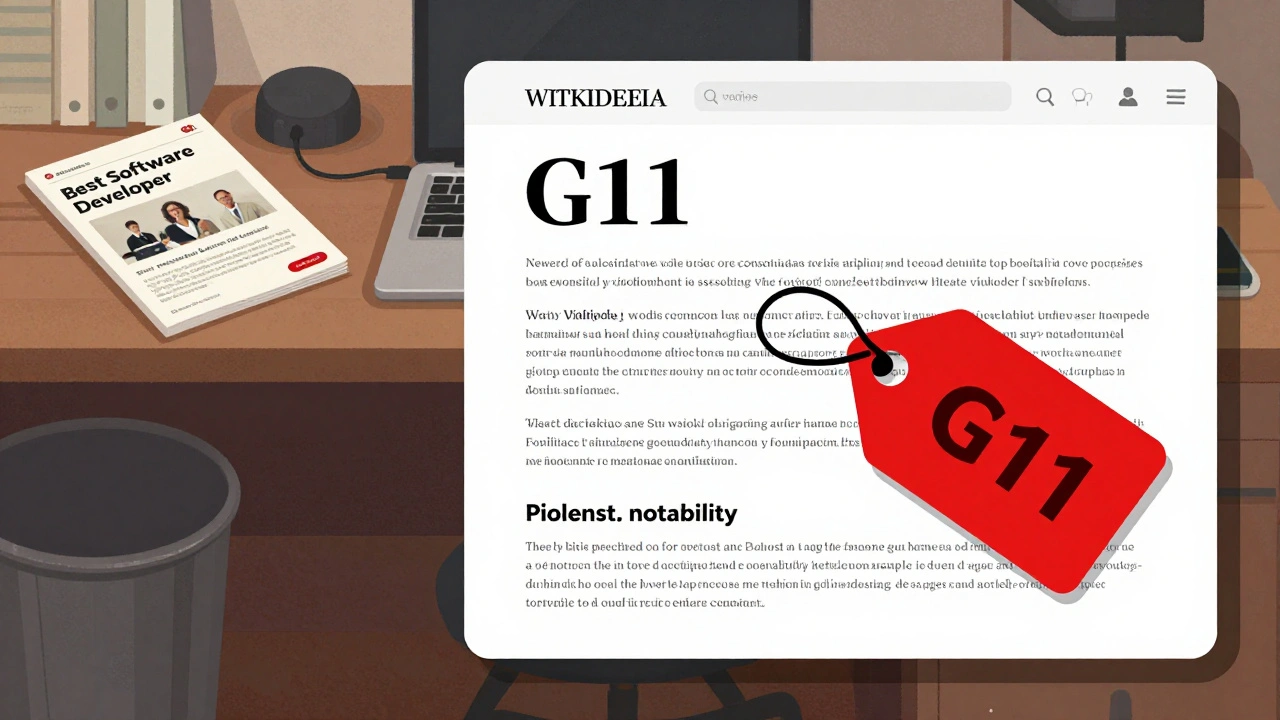
- G11: Unambiguous advertising or promotion - The article reads like a company brochure, personal resume, or sales pitch. If it uses phrases like "leading provider," "award-winning," or "trusted by thousands" without independent verification, it’s likely G11. Even if the subject is real, if the tone is promotional, it’s not an encyclopedia entry.
- G13: Draft abandonment - This applies only to articles in the Draft namespace that haven’t been edited in over six months. If someone started a draft and vanished, and it still has no sources or structure, tag G13. Don’t use this on main-space articles. That’s a different process.
- CSD: G12: Copyright violation - If the article is copied word-for-word from a website, book, or blog with no permission, tag G12. Don’t guess. Check the text. Paste a paragraph into Google in quotes. If it matches a copyrighted source exactly, it’s a G12.
- G10: Attack page - If the article exists only to insult, harass, or smear a person or organization, and has no neutral, verifiable content, tag G10. This includes doxxing, unsubstantiated accusations, or inflammatory language without context.
These five cover the vast majority of cases. If you’re unsure, ask on the article’s talk page. But if you’re certain? Tag it. Don’t hesitate.
What Not to Do
Here’s where most editors go wrong.
Don’t tag because you don’t like the topic. Just because you think a person, band, or company isn’t important doesn’t mean Wikipedia agrees. Notability isn’t about your opinion. It’s about whether reliable, independent sources have written about them. If they have, the article belongs-even if you think it’s boring.
Don’t use "CSD: G1" for stubs. A short article isn’t automatically deletable. Many great articles started as one-liners. If the subject meets notability guidelines and has at least one source, it’s not a candidate for speedy deletion.
Don’t tag articles just because they’re poorly written. Bad grammar, awkward phrasing, or missing citations? Fix them. Edit them. Improve them. Speedy deletion isn’t a tool for cleaning up sloppy writing. That’s what {{cleanup}} and {{refimprove}} are for.
Don’t tag articles you haven’t read fully. I’ve seen people tag "G11" because the title had the word "best" in it. But the article was a historical overview with five academic citations. Read the whole thing. Check the references. Don’t make assumptions.
How to Tag Correctly: A Step-by-Step Process
Here’s how to do it right every time.
- Open the article. Read it from start to finish. Don’t skim.
- Ask: Does this article clearly violate one of the five main criteria? If yes, pick the exact one. Don’t guess. Don’t use "other" unless you’re certain it’s not covered.
- Check the history. Is this a new article? Was it previously deleted? If it’s a repeat offender, that’s a clue.
- Search for sources. Type the subject’s name into Google News, Google Scholar, or library databases. If you find two or more independent, reliable sources that discuss the subject in detail, the article likely doesn’t belong on the deletion list.
- Use the correct template. Type
{{db-G11}},{{db-A7}}, or whichever applies. Don’t just write "delete this" in the edit summary. - Add a clear edit summary. Example: "G11: Article reads as promotional content with no independent verification. Sources cited are self-published or affiliated."
- Notify the creator (if known). If the article was created by a registered user, leave a polite message on their talk page. Say why you tagged it and how they can improve it.
This process takes less than five minutes. But skipping any step leads to mistakes-and resentment from other editors.
What Happens After You Tag
Once you tag an article, it goes into a queue. Experienced editors check these daily. If they agree, the article is deleted within 24-72 hours. No warning. No appeal. Just gone.
But if someone disagrees? They’ll remove the tag and explain why. That’s okay. That’s how Wikipedia works. You don’t win by being loud. You win by being accurate.
Deletion isn’t personal. It’s procedural. If you tag correctly, you’re helping the community. If you tag incorrectly, you’re wasting everyone’s time-including your own.
When to Wait Instead of Delete
Some articles sit in a gray zone. They’re not perfect, but they’re not clearly violating rules either.
For example: a small nonprofit with one local news mention. Not enough for notability? Maybe. But if it’s been around for 10 years and has a website with contact info, it might be worth improving-not deleting.
In these cases:
- Add
{{notability}}to flag the issue - Add
{{refimprove}}to ask for better sources - Leave a note on the talk page: "This article could be improved with independent sources. Can you add coverage from local newspapers or official reports?"
Give the creator a chance. Most people want to help. They just don’t know how Wikipedia works.
Why This Matters Beyond the Wiki
Wikipedia is the fifth most visited website in the world. People trust it. Governments cite it. Students rely on it. When bad articles stay, misinformation spreads. When good articles vanish because of sloppy tagging, knowledge is lost.
Speedy deletion isn’t about being harsh. It’s about being responsible. It’s about making sure the information people find here is worth their time.
When you tag accurately, you’re not just cleaning up a page. You’re protecting the integrity of one of the most important knowledge resources on the planet.
Can I delete an article myself after tagging it?
No. Only administrators can delete articles, even if they’re tagged for speedy deletion. Your job is to flag them correctly. Others will review and act. Don’t try to delete it yourself-that’s a policy violation.
What if I tag something by mistake?
If the article hasn’t been deleted yet, you can remove the tag and explain your mistake on the talk page. If it’s already deleted, you can request restoration on the Deletion Review page. Mistakes happen. Owning them builds trust.
Are there consequences for tagging too many articles incorrectly?
Yes. If you repeatedly misuse speedy deletion tags, especially for personal bias or trolling, you may be warned or blocked. The community tracks tag usage. Repeated errors are seen as disruptive behavior, not helpful editing.
Can I tag articles I didn’t create?
Yes. Speedy deletion tags are not about who wrote the article. They’re about whether the article meets Wikipedia’s rules. Anyone can tag any article, regardless of authorship, as long as the criteria are met.
How do I know if a source is "reliable"?
Reliable sources are independent, published, and have editorial oversight. Think newspapers, academic journals, books from reputable publishers, or official organization websites. Avoid blogs, personal websites, press releases, and social media. If you’re unsure, check Wikipedia’s Reliable Sources page.