You just tried to edit a page on Wikipedia, and you got that dreaded message: "You are currently blocked from editing." It feels like shouting into a void. Maybe you made a mistake in good faith, maybe a bot flagged your IP address, or perhaps you got caught up in an edit war with another user who didn't play nice. Whatever the reason, being blocked doesn't have to be permanent. But how do you actually get it lifted? You can't just email them. There is a specific, structured appeal process for blocks and bans that you need to follow if you want back in.
Most people panic when they see the lock icon. They think their account is dead forever. It usually isn't. Wikipedia has robust mechanisms for reviewing these decisions, ranging from simple community discussions to high-level arbitration. The key is understanding which door to knock on. Knocking on the wrong one wastes time and can sometimes make things worse. Let's walk through exactly how to navigate this system without getting banned again while trying to get unbanned.
Understanding Why You Were Blocked
Before you write a single word of your appeal, you need to know what happened. Not all blocks are created equal. Some are technical glitches; others are serious policy violations. If you don't understand the root cause, your appeal will likely fail because it won't address the actual problem.
First, check your talk page. This is non-negotiable. When an admin blocks you, they almost always leave a notice explaining why. Did you violate Neutral Point of View (NPOV)? Did you engage in Edit Warring? Was it a Copyright Violation? Or was it something more administrative, like using a username that looks like a company name?
If your talk page is empty, check the block log. You can find this by searching for "Special:Log/block" and entering your username. This shows who blocked you, when, and for how long. Sometimes, a block is set to expire automatically. If it expires in two hours, appealing might be overkill. Just wait. If it’s indefinite, you have work to do.
- Technical Blocks: Often caused by shared IP addresses (common in schools or offices) or proxy servers. These are easy to fix.
- Behavioral Blocks: Caused by disruptive editing, incivility, or not following community norms. These require self-reflection.
- Policy Blocks: Clear violations of core policies like Vandalism or Biographies of Living Persons (BLP). These need concrete evidence that you’ve learned the rules.
The First Step: Community Unblock Requests
For most standard blocks, the first place to go is the Unblock Request Board. Think of this as a public forum where other editors and admins review your case. It’s not a courtroom, but it does have strict etiquette.
To file a request, you must add a specific template to the board. For registered users, this is typically {{unblock|reason=...}}. For IPs, it’s similar. The magic happens in the "reason" field. Do not write a novel. Admins skim these requests. Keep it concise, polite, and factual.
Here is the golden rule of unblock requests: Admit fault if you were wrong. If you violated a policy, say so. Explain what you learned. If you believe the block was unjustified, explain why with links to policy pages, not personal grievances. Saying "Admin X hates me" rarely helps. Saying "I cited WP:NPOV section 3, which states..." does help.
| Scenario | Recommended Action | Key Focus |
|---|---|---|
| Shared IP Block | File on IP Unblock Board | Prove you are a different person than previous abusers. |
| Minor Policy Mistake | Community Unblock Request | Acknowledge error, promise compliance. |
| Disputed Admin Decision | Request for Comment (RfC) | Gather community consensus before escalating. |
| Indefinite Ban | Arbitration Committee | High-level review of conduct and history. |
One common pitfall is creating multiple accounts to bypass a block. If you try to edit from a new account while blocked, you might get blocked again for "sockpuppetry," which carries a heavier stigma. Stick to your main account unless you are explicitly told otherwise.
Handling IP Address Issues
If you are editing from a school, library, or large corporation, you are likely sharing an IP address with hundreds of other people. If one person vandalizes a page, the entire IP range might get blocked. This is frustrating because you did nothing wrong.
In this case, you cannot rely on your username history because you probably don't have one yet. You need to prove your identity and intent. On the IP Unblock Request Board, clearly state that you are part of a shared network. Provide context about who you are (e.g., "I am a student at Madison High School").
Sometimes, the best solution isn't appealing the block but creating an account. Registered users are less likely to be blocked due to shared IP issues because their behavior is tracked individually. Once you create an account, you can request a login exemption from the IP block, allowing you to edit even if the underlying IP is restricted.
Escalating to Arbitration
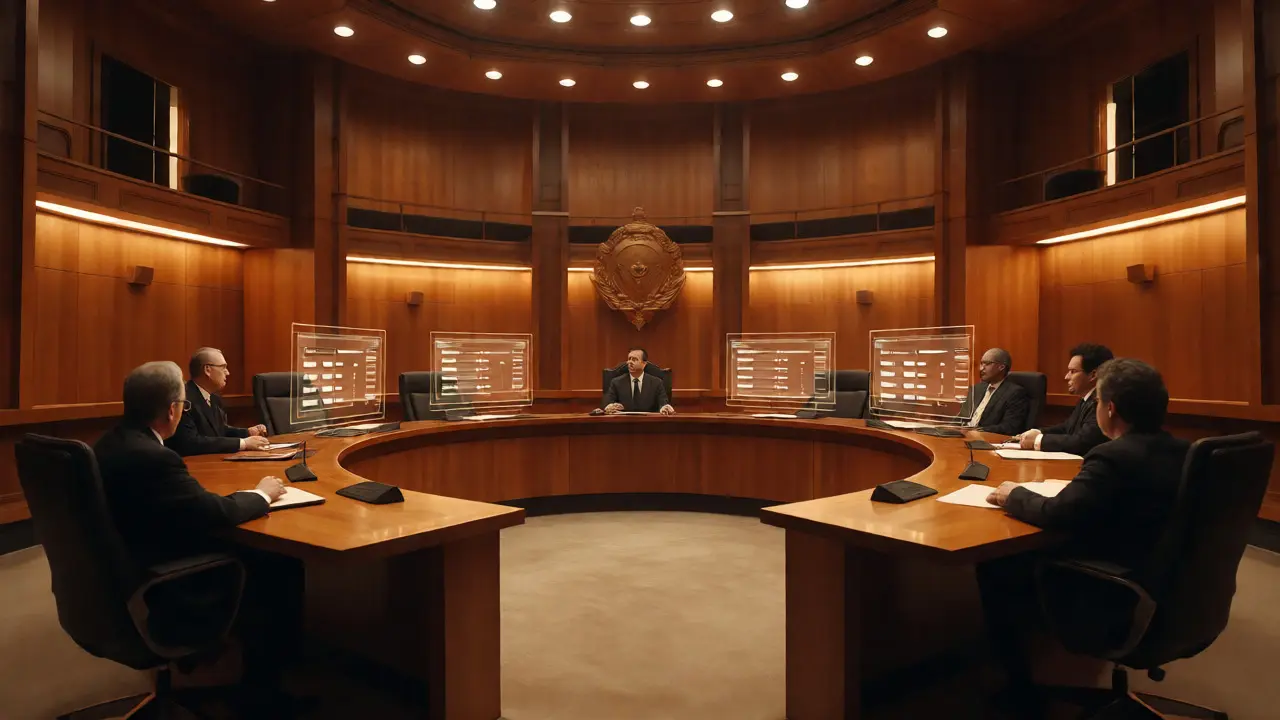
What if the community rejects your unblock request? What if you have been indefinitely blocked for repeated behavioral issues? This is where the Arbitration Committee (often called ArbCom) comes in. ArbCom is the highest level of dispute resolution on Wikipedia. They are elected editors with access to private information and the power to impose binding sanctions.
You don't go to ArbCom immediately. You only go there after lower-level attempts have failed or if the situation involves complex, long-standing disputes between multiple parties. Filing a case with ArbCom is formal. You submit a statement outlining the dispute, the actions taken by both sides, and what remedy you seek (usually an unblock).
Be prepared for scrutiny. ArbCom members will look at your entire edit history, not just the last incident. They check for patterns. Have you been warned before? Did you ignore previous advice? If you show a pattern of ignoring community feedback, ArbCom may uphold the ban. However, if you demonstrate genuine rehabilitation and understanding of community norms, they often grant conditional unblocks.
Conditional unblocks are common. You might be allowed back, but with restrictions. For example, you might be limited to editing specific articles, or you might be subject to a topic ban (where you cannot edit certain subjects like politics or religion). Read these conditions carefully. Violating them leads to immediate re-blocking.
The Role of CheckUser and Privacy
Sometimes, a block is related to suspicion of sockpuppetry-using multiple accounts to manipulate consensus. In these cases, regular appeals might not work because the issue is identity verification. This is where CheckUser comes in.
CheckUser is a tool used by trusted volunteers to examine IP addresses and browser data associated with edits. It helps determine if two accounts belong to the same person. If you are accused of sockpuppetry, you can request a CheckUser review. Note that this is not automatic. An admin must initiate it based on evidence.
Privacy is a big deal here. CheckUser results are confidential. You won't see the raw data; you'll only see the conclusion. If the CheckUser confirms you are the same person as the blocked account, the block stands. If it proves you are different, the block is lifted. Don't argue with the CheckUser result; it is technically precise.
Best Practices for a Successful Appeal
Whether you are filing a simple unblock request or an ArbCom case, the tone matters. Wikipedia is a collaborative project, not a legal battlefield. Aggressive language triggers defensive reactions from reviewers.
- Stay Calm: Anger reads as hostility. Hostility suggests you haven't changed.
- Cite Policies: Use links to official guidelines. It shows you've done your homework.
- Show Change: Mention specific steps you've taken to learn. Did you read the tutorial? Did you discuss with mentors?
- Accept Responsibility: Even if you disagree, acknowledge the impact of your actions.
- Be Patient: Appeals take time. Admins are volunteers. Pinging them repeatedly annoys them and slows down the process.
Also, avoid editing while your appeal is pending. It creates noise and distracts from your request. Wait for the decision. If you need to contribute elsewhere, use the sandbox or user space until cleared.
Common Myths About Bans
Many users misunderstand what a block means. Here are a few myths debunked:
Myth 1: A block deletes my contributions. False. Your edits remain visible. A block only prevents future edits.
Myth 2: I can never return. False. Most blocks are temporary. Even indefinite blocks can be appealed successfully years later if behavior improves.
Myth 3: Only admins can block. Mostly true, but bots also perform automated blocking for obvious vandalism. Bots don't accept appeals directly; humans review bot logs.
Myth 4: Creating a new account fixes everything. Dangerous. As mentioned, this looks like evasion. Always appeal under the original account first.
How long does a Wikipedia block appeal take?
It varies widely. Simple IP unblock requests might be resolved within 24-48 hours. Complex community unblock requests can take a week or more. Arbitration Committee cases can take several weeks to months depending on the complexity of the dispute and the availability of arbitrators.
Can I edit Wikipedia while my appeal is pending?
Generally, no. Editing while blocked is considered "editing under a block" and can lead to further sanctions. Exceptions exist for editing your own talk page or responding to the unblock request itself. Avoid making content changes until the block is lifted.
What if I disagree with the admin who blocked me?
Do not confront the admin directly in an aggressive manner. Instead, use the community unblock request process. Other admins and experienced editors will review the case objectively. If the community supports the block, accept it. If not, the block may be reversed. Direct confrontation often escalates tensions unnecessarily.
Does a block affect my ability to read Wikipedia?
No. Blocking only restricts editing capabilities. You can still browse, search, and read all articles on Wikipedia. You just cannot save changes or upload files until the block is lifted.
Can I appeal a block if I never received a warning?
Yes, though it makes the case harder. Ideally, admins warn before blocking. If you were blocked without warning, mention this in your appeal. Cite the guideline that suggests warnings should precede blocks for minor infractions. However, severe violations (like blatant vandalism) can warrant immediate blocking without prior warning.