Wikipedia doesn’t just exist as a website you open in your browser. Behind the scenes, it powers apps, smart assistants, research tools, and even news sites. Every time your phone’s search bar shows a Wikipedia summary, or a chatbot pulls a fact about the Battle of Waterloo, it’s not scraping pages-it’s using the Wikipedia API. This isn’t magic. It’s a well-documented, public interface that lets any service fetch real-time data from Wikipedia’s database.
What the Wikipedia API Actually Does
The Wikipedia API, part of the larger Wikimedia API ecosystem, is a RESTful interface that lets programs ask for specific pieces of information and get structured responses-usually in JSON or XML. You don’t need to download entire articles. You don’t need to parse HTML. You just ask for what you need: the summary of a topic, the list of references, the infobox data, or even the edit history of a page.
For example, a developer building a travel app might want to show a short overview of Paris when a user searches for it. Instead of manually copying text from Wikipedia, they send a request to the API like this:
https://en.wikipedia.org/api/rest_v1/page/summary/Paris
The API returns clean data:
{
  "title": "Paris",
  "extract": "Paris is the capital and most populous city of France, with an estimated population of 2,161,000 residents in 2020, within its administrative limits.",
  "thumbnail": {
    "source": "https://upload.wikimedia.org/wikipedia/commons/thumb/7/7b/Paris_Louvre_Day.jpg/320px-Paris_Louvre_Day.jpg"
  }
}
No messy HTML. No ads. No sidebars. Just the facts, formatted for machines.
Who Uses the Wikipedia API?
Thousands of services rely on Wikipedia’s data through its API. It’s not just small apps-it’s major platforms.
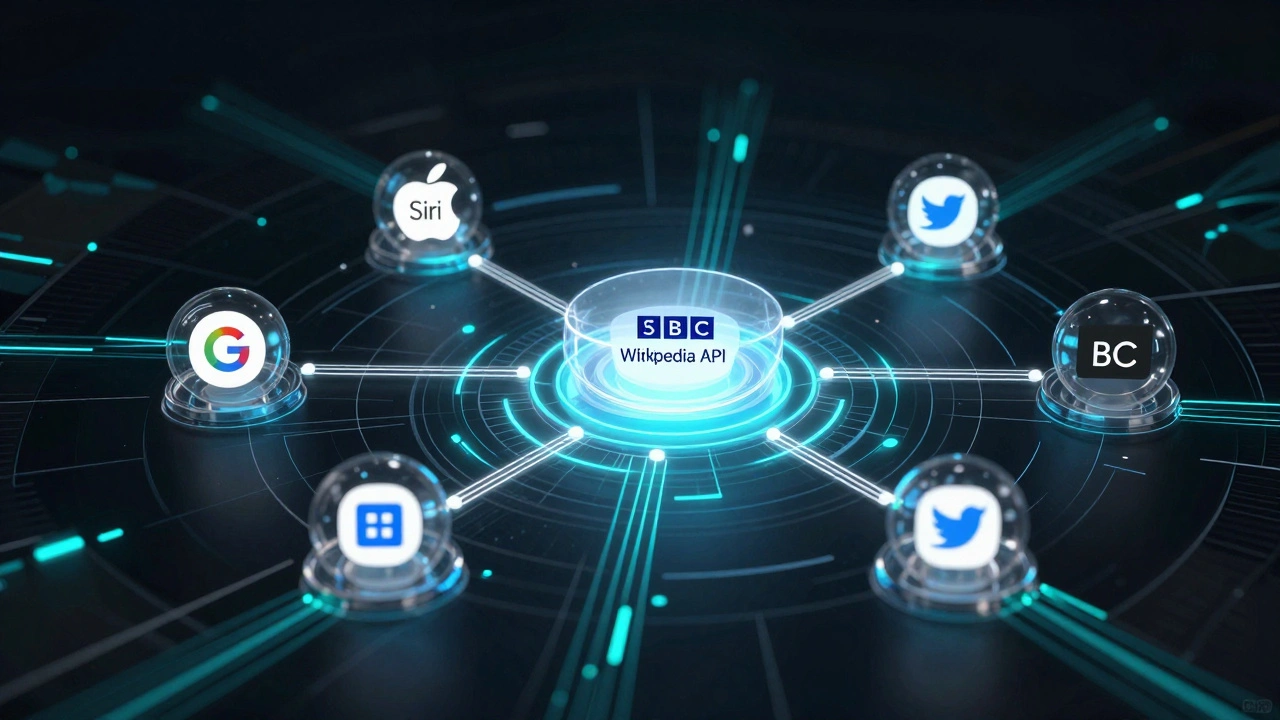
- Apple Siri and Google Assistant use Wikipedia data to answer factual questions. When you ask, "Who wrote The Catcher in the Rye?", the answer often comes straight from Wikipedia’s API.
- Facebook’s Instant Articles and Twitter’s card previews pull summaries and images from Wikipedia when users share links to articles.
- Wolfram Alpha cross-checks its data against Wikipedia to verify facts before displaying them.
- News outlets like The Guardian and BBC use the API to auto-generate background summaries for articles on historical events or biographies.
- Research tools like Zotero and Mendeley pull citation metadata and abstracts from Wikipedia to help students organize sources.
These services don’t store Wikipedia content permanently. They fetch it live, so if an article gets updated-say, a correction to a politician’s birth date-the change appears in their apps within minutes. That’s the power of real-time access.
How It Works Under the Hood
The Wikipedia API doesn’t run on a separate server. It’s built into the same software that powers Wikipedia.org: MediaWiki. The API is a layer on top of the database that translates human-readable requests into database queries and returns structured responses.
There are two main ways to interact with it:
- REST API - Simple, modern, and focused on content. Used for fetching page summaries, images, and metadata. Ideal for apps and websites.
- MediaWiki Action API - More powerful, complex, and designed for advanced tasks like editing pages, checking user permissions, or querying edit histories. Used by bots and researchers.
For most external services, the REST API is enough. It’s faster, cleaner, and doesn’t require authentication. You can test it right in your browser. No API key. No login. Just a URL.
But there are limits. The API enforces rate limits to prevent abuse. A single IP address can make about 500 requests per hour without authentication. If you’re building a high-traffic app, you’ll need to register for an API key and follow Wikimedia’s usage guidelines. The rules are clear: don’t overload the servers, don’t cache data longer than 24 hours unless you’re approved, and always credit Wikipedia.
What Data Can You Actually Get?
The API gives you access to a wide range of structured data from Wikipedia’s 60+ million articles. Here’s what’s available:
- Page summaries - Short, plain-text overviews of any article.
- Full page content - The entire article text in clean HTML or wikitext.
- Images and media - Links to thumbnails and full-resolution files used in articles.
- Categories and tags - What topics an article belongs to (e.g., "20th-century scientists").
- References and citations - A list of all sources cited in the article.
- Infoboxes - Structured data like birth dates, population figures, or technical specs pulled from Wikipedia’s templates.
- Page history - Who edited what and when, including edit comments and user names.
- Related pages - Links to other articles that are frequently viewed together.
This isn’t just text. It’s data. And that data is structured. For example, if you request the infobox for "Eiffel Tower," you get:
{
  "height": "300 m",
  "built": "1889",
  "location": "Paris, France",
  "architect": "Gustave Eiffel"
}
That’s machine-readable. A program can take those values and plug them into a database, a map, or a visualization tool without a single human typing anything.
Why Wikipedia’s API Is Different
Most websites lock their data behind paywalls, complex authentication, or restrictive terms. Wikipedia doesn’t. Its data is free to use under the Creative Commons Attribution-ShareAlike license. That means anyone can copy, adapt, and redistribute it-even commercially-as long as they credit Wikipedia and share any derivatives under the same license.
Compare that to Encyclopaedia Britannica, which charges thousands of dollars per year for API access. Or Google’s Knowledge Graph, which gives limited data and requires approval. Wikipedia’s API is open, transparent, and maintained by volunteers.
It’s also surprisingly reliable. Wikipedia’s servers handle over 15 billion API requests per month. That’s more than most commercial APIs. And because the data is community-moderated, it’s updated faster than traditional encyclopedias. A new scientific discovery can appear on Wikipedia in hours, and the API reflects it instantly.
Common Mistakes Developers Make
Even experienced developers run into issues with the Wikipedia API. Here are the most common ones:
- Assuming the API always returns the same format - Some pages have missing fields. If you request an infobox and it’s empty, your app shouldn’t crash. Always check for null values.
- Ignoring rate limits - Sending 100 requests per second might work for a day, but you’ll get blocked. Use caching. Store responses locally for 24 hours.
- Not handling redirects - If someone searches for "Barack Obama" but the article is under "Barack Hussein Obama II," the API will redirect. Your code must follow redirects automatically.
- Trying to scrape HTML instead of using the API - HTML changes all the time. The API is stable. If you’re parsing page content, you’re doing it wrong.
- Forgetting attribution - Even if you’re not monetizing, you must credit Wikipedia. A simple link to the article or "Data from Wikipedia" is enough.
The API is forgiving if you’re respectful. It’s not a black box. The documentation is detailed, publicly available, and updated regularly. The Wikimedia Foundation even offers a sandbox environment for testing without hitting live servers.
What’s Next for Wikipedia’s API?
The API is evolving. New endpoints are being added to support multilingual content, structured data from Wikidata (Wikipedia’s sister project), and even AI-generated summaries. In 2025, Wikimedia launched a new feature called "Summary API v2," which uses machine learning to generate more natural-sounding summaries from article text.
There’s also growing interest in using the API to feed AI training datasets. Researchers at Stanford and MIT have used Wikipedia’s API to extract millions of question-answer pairs to train language models. The data is clean, well-sourced, and neutral-exactly what AI needs.
But the biggest change might be in how people use it. As voice assistants and chatbots become more common, the demand for reliable, real-time factual data will only grow. Wikipedia’s API is already the backbone of that ecosystem. And it’s not going away.
How to Start Using the API
If you want to experiment:
- Go to https://en.wikipedia.org/api/rest_v1/ and browse the endpoints.
- Try a simple request in your browser:
https://en.wikipedia.org/api/rest_v1/page/summary/Quantum%20computing - Copy the JSON response and paste it into a JSON formatter to see the structure.
- Use a tool like Postman or Python’s
requestslibrary to automate calls. - Read the official documentation at mediawiki.org/wiki/API:Main_page for advanced features.
You don’t need to be a programmer to understand it. Just curiosity. And a willingness to ask the right questions.
Is the Wikipedia API free to use?
Yes. The Wikipedia API is completely free to use for any purpose-personal, educational, or commercial. You don’t need an API key to make basic requests. The only requirement is to credit Wikipedia and follow the Creative Commons license terms.
Can I edit Wikipedia through the API?
Yes, but only if you’re a registered user and follow strict guidelines. The MediaWiki Action API allows editing, but it requires authentication and is heavily monitored to prevent vandalism. Most external services only read data, not write to it.
How often does Wikipedia update its API data?
Wikipedia updates in real time. When someone edits an article, the change is reflected in the API within seconds. There’s no delay. That’s why services like Siri and Google Assistant use it-they need the latest, most accurate information.
Does the Wikipedia API work with non-English articles?
Yes. The API supports all 300+ language versions of Wikipedia. Just change the domain: for example, use https://fr.wikipedia.org/api/rest_v1/ for French, or https://es.wikipedia.org/api/rest_v1/ for Spanish. The structure stays the same.
What’s the difference between the Wikipedia API and Wikidata API?
Wikipedia’s API gives you full articles and summaries. Wikidata’s API gives you structured facts-like numbers, dates, and relationships-in a machine-readable format. For example, Wikidata can tell you that "Albert Einstein" was born on "1879-03-14" and died on "1955-04-18," while Wikipedia gives you the full biography. Many services use both together.