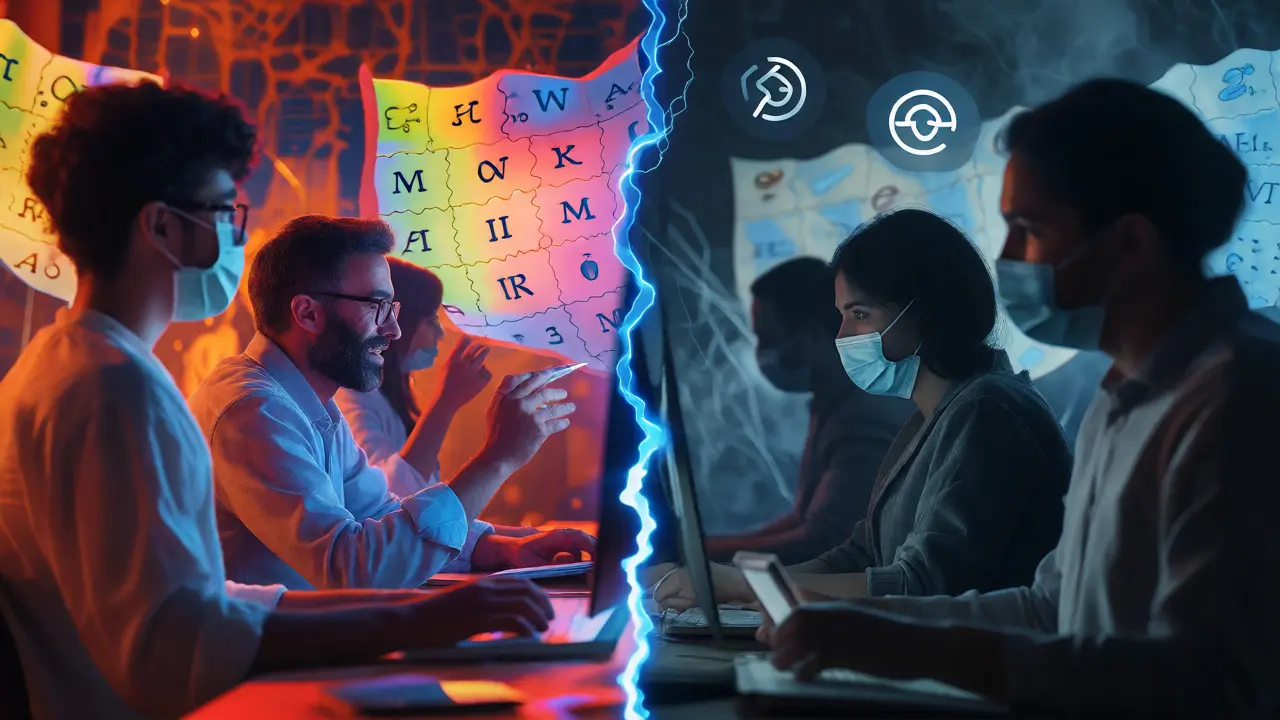
You are browsing a Wikipedia article about the history of jazz. Suddenly, the lead paragraph changes from "Jazz is a music genre..." to "Jazz is bad and smells like cheese." You check the edit history. The user who made this change has no account name, just an IP address ending in .142. They used a Tor anonymizing network that hides your real location by bouncing traffic through multiple relays. Now you have a problem. Was this a bored student testing the system? A malicious bot? Or someone genuinely trying to contribute while protecting their privacy in a restrictive country?
This scenario plays out thousands of times daily on Wikipediathe largest free online encyclopedia, written collaboratively by volunteers around the world. The platform faces a constant tug-of-war between two ideals: keeping the site open for everyone and stopping vandals from turning articles into joke pages. Two specific tools complicate this balance: Virtual Private Networks (VPNs) and Tor. Both hide a user's true identity. For editors, this anonymity is a shield against harassment or censorship. For administrators, it is a cloak that makes tracking repeat offenders nearly impossible.
The Core Conflict: Anonymity vs. Accountability
Why does Wikipedia care so much about who you are? It isn't about collecting data for ads. It’s about trust. When a registered user with a five-year history edits a medical article, we assume they have some stake in getting it right. When an anonymous IP address from a known Tor exit node deletes three paragraphs without explanation, we suspect trouble.
VPNsservices that mask your IP address by routing your internet connection through a remote server allow users to appear as if they are located anywhere in the world. This is great for bypassing geo-restrictions but terrible for moderation. If a user gets blocked for spamming, they can simply switch VPN servers and return within seconds. The same logic applies to Tor, though Tor offers stronger anonymity at the cost of speed.
The community has developed a hierarchy of trust. Registered accounts with long histories sit at the top. Anonymous IPv4 addresses sit lower. Anonymous IPv6 addresses often face stricter scrutiny because ISPs assign them in large blocks, making it hard to isolate a single bad actor. Then come the proxy services. These are treated with the most suspicion because they break the link between an action and a persistent identity.
How Administrators Spot Hidden Editors
You might think spotting a Tor user is easy. Look for the little onion icon next to the username. But that only works if the user hasn't logged in with a separate account. Most experienced vandals don't log in when using Tor; they edit anonymously. So how do admins catch them?
They use technical heuristics and behavioral patterns. First, they look at the edit summary. Vandalism via Tor often lacks a coherent explanation or uses aggressive language typical of "drive-by" attacks. Second, they check the frequency. If ten edits happen in one minute from different IPs that all resolve to known Tor exit nodes, that’s not a coincidence. That’s a coordinated attack or a very determined troll.
Tools like CheckUsera tool available to trusted Wikipedia administrators that allows them to inspect the IP addresses and user agents behind edits help here. CheckUser lets admins see if multiple accounts share the same underlying IP, even if they claim to be different people. However, CheckUser cannot always pierce Tor encryption effectively. If the traffic is properly routed, the admin sees the Tor exit node, not the original user. This limitation forces moderators to rely more on content quality than on identity verification.
Policy Framework: What Does Wikipedia Actually Say?
There is no single rule that says "Tor users are banned." Instead, the policy is nuanced. The core principle is found in WP:VANDALISMthe guideline defining disruptive behavior intended to harm the encyclopedia. If an edit improves the article, the method of delivery matters less. If the edit destroys the article, the source matters more.
Specifically, WP:PROXYthe policy regarding the use of open proxies and anonymizing networks on Wikipedia states that anonymous editing from certain high-risk IP ranges may be blocked automatically. This is done via AbuseFilteran automated tool that scans edits for common patterns of abuse before they are saved. The filter looks for keywords, edit size, and the reputation of the IP address.
Here is the critical distinction: Blocking is not punishment. It is prevention. Admins block Tor IPs to stop immediate damage, not to shame the user. Many Tor users are legitimate contributors-journalists, activists, or researchers-who need privacy. The friction they experience is the price of maintaining a public, editable space.
Strategies for Moderation: Blocks and Filters
When a wave of vandalism hits from a specific set of IPs, admins have several levers to pull. They don't just hit "block" and walk away. They choose a strategy based on severity.
- Soft Blocks: These prevent an IP from editing but allow them to create an account. This is common for first-time offenders or those suspected of being newbies confused by the interface. It encourages registration, which adds accountability.
- Hard Blocks: These prevent both editing and account creation. This is reserved for persistent spammers or bots. If a Tor user keeps returning after soft blocks, they get hard-blocked.
- Range Blocks: Sometimes, a whole subnet of IPs is compromised. Admins will block a range of addresses (e.g., 192.0.2.0/24). This catches multiple attackers but risks blocking innocent neighbors sharing the same infrastructure.
- Partial Protection: Instead of blocking the user, admins protect the page. Only autoconfirmed users (those with 10 edits and 4 days of age) can edit. This stops anonymous Tor edits on sensitive articles like current events or biographies of living persons.
Automated systems play a huge role here. ClueBot NGa semi-automated bot designed to revert obvious cases of vandalism and similar tools monitor recent changes. They flag edits from suspicious IPs instantly. Human admins then review these flags. This hybrid approach saves time. Humans shouldn't waste energy reverting "I love pizza" edits; bots should handle that so humans can focus on complex disputes involving good-faith Tor users.
The Impact on Legitimate Contributors
It’s easy to view this purely from the moderator’s side. But consider the user. Imagine you are a researcher in a country where Wikipedia access is monitored. You use Tor to read and edit safely. Every time you try to save an edit, you get a CAPTCHA challenge. You solve it. You type your edit. You click save. Blocked. "Your IP address is currently blocked from editing."
This creates a barrier to entry. Some studies suggest that strict IP blocking reduces participation from regions with limited digital freedom. Wikipedia tries to mitigate this with the IP Maskinga feature introduced to temporarily hide IP addresses from public view to reduce harassment pilot programs, but these don't fully solve the authentication issue for anonymous users.
Furthermore, false positives occur. An innocent user might share an IP with a vandal. This is especially common with corporate networks or university campuses. When an admin blocks a university IP range, students lose the ability to edit. They must register, which requires email verification. This extra step deters casual contributors who just wanted to fix a typo.

Best Practices for Users and Admins
If you are a reader or editor dealing with these restrictions, what can you do? And if you are an admin, how do you stay fair?
| Method | Anonymity Level | Typical Restrictions | Best Use Case |
|---|---|---|---|
| Registered Account | Low (Pseudonymous) | Minimal | Long-term contributors |
| Static IP | Medium (Traceable) | Occasional blocks for spam | Casual readers/editors |
| VPN | High (Obfuscated) | Frequent CAPTCHAs, possible blocks | Bypassing geo-blocks |
| Tor | Very High (Onion Routed) | Strict blocks, no anonymous editing | Privacy-sensitive contributions |
For users, the best advice is simple: Register. Even if you use Tor, creating an account gives you a consistent identity. You can request an Unblocks Ticketa process where blocked users can appeal their block by contacting administrators if you believe your block was erroneous. Explain your situation clearly. Are you a journalist? A student? Provide context.
For admins, communication is key. Don’t leave a generic "Blocked for vandalism" message. If you suspect the user is a well-meaning Tor user, add a note: "If you are contributing in good faith, please register an account." This small gesture transforms a punitive action into an invitation. It acknowledges that not every hidden IP is a threat.
Another tip: Monitor the "Recent Changes" feed for patterns rather than individual edits. If you see five edits from different Tor IPs adding the same incorrect fact, coordinate with other admins. One person blocking one IP won't stop the trend. A consensus to protect the page will.
The Future of Identity on Wikipedia
The landscape is shifting. With the rollout of IP masking, regular users no longer see full IP addresses. This protects privacy but complicates moderation for admins who need to distinguish between unique users. New technologies like Web3 identities or decentralized identifiers (DIDs) are being discussed, but adoption is slow.
Currently, the community relies on social norms and technical filters. As AI-generated content floods the web, distinguishing human intent becomes harder. A bot using a rotating pool of residential proxies looks exactly like a human using a home Wi-Fi connection. We may see stricter requirements for editing rights, such as mandatory phone verification for anonymous users, though this raises accessibility concerns.
Until then, the balance holds. Wikipedia remains one of the few places where a person in Tehran and a person in Madison can edit the same sentence simultaneously. The friction caused by VPNs and Tor is annoying, yes. But it is also the sound of a global project trying to remain open while defending itself from chaos. It is imperfect, messy, and constantly debated on talk pages. That debate is part of the encyclopedia’s DNA.
Can I edit Wikipedia anonymously using Tor?
Generally, no. Most major Wikimedia projects block anonymous editing from Tor exit nodes to prevent vandalism. However, you can usually still read articles. To edit, you typically need to create a registered account while connected to Tor, which assigns you a temporary username instead of showing your IP address.
Why am I blocked if I'm using a VPN?
Many VPN providers share a small number of IP addresses among thousands of users. If one user misbehaves, the entire IP range may be flagged or blocked by Wikipedia's AbuseFilter. Additionally, some VPNs are associated with bot farms, leading to preemptive restrictions on their IP pools.
What is the difference between a soft block and a hard block?
A soft block prevents an IP address from editing directly but allows the user to create a new account and edit through that account. A hard block prevents both direct editing and the creation of new accounts from that IP address. Soft blocks are often used for new or ambiguous cases, while hard blocks target persistent abusers.
Does Wikipedia track my location when I use a VPN?
Wikipedia primarily tracks the IP address you connect with. If you use a reputable VPN, Wikipedia sees the IP address of the VPN server, not your real location. However, metadata associated with the edit (like browser user-agent strings) might reveal general device information, but rarely precise geographic coordinates unless you explicitly share them.
How do I appeal a block for using Tor?
You can file an unblock request on your user talk page. Explain why you use Tor (e.g., privacy, censorship circumvention) and confirm you intend to follow community guidelines. Administrators review these requests manually. Be patient, as the queue can be long during periods of high activity.