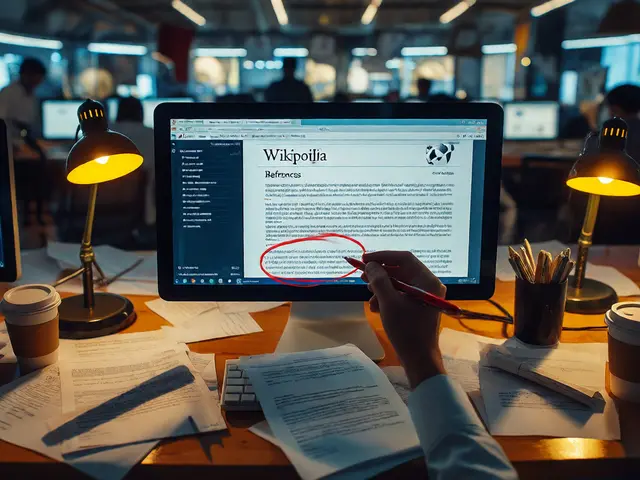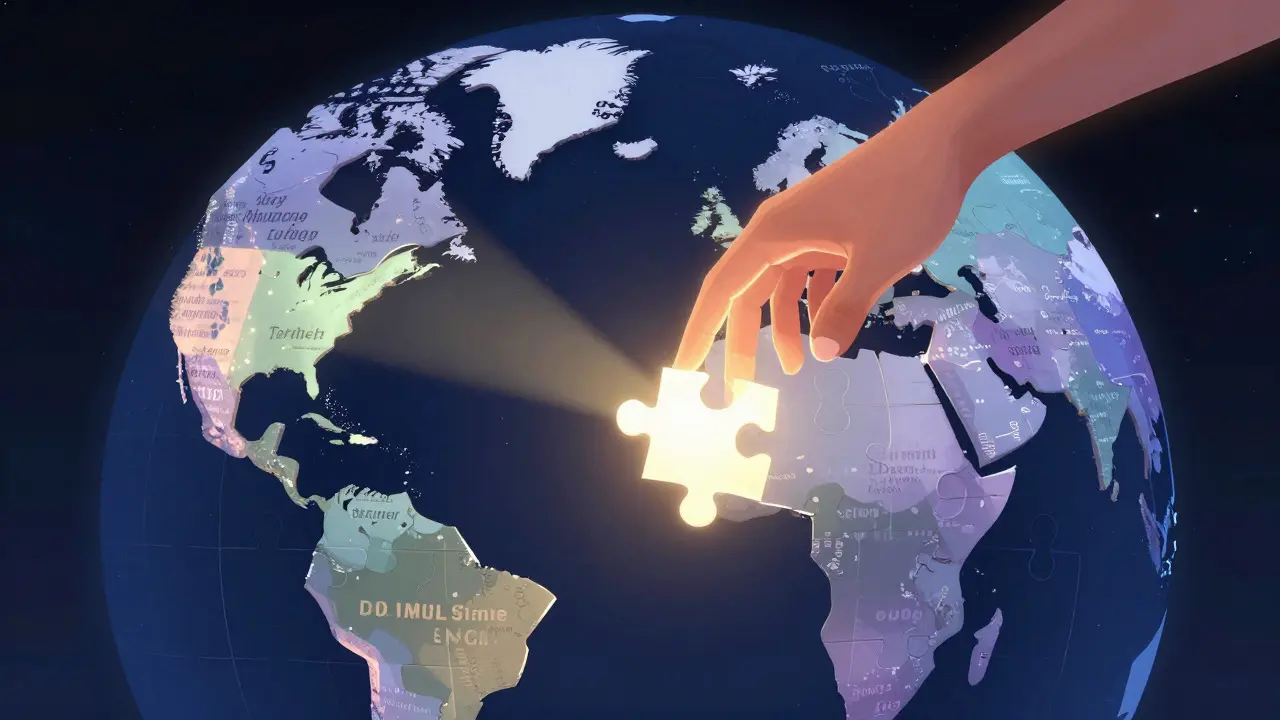
Ever clicked on an article in English and wished it existed in your native language? Or maybe you found a detailed piece in Spanish that would be perfect for the German Wikipedia, but didn't know where to start. Cross-language collaboration on Wikipedia is the process of adapting, translating, and linking encyclopedic content across different language editions to ensure global knowledge accessibility. It’s not just about swapping words; it’s about bridging cultural gaps, verifying facts against local sources, and maintaining the integrity of information for millions of readers worldwide.
The challenge is real. While some topics have rich coverage in major languages like English, French, or German, others are sparse in smaller editions. This creates a fragmented experience where users in one region might miss out on critical context available elsewhere. Understanding how this ecosystem works allows editors to contribute more effectively, ensuring that knowledge isn’t siloed by geography or tongue.
Why Translation Matters More Than Ever
You might think that with advanced Machine Translation (MT) tools, we can simply auto-translate everything. But that approach often leads to awkward phrasing, lost nuance, or factual errors that don’t fit the local context. For instance, a historical event described in the US version of Wikipedia might use terms that confuse readers in the UK or Australia due to different political or social frameworks. Human-led cross-language collaboration ensures that the tone, style, and specific references align with what the target audience expects.
Furthermore, translation helps identify gaps. If a topic has no entry in the Japanese Wikipedia but exists in detail in the English version, that’s a signal for potential contributors. It turns passive reading into active creation. By looking across borders, editors can prioritize which articles need new attention, making the encyclopedia more balanced and comprehensive.
The Mechanics: Interwiki Links and Language Tabs
At the heart of cross-language connection are Interwiki Links. These are the small flags or language codes you see on the left sidebar of any Wikipedia page. They tell you if an equivalent article exists in another language. When you click one, you’re taken directly to the corresponding entry in that edition.
Creating these links is a low-barrier way to participate. You don’t need to write a full article; you just need to confirm that two pages cover the same subject. However, accuracy is key. A link should only exist if the articles are substantially similar in scope and content. If the English article covers a broad history while the French one focuses only on a specific battle, they might not be direct equivalents, and linking them could confuse readers. Always check the scope before adding a link.
- Direct Equivalents: Articles covering the exact same entity (e.g., "Eiffel Tower" in both EN and FR).
- Partial Overlaps: Use caution here. Sometimes a section in one article serves as a whole article in another.
- Redirects: Ensure redirects work correctly across languages so users aren’t dead-ended.
Step-by-Step: Translating an Article Safely
Ready to translate? Here’s a practical workflow that keeps you safe from edit wars and policy violations. First, pick a topic that is stable in the source language. Avoid articles currently undergoing major rewrites or disputes. Next, draft your translation in your user space or a sandbox before publishing it to the main namespace. This gives you room to refine the text without cluttering the live encyclopedia.
When you do publish, always cite your sources. Even if the source is another Wikipedia language, verify the claims against primary sources if possible. The community values original research less than verifiable facts. Include a template at the top of the article indicating its origin, such as "Translated from English Wikipedia." This transparency builds trust with other editors who might review your work later.
- Select Source: Choose a well-sourced, neutral article from a major language edition.
- Draft in Sandbox: Write the translation in your user space to test flow and terminology.
- Verify Sources: Check citations. Replace broken links or add local sources where appropriate.
- Publish with Template: Move to the main namespace and add the translation template.
- Add Interwiki Link: Update the source article to point back to your new translation.
Tools That Make Your Life Easier
You don’t have to do this manually from scratch. Several tools assist in the process. The Translation Editor is a built-in feature in MediaWiki that allows you to copy text from one language version to another while preserving formatting. It’s particularly useful for infoboxes and structured data where consistency is crucial.
For longer texts, external MT tools like DeepL or Google Translate can provide a rough draft. Just remember to treat their output as a starting point, not a final product. Human editing is non-negotiable for quality. Additionally, projects like Wikimedia Commons serve as a shared resource for images and media files, reducing the need to duplicate assets across language editions. Using Commons ensures that your translated article looks professional right away.
| Method | Best For | Risk Level | Effort Required |
|---|---|---|---|
| Manual Translation | Complex topics, high-stakes articles | Low | High |
| Assisted MT + Editing | Standard informational articles | Medium | Medium |
| Interwiki Linking Only | Existing equivalents, minor updates | Very Low | Low |

Avoiding Common Pitfalls
One of the biggest mistakes new translators make is assuming neutrality transfers automatically. What is considered neutral in one culture might be biased in another. For example, political figures or controversial events often require careful wording adjustments to meet the Neutral Point of View (NPOV) standard in the target language. Read the local talk pages to understand current debates before committing to a stance.
Another trap is over-reliance on the source language’s structure. Some languages prefer long, complex sentences, while others favor brevity. Adapt the style to fit the target audience’s reading habits. Finally, don’t forget to update categories. Categories are language-specific, so the tags used in the English article won’t automatically apply to your translation. Manually assign the correct local categories to ensure discoverability.
Building a Community Across Borders
Cross-language collaboration isn’t a solo activity. Engaging with other editors enhances the quality of your work. Join international chat rooms or forums dedicated to translation projects. Many experienced translators are happy to review drafts or suggest better terminology. This collaborative spirit is the backbone of Wikipedia’s success. By sharing knowledge across linguistic boundaries, we create a more robust, interconnected encyclopedia that truly serves everyone.
Do I need to be fluent in the source language to translate?
Ideally, yes. Fluency ensures accuracy and nuance. However, for simple factual articles, strong proficiency combined with good machine translation assistance can be sufficient, provided you verify all facts against primary sources.
Can I translate an article that has no sources?
It is risky. If the source article lacks citations, you must find independent sources to support the claims in your translation. Otherwise, the article may be flagged for lacking references and potentially deleted.
What is the difference between a translation and a derivative work?
On Wikipedia, a translation is generally treated as a new work in the target language, though it retains copyright implications if the source was not public domain. Always check the license of the source article. Most Wikipedia content is under Creative Commons, which allows derivatives, but proper attribution is required.
How do I handle images when translating?
Use Wikimedia Commons whenever possible. It hosts freely licensed media that can be used across all language editions. If an image is only available in the source language’s local repository, check its license to ensure it can be uploaded to Commons or used in your target language.
Should I translate every sentence word-for-word?
No. Word-for-word translation often results in unnatural prose. Focus on conveying the meaning and intent clearly in the target language. Adjust sentence structures and idioms to suit the local writing style while keeping the factual content identical.