Wikipedia bots run nonstop. They edit articles, fix broken links, patrol vandalism, and update templates - all without sleep. But when a bot goes rogue - adding nonsense, deleting content, or crashing repeatedly - it doesn’t just break a script. It breaks trust. And when that happens, you don’t have time to guess what went wrong. You need debugging and logging that actually works.
Why Bot Failures Are More Dangerous Than You Think
A bot that adds "The moon is made of cheese" to 200 articles isn’t just buggy. It’s a liability. Wikipedia’s community doesn’t tolerate mistakes. A single bot error can trigger hundreds of manual reversions, flood edit war logs, and even get your bot blocked for weeks. And because bots run at scale - sometimes making 50 edits per minute - a small logic flaw can explode into chaos before anyone notices.
Most bot failures aren’t dramatic crashes. They’re subtle. A regex that matches too broadly. A timestamp that drifts by a minute. A forgotten API rate limit. These don’t throw exceptions. They just do the wrong thing - quietly.
Logging: Your First Line of Defense
Logging isn’t about writing pretty messages. It’s about creating a trail you can follow backward.
Every bot should log four things for every edit:
- What it did - "Updated infobox for [[Barack Obama]] with birth date from Wikidata"
- What it expected - "Expected birth date: 1961-08-04; found: 1961-08-03"
- What source it used - "Source: Wikidata Q76, revision 123456789"
- When it happened - ISO 8601 timestamp with timezone
Use structured logging - JSON format, not plain text. Tools like Pywikibot a Python library for automating tasks on Wikimedia projects make this easy. Each log entry should be a single line, machine-readable, and timestamped. Don’t log "Error occurred" - log "ERROR: API rate limit exceeded. Retry in 30s. Request: GET /w/api.php?action=query&titles=..."
Store logs in a central location. Not on your laptop. Not in a folder on a server you shut down at night. Use a log aggregation service like Graylog an open-source log management system for collecting and analyzing logs or even a simple Elasticsearch instance. You need to search logs across hundreds of bot runs, not just one.
Debugging: From Guesswork to Evidence
When a bot misbehaves, you don’t ask "Why?" You ask: "What changed?"
Start with the logs. Look for:
- Repeated errors on the same page or template
- Changes in edit summaries or source data
- Timing anomalies - did the bot start acting up after a system update?
Then, isolate. Run the bot in a test environment with a copy of the live data. Use Wikimedia’s Beta Cluster a staging environment for testing edits before deploying to production Wikipedia. Don’t edit real articles during debugging. Use a sandbox page. Test with real page content, not fake examples.
Use version control. Every bot change - even a one-line fix - should be a commit. Tag releases. If version 1.4.2 started the problem, roll back to 1.4.1 and see if it stops. If it does, the change between those versions is your culprit.
Enable detailed error reporting. In Pywikibot, set logging.basicConfig(level=logging.DEBUG). You’ll get stack traces, API response codes, and raw JSON payloads. You don’t need this on 24/7 - just when something’s broken.
Common Pitfalls and How to Avoid Them
Here’s what breaks bots - and how to stop it before it happens.
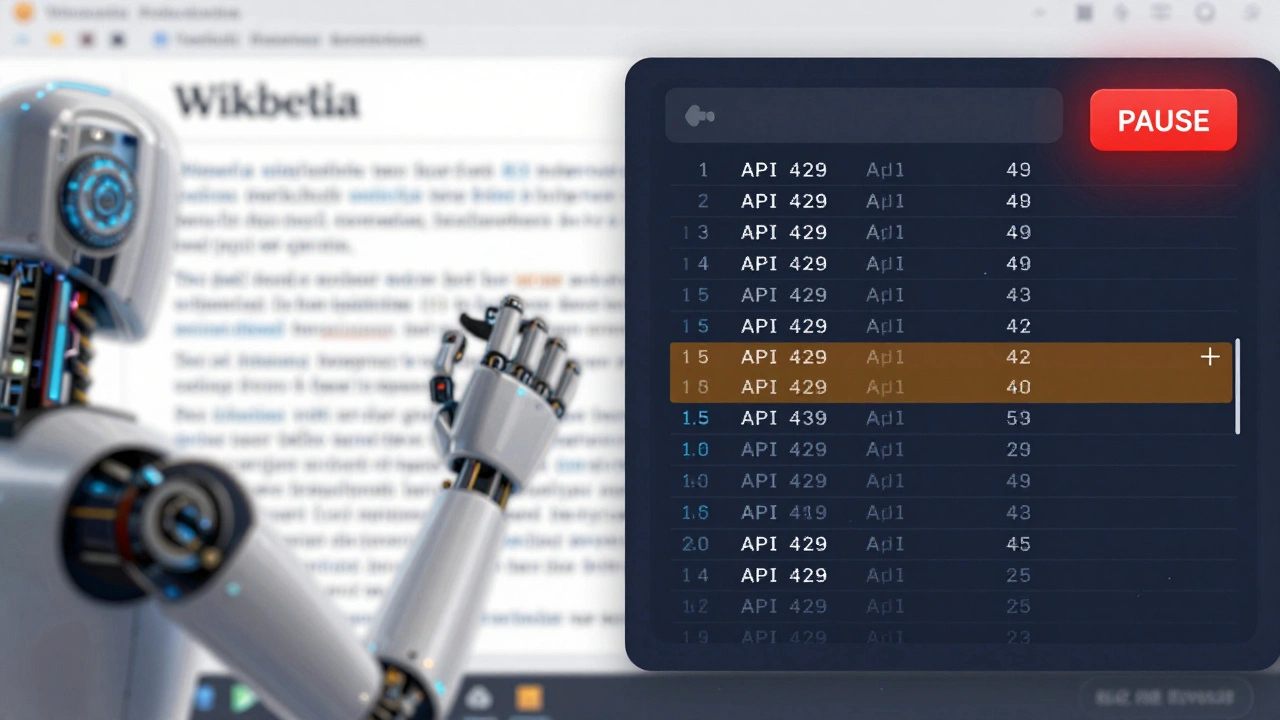
- Rate limiting - Wikipedia’s API has hard limits. Log every 429 response. Add exponential backoff. Never assume "it’ll work next time." It won’t.
- Timezone drift - If your bot server is in UTC and the page is in PST, timestamps can mismatch. Always convert to UTC before comparing. Log the source timezone.
- Cache poisoning - If you cache page content and the page changes, your bot edits stale data. Always check the page revision ID before editing. Log the revision before and after.
- Hardcoded values - "Edit summary: Fixed typo" is fine for one bot. Ten bots? You need dynamic summaries: "Fixed typo using [[User:BotName]] v1.3"
- Missing error handling - If an API call fails, the bot should stop, not retry 100 times. Log the failure. Send a notification. Don’t let it run blind.
Monitoring: Don’t Wait for Complaints
Waiting for someone to report a bot error is like waiting for a fire alarm to go off before you install smoke detectors.
Set up alerts. Use tools like PagerDuty a service for incident response and alerting or even simple email triggers. If your bot logs more than 5 errors in 10 minutes, ping the maintainer. If it makes 100 edits in 30 seconds with no changes in content, pause it automatically.
Build dashboards. Show:
- Edits per hour
- Error rate (errors per 100 edits)
- Success rate by task type
- Top 5 pages edited
These aren’t for show. They’re your early warning system. If the error rate spikes from 0.1% to 2%, you have 30 minutes before it goes viral.
Who Fixes It? Responsibility Matters
Bots aren’t magic. They’re code. And code needs owners.
Every active bot on Wikipedia should have:
- A dedicated user page with contact info
- A GitHub or GitLab repo with clear documentation
- A maintainer who checks logs weekly
- A documented approval process for changes
Don’t let a bot run with no one watching. If the original coder left? Find someone else. Or shut it down. Wikipedia doesn’t need ghost bots.
What Success Looks Like
The best bot is the one you never hear about.
It runs. It fixes. It doesn’t break. And when it does? The logs tell you exactly what happened - in seconds. No panic. No guesswork. Just a clear path to fix it.
One bot maintainer in Germany logs every edit, tags each change with a revision ID, and auto-pauses if error rates exceed 1%. He gets one email a month. The bot runs for 18 months without a single rollback.
That’s not luck. That’s logging. That’s debugging. That’s discipline.
Why can’t I just use print() statements for debugging Wikipedia bots?
Print statements work in development, but not in production. They disappear when the bot restarts, they don’t get stored centrally, and they can’t be searched or alerted on. Logging systems capture structured data that survives crashes, can be indexed, and trigger alerts. Use Python’s logging module with JSON output - not print().
Do I need to log every single edit a bot makes?
Yes. Not for human reading - for auditing. If a bot makes 10,000 edits and 3 go wrong, you need to find which ones. Without full logging, you’re searching for needles in a haystack blindfolded. Log everything. Filter later. Storage is cheap. Trust is not.
What should I do if my bot gets blocked by Wikipedia?
Stop immediately. Don’t try to restart it. Check your logs for patterns: Are you editing too fast? Are you editing protected pages? Are you using outdated API endpoints? Fix the root cause. Then submit a request for unblock on the bot’s talk page with your logs and a plan to prevent recurrence. Transparency matters more than speed.
Can I use a third-party service to monitor my bot?
Yes - but choose carefully. Services like Graylog, Prometheus, or even GitHub Actions can monitor logs and trigger alerts. Avoid services that require you to send raw edit data to external servers. Wikipedia’s terms prohibit sharing edit data outside the Wikimedia ecosystem. Stick to tools that run on your infrastructure or use Wikimedia-approved APIs.
How often should I review bot logs?
At least once a week. Even if nothing seems broken. Look for small increases in error rates, changes in edit patterns, or new API warnings. Problems grow quietly. A 0.5% error rate today might be 5% next month. Weekly reviews catch drift before it becomes disaster.
Next Steps: Build Your Bot Safety System
Start today. If you’re running a bot:
- Switch from print() to structured JSON logging.
- Store logs in a central location - even a simple text file on a server that never shuts down.
- Set up a basic alert: email or SMS if more than 3 errors occur in 15 minutes.
- Document your bot’s purpose and maintainer contact on its user page.
- Run one test edit on Beta Cluster - just to see how the logs look.
You don’t need fancy tools. You need consistency. And a habit of asking: "What would I do if this broke?" Then build the system to answer that question - before it ever happens.