Most people think of Wikibase as the engine behind Wikipedia’s structured data. But if you’ve only used it to power infoboxes or interlanguage links, you’re missing half the story. Wikibase isn’t just for encyclopedias-it’s a flexible, open-source platform for building custom knowledge graphs, and organizations from museums to government agencies are using it to turn messy spreadsheets into connected, searchable data.
What Wikibase Actually Does
At its core, Wikibase is a database system designed to store and query structured data with rich relationships. Unlike traditional databases that force you into rigid tables, Wikibase lets you define your own types of things-called entities-and link them however you need. A museum might create an entity for "18th-century French violin," then connect it to a maker, a provenance record, and a current location. A research lab might track chemical compounds, their reactions, and the scientists who studied them. It’s not about storing text; it’s about mapping connections.
Each entity in Wikibase has three parts: a label (like "Albert Einstein"), a description ("theoretical physicist"), and a set of statements ("educated at ETH Zurich," "won Nobel Prize in Physics in 1921"). These statements are made up of properties (like "educated at" or "won award") and values (like "ETH Zurich" or "Nobel Prize in Physics"). That’s it. No complex schemas. No SQL queries needed. You build the structure as you go.
Use Case: Academic Research Repositories
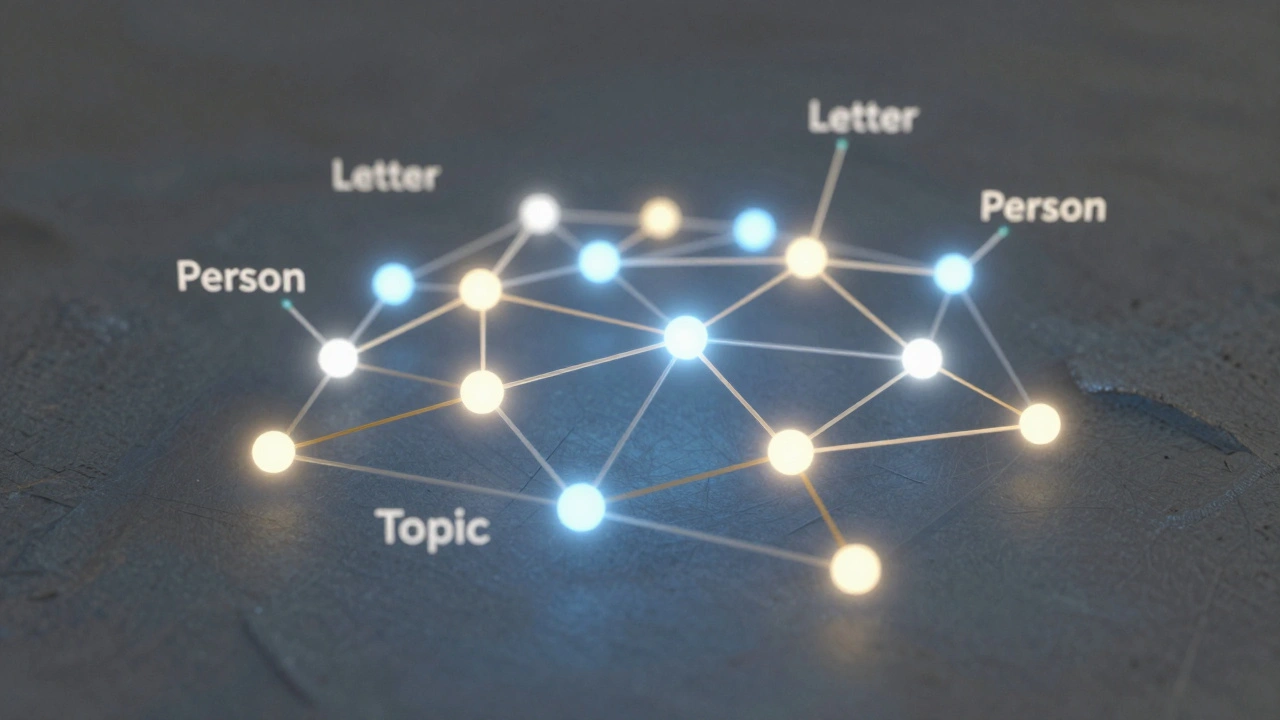
At the University of Wisconsin-Madison, a team of historians started using Wikibase in 2023 to map the correspondence networks of 19th-century scientists. They had 12,000 letters stored as PDFs and scanned images. Traditional metadata tagging wasn’t cutting it-they needed to trace who wrote to whom, when, and about what topics.
They created a Wikibase instance with three entity types: "Person," "Letter," and "Topic." Each letter became an entity linked to its sender, recipient, date, and up to five topics. Within months, they could answer questions like: "Which scientists corresponded with both Marie Curie and Niels Bohr?" or "What topics appeared most frequently in letters sent from Berlin between 1890 and 1910?"
They didn’t need programmers. The researchers used the built-in interface to add data directly. Later, they used the SPARQL query endpoint to pull results into visualizations. Today, their dataset is publicly accessible and cited in three peer-reviewed papers.
Use Case: Cultural Heritage Collections
The Smithsonian Institution’s digitization team faced a similar problem: thousands of artifacts with inconsistent cataloging across 19 museums. Some records had location data, others had materials, but nothing connected them across departments.
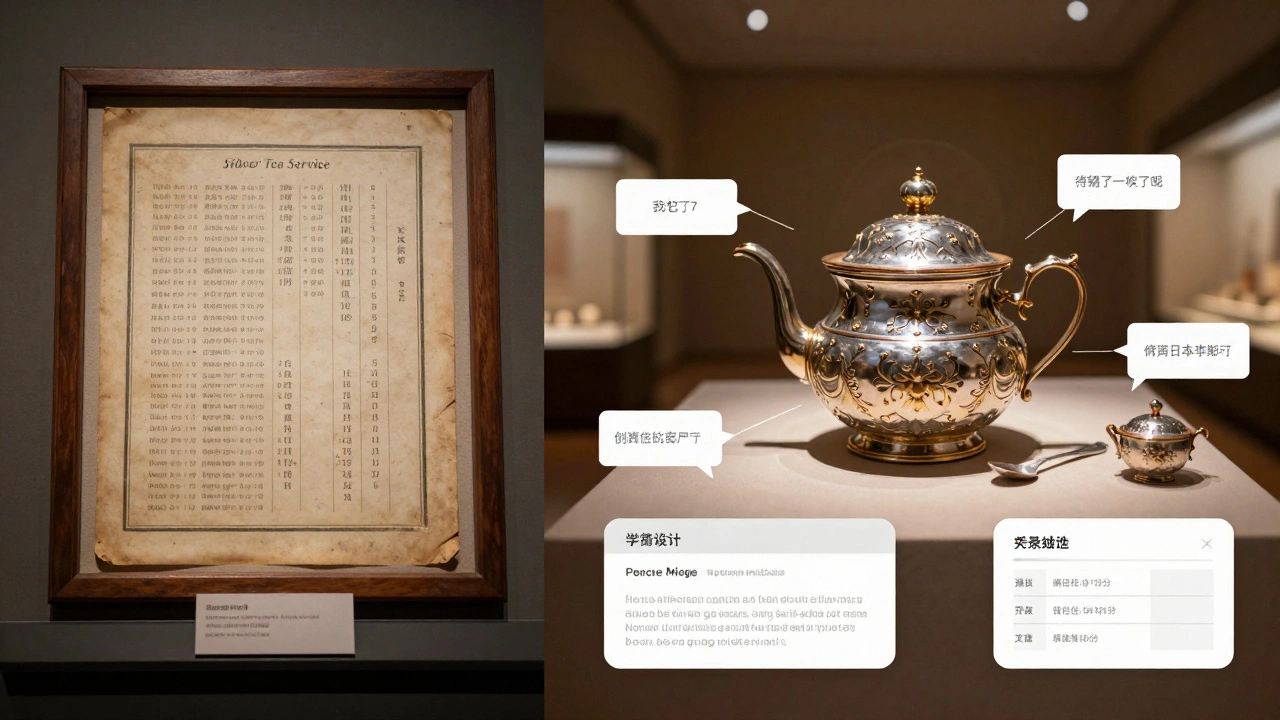
They built a Wikibase instance called "Smithsonian Knowledge Graph" to unify their data. Each artifact became an entity with properties like "material," "maker," "acquisition date," and "current location." They linked artifacts to people (makers, donors), places (origins, current display), and other artifacts (sets, related items).
Now, when a visitor searches for "silver tea service made in 1850," the system returns not just one object, but all related items-matching spoons, sugar bowls, and trays-even if they were cataloged under different museum departments. The system also feeds data to the Smithsonian’s public API, which powers mobile guides and educational apps.
Use Case: Local Government Transparency
In 2024, the city of Madison started using Wikibase to track public contracts. Before, spending data lived in 17 different Excel files across departments. No one could easily answer: "Which vendors received over $100,000 from the Parks Department last year?" or "Which contractors have worked on both street repairs and school renovations?"
The city’s IT team set up a Wikibase instance called "Madison Contracts." Each contract became an entity linked to a vendor, department, amount, project type, and start/end date. They used the built-in import tool to upload CSV files from each department. Within two weeks, they had a live, searchable database.
Now, residents can search for contractors by name or project. Journalists use SPARQL to find patterns-like which firms consistently win bids without competitive bidding. The city publishes monthly reports generated directly from the Wikibase data. No more manual Excel filtering. No more broken links between departments.
Essential Tools for Running Wikibase
Running Wikibase isn’t as simple as installing WordPress, but it’s far easier than building a custom database from scratch. Here are the tools you actually need:
- Wikibase Docker - The fastest way to get started. Pre-configured containers for the full stack: MediaWiki, Wikibase, and the query service. No manual database setup.
- QuickStatements - A web tool for bulk data entry. Copy-paste data from Excel or CSV, format it in a simple syntax, and upload thousands of entities in minutes.
- Wikidata Toolkit - A Java library for developers who want to build bots or integrations. Used to automate data imports from external APIs or databases.
- SPARQL Query Service - Built into every Wikibase install. Lets you ask complex questions like: "Show me all entities that have property X but not property Y."
- Wikibase Lexeme - An extension for handling linguistic data. Useful for language archives, dictionaries, or translation projects.
Many teams start with the Docker setup, then use QuickStatements to load initial data. Once the dataset grows, they write a simple bot using the Wikidata Toolkit to auto-update entries from external sources-like pulling new publication dates from CrossRef or updating location coordinates from OpenStreetMap.
Common Pitfalls and How to Avoid Them
People underestimate how much planning Wikibase needs. Here’s what goes wrong-and how to fix it:
- Too many properties - Don’t create a property for every possible detail. Start with 10-15 core ones. Add more later. A property called "color of the third button on the left" will break your data in six months.
- Bad entity naming - Don’t use "Item 12345." Use clear labels like "Bessemer Process (1856)" or "Catherine the Great (1729-1796)." The system supports aliases, so you can add alternate names later.
- Ignoring data quality - Wikibase doesn’t validate values. If someone enters "New York" as a location, but another entry uses "NYC," they’ll show up as two different places. Use controlled vocabularies (like GeoNames or Getty AAT) for key properties.
- Forgetting backups - Wikibase stores data in MySQL and stores files in the file system. Back up both. Use the built-in export tool to generate JSON dumps weekly.
When Not to Use Wikibase
It’s powerful, but it’s not magic. Don’t use Wikibase if:
- You need real-time transactional updates (like a banking system).
- Your data is mostly unstructured text (like emails or social media posts).
- You have fewer than 500 entities. A simple spreadsheet or Airtable will be faster and cheaper.
- Your team has no technical support. Wikibase needs someone who can manage Docker, run backups, and handle basic SPARQL queries.
It thrives when you have structured, relational data that changes slowly and needs to be explored visually or queried in complex ways.
What Comes Next
Wikibase is growing fast. In 2025, the Wikimedia Foundation released a new version with better performance, native multilingual support, and improved mobile editing. More universities are adopting it for research data. Libraries are using it to link rare book collections. Even small nonprofits are using it to track volunteers, donations, and program outcomes.
The barrier to entry keeps dropping. You can now spin up a free Wikibase instance on GitHub Codespaces or use hosted services like Wikibase.cloud without touching a single line of code. The tools are getting smarter, the documentation is clearer, and the community is larger than ever.
If you’re working with data that has relationships-if it’s not just a list, but a web-Wikibase is the quiet powerhouse you’ve been overlooking. It doesn’t need to look like Wikipedia to be powerful. It just needs to connect the dots.
Can Wikibase replace a traditional database?
Not for everything. Wikibase is great for complex, linked data that changes slowly-like cultural heritage, research networks, or public records. But it’s not built for high-speed transactions, real-time updates, or massive volumes of unstructured data. Use it when you need relationships, not speed.
Do I need to know how to code to use Wikibase?
No. You can add, edit, and search data using the web interface. Bulk uploads are done with QuickStatements, which uses a simple text format. But if you want to automate data imports or build custom tools, you’ll need basic scripting skills-Python or JavaScript are common choices.
Is Wikibase free to use?
Yes. The software is open source and free under the GNU GPL license. You pay only for hosting, storage, and bandwidth. Many organizations run it on low-cost cloud servers for under $50/month. Hosted options like Wikibase.cloud offer free tiers for small projects.
How does Wikibase compare to Airtable or Notion?
Airtable and Notion are easier to start with and better for small teams. But Wikibase is designed for open, linked data. You can query it with SPARQL, export it in standard formats, and connect it to other systems. It’s more powerful, but less polished. Choose Wikibase if you need interoperability, public access, or long-term data integrity.
Can I import data from Excel or Google Sheets?
Yes. QuickStatements lets you paste data from CSV or Excel files. You map your columns to Wikibase properties (like "Name" → "label", "Birth Date" → "date of birth"). It handles up to 10,000 rows at once. For larger datasets, use the Wikidata Toolkit or write a simple Python script with the Wikibase API.
What’s the biggest advantage of Wikibase?
It turns isolated data into a web of connections. You can ask questions you didn’t know to ask before. A museum might find that two artifacts from different continents were made by the same craftsman. A researcher might discover a forgotten collaboration between two scientists. Wikibase doesn’t just store data-it reveals patterns.
Start small. Pick one project. Use the Docker setup. Import 200 records. Play with the SPARQL endpoint. You’ll quickly see why organizations are moving away from spreadsheets-and toward structured, connected knowledge.