You’re reading a research paper, and something sounds off. A claim about climate change, a statistic on education outcomes, or a historical date that doesn’t match what you remember. You want to check it-but where do you start? Many students and researchers turn to Wikipedia first. But is that safe? Can you really trust it for academic work? The answer isn’t yes or no. It’s how you use it.
Wikipedia isn’t a source-it’s a starting point
Wikipedia isn’t meant to be cited in academic papers. That’s clear in every university’s writing guide. But that doesn’t mean it’s useless. In fact, it’s one of the most powerful tools you have for vetting claims-if you know how to use it right.
Every well-written Wikipedia article has a References section at the bottom. These aren’t just links. They’re primary sources: peer-reviewed journals, government reports, books from university presses, and archived newspaper articles. When you see a claim on Wikipedia, go straight to the citation. Check the original source. Did the Wikipedia editor summarize it correctly? Did they misrepresent the data? That’s where real fact-checking begins.
For example, a Wikipedia article on the impact of minimum wage hikes might cite a 2021 study from the National Bureau of Economic Research. Click that link. Read the abstract. Look at the sample size. See if the conclusion matches what Wikipedia says. You’ll often find that Wikipedia gets it right-but sometimes, it oversimplifies. That’s your job: to catch the gap.
Use Wikipedia’s reliability indicators
Not all Wikipedia articles are created equal. Some are written by experts. Others are edited by bots or casual contributors. Look for signals that tell you how much trust to put in an article.
- “Good Article” or “Featured Article” badges mean the piece passed peer review within Wikipedia’s own community. These are rare and highly reliable.
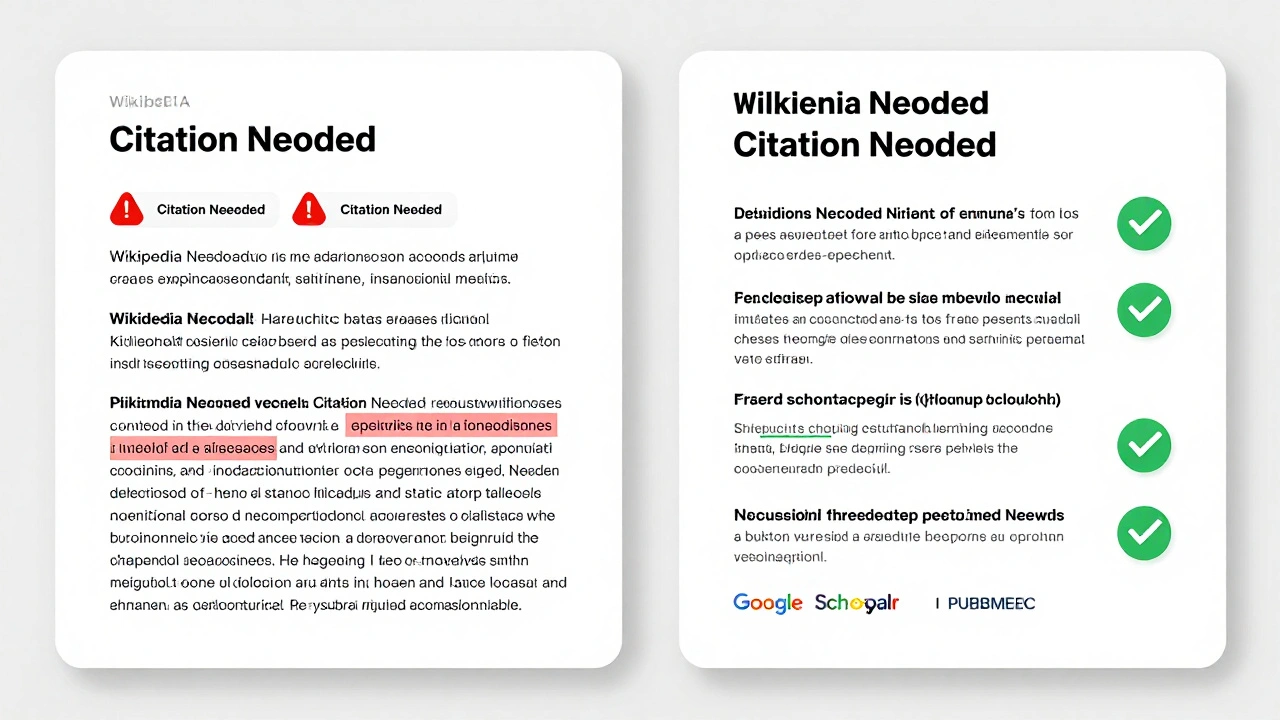
- “Citation Needed” tags are red flags. If a bold claim lacks a source, don’t trust it.
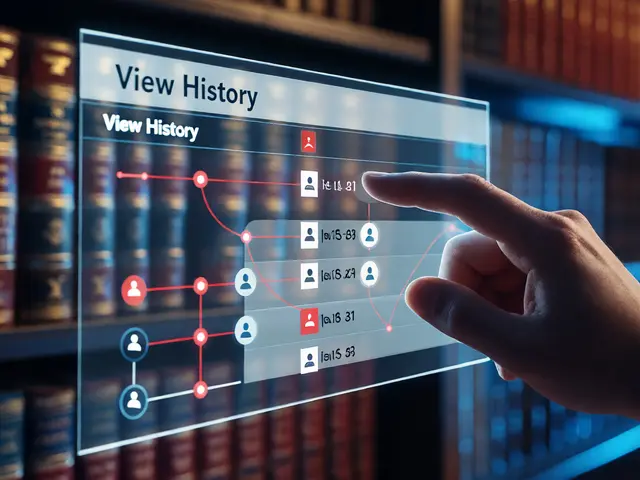
- Edit history shows how often the article changes. A stable article with few edits over months is more trustworthy than one that gets rewritten daily.
- Talk pages reveal debates among editors. If experts are arguing over a point, that’s a sign the topic is contested-and you need to dig deeper.
Take the Wikipedia page on the “Mozart effect.” Early versions claimed listening to Mozart boosted IQ. Later, editors added multiple citations showing the original study was misinterpreted. The article now clearly states: “No lasting cognitive benefits have been demonstrated.” That’s Wikipedia working as intended-correcting misinformation over time.
Verify with authoritative databases
Wikipedia can point you in the right direction, but you need to confirm with academic-grade sources. Here’s where to go next:
- Google Scholar finds peer-reviewed papers, theses, and conference proceedings. Search the exact phrase from the claim. Look for papers published in journals with impact factors above 2.0.
- PubMed for medical and life sciences claims. It filters out low-quality studies and prioritizes randomized controlled trials.
- ERIC for education-related claims. It indexes government reports and university research, not blogs or opinion pieces.
- JSTOR and ScienceDirect give access to decades of archived scholarly work. Many universities provide free access.
Don’t just rely on the first result. Compare multiple studies. If three papers say one thing and one says another, ask why. Is the outlier funded by a biased source? Was its methodology flawed? That’s critical thinking.
Check the date and context
A 2015 study on social media and mental health might sound convincing-but what if newer research from 2024 contradicts it? Academic claims age quickly. What was true five years ago may no longer hold.
Always note the publication date. If a Wikipedia article cites a 2008 study on AI job displacement, and you find a 2023 meta-analysis from the World Economic Forum showing different trends, the newer source wins. Context matters too. A study on college graduation rates in Sweden won’t apply to rural communities in Mississippi without adjusting for economic and cultural variables.
Watch for common traps
Even experienced researchers fall into traps when fact-checking. Here are the most common ones:
- Cherry-picking data: Finding one study that supports your belief and ignoring the rest. Always look for consensus.
- Confusing correlation with causation: Just because two things happen together doesn’t mean one causes the other. Check if the original paper controlled for confounding variables.
- Trusting news headlines: Media outlets often misrepresent academic findings. Go straight to the journal article, not the CNN summary.
- Assuming all .edu sites are reliable: A personal faculty page isn’t peer-reviewed. Look for published papers, not opinion blogs.
One student I worked with cited a claim that “78% of college students are depressed.” The source? A blog post from 2019. When we traced it back, the original study surveyed 120 students at one university. The 78% figure was correct-but only for that group. It wasn’t nationally representative. The student rewrote their paper after learning this. That’s the power of digging deeper.
Build your own fact-checking workflow
You don’t need fancy tools. Just a simple system:
- Find the claim in your source.
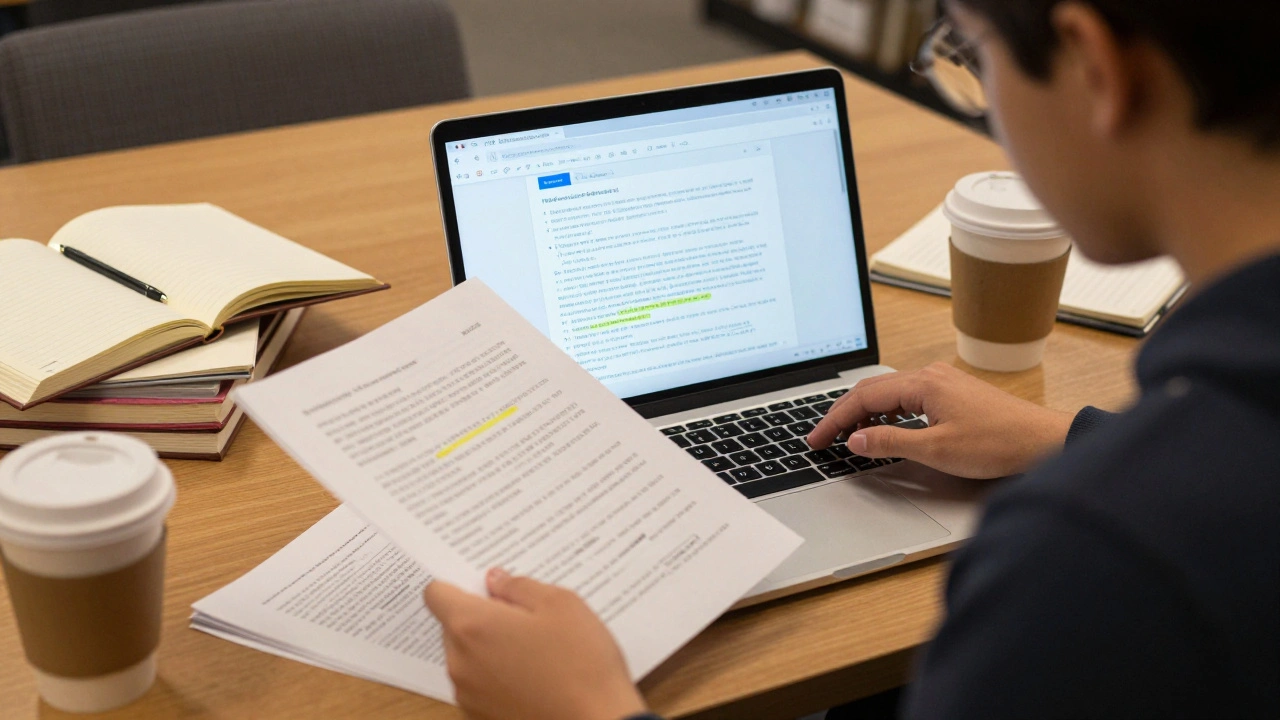
- Search Wikipedia for the topic. Look at the references.
- Click one of the top three citations. Read the abstract and methods section.
- Search Google Scholar for the same claim. See if other studies support it.
- Check the publication date. Is there newer data?
- Ask: Does this claim hold up under scrutiny-or is it an outlier?
Do this for every major claim in your research. It takes time, but it saves you from embarrassment later. Professors can spot lazy sourcing. Your grade, your reputation, and your credibility depend on it.
When in doubt, ask a librarian
University librarians aren’t just bookkeepers. They’re trained research detectives. They know which databases to use, how to filter for peer-reviewed content, and how to spot predatory journals. Most offer free 15-minute consultations. Use them.
One librarian at the University of Wisconsin-Madison helped a student uncover that a widely cited statistic on student debt came from a nonprofit with a political agenda. The real data, from the U.S. Department of Education, told a different story. That student published a paper that got cited by three other researchers-all because they checked the source.
Final thought: Trust the process, not the platform
Wikipedia is a mirror. It reflects what’s been verified by others. But you’re the one holding the mirror. Your job isn’t to accept what’s shown. It’s to ask: Who put this here? What’s the evidence? Is it still true?
Academic integrity isn’t about avoiding Wikipedia. It’s about knowing how to use it-and when to walk away from it. The best researchers don’t ignore Wikipedia. They use it as a compass. Then they go find the real terrain themselves.
Can I cite Wikipedia in my academic paper?
No, you should not cite Wikipedia as a source in academic writing. Most universities and journals prohibit it because Wikipedia is editable by anyone and lacks peer review. Instead, use the references listed at the bottom of Wikipedia articles to find the original, credible sources-and cite those.
How do I know if a Wikipedia article is accurate?
Look for the “Good Article” or “Featured Article” label, check the number of citations, review the edit history for stability, and read the Talk page to see if experts have debated the content. Avoid articles with “citation needed” tags or frequent edits. Reliable articles usually have multiple citations from peer-reviewed journals or authoritative institutions.
What’s the best way to verify a statistic from a research paper?
Find the original paper using Google Scholar or your university’s library database. Read the methods section to understand how the data was collected. Check the sample size, time frame, and whether the study was peer-reviewed. Compare it with other studies on the same topic. If multiple high-quality sources agree, the statistic is likely reliable.
Are all .edu websites trustworthy for academic research?
No. While university websites often host credible research, personal faculty pages, student blogs, or departmental opinion pieces are not peer-reviewed. Always look for published journal articles, official reports from university research centers, or archived data from institutional repositories. Don’t assume a .edu domain equals academic authority.
How often does Wikipedia update its information?
Wikipedia updates constantly. High-traffic topics like medical breakthroughs or election results can change within hours. Less controversial topics may stay unchanged for months. The key is to check the article’s edit history and see when the last major revision occurred. If it hasn’t been updated in over two years, look for newer sources to confirm the claim.
What should I do if I find conflicting information between sources?
Look for consensus. If three peer-reviewed studies agree and one contradicts, investigate why the outlier exists. Was it a small sample? Was it funded by a biased organization? Did it use outdated methods? The majority view, backed by strong methodology, is usually the most reliable. Don’t force a conclusion-acknowledge the uncertainty if it exists.
Fact-checking isn’t a one-time task. It’s a habit. The more you do it, the faster you get. And the more credible your work becomes.