Imagine your bot is mid-flight, ready to update a thousand pages with the latest climate data, and suddenly it hits a wall. Another editor-human or machine-just changed the page you were about to save. In the world of Wikipedia edit conflicts, this isn't just a nuisance; it's a technical roadblock that can crash your script or, worse, overwrite someone else's valid work. If you've ever seen the dreaded "Edit conflict" screen in the browser, you know the pain. Doing this via code requires a much more surgical approach.
Quick Takeaways for Bot Developers
- Check your baserev: Always track the revision ID you started with to detect changes.
- Merge, don't overwrite: Programmatically combine your changes with the new content instead of blindly saving.
- Use the MediaWiki API: Leverage the specific parameters designed for conflict avoidance.
- Implement back-off timers: Give the API a breather if you hit repeated collisions.
The Anatomy of a Collision
To fix a conflict, you first need to understand why it happens. Wikipedia runs on MediaWiki is the open-source wiki software used to power Wikipedia, designed for collaborative editing and massive scale. It uses a system called optimistic locking. This means the software doesn't lock a page while you're editing it; instead, it assumes everything will go fine. When you send a save request, the system checks if the version you edited (your base revision) is still the current one. If the current version has moved forward, the system triggers a conflict.
For a human, this is a manual merge. For a bot, this is an API error. If you are using the MediaWiki API is the primary interface for programmatically interacting with Wikipedia, allowing bots to read and write pages, you'll typically encounter this when the baserev parameter doesn't match the latest revision ID in the database.
The Base Revision Strategy
The most common mistake developers make is ignoring the revision ID. If you simply fetch a page, change a word, and post it back, you are gambling. To do this professionally, your bot's workflow should look like this: fetch the page, record the revid (Revision ID), perform your edits, and then send that revid back as the baserev.
When you include the baserev, you are telling Wikipedia: "I based my changes on version X." If version X is still the latest, the edit goes through instantly. If it's not, the API will return an error. This is actually a good thing. It prevents your bot from accidentally deleting a critical correction a human editor just made. If you omit this, you might perform a "blind overwrite," which is often viewed as vandalism or poor bot behavior by the community.
| Approach | Risk Level | Outcome of Collision | Best For |
|---|---|---|---|
| Blind Overwrite | High | Data loss (last writer wins) | Internal tests only |
| BaseRev Check | Low | API Error / Conflict | Standard bot operations |
| Atomic Merge | Very Low | Seamless update | High-frequency bots |
Building a Programmatic Merge Logic
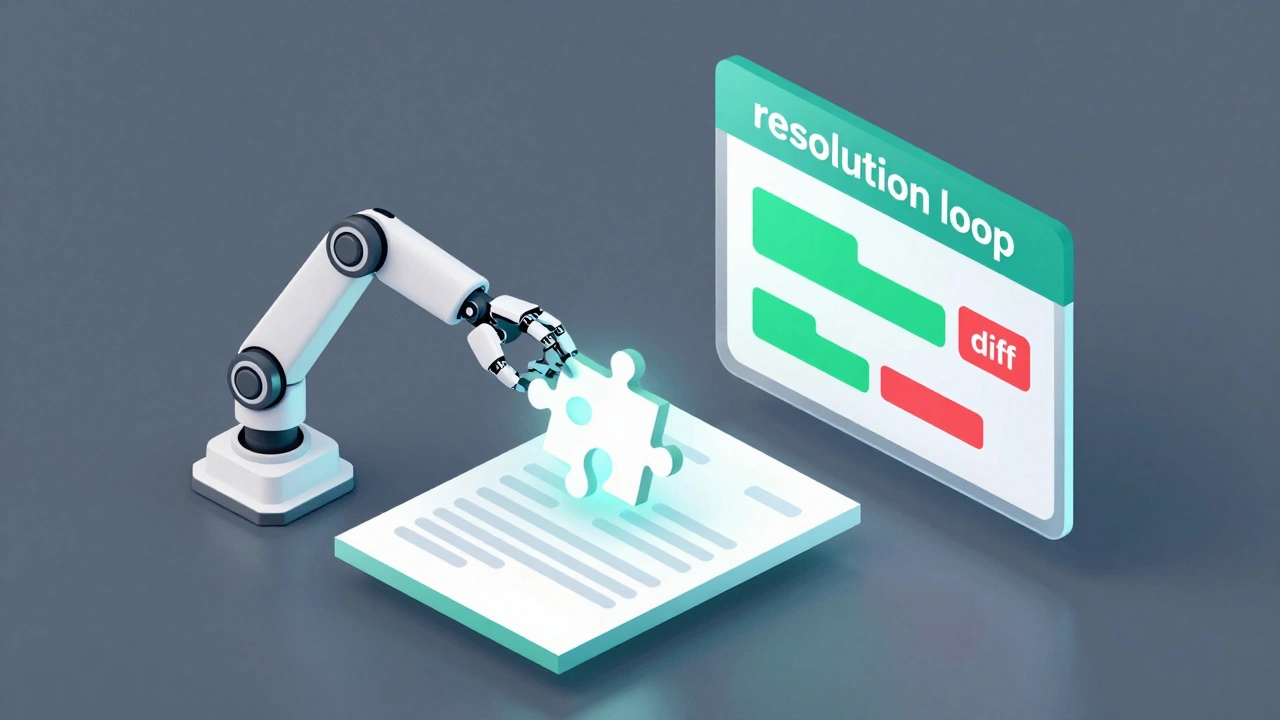
When a conflict occurs, you can't just give up. You need a resolution loop. A sophisticated bot doesn't just stop; it re-evaluates. The process involves fetching the new current version, identifying the specific lines that changed, and attempting to slot your changes around them.
For example, if your bot is adding a category to the bottom of a page and another user changed the lead paragraph, those two edits don't actually overlap. You can safely merge them. However, if you're both editing the same sentence, you have a semantic conflict. In this case, the safest bet for a bot is to abort and log the page for human review. Trying to "guess" the correct version of a sentence often leads to garbled text that looks like a glitch.
To implement this, use a diffing library. In Python, difflib is a standard Python module used to compare sequences of text and generate human-readable diffs is a great starting point. By comparing the base version, your intended version, and the new current version, you can determine if your changes are still applicable.
Bot Infrastructure and Rate Limiting
Handling conflicts isn't just about the logic of the merge; it's about the infrastructure surrounding the bot. High-frequency bots often run into "race conditions." This happens when two instances of the same bot try to edit the same page at the exact same millisecond. To solve this, you need a centralized queue.
Using a tool like Redis is an open-source, in-memory data structure store used as a database, cache, and message broker allows you to lock a specific page ID within your own infrastructure. Before the bot attempts an edit, it sets a key in Redis for that page. Other bot instances see that key and wait their turn. This drastically reduces the number of conflicts you have to handle at the API level.
Additionally, remember the maxlag parameter. If the Wikipedia servers are struggling (which happens during major news events), your bot should stop editing entirely to avoid adding to the load. Setting a maxlag of 5.0 seconds is a common courtesy in the bot community. If the lag is higher than that, the bot sleeps until the servers recover.
Avoiding Common Bot Pitfalls
Many developers try to solve conflicts by simply looping the request until it works. This is a dangerous game. If you hit a conflict and immediately retry without updating your base revision, you'll just hit the same error again. If you retry by simply fetching the new version and applying your edit on top without checking what changed, you risk creating "edit wars" with other bots.
Another mistake is ignoring the summary field. When resolving a conflict programmatically, your edit summary should be transparent. Instead of saying "Bot update," use something like "Bot update (resolved edit conflict)." This helps human admins understand why a page might have been edited multiple times in a short window.
Finally, consider the scale of your changes. If you are making massive structural changes to a page, a programmatic merge is nearly impossible. In those cases, it is better to use a "wait and notify" system where the bot leaves a template on the page (like {{bot-conflict}}) to alert a human that an automated update failed.
What happens if I don't use the baserev parameter?
If you omit the baserev, the API will treat your edit as the absolute truth. It will overwrite whatever is currently on the page, even if someone else edited it a second ago. This is generally discouraged because it leads to data loss and can get your bot flagged for disruptive editing.
Can I automate the merging of text?
Yes, but only for non-overlapping changes. You can use a three-way merge algorithm that compares the original base version, your changes, and the new current version. If the changes occurred in different sections of the document, the merge can be automated safely.
How do I identify if a conflict is semantic or structural?
A structural conflict happens when you both edit the same line or paragraph. A semantic conflict is harder; it's when the text is technically mergeable, but the meaning changes. For example, if you change "The city is large" to "The city is huge" and another user changes it to "The city is small," a bot can't decide which is "correct." These should always be sent to a human.
What is the best way to handle rate limits during retries?
Use exponential back-off. Instead of retrying every 1 second, wait 1 second, then 2, then 4, then 8. This prevents your bot from hammering the API and potentially getting your IP blocked during periods of high server stress.
Does using Pywikibot help with edit conflicts?
Yes, Pywikibot is a popular Python library that handles many of these low-level API calls for you. It has built-in logic for handling some types of conflicts, though you still need to define how your specific bot should react to a failed save attempt.
Next Steps and Troubleshooting
If you're just starting out, start by logging every conflict your bot encounters without trying to fix them. Analyze the logs to see if the conflicts are mostly coming from other bots or from humans. If it's other bots, you can often coordinate with those developers to stagger your edit schedules.
For those building high-scale infrastructure, look into implementing a "shadow mode." Run your bot in a state where it calculates the merge and logs what it would have done without actually pushing the edit to Wikipedia. Compare these shadow edits against the actual page history for a week to ensure your merge logic isn't introducing errors.
If you find yourself hitting conflicts on every single page, check your timing. You might be running your bot too frequently on pages that are highly active. Consider increasing the interval between checks or focusing your bot on less-trafficked pages where the risk of a collision is lower.