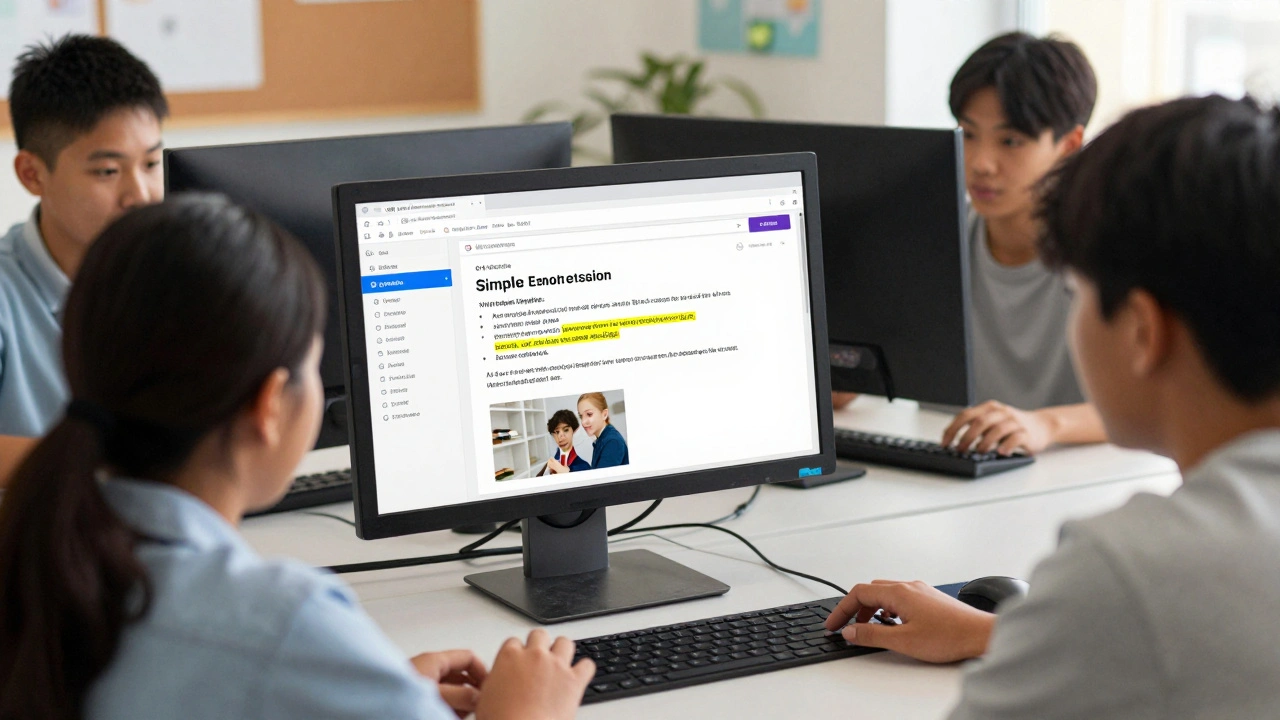
Most teachers assume Wikipedia is just a starting point for research-something students use before finding "real" sources. But what if Wikipedia could be the heart of an inclusive classroom? It’s already free, available in over 300 languages, and constantly updated by real people. And when used the right way, it can break down barriers for students with learning differences, language gaps, or physical disabilities.
Wikipedia Isn’t Just a Website-It’s a Tool for Equity
Accessibility isn’t about adding captions to videos or resizing fonts. It’s about designing learning so everyone can engage from the start. Wikipedia’s structure naturally supports this. Articles are written in plain language, broken into clear sections, and linked to related topics. That means students with dyslexia, ADHD, or cognitive delays can navigate content without getting lost. No dense textbook chapters. No confusing jargon without context.
Teachers in Wisconsin public schools started using Wikipedia assignments in 2023 after a district-wide audit found that 42% of students struggled with traditional academic texts. By replacing one reading assignment with editing a Wikipedia article, participation jumped. Students who rarely spoke up in class started contributing edits. One student with autism spent weeks improving the article on sensory processing disorder-because it was about their own experience.
How Wikipedia Supports Different Learning Needs
Let’s look at real needs and how Wikipedia meets them:
- Visual impairments: Wikipedia pages work well with screen readers. Headings are properly tagged, lists are structured, and image descriptions (alt text) are encouraged. Teachers can train students to add missing alt text to images-turning accessibility into a learning project.
- Dyslexia and reading difficulties: Wikipedia’s summaries at the top of each article give quick overviews. Students can grasp the main idea before diving into details. The site also offers a "Simple English" version for many topics, with shorter sentences and basic vocabulary.
- Language learners: Students learning English can switch between languages on the same topic. A Spanish-speaking student can read the Spanish version of "Photosynthesis," then compare it to the English version to build vocabulary and comprehension.
- Motivation and engagement: When students know their work will be seen by millions, not just a teacher, they care more. Editing Wikipedia gives purpose. It’s not a worksheet-it’s a contribution.
Building Inclusive Assignments Around Wikipedia
Here’s how to design assignments that work for all learners:
- Start with a gap: Have students search Wikipedia for topics related to your curriculum. Find an article that’s too short, outdated, or lacks citations. That’s their mission.
- Choose the right format: Not everyone writes the same way. Let students create video summaries, audio recordings, or infographics to add to Wikipedia’s media sections. The platform accepts all of these.
- Use the "Talk" page: Every article has a discussion tab. Students can post questions like, "Is this fact accurate?" or "Can we add a simpler explanation?" This builds critical thinking and collaboration.
- Teach citation skills through real context: Instead of forcing APA style, ask: "How do you know this is true?" Students learn to find reliable sources-peer-reviewed journals, government reports, books-because Wikipedia requires it.
- Make editing safe: Use Wikipedia’s "sandbox" feature. Students can practice edits without affecting live pages. No fear of mistakes. No public failure.
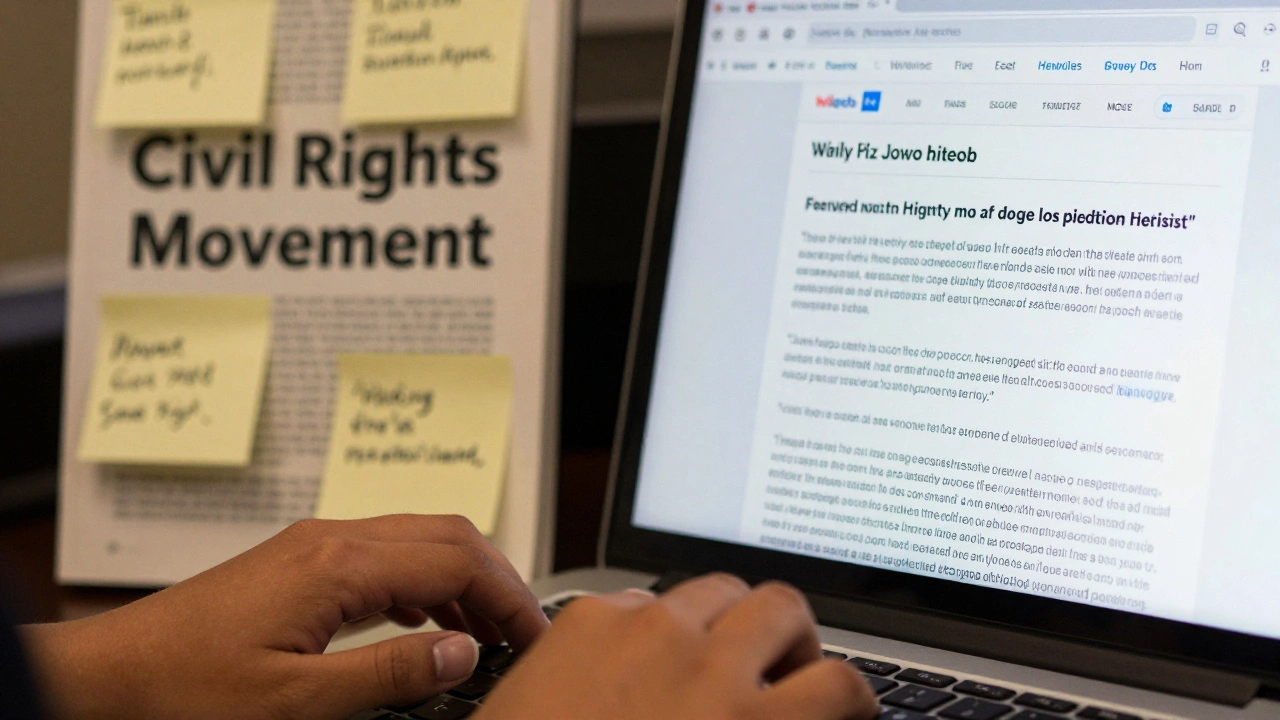
At a high school in Milwaukee, a teacher had students rewrite the Wikipedia page on the Civil Rights Movement using only primary sources from local archives. The final version included oral histories from retired activists-something no other English-language article had. It was approved by Wikipedia’s volunteer editors. The students didn’t just learn history-they became its keepers.
What Teachers Need to Know About Wikipedia’s Rules
Wikipedia isn’t a free-for-all. It has strict guidelines that actually help make content fair and accurate:
- No original research: You can’t make up facts. Everything must come from reliable sources. This teaches students to verify information instead of trusting search engines.
- Neutral point of view: Articles must present all sides fairly. This helps students recognize bias-even in their own thinking.
- Cite everything: Every claim needs a source. This builds academic integrity from day one.
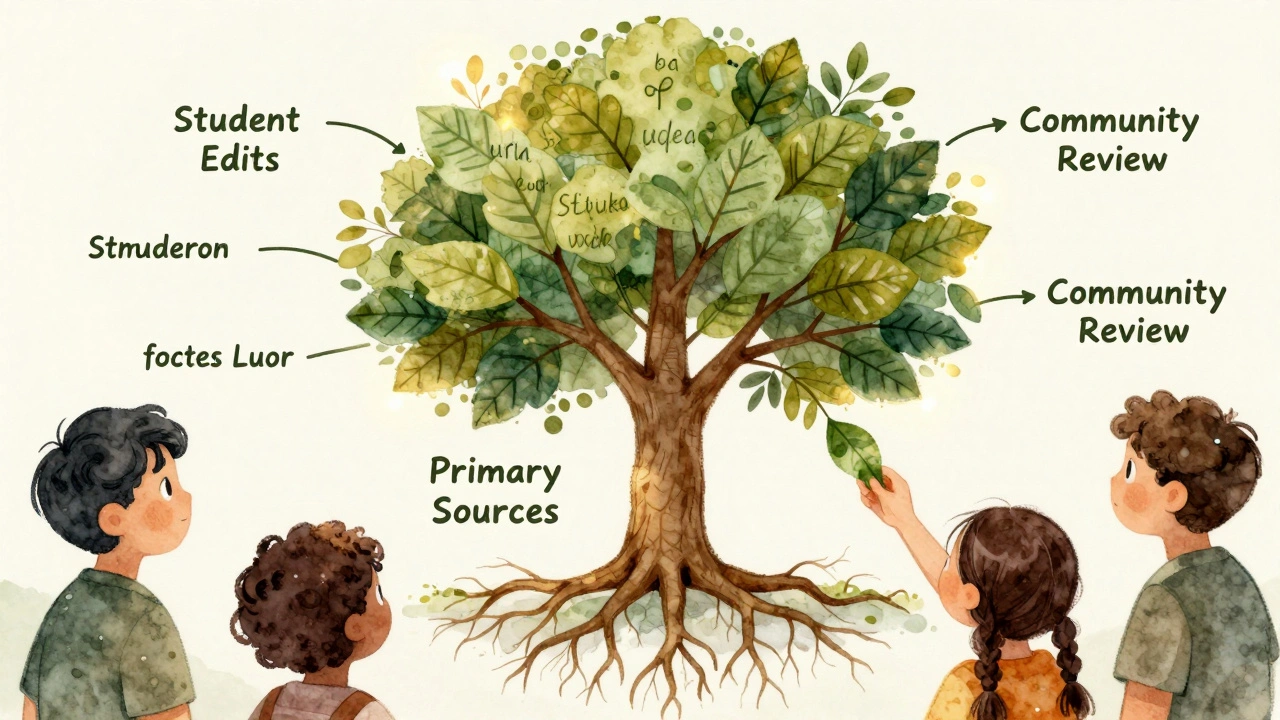
- Community review: Edits are checked by volunteers. If something’s wrong, it gets corrected. Students learn that knowledge is collaborative, not top-down.
Many teachers worry about misinformation. But Wikipedia’s error rate is lower than most textbooks. A 2024 study from the University of Michigan compared 100 science articles on Wikipedia and Britannica. Wikipedia was correct in 98% of cases. The difference? Wikipedia updates within hours of new discoveries. Textbooks take years.
Overcoming Common Objections
"But students will just copy-paste!"
That’s true-if you treat it like a search engine. But if you make editing the goal, copying becomes impossible. You can’t edit without understanding. You can’t add a sentence without citing a source. You can’t fix a broken link without reading the whole article.
"What if they make a mistake?"
They will. And that’s okay. Wikipedia is built to handle mistakes. Every edit is tracked. Someone else can fix it. Students learn that learning isn’t about being perfect-it’s about improving.
"We don’t have time."
Actually, you save time. One Wikipedia assignment replaces three separate lessons: research, writing, citation, digital literacy, and critical thinking. And because students are motivated by real impact, they spend more time on it than on a traditional essay.
Where to Start: 5 Ready-to-Use Ideas
Here are practical ways to begin using Wikipedia in your classroom:
- Classroom glossary: Each student adopts a key term from your syllabus and writes or improves its Wikipedia definition. Combine them into a class resource.
- Local history project: Find a missing article about a person, event, or place in your community. Students interview elders, visit archives, and write the article together.
- Disability awareness: Students improve articles on conditions like ADHD, autism, or dyscalculia using personal stories (with permission) and peer-reviewed research.
- Language bridge: Pair English learners with native speakers. One writes in their first language, the other translates and adds context. Both learn.
- Media literacy week: Students compare how the same topic (like climate change) is written in different language versions of Wikipedia. What’s included? What’s left out?
Why This Works Better Than Traditional Textbooks
Textbooks are static. They’re written by a few experts, printed once, and rarely updated. Wikipedia is alive. It reflects how knowledge actually changes-with input from doctors, scientists, students, and everyday people.
When a student edits a Wikipedia article about renewable energy and sees their name listed in the history tab, they don’t just learn about solar panels. They learn that knowledge belongs to everyone. That their voice matters. That learning isn’t something you receive-it’s something you build.
And for students who’ve been told they’re "not good at school," this is revolutionary.
Frequently Asked Questions
Can students really edit Wikipedia safely in school?
Yes. Teachers can create private class accounts or use Wikipedia’s education program, which lets instructors approve student edits before they go live. Students can also practice in a sandbox, a testing area that doesn’t affect public pages. Most edits are minor-fixing typos, adding sources, improving clarity-and are reviewed by experienced editors who provide helpful feedback.
Do I need to be a tech expert to use Wikipedia in class?
No. The editing interface is simple: click "Edit," type your change, add a source, then click "Save." Many schools use free training modules from Wikipedia’s Education Program, which include video guides and printable checklists. Teachers report learning alongside their students-often discovering new tools and perspectives in the process.
Is Wikipedia appropriate for younger students?
Absolutely. Elementary teachers use simplified versions of Wikipedia articles for read-alouds. Older elementary students can add pictures with captions or record audio summaries. The key is scaffolding: start with small tasks, like correcting a spelling error or choosing a relevant image. The goal isn’t to write a perfect article-it’s to show that anyone can help build knowledge.
What if a student’s edit gets reverted?
Reversions are part of learning. When an edit is changed, Wikipedia shows why-often with a note like "Needs citation" or "Too promotional." This is a teachable moment. Instead of seeing it as failure, students learn how to improve. Many teachers turn reversion feedback into a class discussion about evidence, tone, and clarity.
Does using Wikipedia count as academic work?
Yes. Universities like MIT, Stanford, and the University of British Columbia include Wikipedia editing in their credit-bearing courses. The work meets standards for research, writing, and critical analysis. In fact, because students must cite real sources and defend their edits, many educators say Wikipedia assignments demonstrate deeper understanding than traditional papers.
Next Steps for Educators
Start small. Pick one article in your subject area. Read it. Find one thing that’s missing-a fact, a source, a photo. Then try editing it yourself. You’ll see how intuitive it is.
Visit Wikipedia’s Education Program website (no link needed-just search it) and sign up for their free teacher toolkit. It includes lesson plans, rubrics, and a community of educators who’ve done this before.
Don’t wait for perfect conditions. You don’t need a 1:1 device ratio. You don’t need a lab. You just need one computer, one browser, and the belief that every student has something valuable to add to the world’s knowledge.