Wikipedia loads in under a second for millions of users every minute. That’s not magic. It’s carefully engineered infrastructure built to handle over 20 billion page views per month. Most people think Wikipedia is just a website run by volunteers. The truth? It’s one of the most heavily scaled web platforms on Earth, running on a system designed to be fast, reliable, and cheap - even under massive traffic spikes.
Why Wikipedia Needs a Different Approach
Wikipedia doesn’t sell ads. It doesn’t collect user data. It doesn’t have a budget like Google or Meta. Yet, it serves more traffic than most Fortune 500 companies. The challenge? Every edit, every search, every page load has to be served from a database that’s updated in real time - by thousands of editors worldwide.
Traditional web apps use databases to generate pages on the fly. But Wikipedia can’t do that. If every visitor triggered a database query, the system would collapse. Imagine 100,000 people hitting the page for ‘Climate Change’ at the same time. Each request would pull the same text, same images, same links. That’s 100,000 identical database calls. Waste. Slow. Unnecessary.
So Wikipedia doesn’t build pages when you click. It builds them once - and reuses them over and over.
The Caching Layer: First Line of Defense
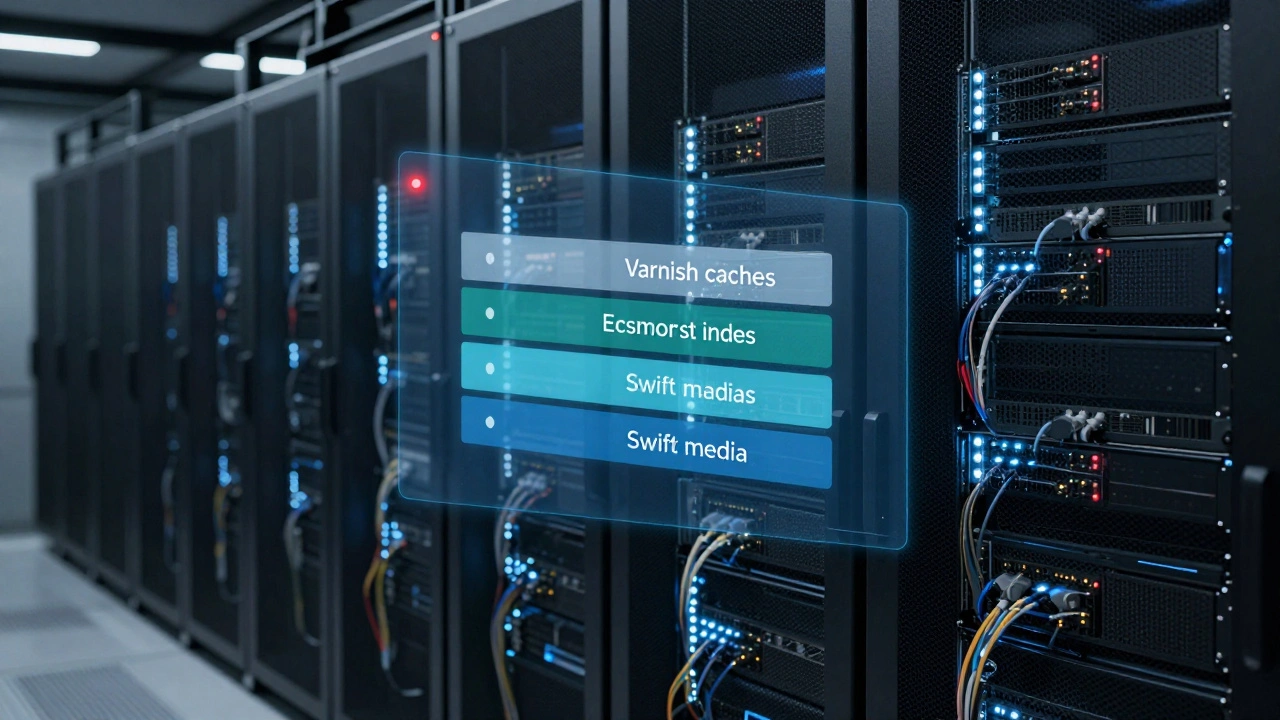
At the heart of Wikipedia’s speed is its caching system. The first layer is the varnish cache. These are high-performance reverse proxies sitting in front of the web servers. When you request a page, Varnish checks: ‘Have I seen this exact URL before?’ If yes, it grabs the stored HTML and sends it back - no database, no PHP, no processing.
Over 90% of Wikipedia’s traffic hits this layer. That means the servers behind it barely break a sweat. Varnish caches pages for minutes to hours, depending on how often the article changes. A popular page like ‘United States’ might be cached for 10 minutes. A niche article about a 19th-century botanist? It might stay cached for days.
But caching isn’t perfect. What if someone edits the page while it’s cached? Wikipedia uses a clever trick: cache invalidation. When an edit is saved, the system immediately purges the cached version of that page. The next visitor gets a fresh copy - built from the updated database - and then cached again.
Behind the Scenes: The Application Layer
When a page isn’t in cache, it goes to the application servers. These run MediaWiki - the open-source software that powers Wikipedia. MediaWiki is written in PHP. Not the fanciest language for scale, but it’s stable, well-understood, and works.
Here’s the catch: MediaWiki doesn’t talk directly to the main database. Instead, it talks to a read-only replica. Why? Because the main database (called the primary) is busy handling edits - adding new revisions, updating user logs, tracking changes. If readers also hit that same database, it would slow down editing.
So Wikipedia splits the workload:
- Primary database: Handles all writes (edits, uploads, logins).
- Replica databases: Handle all reads (page views, searches).
There are over 20 replica databases spread across data centers in the U.S., Europe, and Asia. Each one holds a near-real-time copy of the main database. When you search for ‘Quantum Physics’, the system picks the closest replica and pulls the answer. That’s why searches feel fast, even from Australia or Nigeria.
Data Centers: Global Reach, Local Speed
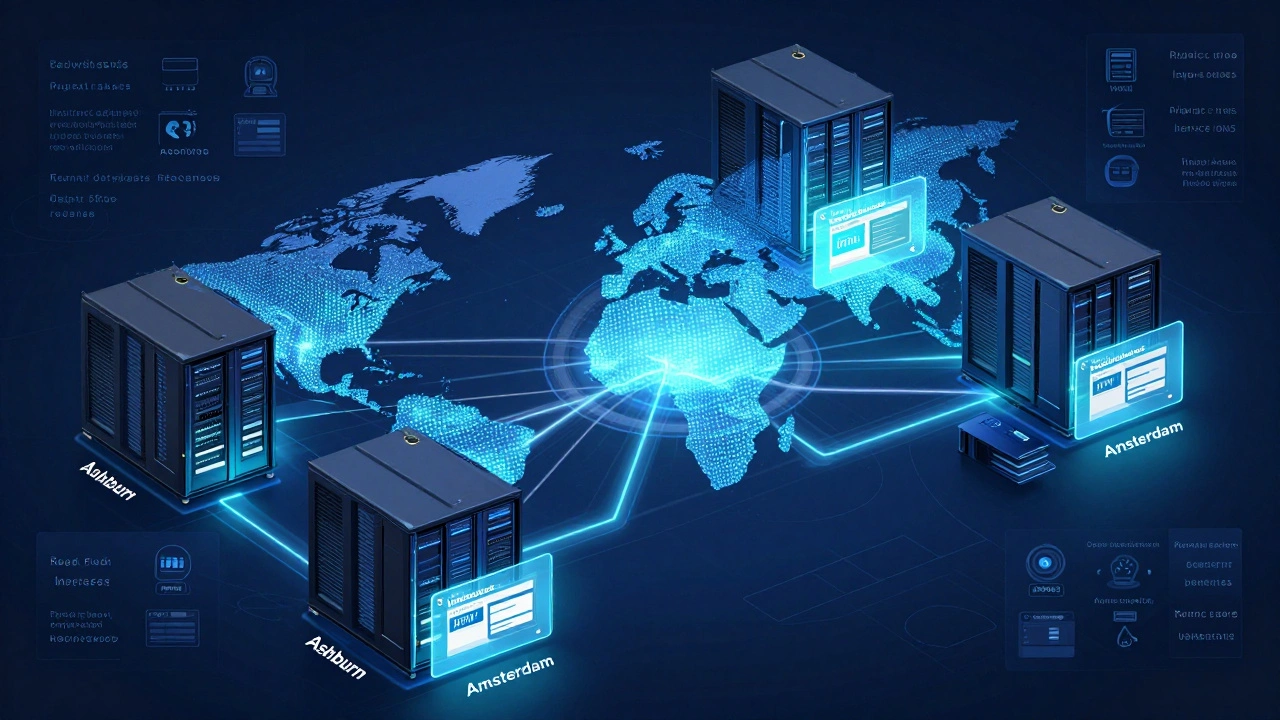
Wikipedia doesn’t run on one server farm. It runs on multiple data centers - in Ashburn (Virginia), Dallas (Texas), Amsterdam (Netherlands), and Singapore. Each one has its own set of caching servers, application servers, and database replicas.
When you visit Wikipedia, your request is routed to the nearest data center using anycast DNS. This means your computer connects to the closest physical server, not the one in California just because it’s the ‘main’ one. If the Amsterdam center is down, traffic automatically shifts to Frankfurt or Singapore - without you noticing.
This setup isn’t just about speed. It’s about resilience. If one data center loses power, the rest keep running. Wikipedia has never had a full outage since 2008 - even during major internet disruptions.

Images and Media: The Real Bottleneck
Text is easy to cache. Images? Not so much. A single article might have 20 high-res photos, maps, or diagrams. Each one is a separate request. If every user downloaded the same 5MB image of the Eiffel Tower, it would eat up bandwidth and slow everything down.
So Wikipedia uses a separate system called Swift - an object storage platform - to store all media files. These files are then served through a global content delivery network (CDN), specifically Wikimedia’s own CDN, built on top of the open-source Cache Tower system.
When you load an image, you’re not hitting a Wikipedia server. You’re pulling it from a server in your region that’s already stored a copy. If no one in your area has requested that image before, the CDN fetches it from the source, saves it locally, and serves it to you. Then it stays there for weeks.
This cuts bandwidth costs by over 60% compared to serving everything from central servers.
Search and Indexing: Fast, Not Perfect
Wikipedia’s search bar doesn’t scan the entire database. That would take minutes. Instead, it uses Elasticsearch - a search engine built for speed. Every edit triggers a re-index of the article’s text. The search index is updated in near real time, so new pages show up in results within seconds.
But it’s not perfect. Sometimes, a newly edited page won’t show up in search until the next full index cycle. That’s why Wikipedia’s search results can be slightly out of sync with the live page. Most users don’t notice - and when they do, they’re usually looking for something that’s been around for years anyway.
Scaling Without Spending
Wikipedia’s entire infrastructure costs less than $10 million a year. That’s less than a mid-sized tech startup spends on office space. How? They avoid expensive hardware. They use commodity servers - off-the-shelf Dell or Supermicro machines - not custom-built supercomputers.
They also rely heavily on open-source software: Linux, MySQL, Varnish, PHP, Elasticsearch. No proprietary licenses. No vendor lock-in.
And they don’t over-provision. Most websites run servers at 30% capacity to handle traffic spikes. Wikipedia runs at 80-90%. Why? Because they know exactly how much traffic they get - and they’ve built systems that handle it without wasting resources.
What Happens During a Traffic Surge?
When a major event happens - say, a global election or a celebrity death - Wikipedia gets slammed. In 2020, when Kobe Bryant died, page views spiked to over 30 million in 24 hours. The system didn’t crash. Why?
- Varnish cached the main articles before the surge.
- Replica databases absorbed the read load.
- The CDN served images without touching the main servers.
- Editors were already updating the page - so the cached version was invalidated and refreshed automatically.
The system didn’t need to scale up. It was already scaled to handle this.
What You Don’t See: The Human Side
Behind every line of code is a team of engineers - less than 50 full-time staff - working with volunteers to keep things running. They monitor logs, tweak cache timeouts, upgrade hardware, and respond to outages. They don’t get headlines. But without them, Wikipedia wouldn’t work.
They also write tools that help editors. One tool auto-corrects broken links. Another flags edits that might be vandalism. These aren’t just nice features - they reduce the load on the system. Fewer bad edits mean fewer cache purges, fewer database writes, less strain.
Why This Matters for Everyone
Wikipedia’s architecture proves you don’t need billions in funding to build something that scales. You need smart design. You need to know what to cache. You need to separate reads from writes. You need to trust open-source tools and avoid over-engineering.
For developers, it’s a masterclass in efficiency. For users, it’s proof that the internet can be fast, free, and open - even at planetary scale.
Next time you pull up a Wikipedia page in under a second, remember: it’s not luck. It’s engineering.
How does Wikipedia handle so many page views without crashing?
Wikipedia uses a multi-layered caching system, starting with Varnish reverse proxies that serve 90% of requests without touching the backend. Static pages are cached for minutes to hours, and when an article is edited, the cache is automatically cleared. Read requests go to replica databases, while edits go to a primary database - separating load. Traffic is distributed across global data centers using anycast DNS, ensuring no single point of failure.
Does Wikipedia use cloud services like AWS or Google Cloud?
No. Wikipedia runs on its own infrastructure in physical data centers owned by the Wikimedia Foundation. They use commodity hardware - standard servers from Dell and Supermicro - instead of cloud providers. This gives them full control over performance, cost, and security. They’ve found that owning their hardware is cheaper and more reliable than renting cloud resources at their scale.
Why doesn’t Wikipedia use a NoSQL database like MongoDB?
Wikipedia’s data is highly structured and relational - articles have revisions, categories, links, and user histories. MySQL handles these relationships efficiently. NoSQL databases sacrifice consistency for speed, which isn’t acceptable for an encyclopedia where accuracy matters more than milliseconds. The team chose MySQL because it’s stable, well-documented, and integrates cleanly with MediaWiki’s codebase.
How often does Wikipedia update its cache?
Cache TTL (time-to-live) varies by page. Popular pages like ‘COVID-19’ or ‘Barack Obama’ are cached for 10-15 minutes. Less-edited pages can stay cached for days. When an edit is made, the cache for that specific page is purged immediately. This ensures readers always see the latest version without overloading the system with constant re-caching.
Can Wikipedia handle a DDoS attack?
Yes. Wikipedia uses a combination of network-level filtering, rate limiting, and distributed infrastructure to absorb DDoS traffic. Varnish and the CDN can drop malicious requests before they reach application servers. The system is designed to prioritize legitimate traffic - even during attacks - so users can still access content. There have been multiple attempts over the years, but no successful disruption of service.