Wikipedia is one of the largest collections of human knowledge, but it doesn’t exist in just one language. Over 300 language editions exist, and each one has its own unique set of articles, editors, and cultural context. That’s where the Content Translation Tool comes in. It’s not just a word-for-word translator - it’s a structured editor designed to help volunteers move well-written content from one language version of Wikipedia to another, while adapting it for local readers.
What the Content Translation Tool Actually Does
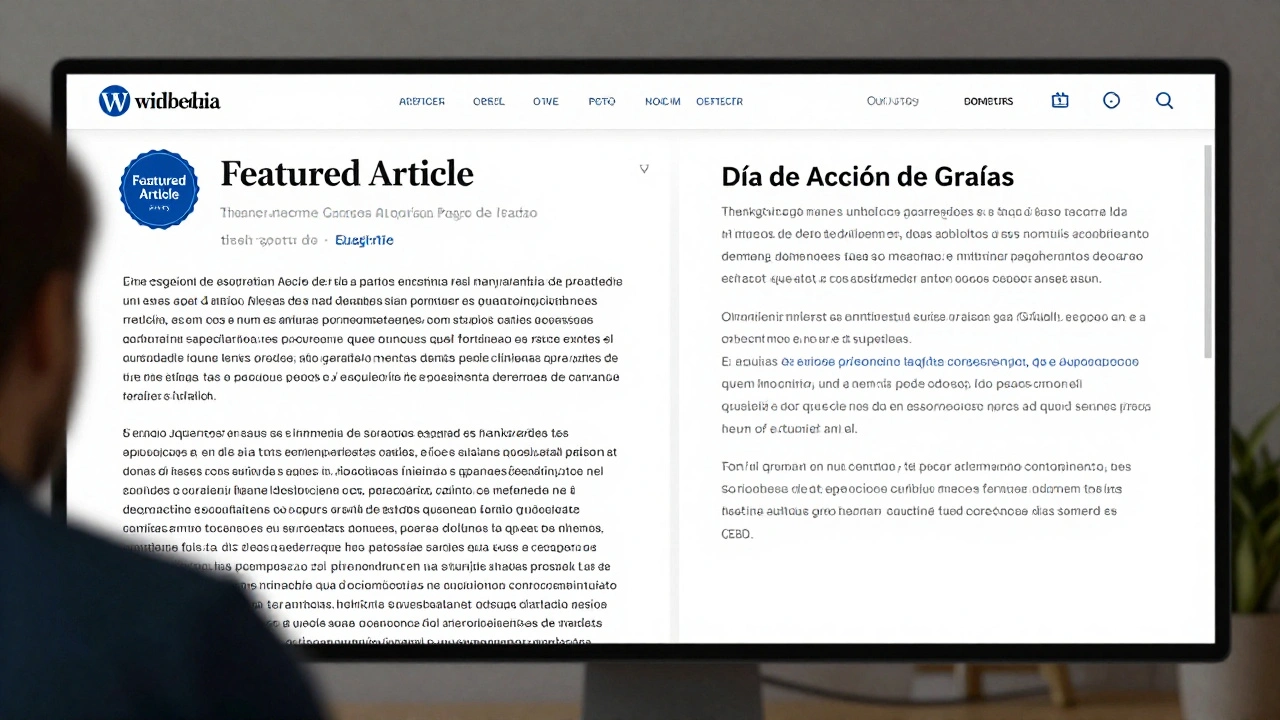
The Content Translation Tool, often called WikiTrans, isn’t Google Translate with a Wikipedia skin. It’s built by Wikimedia’s technical team with input from volunteer editors around the world. When you use it, you start with a fully developed article in one language - say, English - and the tool pulls in the text, structure, and references. Then, it gives you side-by-side editing panels: one for the source article, one for the target language.
Here’s how it works in practice: you pick an article that’s marked as a "good article" or "featured article" in the source language. The tool automatically detects sections, headings, images, and even citations. You don’t have to copy-paste manually. Instead, you translate sentence by sentence, and the tool helps you adapt references to match the target language’s sources. For example, if the original article cites a U.S. government report, the tool suggests looking for the equivalent report in Germany, Japan, or Brazil.
It also flags content that might not fit culturally. If the source article talks about Thanksgiving as a major holiday, the tool reminds you to explain it for readers in countries where it’s unknown. This isn’t just translation - it’s localization.
Why Translation Isn’t Just About Words
Many people assume translating a Wikipedia article is like translating a news story: find the equivalent words, swap them out, and done. But Wikipedia isn’t a news site. It’s a living encyclopedia. Each article must follow strict neutrality, verifiability, and notability rules - and those rules vary slightly across language communities.
For example, an article about a local politician might be notable in India because they led a major state reform, but the same person might not meet notability thresholds in Sweden. If you blindly translate the article, you risk violating Wikipedia’s policies in the target language. The Content Translation Tool helps you spot these mismatches before you publish.
Another common mistake is copying images without checking licensing. An image used in the English version might be under a Creative Commons license that allows reuse, but the same image uploaded in Arabic might violate local copyright norms if it includes people who didn’t consent to publication. The tool highlights these risks and prompts you to replace or remove them.
Five Best Practices for Using the Tool
- Start with high-quality source articles - Only translate articles labeled as "Good" or "Featured". These have been vetted for accuracy, structure, and sourcing. Don’t waste time translating poorly written or incomplete articles.
- Check the target community’s guidelines - Each language Wikipedia has its own style guide. The Spanish Wikipedia prefers passive voice in some sections; the Japanese version avoids direct citations. Look up the target language’s help pages before you start.
- Don’t translate everything - Some sections may not be relevant. A section on U.S. tax law won’t help readers in Nigeria. Replace or rewrite those parts with locally relevant information.
- Use the built-in citation matcher - The tool suggests equivalent sources from the target language’s databases. Always verify them. If it suggests a source that doesn’t exist, find a real one. Never leave placeholder citations.
- Engage with local editors - Before publishing, post a note on the target language’s talk page. Ask: "I’m translating this article from English. Does this fit your community’s standards?" Most editors welcome the help - if you do it right.
Common Mistakes to Avoid
Even experienced editors mess up. Here are the top three errors people make with the Content Translation Tool:
- Ignoring cultural context - Translating "college football" into Chinese without explaining the NCAA system leaves readers confused. Always add context, even if it’s short.
- Over-relying on machine translation - The tool gives you a rough draft, but it’s not final. Never hit "publish" without reviewing every sentence. Machine translations often get pronouns, tenses, and idioms wrong.
- Skipping references - If you delete a citation because you can’t find a match, you’re weakening the article. Find a replacement, or remove the claim entirely. Wikipedia doesn’t allow unsupported statements.
Who Uses This Tool - And Why It Matters
More than 120,000 articles have been translated using this tool since its launch in 2015. The majority come from English, Spanish, and French - but the fastest-growing streams are from Hindi, Bengali, and Arabic. This isn’t just about making Wikipedia bigger. It’s about making knowledge more equitable.
Before this tool, volunteers in smaller language communities had to write everything from scratch. If a topic was covered well in English, they couldn’t easily adapt it. Now, a student in Jakarta can read a detailed article on renewable energy - originally written in German - translated and localized for their context. That’s how knowledge spreads.
It also helps balance representation. The English Wikipedia has over 6 million articles. The Swahili version has about 70,000. Translation tools are slowly closing that gap. And every translated article increases the chance that someone in a rural village, a refugee camp, or a low-income country can find reliable information.
How to Get Started
If you’re bilingual and want to help:
- Go to any Wikipedia article in your source language.
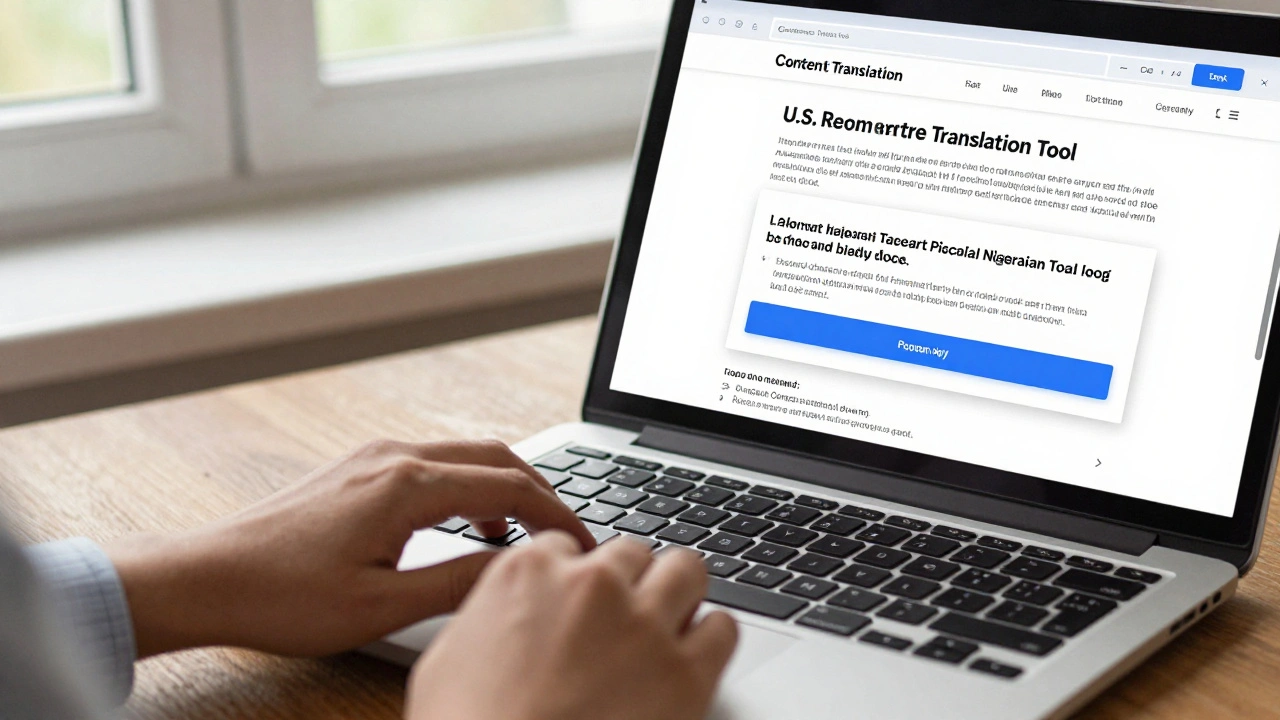
- Click the "Translate" button in the left sidebar (it’s only visible if you’re logged in).
- Choose your target language.
- Start translating section by section. The tool will guide you.
- When done, preview the article. Check for broken links, missing images, or awkward phrasing.
- Save it as a draft, then ask for feedback from native speakers in the target community.
You don’t need to be a professional translator. You just need to care about making knowledge accessible. Even translating one article a month makes a difference.
What Happens After You Publish
Once your translated article goes live, it doesn’t disappear. Other editors in the target language might improve it - add new sections, update statistics, fix grammar. That’s the whole point of Wikipedia. Your translation becomes a foundation.
Some translated articles are later expanded into full original works. A translated piece on traditional medicine in Mexico, for example, might inspire local editors to write entirely new sections based on interviews with healers. That’s when translation turns into collaboration.
And if someone else translates your translation? That’s the real win. Knowledge keeps moving.
Can I use the Content Translation Tool without being an experienced Wikipedia editor?
Yes. The tool is designed for beginners. You don’t need to know Wikipedia’s complex editing rules to start. Just log in, pick an article, and follow the step-by-step prompts. The system guides you through each part - from translation to citation matching. Many first-time contributors have successfully published their first article using this tool.
What languages are supported by the Content Translation Tool?
The tool supports translation between over 100 language pairs. The most active routes are English to Spanish, French, German, and Arabic. But it also works for less common pairs like Tamil to Telugu or Vietnamese to Khmer. You can check the full list on the tool’s help page. New language pairs are added every year as volunteer developers update the system.
Does the tool automatically update translations when the original article changes?
No. Once you publish a translation, it becomes a standalone article. Changes to the original article won’t automatically update your version. That’s intentional - it prevents accidental edits in languages that may not yet have the context to handle updates. If you want to refresh your translation, you can use the tool again to compare the latest version of the source article.
Can I translate articles that are not marked as "Good" or "Featured"?
Technically, yes - the tool doesn’t block you. But it’s strongly discouraged. Low-quality source articles often contain inaccuracies, poor structure, or outdated sources. Translating them spreads those errors. Stick to articles with the "Good" or "Featured" badge. They’ve been reviewed by editors and meet high standards.
Is there a limit to how many articles I can translate?
No, there’s no official limit. You can translate as many as you want. However, quality matters more than quantity. Translating 10 well-localized articles is more valuable than translating 50 with errors. Many experienced translators aim for one high-quality article per month.