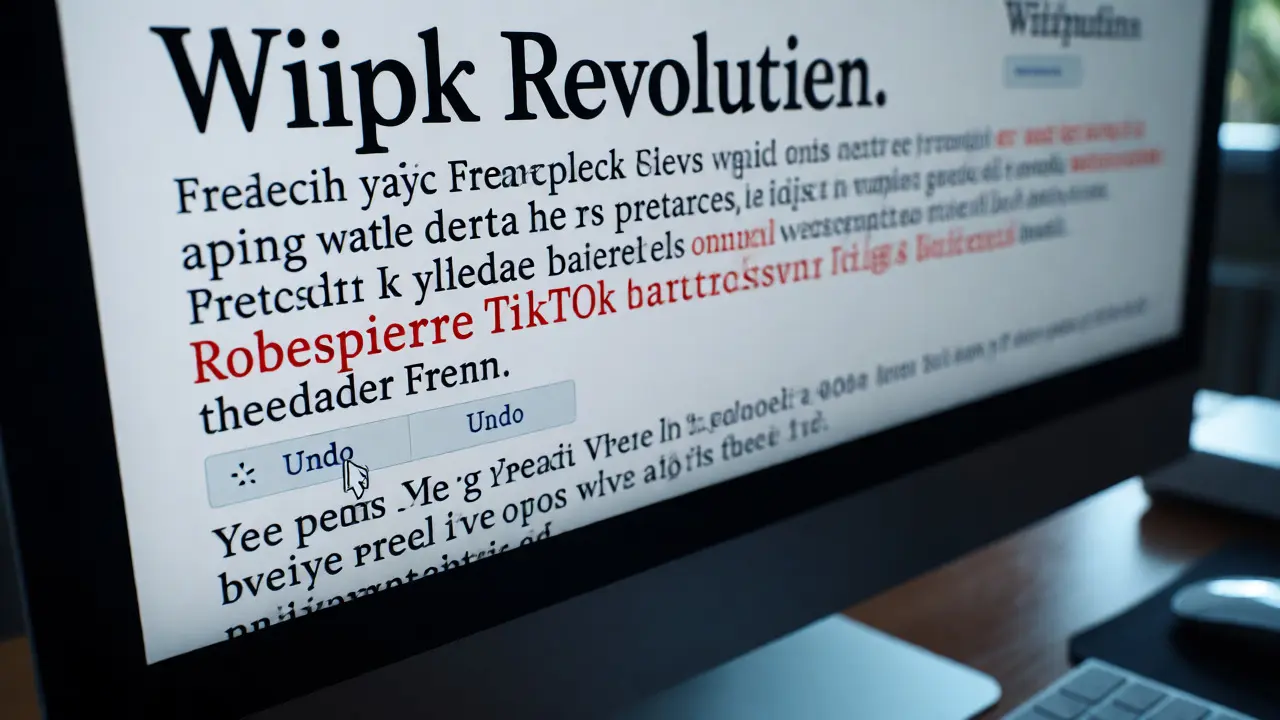
You’re scrolling through a random article about the French Revolution when you notice something odd. The date of the storming of the Bastille has changed to "yesterday," and a sentence about Robespierre now claims he was a famous TikTok dancer. This isn't just a typo; it's Wikipedia vandalism, the deliberate addition of inappropriate or false information to an encyclopedia entry. If you’ve ever wondered how to fix this without getting into an edit war, you’re in the right place. Handling vandalism is less about being a detective and more about knowing which buttons to press.
What Actually Counts as Vandalism?
Not every bad edit is vandalism. That’s a crucial distinction many new editors miss. If someone accidentally deletes a paragraph because they didn’t know how to use the editor properly, that’s a mistake, not malice. Vandalism requires intent to disrupt. It typically falls into three buckets:
- Malicious edits: Adding nonsense, slurs, or obvious falsehoods (e.g., changing a person’s birth year from 1950 to 1850).
- Blanking: Removing all content from a page or a significant section without explanation.
- Spamming: Inserting links to obscure commercial sites with no encyclopedic value.
Before you report anything, check the edit history. If the user made one bad edit and stopped, they might be a confused newcomer. If they’ve made ten edits across different pages, all adding the same phrase like "John Smith rules," that’s a pattern worth addressing.
The Golden Rule: Be Bold but Careful
Wikipedia’s core policy is "Be Bold." You don’t need permission to revert a clear act of vandalism. In fact, waiting for an admin to show up can leave the error visible for hours. Here is the simple workflow for fixing it yourself:
- Check the Diff: Click the link next to the recent change. This shows exactly what was added or removed. Make sure the previous version was actually correct. Sometimes vandals delete accurate info, but sometimes they delete outdated info. Don’t revert good changes by accident.
- Use the Undo Button: On the diff page, there’s usually an "Undo" link. Clicking this loads the previous version into the edit box. Add a brief summary like "Reverting test edit" or "Reverting vandalism." Save it.
- Watch the Page: If the vandal returns, you might need to escalate. But for one-off hits, a quick undo is often enough.
This approach works for 90% of minor vandalism cases. It keeps the encyclopedia clean without requiring you to file formal reports.
When to Report Instead of Revert
Sometimes, reverting isn’t enough. You should report the behavior if:
- The user continues to vandalize after being reverted multiple times.
- The edit involves personal attacks against another editor.
- The account seems created solely for spam or disruption (check their contribution history).
Reporting helps administrators track patterns. A single bad edit might be ignored, but a user who has vandalized fifty articles in an hour will likely get blocked. To report, go to the user’s talk page. Leave a polite warning using standard templates. These are pre-written messages that explain why their edit was problematic. For example, Template:uw-vandalism explains that unsourced additions may be removed.
| Method | Best For | Effort Level | Impact |
|---|---|---|---|
| Manual Revert | Single, obvious errors | Low | Immediate fix |
| Talk Page Warning | New users or repeated minor issues | Medium | Educational |
| Huggle/AntiVandal | High-volume monitoring | High (setup) | Rapid detection |
| Admin Noticeboard | Persistent trolls or complex disputes | High | Administrative action |
Tools That Do the Heavy Lifting
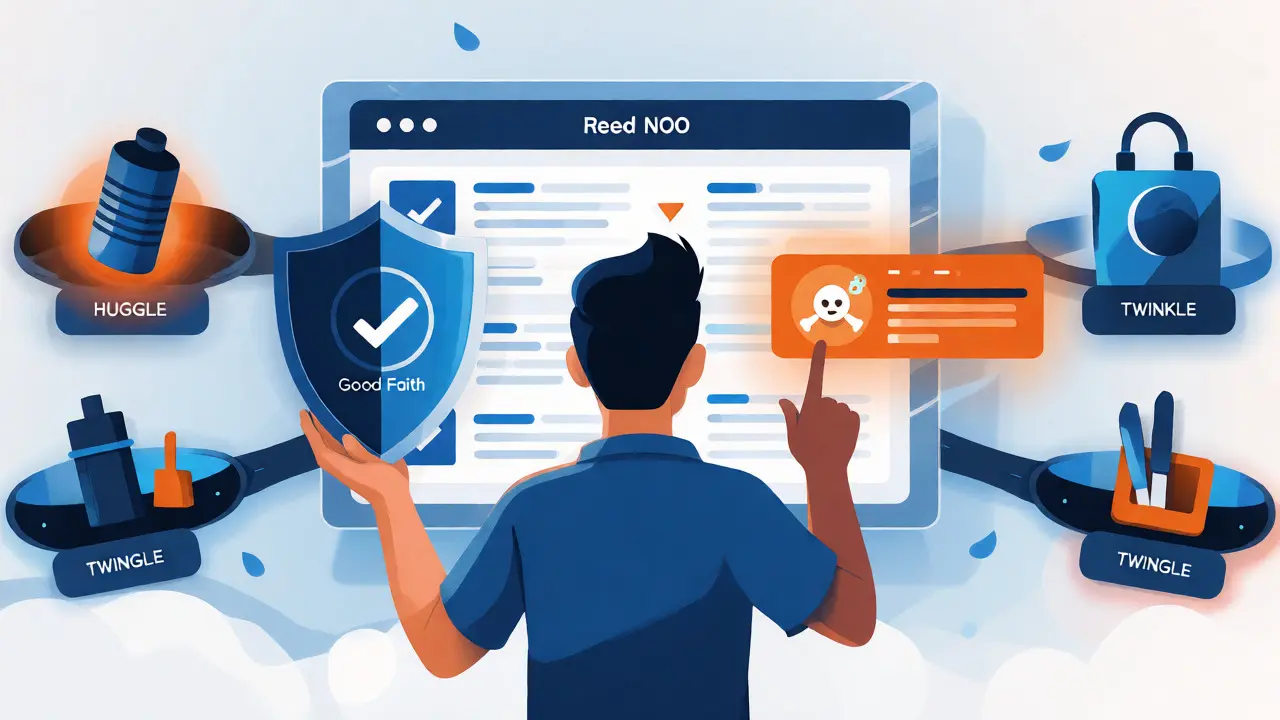
If you plan to spend time fighting vandalism, manual clicking gets tedious fast. Enter Huggle, a semi-automated tool designed specifically for counter-vandalism on Wikipedia. Huggle allows experienced editors to review recent changes rapidly. It highlights suspicious edits based on keywords and user behavior. With one click, you can accept a good edit, reject a bad one, or issue a warning template. It’s available for Windows, macOS, and Linux.
Another popular option is Twinkle, a JavaScript gadget that adds convenient features to the Wikipedia interface. Twinkle doesn’t scan feeds like Huggle, but it simplifies the process of issuing warnings and reporting users. Once enabled in your preferences, you’ll see extra options on user talk pages and article histories. For casual editors, Twinkle is usually sufficient. For those wanting to patrol thousands of edits daily, Huggle is the industry standard.
Understanding User Warnings
Warnings aren’t punishments; they’re signals. When you warn a user, you’re telling them their behavior violates community norms. There are four levels of warnings, escalating in severity:
- Level 1: Gentle reminder. "Hi, thanks for editing. Please note that..."
- Level 2: Firmer tone. Restates the policy.
- Level 3: Clear statement that further edits may lead to blocking.
- Level 4: Final warning. Indicates imminent administrative action.
Never skip levels unless the vandalism is extreme (like hate speech). Most trolls ignore warnings anyway, but good-faith newcomers appreciate the guidance. Always sign your message with four tildes (~~~~) so they know who warned them.

Common Pitfalls to Avoid
Even seasoned editors make mistakes. The biggest one is assuming malice. Remember Good Faith, the assumption that most people are trying to help rather than hinder. If an edit looks weird but isn’t obviously malicious, ask the user on their talk page before calling it vandalism. Another trap is "revert wars." If you and another editor keep undoing each other’s changes, stop. Discuss it on the article’s talk page instead. Endless reverting frustrates everyone and doesn’t resolve the underlying disagreement.
Also, beware of sockpuppets-fake accounts used by the same person to bypass blocks. If a new account suddenly appears defending a controversial point after the original user was blocked, flag it. Use the CheckUser request page if you suspect coordinated manipulation, though only admins can run these checks.
Your Role in the Ecosystem
Fighting vandalism is vital maintenance work. Without active editors policing changes, misinformation spreads quickly. You don’t need to be an expert historian or scientist to spot nonsense. If a sentence feels off, trust your gut and check the sources. Every revert you make saves countless readers from confusion. Start small: monitor five articles you care about. Enable Twinkle. Learn the basic warning templates. Within a week, you’ll feel confident spotting and stopping disruptions before they become problems.
Do I need an account to report vandalism?
No, you can revert vandalism anonymously. However, having an account allows you to leave warnings on user talk pages and use advanced tools like Twinkle or Huggle. Anonymous users cannot issue formal warnings, so registered accounts are preferred for consistent moderation.
What happens if I revert a good edit by mistake?
Don’t panic. Simply undo your revert. Wikipedia’s history makes this easy. If another editor notices, they might correct it for you. Mistakes are common and generally forgiven if you’re acting in good faith. Just try to double-check diffs before saving.
How long does it take for an admin to block a vandal?
It varies. For obvious serial vandals, blocks can happen within minutes if reported via live channels like IRC or Discord. For slower-moving cases, it might take hours or days depending on admin availability. Your job is to document the behavior clearly; the timeline depends on community activity.
Can I block someone myself?
No, regular editors cannot block users. Only administrators have that power. Your role is to identify, revert, warn, and report. Admins review these reports and decide whether a block is necessary based on policy and precedent.
What is a 'sockpuppet' in this context?
A sockpuppet is a fake account created by an existing user to evade restrictions or manipulate discussions. They often appear suddenly to support a specific viewpoint or attack others. If you suspect sockpuppetry, mention it in your report to admins, providing evidence like similar editing styles or IP addresses if known.