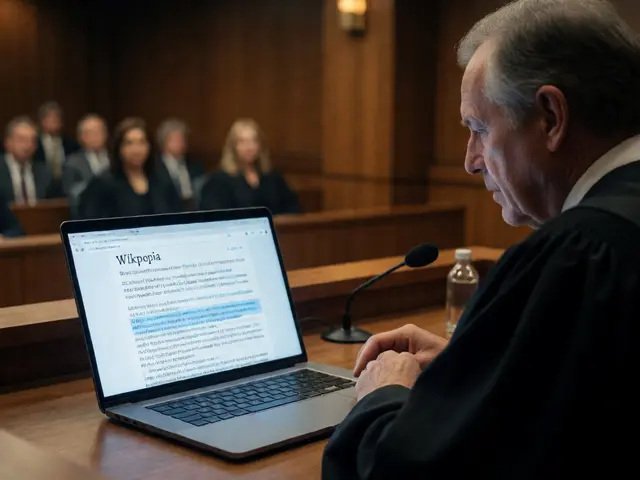
Quick Takeaways for Educators
- Elementary students should focus on reading and identifying basic facts.
- Middle schoolers can start analyzing citations and comparing different versions of a page.
- High school students are ready to actually contribute to the Wiki using the "sandbox" or specific educational programs.
- The goal is to move from consumption to evaluation and finally to production.
Starting Small: Elementary School and the Basics
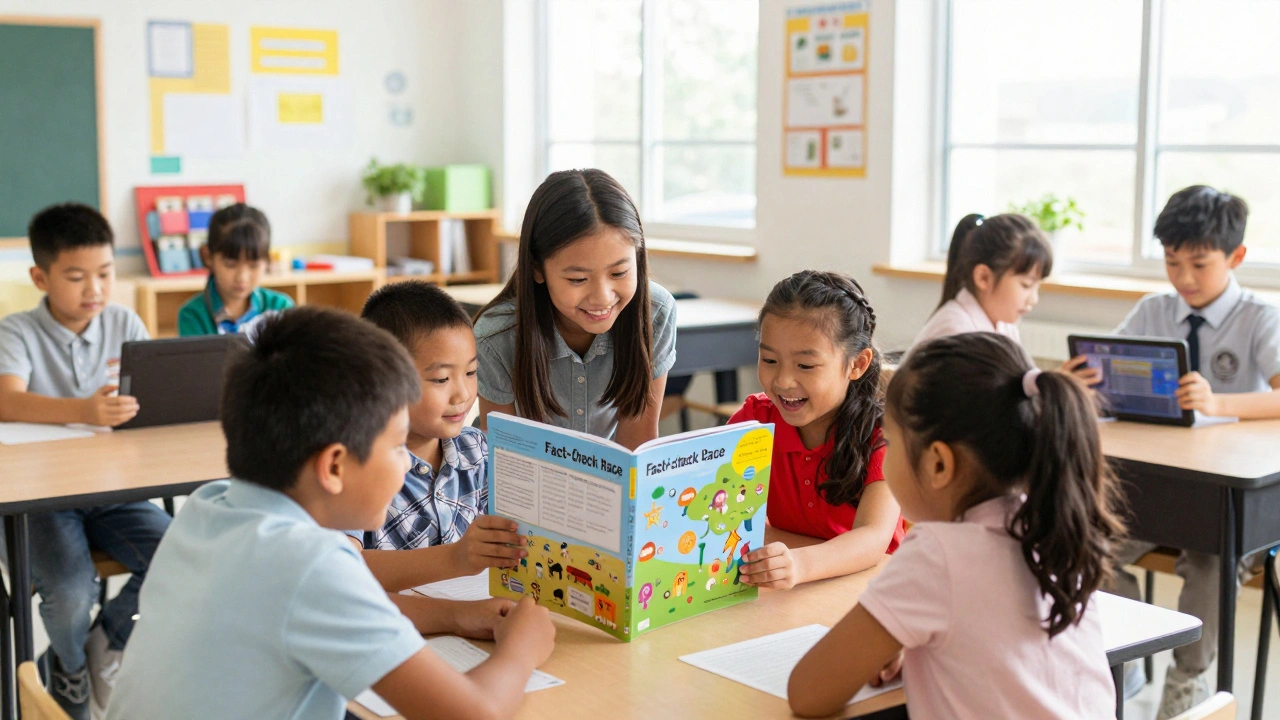
At the elementary level, kids aren't ready to dive into the complex world of edit wars or sourcing guidelines. For them, Wikipedia is a free, multilingual online encyclopedia written and maintained by a community of volunteers. At this age, the focus should be on 'Information Hunting.' Instead of asking them to write a report based on a page, give them a scavenger hunt. Ask them to find three specific facts about a historical figure or an animal, then challenge them to find a picture on the page that proves one of those facts.
One great activity is the 'Fact-Check Race.' Show the class a short, simplified paragraph from a Wikipedia entry and a physical book or a vetted kids' site like Britannica Kids. Ask them if the information matches. This introduces the concept that information exists in multiple places and that some sources are more 'official' than others. It's a gentle way to start talking about reliability without overwhelming them with the technicalities of peer review.
Middle School: The Art of the Citation
Middle school is where the magic happens because students are starting to develop a healthy sense of skepticism. This is the perfect time to introduce the concept of Digital Literacy, which is the ability to find, evaluate, and communicate information through various digital platforms. Instead of telling them not to trust the Wiki, show them how to trust the sources the Wiki uses.
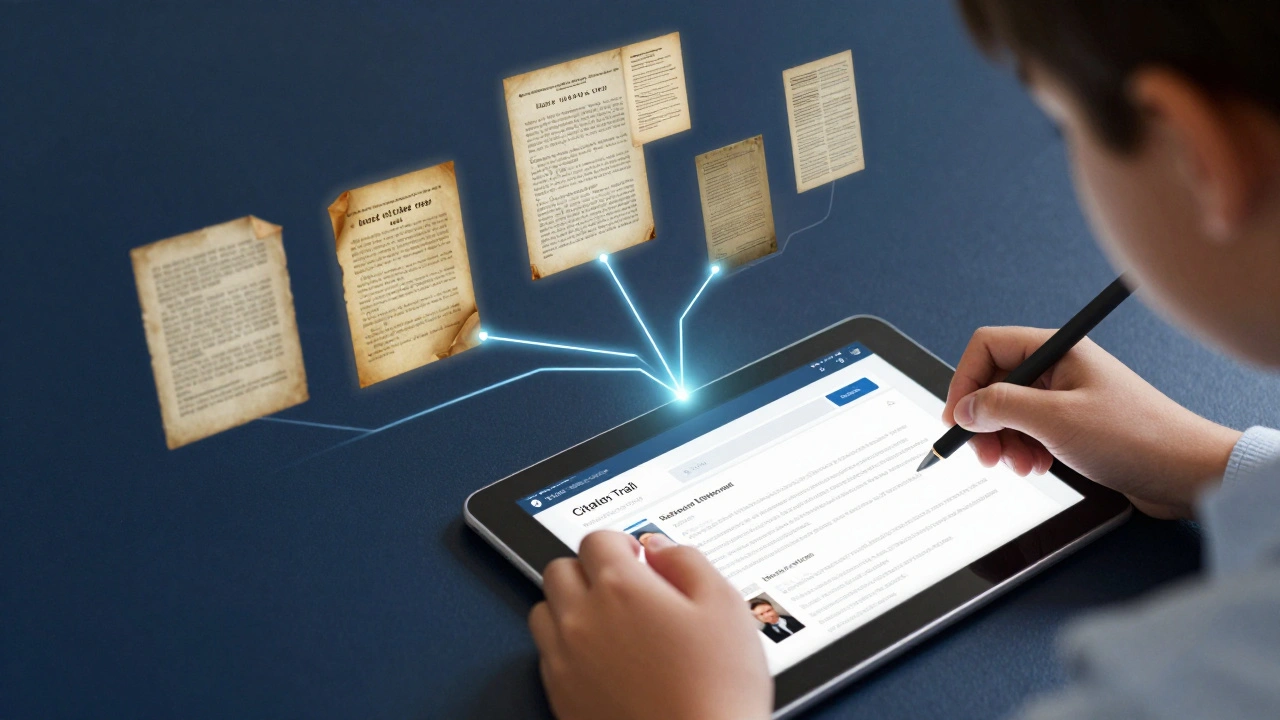
Try the 'Citation Trail' exercise. Give students a Wikipedia section and have them scroll down to the References section. Their job isn't to read the Wiki page, but to click the citations and read the original source. Does the original source actually say what the Wiki claims? Sometimes you'll find a 'citation gap' where the Wiki editor stretched the truth. When a 13-year-old discovers that a Wikipedia entry is slightly wrong because the source was misinterpreted, they've just had their first real lesson in critical thinking.
| Grade Level | Primary Goal | Suggested Activity | Key Skill Developed |
|---|---|---|---|
| K-5 (Elementary) | Basic Navigation | Fact Scavenger Hunt | Information Retrieval |
| 6-8 (Middle) | Evaluation | Citation Trail/Verification | Critical Analysis |
| 9-12 (High) | Contribution | Sandbox Editing/Wiki-Labs | Knowledge Synthesis |
High School: Transitioning from Reader to Editor
By high school, students are often capable of contributing meaningful content if they have the right guardrails. The biggest fear for teachers is usually a student deleting a whole page or adding nonsense. To fix this, introduce the Wikipedia Sandbox, which is a test page where users can practice editing without affecting live articles. This is where students can learn the layout, practice adding a citation, and understand how the 'Edit' button actually works without the risk of a public mistake.
For a more advanced project, look into the Wiki Education collaboration. This is a formal program that allows professors and teachers to lead students in improving specific articles. Rather than having students write a traditional essay that only the teacher will ever read, they can write an entry for a local historical landmark or a niche scientific concept. This gives their work a real-world audience and teaches them the importance of a Neutral Point of View (NPOV), which is the core requirement for any Wikipedia entry.
Dealing with the 'Unreliable' Label
We need to stop treating Wikipedia as a binary 'good' or 'bad' source. It's a tertiary source. In the world of research, a tertiary source summarizes secondary sources (like books or journals), which in turn summarize primary sources (original documents or data). Explain this hierarchy to your students. If they find a great lead on Wikipedia, they should treat it as a map, not the destination.
An effective way to demonstrate this is by using the 'View History' tab. Show students how a page changes over time. Find a controversial topic and show them the edit history from a single day. They'll see the tug-of-war between different editors. This visual evidence of conflict helps them understand why a page might be unstable and why checking the talk page-where editors debate the content-is just as important as reading the article itself.
Practical Guardrails for the Classroom
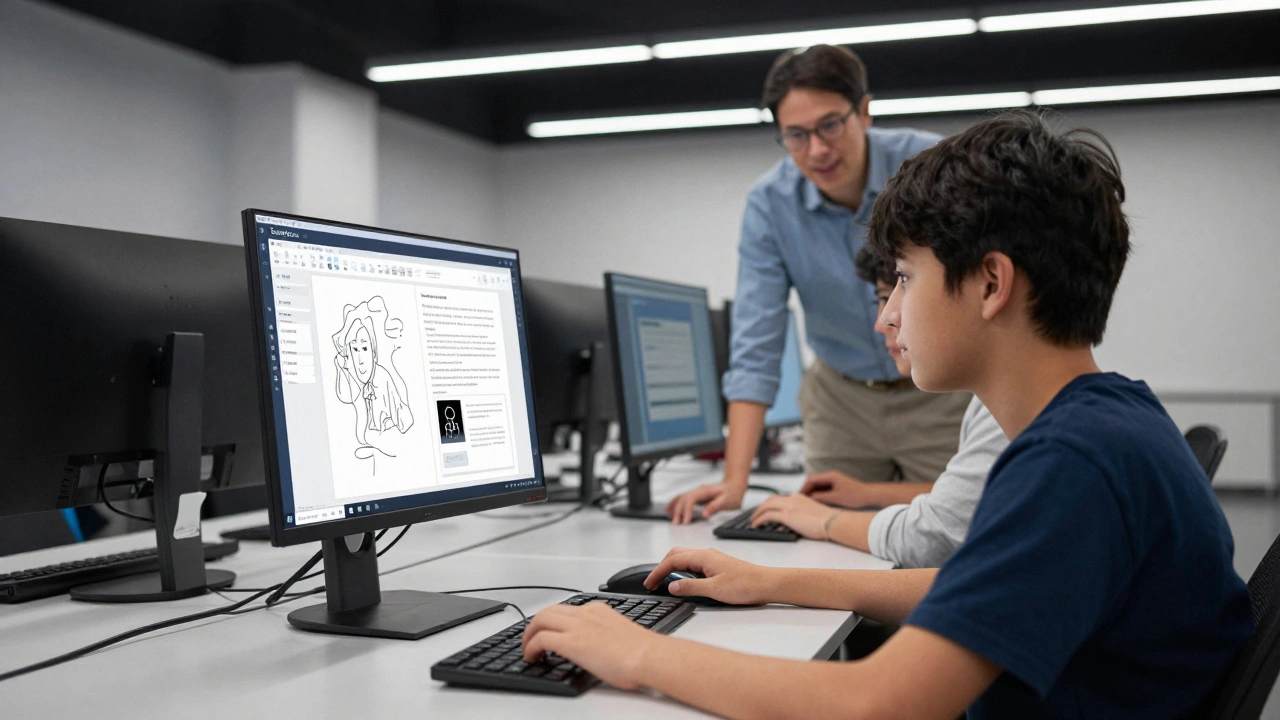
Integrating these tools requires a bit of structure so the lesson doesn't devolve into a random web-surfing session. Set clear boundaries. For example, if you're doing a verification exercise, give them a specific time limit (e.g., 20 minutes) to find one discrepancy. This keeps the focus on the skill of analysis rather than the rabbit hole of clicking links.
Also, encourage students to create a 'Reading List' of the best citations they find. Instead of a bibliography that just lists the Wikipedia URL, require them to list the three best primary sources they discovered *through* Wikipedia. This reinforces the habit of digging deeper. It turns the encyclopedia into a launchpad for high-quality research rather than a shortcut to avoid it.
Is it safe to let students edit Wikipedia?
Yes, provided you start with the Sandbox. The Sandbox allows students to experiment without risking live data. For live edits, focus on low-stakes updates like fixing typos, adding missing citations to existing claims, or improving the formatting of a page. Always review their work in the Sandbox before letting them move it to a live article.
What if students find biased information?
This is actually a perfect teaching moment. Encourage students to find the 'Talk' page associated with the article. Here, they can see editors debating the balance of the content. This teaches them that knowledge is often contested and that a 'neutral' perspective is something that is actively built and negotiated, not just found.
How do I grade a Wikipedia-based assignment?
Grade the process, not just the result. Instead of grading the accuracy of the facts found, grade the student's ability to document their 'citation trail.' Ask for a log of the sources they verified and a brief explanation of why those sources were reliable. This shifts the grade from a memory test to a critical thinking assessment.
Can Wikipedia be used for ESL or special education students?
Absolutely. Wikipedia is available in hundreds of languages, making it a great tool for bilingual students to compare how a topic is described in different cultures. For students with different learning needs, the 'Simple English' version of Wikipedia is an incredible resource, providing complex information in a much more accessible, stripped-down vocabulary.
How do I stop students from just copying and pasting?
Move the goalposts. Instead of asking for a summary, ask them to 'critique' the entry. Ask them what's missing or what part of the page is the least convincing. When the assignment requires an opinion or an evaluation based on evidence, copying and pasting becomes impossible because the Wiki provides the data, but the student must provide the analysis.
Next Steps for Your Lesson Plan
If you're feeling overwhelmed, don't try to do everything at once. Start with one 'Verification Friday' a month. Give your students 30 minutes to pick a random article and find one source that confirms a fact and one that complicates it. As they get better at this, you can move toward more complex tasks like the Citation Trail or even creating a class-wide curated list of reliable 'Wiki-verified' sources for a specific unit of study.
For those who want to go further, consider creating a shared Google Doc where students post 'Wiki-Wins'-instances where they found a piece of information on Wikipedia that led them to a fascinating primary source they never would have found otherwise. This gamifies the research process and shows them that the internet isn't just for quick answers; it's a gateway to deep learning.