If your Wikipedia article is up for deletion, it’s not the end. Most articles get deleted because they lack reliable sources, not because the topic is unimportant. The fix isn’t rewriting the whole thing-it’s finding and adding credible references that prove the subject meets Wikipedia’s notability standards. You don’t need to be an expert. You just need to know where to look and how to use what you find.
Why Wikipedia Articles Get Deleted
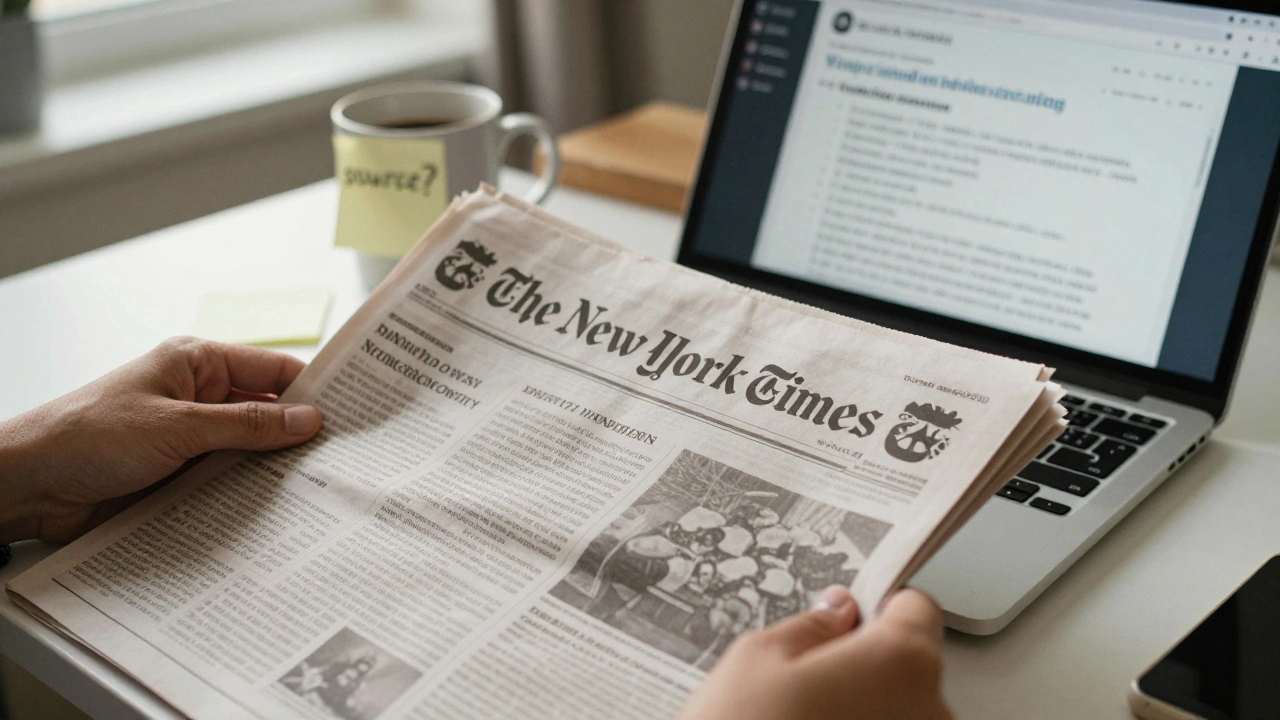
Wikipedia doesn’t delete articles just because they’re short or poorly written. It deletes them because they can’t prove the subject is notable. Notability means independent, reliable sources have talked about the subject in depth-not just mentioned it in passing. A company with a website and a social media page? Not enough. A local news article calling it "the best coffee shop in town"? Still not enough. But a feature in The New York Times, a peer-reviewed journal, or a book from a university press? That’s what matters.Most deletion discussions happen on the article’s talk page. Look for tags like "{{db}}" or "{{prod}}". If you see "no reliable sources," that’s your clue. The problem isn’t the article-it’s the lack of proof.
Where to Find Reliable Sources
Start by thinking like a journalist. What kind of sources would a reporter use to verify this topic? Here’s where to look:- News outlets: Major newspapers, magazines, and broadcast networks. Look for articles that discuss the subject in detail-not just a brief mention in a list or event calendar.
- Academic journals: Use Google Scholar or your local library’s database. Peer-reviewed articles count even if they’re behind paywalls. You don’t need to read the whole thing-just cite the title, author, and journal.
- Books: Published by university presses or reputable commercial publishers. Check Amazon’s "Look Inside" feature or Google Books to verify the content.
- Official publications: Government reports, census data, or records from recognized institutions. A city’s official website listing a nonprofit as a grant recipient? That’s a source.
- Documentaries and reputable media: PBS, BBC, or Netflix originals that cover the subject with research and interviews.
Avoid blogs, personal websites, press releases, self-published books, and social media. These aren’t considered reliable unless they’re republished by a trusted outlet.
How to Search Effectively
Don’t just type the article’s title into Google. Use advanced search techniques:- Use quotation marks around exact phrases: "Jane Doe" "founder of GreenTech Solutions"
- Add keywords like "review," "profile," "study," or "report" to narrow results.
- Filter by date-sources from the last 5-10 years are best. Older sources can work if they’re landmark publications.
- Search in Google Scholar with the subject’s name + "academic" or "research".
- Check the Wayback Machine (archive.org) for dead links. If a source was online but is gone now, you can still cite the archived version.
Example: You’re trying to save an article about a small nonprofit. Try searching: "Habitat for Hope" "nonprofit" "funding" site:.gov or site:.edu. You might find a city grant announcement or a university case study.
How to Add Sources Correctly
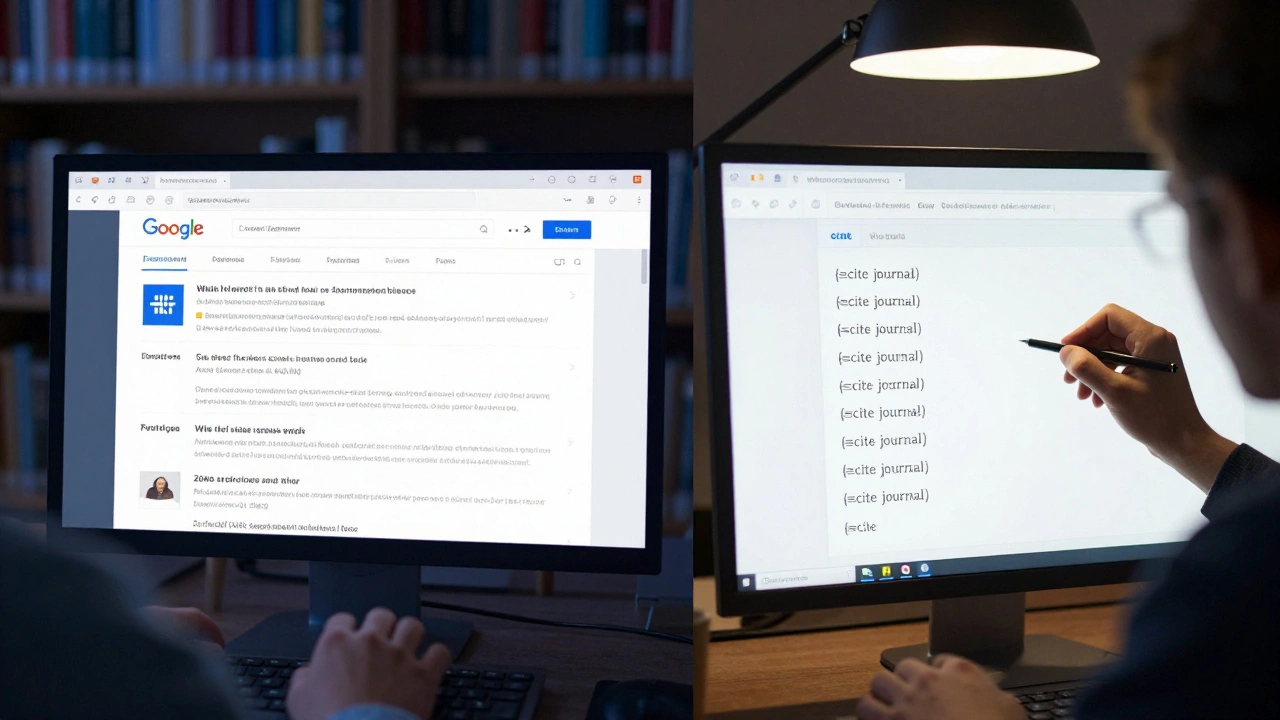
Once you find a source, don’t just paste the URL. Follow Wikipedia’s citation rules:- Use the
{{cite news}},{{cite journal}}, or{{cite book}}templates. - Include author, title, publication, date, and URL or ISBN.
- Link the source to the specific claim in the article. Don’t just dump sources at the bottom-tie each one to a sentence.
- If the source is behind a paywall, still cite it. Wikipedia accepts paywalled sources if they’re reputable.
Example: If you write, "GreenTech Solutions reduced local emissions by 32% in 2023," add a citation right after that sentence to a news article that reported the same number.
What to Do When Sources Are Hard to Find
Sometimes, the subject is real but underreported. That’s okay. Here’s how to handle it:- Expand the scope: If the subject is too niche, show how it connects to a broader topic. A local artist might not have articles, but a regional arts council report mentioning them counts.
- Use secondary sources: A book about urban gardening that mentions your nonprofit as a case study? That’s a valid source.
- Check citations in related articles: Look at similar Wikipedia articles. Do they cite sources you can reuse? If so, follow those references.
- Ask for help: Post on the article’s talk page: "I’m working on adding sources. Does anyone know of any reports or articles about this?" Often, other editors have saved links they haven’t added yet.
Don’t make up sources. Don’t copy from other websites. Don’t use Wikipedia itself as a source. If you can’t find a credible reference, the article may not meet notability standards-and that’s okay. Not every worthy topic belongs on Wikipedia.
How to Respond to Deletion Nominations
If your article is nominated for deletion, act fast. Most discussions last 7 days. Here’s what to do:- Go to the article’s talk page and find the deletion nomination.
- Reply directly to the nominator with: "I’m adding reliable sources now. Here’s what I’ve found so far: [list 2-3 sources]."
- Use the
{{revisions}}tag to show your edits in progress. - Don’t argue about the topic’s importance. Focus on sources. Say: "The sources demonstrate notability under WP:N.
- If you need more time, ask for an extension. Many editors will grant it if you show clear progress.
One editor saved a deleted article about a local theater by finding a 2018 article in the regional paper that reviewed their 10th-anniversary production. The article had been deleted because it only had a website and a Facebook page. The newspaper article was the key.
Common Mistakes to Avoid
Even experienced editors mess this up. Here’s what not to do:- Using Wikipedia as a source: You can’t cite Wikipedia to prove something is notable. That’s circular logic.
- Using press releases: These are promotional. Even if they come from a university, they’re not independent.
- Adding too many weak sources: Ten blog posts won’t replace one solid news article.
- Waiting until the last minute: Deletion discussions move fast. Start gathering sources as soon as you see the nomination.
- Editing the article while the discussion is open: Make edits, but don’t change the tone or add new claims unless you have sources for them.
What Happens After You Add Sources
Once you’ve added at least three solid, properly cited sources, go back to the deletion discussion. Leave a clear comment:"I’ve added three reliable sources: [1] [2] [3]. Each confirms the subject’s notability under WP:N. The article now meets the criteria for retention. Please reconsider."
Many deletion nominations are dropped when editors see credible sources have been added. If the discussion stays open, be patient. Some editors need time to review. If it’s closed as "keep," congratulations. If it’s closed as "delete," you can still appeal-but only if you have new, strong sources.
Next Steps
If your article survives:- Keep adding sources over time. Wikipedia is always evolving.
- Improve the article’s structure and clarity. Sources keep it alive, but good writing keeps it useful.
- Monitor the talk page. Someone might ask for more details later.
If your article doesn’t survive, don’t give up. The information isn’t lost. Save your sources and your draft. You can always start over with a better structure and stronger references. Many successful Wikipedia articles began as deleted drafts.
What if I can’t find any reliable sources for my Wikipedia article?
If you’ve searched thoroughly and still can’t find independent, reliable sources, the topic likely doesn’t meet Wikipedia’s notability standards. That doesn’t mean the subject isn’t important-it just means Wikipedia isn’t the right place for it. Consider publishing the information on a personal blog, a nonprofit website, or a local archive. Wikipedia isn’t a host for every worthy topic-it’s a repository for topics that have been covered by others.
Can I use a source from a university website?
Yes, but only if it’s an official publication like a research report, academic paper, or official press release from the university’s communications office. A personal faculty page, student project, or club blog doesn’t count. Look for content with an author, date, and institutional affiliation.
How many sources do I need to save an article?
There’s no fixed number, but three high-quality, independent sources are usually enough. What matters is that each source independently confirms the subject’s significance. One source from a major newspaper, one from an academic journal, and one from a government report is stronger than five blog posts.
Can I use sources in languages other than English?
Yes, as long as they’re from reputable outlets in their country. A feature in Le Monde, Der Spiegel, or The Guardian’s international edition counts. You can cite them in English by providing the translated title and original source details. Just make sure the source is independent and not promotional.
What if the source I found is behind a paywall?
Paywalled sources are perfectly acceptable on Wikipedia. The key is whether the source is reliable-not whether it’s free. Cite the article with its title, author, publication, date, and URL. You don’t need to provide the full text. Many editors can access paywalled content through libraries or institutional access.
Can I use Wikipedia’s own citations as sources for my article?
No. Wikipedia articles are not reliable sources for proving notability. You must find the original source that Wikipedia cited. If another article cites a newspaper, go find that newspaper article yourself. Relying on Wikipedia’s references is circular and violates policy.