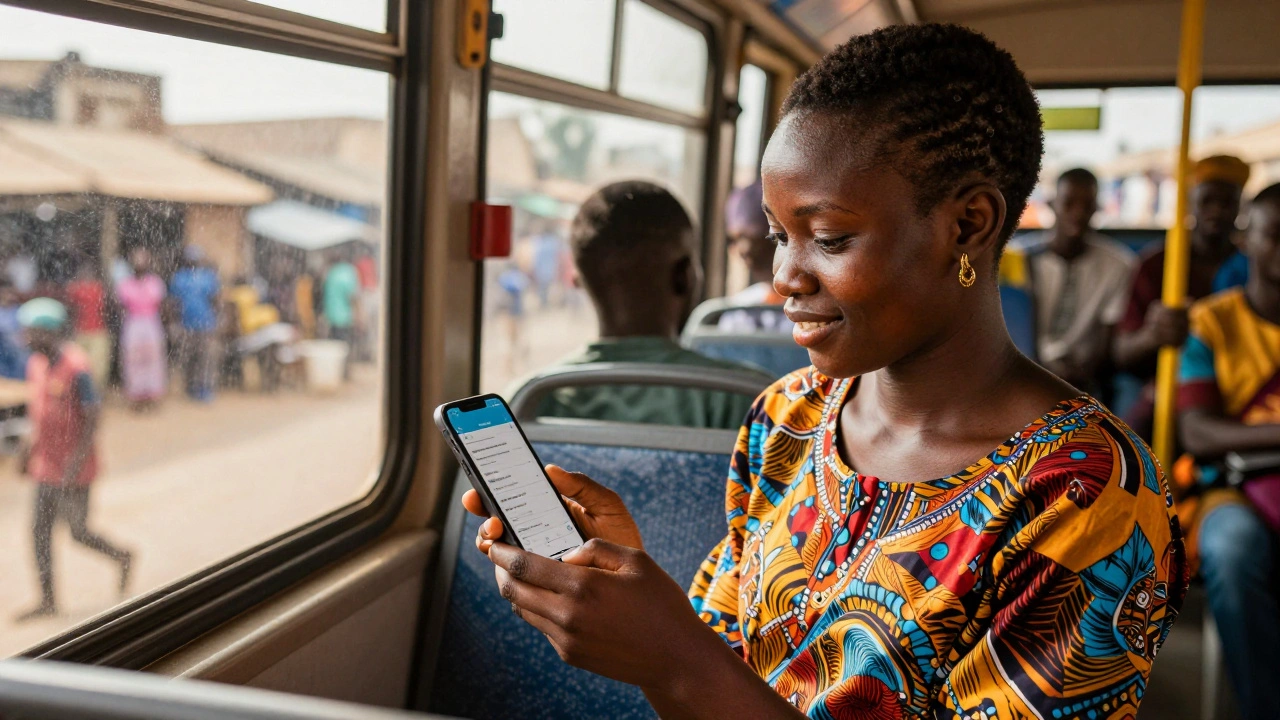
More than half of all Wikipedia edits now happen on phones. Not in the U.S. or Europe. In Nigeria, India, Indonesia, and Brazil. People are adding facts, fixing typos, and adding local history while waiting for buses, during lunch breaks, or in villages with spotty internet. This isn’t a trend-it’s a shift. Wikipedia is no longer a desktop project. It’s becoming a mobile-first platform, especially in places where computers are rare but smartphones are everywhere.
Why Mobile Editing Matters in Emerging Markets
In countries like Pakistan or Kenya, over 80% of internet users access the web only through mobile devices. Desktops are expensive. Public libraries with computers are scarce. But nearly everyone has a phone. That’s why Wikipedia’s growth in these regions is tied directly to how well its editing tools work on small screens.
Before 2020, editing Wikipedia on mobile was clunky. Buttons were too small. The toolbar was buried. Saving an edit often meant scrolling through five screens. Many potential editors gave up after one try. But in 2022, Wikipedia rolled out a redesigned mobile editor based on feedback from volunteers in 17 low-income countries. The results? Mobile edits increased by 63% in Nigeria, 51% in Bangladesh, and 47% in Colombia within 18 months.
How the Mobile Editor Works Today
The current mobile editor is built for speed and simplicity. You don’t need to know wikitext. You tap a button, type your edit, and hit save. The system auto-formats headings, links, and lists. It even suggests corrections if you misspell a local place name or use outdated terminology.
For example, in Swahili Wikipedia, users can now add new entries about small businesses, traditional healers, or local festivals with just a few taps. A farmer in Mombasa can document how his community harvests cassava. A student in Lagos can add details about a forgotten independence hero. These edits don’t show up in global headlines-but they matter to people living there.
The mobile editor also works offline. You can draft edits without internet, and they’ll sync automatically when you reconnect. This feature alone doubled contributions in rural areas of Peru and the Philippines, where connectivity drops for hours at a time.
Language Barriers Are Being Broken
Wikipedia has over 300 language versions. But 90% of edits still happen in English, Spanish, and Chinese. The rest? Many are under-resourced. Mobile editing is changing that.
In Yoruba Wikipedia, edits jumped from 12,000 to 48,000 in two years-not because more people learned English, but because the mobile editor now supports Yoruba input, autocorrect, and pronunciation guides. The same happened with Igbo, Zulu, and Quechua. These languages now have active editing communities made up of teenagers, market vendors, and teachers who never touched a computer.
Translation tools are built in too. If you’re editing in Hindi and want to add a fact from an English article, you can highlight the text, tap “Translate,” and the system will suggest a version in your language. You can tweak it, then save. No need to switch apps or open a browser.
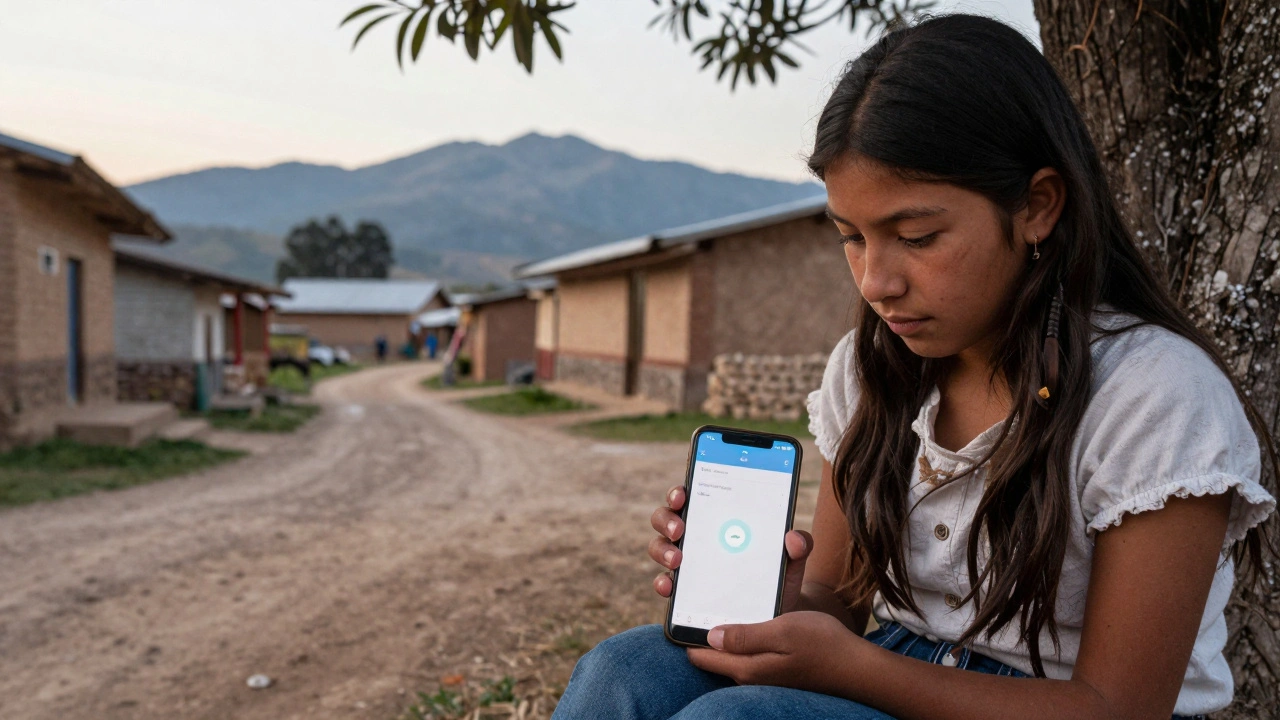
Who’s Editing? Meet the New Wikimedians
These aren’t academics or tech workers. They’re everyday people.
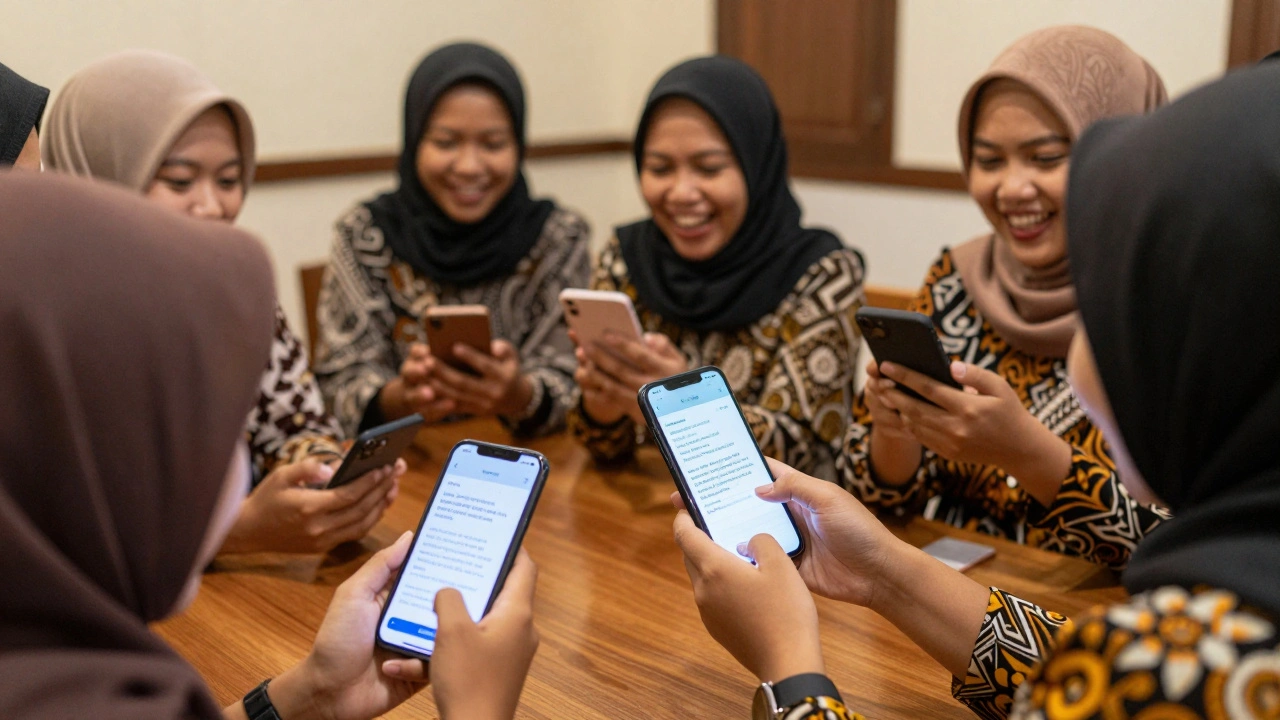
In Dhaka, a 16-year-old girl edits Bengali Wikipedia during her bus ride home from school. She adds entries about local poets and street food vendors. In Lima, a retired nurse uses her phone to document traditional herbal remedies used by indigenous communities. In Jakarta, a group of university students created a mobile editing club that meets weekly to fix misinformation about regional history.
These contributors don’t care about fame or stats. They care about accuracy. About representation. About making sure their language, their culture, their stories aren’t erased because no one with a laptop bothered to write them down.
Challenges Still Remain
Mobile editing isn’t perfect. In places with slow networks, uploading images takes minutes. Some older phones can’t run the latest app version. And while the interface is simpler, it still lacks advanced tools like citation templates or dispute resolution features.
There’s also a trust gap. Many users don’t know Wikipedia is editable by anyone. In rural India, some think it’s a government site. Others fear their edits will be deleted. Community outreach programs-run by local volunteers-are slowly fixing this. They host phone-based workshops using WhatsApp and Telegram to teach editing basics.
And then there’s gender. Only 15% of active Wikipedia editors globally are women. In emerging markets, that number drops to 8%. The mobile editor doesn’t fix that-but it helps. It’s easier to edit from home, on your own time, without needing to join a public computer lab where men dominate.
What’s Next?
Wikipedia’s team is testing voice-to-edit features in Swahili and Hindi. Imagine speaking your edit instead of typing it. That could open editing to millions who are literate in their language but not in written script.
They’re also working with local NGOs to pre-load mobile editors onto donated phones given to schools and women’s cooperatives. In Uganda, a pilot program gave 500 phones with Wikipedia pre-installed to female-headed households. Within six months, those households contributed over 2,000 edits-mostly about health, education, and agriculture.
The goal isn’t to make everyone a Wikipedia editor. It’s to make sure that if you want to edit, you can. No matter where you live. No matter what device you have. No matter what language you speak.
How You Can Help
You don’t need to be in Lagos or Jakarta to support this. If you speak a language spoken in an emerging market, consider adding a few edits in that language. Even fixing one broken link or correcting one spelling error helps.
Or, if you’re part of a nonprofit or tech group, donate old smartphones with updated browsers. Or help fund local editing workshops. Small actions multiply.
Wikipedia’s future isn’t written on desktops. It’s being typed on screens held in hands across the Global South. And if you care about knowledge being truly global, you need to care about how it’s edited-not just what’s edited.
Why is mobile editing growing faster in emerging markets than in wealthy countries?
In wealthy countries, most people already have desktops or laptops, and Wikipedia editing has plateaued. In emerging markets, smartphones are the first-and often only-way people access the internet. Since Wikipedia’s mobile editor became simple and reliable, it unlocked editing for millions who never had a computer. The growth isn’t because more people want to edit-it’s because now they can.
Can I edit Wikipedia on my phone right now?
Yes. Open the Wikipedia app or go to wikipedia.org on your phone’s browser. Tap the pencil icon in the top-right corner of any article. You can edit text, add links, or fix typos. No sign-up is needed to make small changes. For bigger edits, creating a free account gives you more tools and saves your history.
Are mobile edits less reliable than desktop edits?
No. Mobile edits go through the same review system as desktop edits. All changes are tracked, and experienced editors can revert mistakes. In fact, mobile edits often fix simple errors faster-like misspelled names or broken links-because users notice them while reading on the go. Quality isn’t about the device. It’s about the community.
What languages benefit the most from mobile editing?
Languages with large populations but low computer access benefit the most. Swahili, Bengali, Yoruba, Igbo, Zulu, Quechua, and Hausa have seen the biggest growth. These languages now have thousands of active mobile editors who weren’t part of Wikipedia before. The mobile editor’s support for local keyboards, autocorrect, and voice input made the difference.
Do I need to be tech-savvy to edit Wikipedia on my phone?
No. The mobile editor hides all complex formatting. You just type like you’re writing a message. Want to link to another article? Highlight a word, tap “Link,” and search. Want to add a photo? Tap the camera icon. You don’t need to know HTML, wikitext, or any coding. If you can use Instagram or WhatsApp, you can edit Wikipedia on mobile.