Partial Blocks are a specialized administrative tool used to manage disruptive behavior on a granular level. Unlike a full block, which stops a user from editing any content across the site, a partial block targets a specific Wikipedia Namespace or individual page. This means the user can still participate in the community and improve other articles, but they are barred from the specific area where they've caused trouble.
Key Takeaways for Admins
- Partial blocks are for targeted disruption, not general vandalism.
- They allow helpful users to continue contributing elsewhere.
- The tool requires a specific User Rights level to implement.
- Overuse can lead to user frustration and "block-dodging" attempts.
- Proper documentation on the user's talk page is mandatory for transparency.
When to Use Partial Blocks
Not every disruptive editor needs a full ban. In fact, using a full block when a partial one would suffice can often alienate users who are otherwise productive. You should consider a partial block in a few specific scenarios.
First, consider the "one-page obsessive." We've all seen it: a user who spends 90% of their time on a single article, often pushing a specific point of view or ignoring Neutral Point of View (NPOV) guidelines. If they are causing a stalemate in a discussion but providing value in other areas, a partial block on that specific page is the most ethical choice. It stops the fire without putting out the light of their other contributions.
Second, use them for "topic-specific」 vandalism. Sometimes a user decides to target a specific niche-like a series of articles on a particular sports league or a specific historical era-while leaving the rest of the site alone. By applying a partial block, you protect those specific entities while keeping the user's account active.
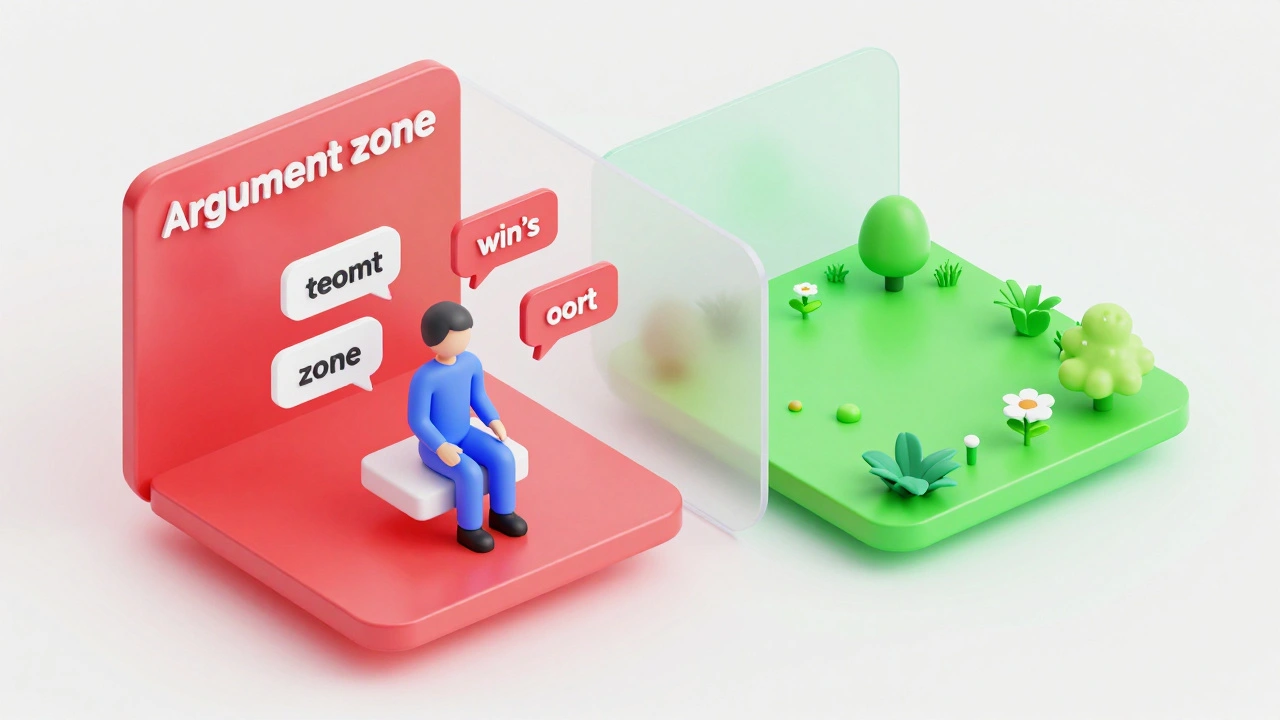
Third, partial blocks are excellent for cooling down heated debates. If a discussion on a Talk Page has devolved into personal attacks and circular arguments, blocking the participants from that specific discussion page for 24 to 48 hours can force a "timeout" without stopping them from doing productive work elsewhere.
The Technical Execution and Constraints
To implement these restrictions, admins use the MediaWiki software backend. The process involves specifying the target page and the duration of the block. However, it isn't as simple as clicking a button; you have to be precise about the scope.
| Feature | Full Block | Partial Block |
|---|---|---|
| Scope of Restriction | Global (All Pages) | Page-Specific / Namespace |
| User Impact | Total lockout from editing | Can edit non-blocked pages |
| Primary Use Case | Severe Vandalism / Spam | Topic-specific disputes |
| Risk of Escalation | High (User may feel banned) | Moderate (User may find loopholes) |
One major limitation is the potential for "block dodging" via IP addresses. If a user is blocked from a specific page on their account, they might try to edit that page as an anonymous user. This is why admins often have to pair partial blocks with Page Protection levels, such as "Semi-protected," which requires an account to edit. If the user's account is partially blocked and the page is semi-protected, they are effectively locked out completely.
Common Pitfalls and Limitations
Partial blocks aren't a magic bullet. One of the biggest issues is the "whack-a-mole" effect. If you block a user from Article A, they might simply move their disruptive energy to Article B, which is closely related. For example, if you block someone from the "Climate Change" page, they might start an edit war on the "Global Warming" or "Greenhouse Effect" pages. In these cases, the admin must decide if a broader namespace block or a full account block is more appropriate.
Another limitation is the psychological impact. Users often feel a partial block is a "warning shot." While this can be a positive thing, it can also lead to a feeling of being monitored, which might either improve their behavior or make them more resentful. The key is communication. If you don't explain why the block happened on their talk page, the user is more likely to perceive it as an arbitrary act of power rather than a tool for stability.
Finally, there is the technical overhead. Managing a long list of partial blocks across different accounts requires diligent record-keeping. If an admin forgets to set an expiration date or fails to document the reason in the Block Log, it can lead to disputes at the Administrative Noticeboard, where other admins may overturn the restriction for lack of evidence.
Best Practices for Admin Oversight
To use partial blocks effectively, follow a a logic-based workflow. Start by identifying the pattern of disruption. Is it confined to one subject? If yes, proceed with a partial block. If the disruption is random across the site, a full block is necessary.
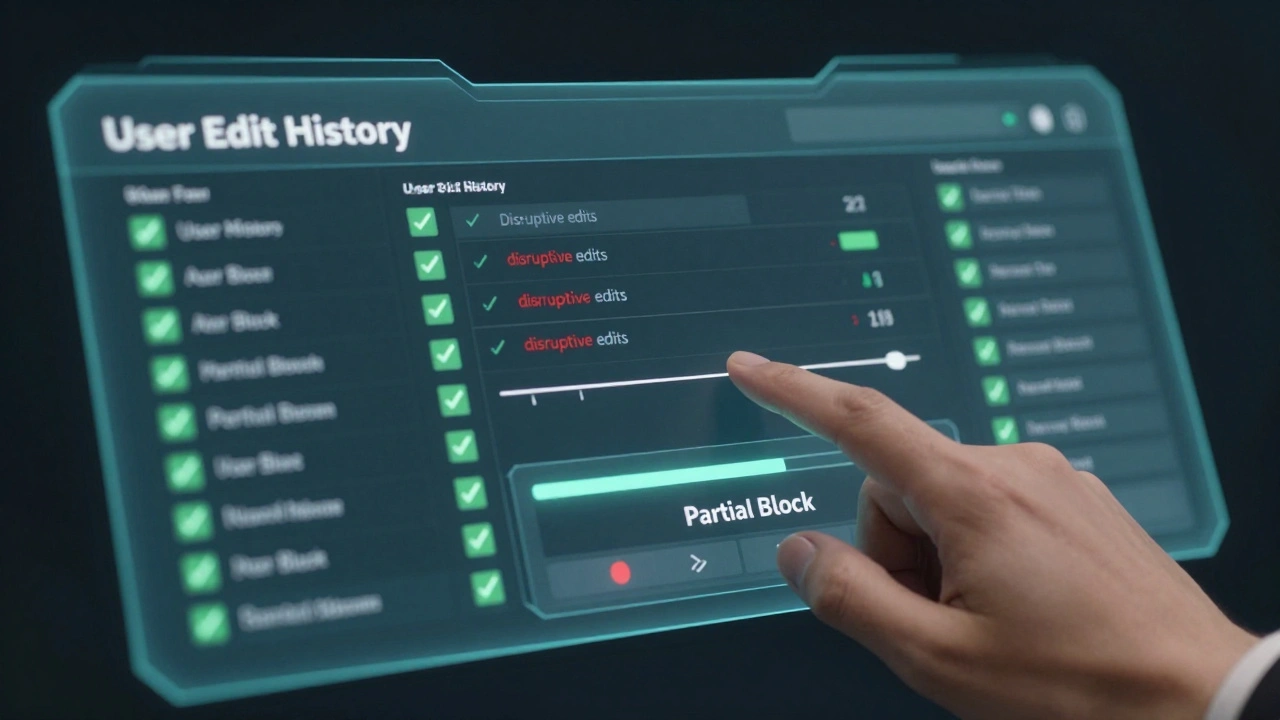
- Analyze the Edit History: Check if the user provides value in other areas. If their "positive edit ratio" is high, prioritize a partial block.
- Issue a Clear Warning: Before blocking, leave a message on the user's talk page. Tell them exactly what behavior is unacceptable and that a partial block is the next step.
- Set a Reasonable Duration: Don't jump to an indefinite block. Start with a short period (e.g., 3 days) to see if the behavior improves.
- Combine with Protection: If the page is a high-traffic area, ensure the page itself is protected to prevent anonymous edits from the blocked user.
- Document Everything: Use the block log to cite specific policy violations, such as Wikipedia:Disruptive Editing.
By treating the partial block as a rehabilitative tool rather than a punishment, you encourage the user to focus on the areas where they are helpful. This maintains the health of the community while protecting the integrity of the content.
What is the difference between a partial block and page protection?
Page protection limits everyone (or all unregistered users) from editing a page to prevent mass vandalism. A partial block is targeted; it limits only a specific user's ability to edit that page while allowing others to continue editing normally.
Can a user appeal a partial block?
Yes. Users can appeal any block by posting on their talk page or contacting the administrator who issued the block. They should demonstrate that they understand the rules and are willing to follow them.
Does a partial block appear on a user's public profile?
Partial blocks are logged in the administrative logs, but they do not typically place a prominent "blocked" banner on the user's main profile in the same way a full global block does, making it a more discreet form of management.
What happens if a user creates a new account to bypass a partial block?
This is known as block evasion. If an admin can prove a new account belongs to a partially blocked user, they can issue a full block on the new account for violating the Terms of Use.
Can you partially block a user from an entire category?
Technically, partial blocks are applied to specific pages. To block a user from a whole category, an admin would need to apply the block to every single page within that category, which is why admins often use broader namespace restrictions or full blocks for wide-scale disruption.