Wikipedia isn’t just a website-it’s a living, breathing encyclopedia built by millions of volunteers. But with so many contributors, how does it stay accurate? The answer isn’t magic. It’s a set of practical, often overlooked tools that editors use every day to catch errors, fight bias, and keep content reliable. If you’ve ever wondered how Wikipedia avoids becoming a mess of rumors and outdated facts, these are the tools that make it work.
What Really Keeps Wikipedia Accurate?
Many people think Wikipedia’s reliability comes from strict rules or paid editors. It doesn’t. It comes from tools-simple, transparent, and open to anyone. These aren’t fancy AI systems or corporate software. They’re built into the site, used by volunteers, and constantly improved by the community. Think of them like a toolkit: each one handles a different kind of problem.
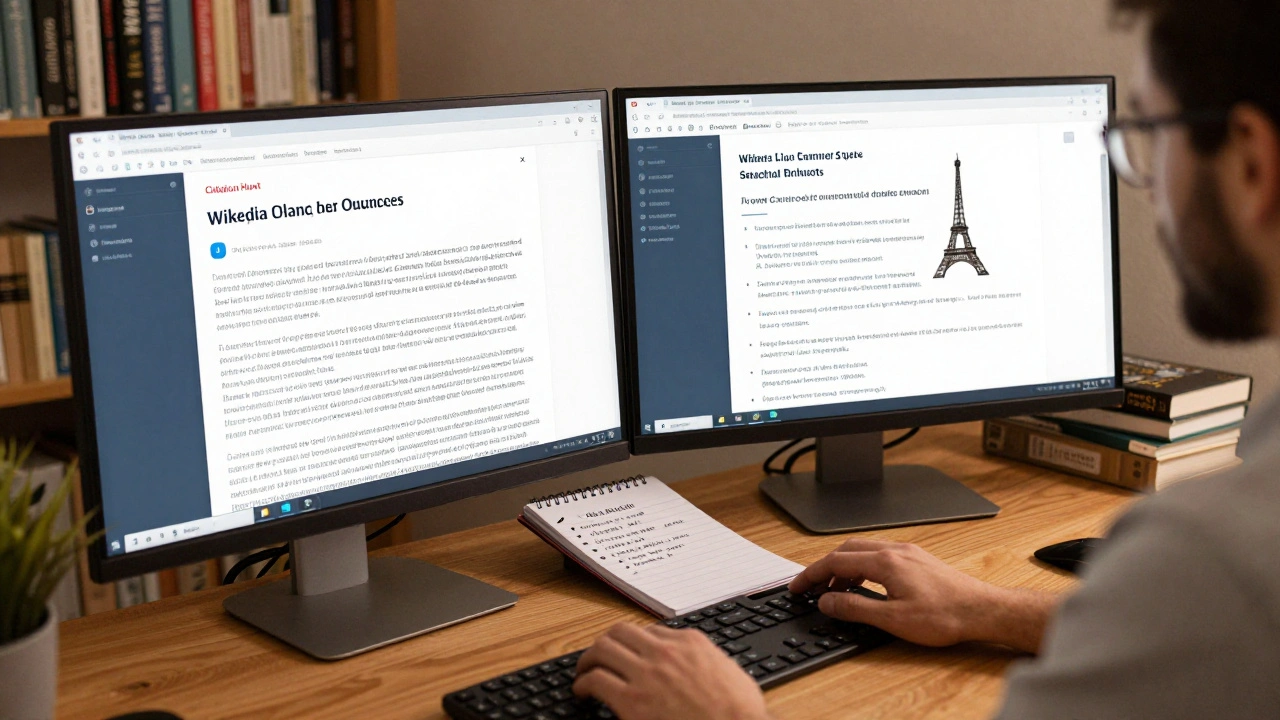
For example, when someone adds a claim like “The Eiffel Tower was built in 1890,” that’s not enough. Why? Because it’s wrong-it was built in 1889. A good editor doesn’t just correct it. They trace the source. That’s where citation tools come in.
Citation Hunt: Finding Missing Sources
One of the most powerful tools is Citation Hunt. It’s a website that pulls up Wikipedia articles with claims that have no sources attached. You don’t need special permissions. Just go to citationhunt.toolforge.org, pick a language, and start browsing. The tool highlights unsourced statements like “Most people believe…” or “Studies show…” and lets you fix them.
How does it help? In 2024, over 200,000 unsourced claims were resolved using this tool. Editors found peer-reviewed papers, government reports, and news archives to back up statements. One editor in Berlin used it to track down a 1978 UN report to confirm population data for a small town. That’s the kind of detail that turns a vague sentence into something trustworthy.
Revision Scoring: Spotting Low-Quality Edits
Not all edits are helpful. Some are vandalism. Others are well-meaning but inaccurate. That’s where Revision Scoring comes in. It’s an automated system that analyzes edits and gives them a score based on how likely they are to be problematic.
It looks at things like: Did the editor just delete a whole section? Did they add a link to a spam site? Did they change a date without citing anything? If the score is high, it flags the edit for review. Experienced editors use this to quickly sort through hundreds of changes. A new editor might fix a typo. A bot might insert nonsense. Revision Scoring helps tell them apart.
In 2023, Wikipedia’s team published data showing that edits flagged by this system had a 78% higher chance of being reverted. That means it’s not just a warning-it’s a filter that keeps the encyclopedia clean.
The ORES Dashboard: Seeing the Big Picture
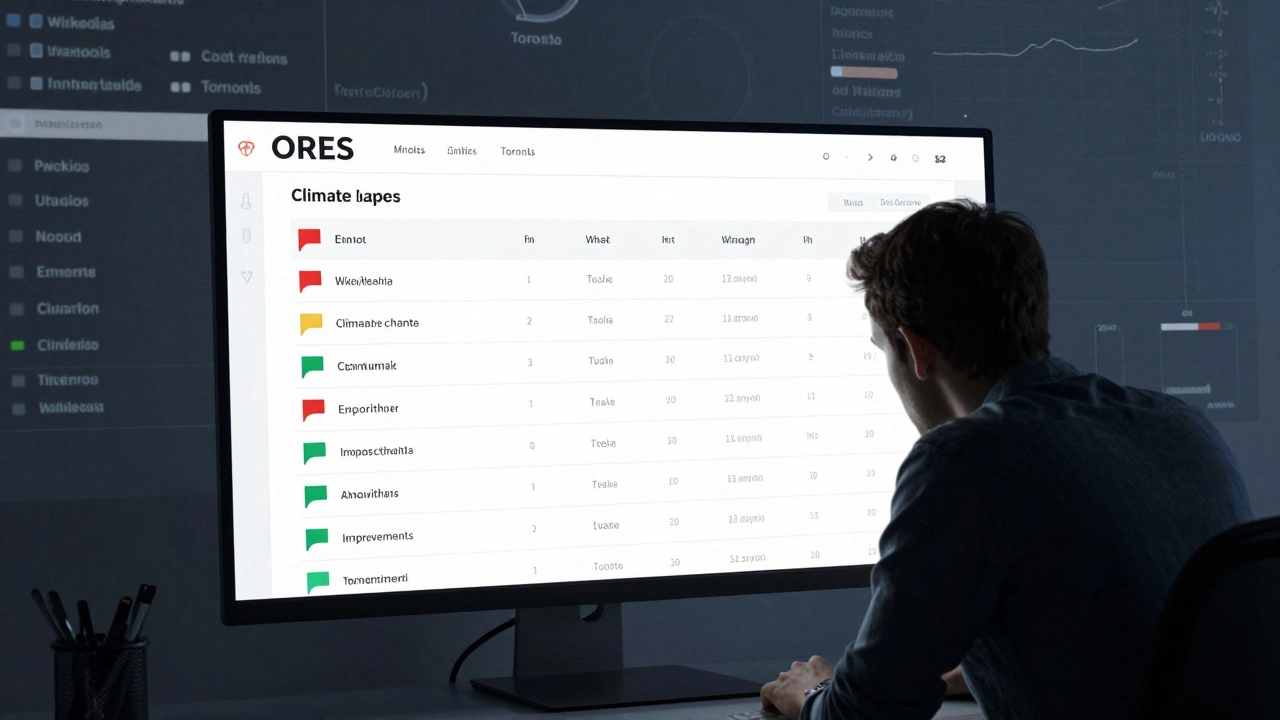
Revision Scoring is part of a larger system called ORES (Objective Revision Evaluation System). It’s not just for individual edits. ORES gives editors a dashboard that shows trends across entire articles. You can see how often an article gets edited, who edits it, and whether edits are improving or worsening quality.
For example, if an article about climate change keeps getting edited by the same user who removes scientific data every time, ORES will show a pattern. Editors can then step in, talk to the user, or protect the page. It’s not about censorship. It’s about balance. ORES helps maintain neutrality by showing where bias might be creeping in.
Some editors use ORES to monitor articles they care about. One volunteer in Toronto checks the dashboard weekly for articles on Indigenous history. If edits drop in quality, they reach out to new contributors and offer help. That’s how Wikipedia stays human.
Wikilink Detector: Fixing Broken Links
Links are the backbone of Wikipedia. But they break. All the time. A 2025 study found that 14% of external links in English Wikipedia are dead. That’s over 1.2 million broken links.
The Wikilink Detector tool scans articles for dead links and suggests replacements. It doesn’t just say “this link is gone.” It finds archived versions on the Wayback Machine or suggests similar sources from trusted publishers. One editor used it to fix 800 broken links in articles about 20th-century literature. Each one was replaced with a stable archive or a university-hosted copy.
It’s not just about links. It’s about trust. If a reader clicks a link and gets a 404 error, they lose confidence. Wikilink Detector keeps that from happening.
Article Alerts: Staying on Top of Changes
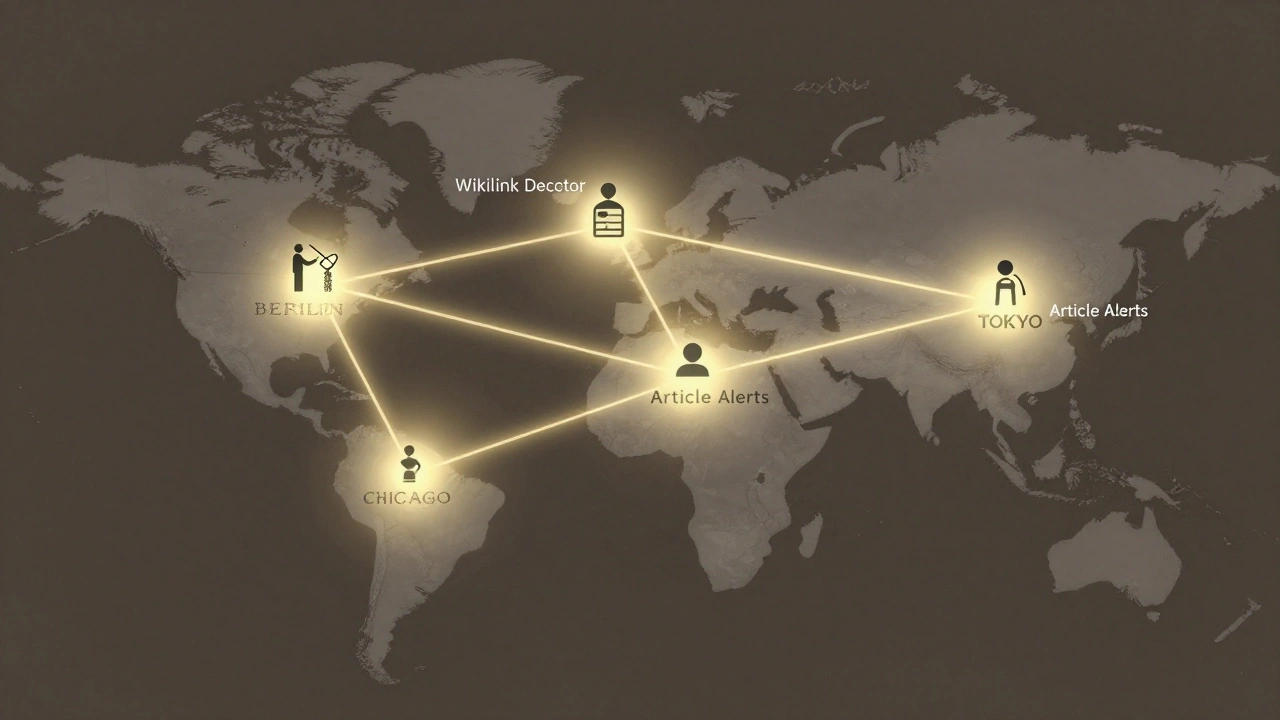
Ever watch a Wikipedia article and wonder, “Has anything changed since I last checked?” Article Alerts lets you do exactly that. You can subscribe to articles you care about and get email or notification updates when they’re edited.
It’s especially useful for topics that change fast-like politics, health, or breaking news. If someone edits the article on a recent election, you’ll know. If a medical fact gets updated, you’ll be alerted. This tool turns passive readers into active guardians of accuracy.
A group of medical students in Chicago use Article Alerts to monitor pages on vaccines. When misinformation appears, they correct it within hours. Without this tool, those edits might go unnoticed for days.
Disambiguation Pages: Clearing Up Confusion
What happens when two different things have the same name? Say someone searches for “Apple.” Do they mean the fruit, the company, or the record label? That’s where disambiguation pages come in.
These aren’t flashy tools. They’re simple lists: “Apple may refer to: 1) The fruit, 2) Apple Inc., 3) Apple Records.” But they’re essential. Without them, readers get lost. Editors use templates to auto-generate these pages when conflicts arise. In 2024, over 50,000 disambiguation pages were created or improved using automated templates.
It’s not just about names. It’s about clarity. A well-structured disambiguation page prevents confusion before it starts.
Why These Tools Matter More Than You Think
These tools aren’t optional. They’re the reason Wikipedia still works. Without them, the site would be overrun by misinformation, broken links, and conflicting edits. But they only work if people use them.
Every time you click “Edit,” you’re not just changing text. You’re joining a system. You’re using the same tools that helped fix the date of the Eiffel Tower, tracked down a forgotten UN report, or restored a broken link to a peer-reviewed study. You’re not alone. You’re part of a global network of volunteers who care about truth-not because they’re paid, but because they believe in it.
The next time you read a Wikipedia article and think, “This seems right,” remember: it’s not luck. It’s tools. And you can use them too.
Can anyone use Wikipedia’s quality control tools?
Yes. All of these tools are open to anyone with a Wikipedia account. You don’t need to be an expert. You don’t need special permissions. Tools like Citation Hunt, Wikilink Detector, and Article Alerts are designed for everyday users. Start with one. Fix one error. That’s how change happens.
Do these tools replace human editors?
No. They support them. Automated tools flag issues, but humans make the final call. A bot might point out a broken link, but only a person can decide if the replacement source is credible. ORES might flag a biased edit, but only a human can explain why the change is problematic. The tools are assistants-not replacements.
Are these tools only for English Wikipedia?
No. Most of these tools work across all language versions. Citation Hunt supports over 100 languages. ORES is active on major Wikipedias like Spanish, French, and Japanese. The tools are built to be global, not just English-focused. That’s why Wikipedia stays accurate across cultures and regions.
How do I get started with these tools?
Start with Citation Hunt. Go to citationhunt.toolforge.org, pick your language, and pick an article. Find an unsourced claim. Search for a reliable source. Add it. That’s it. You’ve just helped improve Wikipedia. After that, try Article Alerts to monitor topics you care about. The tools are designed to be simple. You don’t need to learn everything at once.
What’s the biggest mistake new editors make?
They assume their knowledge is enough. Wikipedia doesn’t accept personal opinion-even if it’s true. You need a source. A common mistake is adding “I read this in a book” without linking to the actual book. Tools like Citation Hunt exist to fix that. Always cite. Always verify. The tools are there to remind you.