Wikipedia’s redirect and move tools are powerful, but they’re also easy to mess up. One wrong click, and you could break a link that thousands of people use every day. Or worse - you could accidentally delete a page that’s been edited by dozens of contributors over years. These tools aren’t just technical functions; they’re part of Wikipedia’s backbone. Get them right, and you help keep the encyclopedia clean and usable. Get them wrong, and you create confusion that lasts for months.
What’s the difference between a redirect and a move?
A redirect is a shortcut. It points one page name to another. For example, if someone types "Barack Obama" into the search bar, they land on the main article about him - even if the actual page title is "Barack Hussein Obama II". That’s a redirect doing its job.
A move is a full rename. It changes the actual URL and title of the page. When you move a page, Wikipedia automatically creates a redirect from the old title to the new one. But here’s the catch: moving a page isn’t just renaming a file. It affects every link pointing to it - inside Wikipedia, in external blogs, in academic papers, even in Google search results.
Most editors think these are the same thing. They’re not. Redirects are lightweight. Moves are heavy. Use the right tool for the job.
When should you move a page?
Don’t move a page just because you think the title sounds better. Wikipedia has strict naming conventions. The most common reasons to move a page are:
- The current title violates Wikipedia’s article title policy - like using abbreviations, slang, or incorrect capitalization.
- The page is misnamed due to a historical error - for example, a person’s name was misspelled in the original creation.
- Two articles were accidentally created and need to be merged, with one becoming a redirect.
- A topic has become widely known by a different name, and the old title is misleading.
For example, in 2023, the page "Pope Francis I" was moved to "Pope Francis" after a consensus was reached that the "I" was unnecessary. The redirect kept all incoming links alive. That’s how it’s supposed to work.
If you’re unsure, check the talk page first. Look for existing discussions. If no one’s talked about it, start a conversation. Don’t move without consensus. Wikipedia isn’t a personal blog.
When should you use a redirect instead?
Redirects are perfect for:
- Synonyms or alternate spellings - like "color" → "colour" (for US/UK variations).
- Common misspellings - "Amercia" → "America".
- Abbreviations - "NASA" → "National Aeronautics and Space Administration".
- Common nicknames - "The Beatles" → "Beatles".
You can create a redirect manually by typing #REDIRECT [[Target Page]] at the top of a blank page. Or, if you’re moving a page and want to keep the old name as a redirect, the move tool does it automatically.
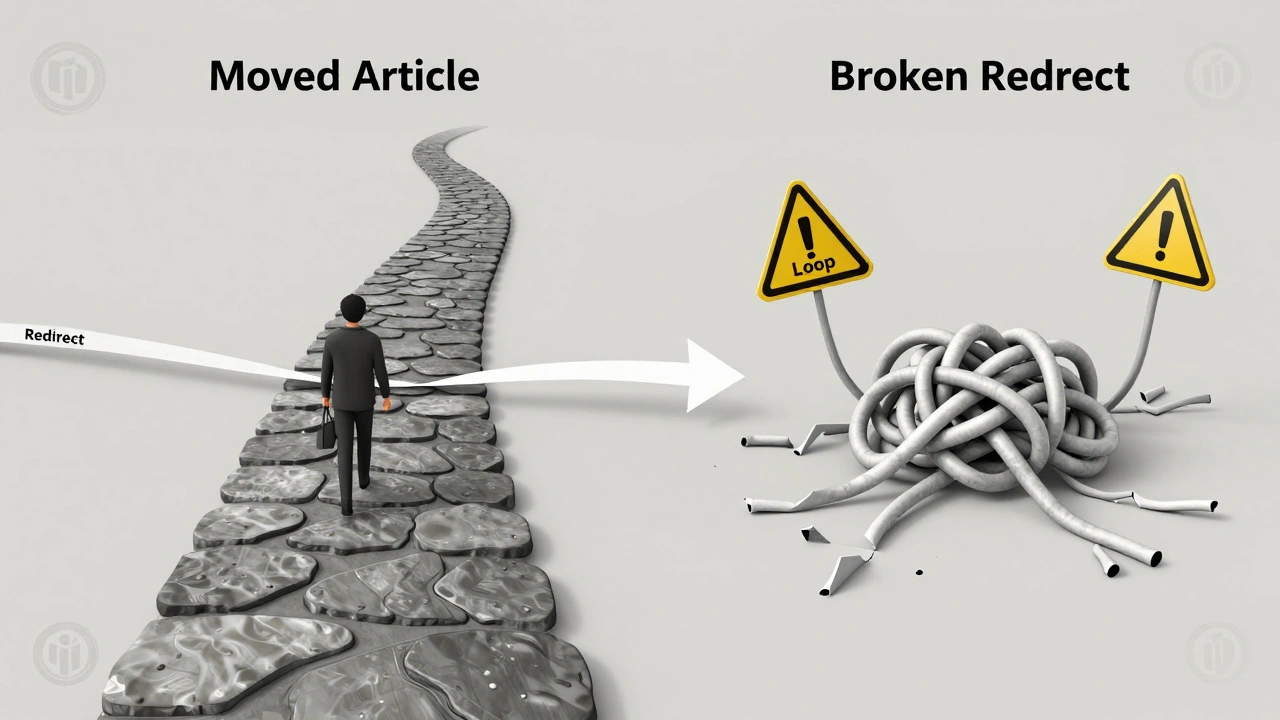
But here’s where people mess up: they create redirects for topics that don’t exist yet. Don’t make a redirect to a page that doesn’t exist. That’s called a "broken redirect," and it’s a headache for editors and readers alike. If the target page isn’t written yet, hold off. Create the main article first.
Common mistakes when moving pages
Even experienced editors make these errors - and they’re easy to fix if you know what to watch for.
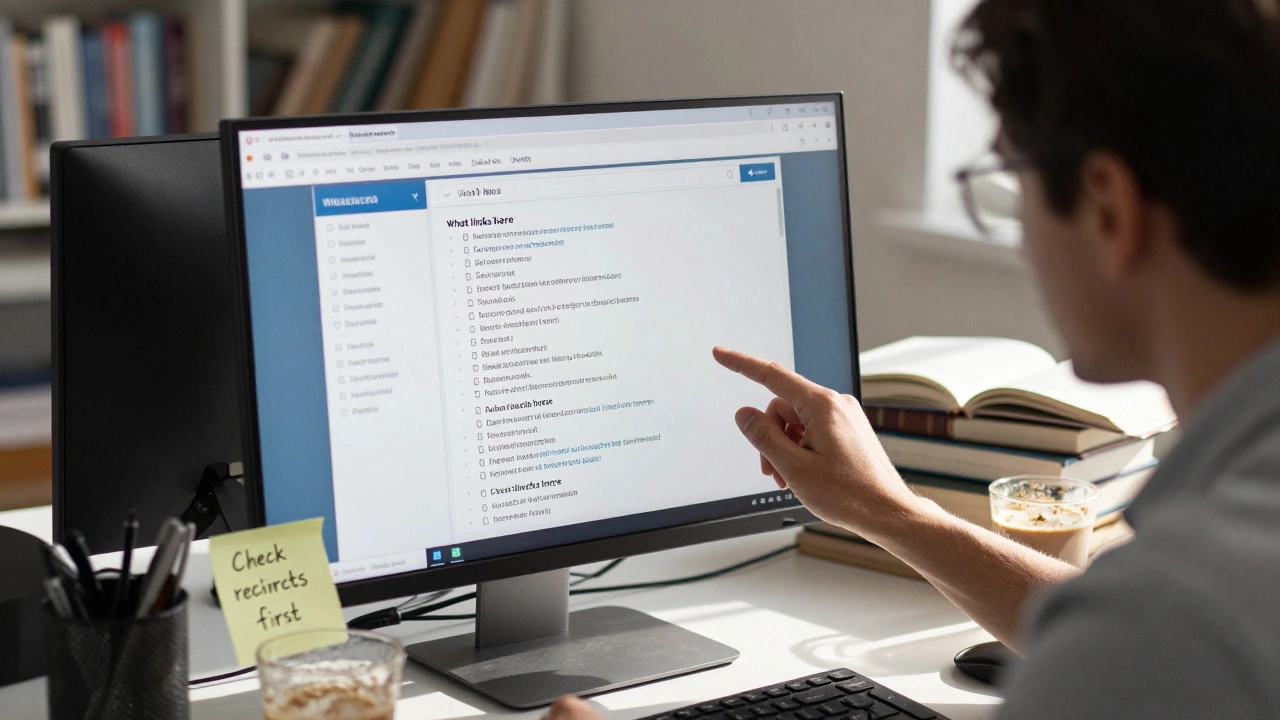
- Moving a page without checking links - Use the "What links here" tool (found in the left sidebar under "Tools"). If hundreds of pages link to the old title, moving it without updating them can break the site’s internal structure.
- Forgetting to move talk pages - When you move an article, the discussion page (like "Talk:Old Title") doesn’t move automatically. You have to do it manually. If you don’t, future edits will go to the wrong place.
- Moving protected pages without permission - Some pages are protected because they’re high-traffic or controversial. You can’t move them unless you’re an administrator or have permission. Check the page’s protection status before you start.
- Creating redirect loops - Page A redirects to Page B, which redirects back to Page A. This breaks the system. Always check where your redirect points. Use the "View redirect" link to trace the chain.
- Moving pages with heavy edit histories - If a page has over 500 edits or has been edited by more than 20 people, moving it without discussion is considered vandalism. Always ask first.
In 2024, a well-meaning editor moved the page "Climate change" to "Global warming" because they thought the latter was more accurate. The move was reverted within hours. Why? Because "Climate change" is the official term used by the IPCC, the UN, and over 90% of scientific literature. The move wasn’t just wrong - it was misleading.
How to move a page correctly
Follow this checklist every time:
- Go to the page you want to move.
- Click "Move" at the top of the page (you need an account older than four days and at least ten edits).
- Type the new title. Check the warning message - it’ll tell you if the title already exists or if there are too many links.
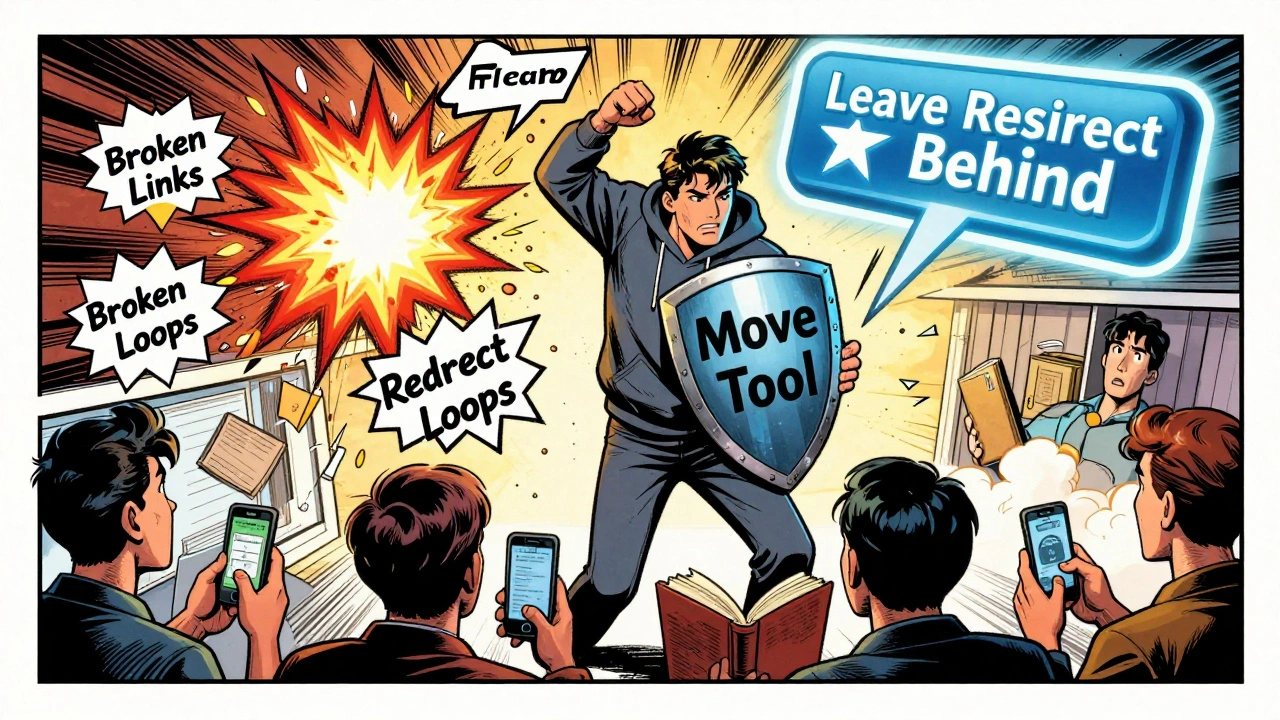
- Check the box that says "Leave a redirect behind." Always leave this checked unless you have a very good reason not to.
- Check "Move talk page" if there’s a discussion page attached.
- Add a clear edit summary: "Moved to [[New Title]] per [[Wikipedia:RFC#12345]]" - this helps others track the change.
- Click "Move page" and wait a few seconds.
- Go to the old page. Is the redirect working? Click it. Does it take you to the new page?
- Check "What links here" on the new page. Are there broken links? Fix them.
Pro tip: If you’re moving a page with a lot of external links (like from news sites or universities), consider posting a note on the Wikipedia Village Pump or relevant WikiProjects. They can help track down and fix broken links outside Wikipedia.
Redirects that shouldn’t exist
Not every redirect is useful. Some are just noise. Here are the types you should delete:
- Redirects from misspellings that are too obscure - like "Hewlett-Packard" → "Hewlet-Packard" (one letter off). If no one else has ever searched for it, it’s clutter.
- Redirects from titles that violate policy - like "Best movie ever" or "Obama is cool".
- Redirects to disambiguation pages unless they’re commonly used search terms.
- Redirects from non-English titles unless the article is about a non-English topic.
Use the "Redirects for discussion" (RfD) process to propose deletions. It’s a formal way to get community input. Don’t just delete them. You might be removing something someone else relies on.
What happens if you get it wrong?
Wikipedia has bots and editors watching for broken redirects and bad moves. If you make a mistake, it’s usually fixed quickly. But if you do it repeatedly, you’ll get flagged. First, you’ll get a warning. Then, you might be blocked from moving pages for a few days.
One editor in Germany was blocked for three weeks in 2023 after moving 17 pages without discussion. All were about local German towns. The edits weren’t malicious - they were just careless. But they caused real confusion. Local historians had to spend hours fixing broken links in their research archives.
Don’t be that editor. Slow down. Double-check. Ask for help.
Tools to help you get it right
Use these built-in tools:
- What links here - Find every page linking to the one you want to move.
- Redirects - Lists all redirects pointing to a page. Useful for spotting loops.
- Page Categorization Tool - Helps you check if categories need updating after a move.
- Link Rot Tool - Scans for broken external links after a move (available in the WikiProject Link Rot group).
For advanced users, the Twinkle browser extension (for Chrome and Firefox) adds quick buttons for common moves and redirects. It’s used by over 15,000 active editors.
Final reminder: Think like a reader
Every redirect and move affects real people. Someone might be reading your article on their phone while waiting for a bus. Or a student might be citing it in a paper. If the link breaks, they lose their source. If the title is wrong, they get confused.
Wikipedia works because thousands of small, careful edits add up. Your job isn’t to make things look perfect. It’s to make sure they work - for everyone, forever.
Can I move a page without being an admin?
Yes, if you have an account older than four days and have made at least ten edits. You don’t need admin rights to move most pages. But if the page is protected, you’ll need to request the move on its talk page or ask an admin.
Why does Wikipedia keep old redirects instead of deleting them?
Old redirects act like road signs. Even if a page has moved, people still search for the old name. Keeping the redirect ensures they still find the right article. Deleting them would break links from blogs, books, and search engines - and that hurts Wikipedia’s reliability.
How do I know if a page is protected from being moved?
Look at the top of the page. If you see a padlock icon next to the "Move" button, the page is protected. Click the lock to see why - it might be because of high traffic, controversy, or frequent vandalism. You’ll need to request a move through the talk page or ask an administrator.
What if I accidentally create a redirect loop?
If you see a message saying "Redirect loop detected," stop immediately. Go to the redirect page and check where it points. Then check where that page points. Fix the chain so it ends at a real article, not another redirect. If you’re stuck, ask for help on the Wikipedia Help Desk.
Should I move a page just because I think the title is outdated?
No. Titles should reflect established usage, not personal opinion. If a term is still widely used in reliable sources - even if it feels old - it stays. For example, "mental retardation" was replaced by "intellectual disability" in official usage, so the page was moved. But "World War Two" stayed instead of "World War II" because both are commonly used. Always check consensus and sources before moving.