Compare Revisions on Wikipedia: How to Track Changes and Spot Bias
When you compare revisions, the process of viewing differences between two versions of a Wikipedia article. Also known as diff viewing, it’s how editors trace how an article changed over time—whether a fact was added, removed, or twisted. This isn’t just a technical feature. It’s the backbone of Wikipedia’s accountability. Every edit leaves a trail, and comparing those trails is how you tell if someone’s pushing an agenda, fixing a typo, or rewriting history.
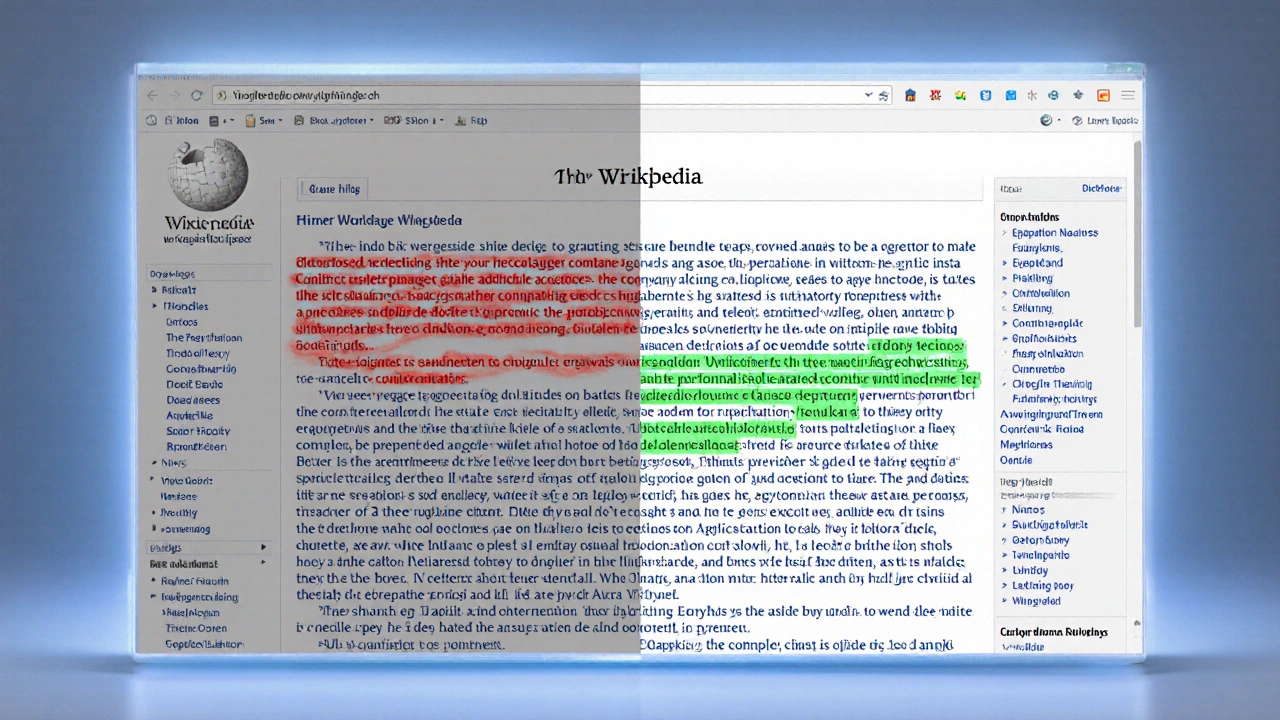
Behind every compare revisions button is a system built for transparency. When you click it, you see exactly what text was deleted (in red) and what was added (in green). You also see the editor’s username, the timestamp, and their edit summary. That’s not just data—it’s evidence. Editors use this to catch vandalism, reverse biased edits, and rebuild articles after edit wars. In high-stakes topics like elections or geopolitics, comparing revisions is how you find out who changed what and why. It’s how librarians, researchers, and even students verify that a claim on Wikipedia hasn’t been quietly altered.
Related tools like Wikipedia talk pages, the discussion spaces where editors debate content changes and edit filters, automated systems that flag suspicious edits before they go live work hand-in-hand with revision comparisons. You can’t fully understand a change without seeing the conversation around it. That’s why many editors start with the diff, then check the talk page for context. And if something looks off? You can revert it, report it, or start a discussion. The system doesn’t just record changes—it gives you power to correct them.
Wikipedia doesn’t rely on one expert to get things right. It relies on thousands of people checking each other’s work. Compare revisions is how you join that system. Whether you’re a student verifying a source, a journalist fact-checking a claim, or just someone who noticed something weird on a page, this tool puts control in your hands. You don’t need to be a coder or a policy expert. Just open the history tab, pick two versions, and click. What you find might surprise you.
Below, you’ll find real examples of how editors use revision comparisons to improve accuracy, expose bias, and defend the integrity of the encyclopedia. From fixing election data to undoing spam, these stories show why this simple tool matters more than ever.
How to Review Edits on Wikipedia Using Diff and History Interfaces
Learn how to use Wikipedia's diff and history tools to track changes, spot vandalism, and understand how articles evolve over time. Essential for anyone who relies on Wikipedia for accurate information.