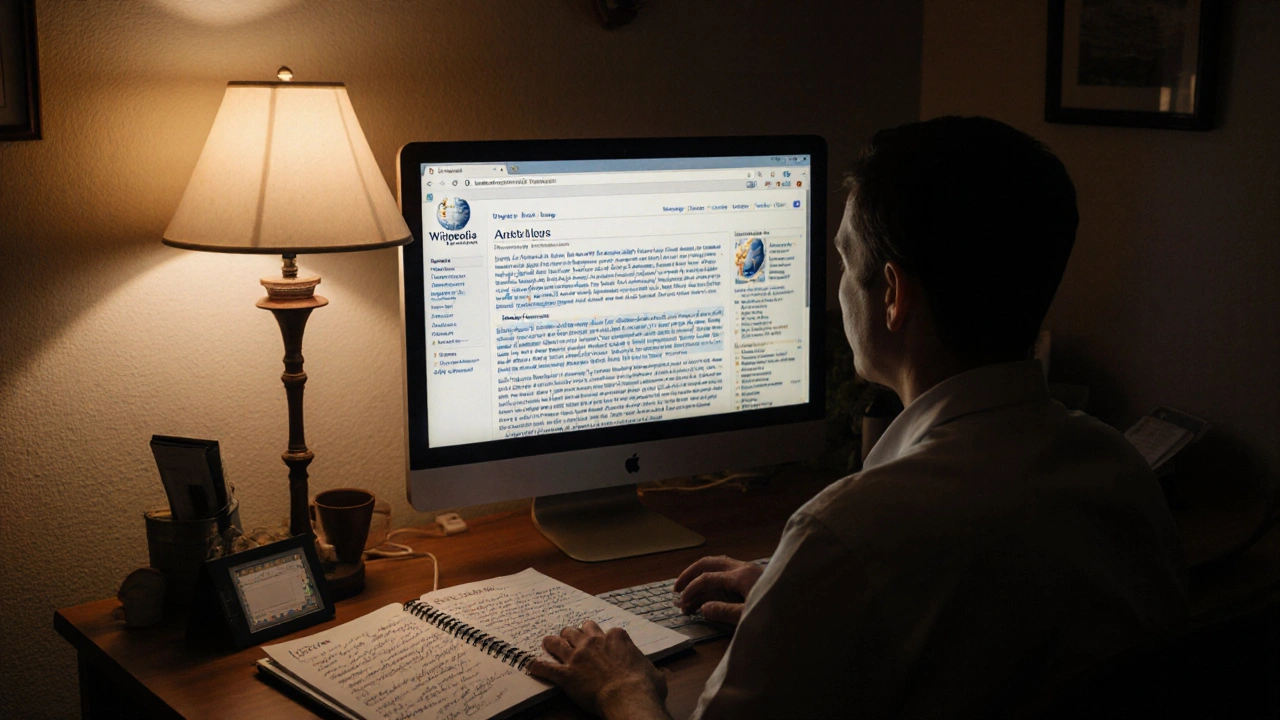
Wikipedia isn’t just a website-it’s the largest free encyclopedia ever built, with over 66 million articles in more than 300 languages. And here’s the thing: anyone can edit it. That includes you. But editing Wikipedia isn’t like posting on social media. It’s a community-driven project with strict rules, deep history, and real consequences for careless edits. If you’ve ever wanted to fix a typo, add a fact, or update a page, this guide shows you how to do it right-without getting flagged, reverted, or blocked.
Start by reading the five pillars
Before you make your first edit, understand what Wikipedia stands for. The Five Pillars are the foundation of everything on the site. They’re not suggestions-they’re the rules everyone follows, whether they’ve been editing for one day or twenty years.The first pillar says Wikipedia is an encyclopedia. That means it’s not a blog, a forum, or a personal portfolio. You can’t add opinions, promotional content, or original research. If you’re trying to prove your cousin’s startup is the best in the world, that’s not Wikipedia material.
The second pillar says Wikipedia is written from a neutral point of view. That means no favoring one side in a debate. If you’re editing a page about climate change, you can’t say “climate change is a hoax.” You also can’t say “climate change is 100% caused by humans” without citing a major scientific body like the IPCC. You need to represent all significant viewpoints fairly, based on reliable sources.
The third pillar says Wikipedia is free content. Everything you add becomes public domain. You can’t copy-paste from a textbook, a news site, or a personal blog unless it’s explicitly licensed for reuse. Even then, you must credit the source. If you’re unsure, assume it’s copyrighted.
The fourth and fifth pillars are about respect and civility. You’re not here to win arguments. You’re here to build something better than what was there before.
Don’t edit what you don’t understand
One of the biggest mistakes new editors make is jumping into complex topics they barely know. You see a page about quantum computing and think, “I’ll just fix this one sentence.” But if you don’t understand the subject, you might accidentally delete key context or add misinformation.Instead, start small. Fix typos. Correct broken links. Add missing punctuation. These are called “minor edits,” and they’re perfect for beginners. You’ll learn how the editing interface works without risking major damage.
For example, if you’re reading a page about the Great Lakes and notice “Lake Superior is the largest lake in the world by volume,” that’s wrong. It’s the largest by volume among freshwater lakes. That’s a factual error you can fix with a simple edit-no expertise needed. Just add “among freshwater lakes” and cite the USGS website as your source.
Small edits build confidence. They also help you get familiar with the edit history, talk pages, and citation tools. Once you’ve done five or ten of these, you’ll be ready for bigger changes.
Always cite your sources
Wikipedia doesn’t care what you think. It only cares what reliable sources say. Every factual claim needs a citation. That includes dates, numbers, names, and even seemingly obvious facts like “The Eiffel Tower is in Paris.”What counts as a reliable source? Books from academic publishers, peer-reviewed journals, major newspapers (The New York Times, BBC, The Guardian), government websites (.gov, .gov.uk), and established news organizations. Avoid blogs, forums, YouTube videos, self-published books, and personal websites.
When you add a source, link to the exact page or section that supports your edit. Don’t just paste a URL to the homepage of a newspaper. If you’re adding a fact about life expectancy in Japan, link to the WHO page that lists the data-not the general health section.
Use the citation tool in the editor. Click “Cite” in the toolbar, then select “Web” or “Book.” Fill in the details. The system will generate the correct format. You don’t need to memorize APA or MLA. Wikipedia uses its own simple style.
If you can’t find a source, don’t add the fact. Wait. Find it. Or leave it out. Better to have a clean, sourced page than a flashy, unsupported one.
Use the sandbox and preview before publishing
Every new editor should get comfortable with the preview button. Before you click “Publish changes,” always click “Show preview.” This lets you see how your edit will look to others.Even better-use the sandbox. Every Wikipedia user has a personal sandbox page. Go to your user page, click “Create sandbox,” and practice editing there. You can test formatting, citations, and templates without affecting real articles.
Try this: Copy a paragraph from a real article, paste it into your sandbox, and rewrite it. Add a citation. Change the structure. See how the preview renders. This is how experienced editors learn. No one starts by editing the page on World War II. They start in the sandbox.
Also, never use “Edit” on a page you’re emotionally attached to. If you’re editing a page about your hometown, your school, or your favorite band, you’re more likely to add biased or promotional content. Use the sandbox first. Get feedback. Then, if you’re confident, make the edit on the real page.
Engage with the community
Wikipedia isn’t a solo project. Every edit you make is reviewed by volunteers. If someone reverts your edit, don’t get upset. Don’t argue. Don’t edit war.Instead, go to the article’s “Talk” page. That’s where editors discuss changes. Find your edit in the history, click “View history,” then click “Discuss this edit.” Write a polite message. Say what you changed, why you changed it, and what source you used. For example:
Hi, I updated the population figure for Springfield from 120,000 to 137,500 based on the 2024 U.S. Census report (link). The previous number was from 2019 and is outdated. Let me know if you’d like me to adjust anything.
Most of the time, someone will respond with thanks-or a better source. That’s how Wikipedia improves. It’s not about being right. It’s about being helpful.
If you’re unsure whether your edit is okay, ask. Post a question on the “Teahouse,” a friendly space for new editors. Or use the “Help desk.” People there have seen thousands of edits. They’ve made mistakes too. They want you to succeed.
Watch out for common pitfalls
Here are the top mistakes new editors make-and how to avoid them:- Writing like a textbook: Wikipedia isn’t meant to sound academic. Use plain language. Avoid jargon. If a 14-year-old can’t understand it, rewrite it.
- Adding too much at once: Don’t rewrite a 5,000-word article in one go. Make one edit at a time. Smaller edits are easier to review and less likely to be reverted.
- Using unreliable sources: Reddit threads, Medium articles, and personal websites don’t count. Stick to established publishers.
- Adding unsourced opinions: “This movie is the best of all time” is not an edit. “This movie received 12 Academy Award nominations” is.
- Editing for self-promotion: Don’t create pages about yourself, your business, or your band. Wikipedia doesn’t allow promotional content. Even if you’re famous, you need independent coverage from reliable sources before a page can exist.
If you’re ever unsure, ask yourself: “Would a neutral third party consider this fact verifiable and important?” If the answer is no, leave it out.
What happens after you edit?
After you click “Publish,” your edit goes live. But it doesn’t disappear from view. You can always check your edit history by clicking your username in the top-right corner, then “Contributions.”Someone might revert your edit. That’s normal. It doesn’t mean you’re a bad editor. It means the system is working. Look at the reason they gave. Did they say “unsourced”? Then find a source. Did they say “biased”? Then rephrase it neutrally.
Some edits get flagged for review. If you’re editing a high-traffic page like “United States” or “COVID-19,” your changes might be held for approval. This isn’t punishment-it’s protection. These pages get thousands of edits a day. Volunteers check them to prevent vandalism.
Don’t rush to re-edit. Wait. Read the feedback. Learn. Then try again.
Over time, you’ll notice your edits stick. Your reputation grows. You’ll start getting messages like “Thanks for fixing that!” That’s the real reward-not edits, but contribution.
What to edit next
Once you’re comfortable with small fixes, here are some low-risk, high-impact areas to focus on:- Stub articles: These are short, incomplete pages. Adding one or two sentences with a source helps a lot.
- Images with missing captions: Many photos on Wikipedia have no description. Add a clear caption with the source.
- Outdated statistics: Look for articles with “citation needed” tags. These are open invites for helpful edits.
- Broken links: Use the “Check links” tool in the editor to find dead URLs. Replace them with archived versions from archive.org if needed.
There’s no shortage of work. And every edit, no matter how small, makes Wikipedia better.
Can I edit Wikipedia anonymously?
Yes, you can edit without creating an account. But anonymous edits are more likely to be reverted or flagged. Creating a free account gives you a username, lets you track your edits, and builds trust with the community. It also lets you use tools like watchlists and sandbox pages. It takes less than a minute to sign up.
What if I make a mistake?
Everyone makes mistakes-even experienced editors. The key is to fix them quickly. Go to your contributions, find the edit, and click “undo” or “edit again.” Then make the correction. If someone reverts your edit, don’t argue. Ask why on the talk page. Mistakes are part of learning.
Can I edit Wikipedia on my phone?
Yes, the Wikipedia mobile site works well for simple edits like fixing typos or adding citations. But for anything complex-like restructuring a section or adding multiple sources-it’s easier on a computer. The desktop editor has better tools for citations, diffs, and previewing changes.
How long does it take to get good at editing Wikipedia?
You can start making useful edits in one day. Getting comfortable with the rules and culture takes a few weeks. Most new editors feel confident after 10-20 edits. The goal isn’t to become an expert overnight-it’s to contribute consistently and respectfully. Quality matters more than quantity.
Is Wikipedia editing a good way to learn research skills?
Absolutely. Finding reliable sources, verifying facts, and writing clearly for a general audience are core research skills. Many students, teachers, and librarians use Wikipedia editing as a practical exercise. It teaches you how to distinguish between opinion and evidence-and why that matters.
If you’re ready to start, pick an article you use often-a recipe, a historical event, a local landmark-and fix one thing today. Maybe it’s a misspelled name. Maybe it’s a broken link. Maybe it’s a missing date. That one edit? It’s now part of history.