Infobox on Wikipedia: What It Is, How It Works, and Why It Matters
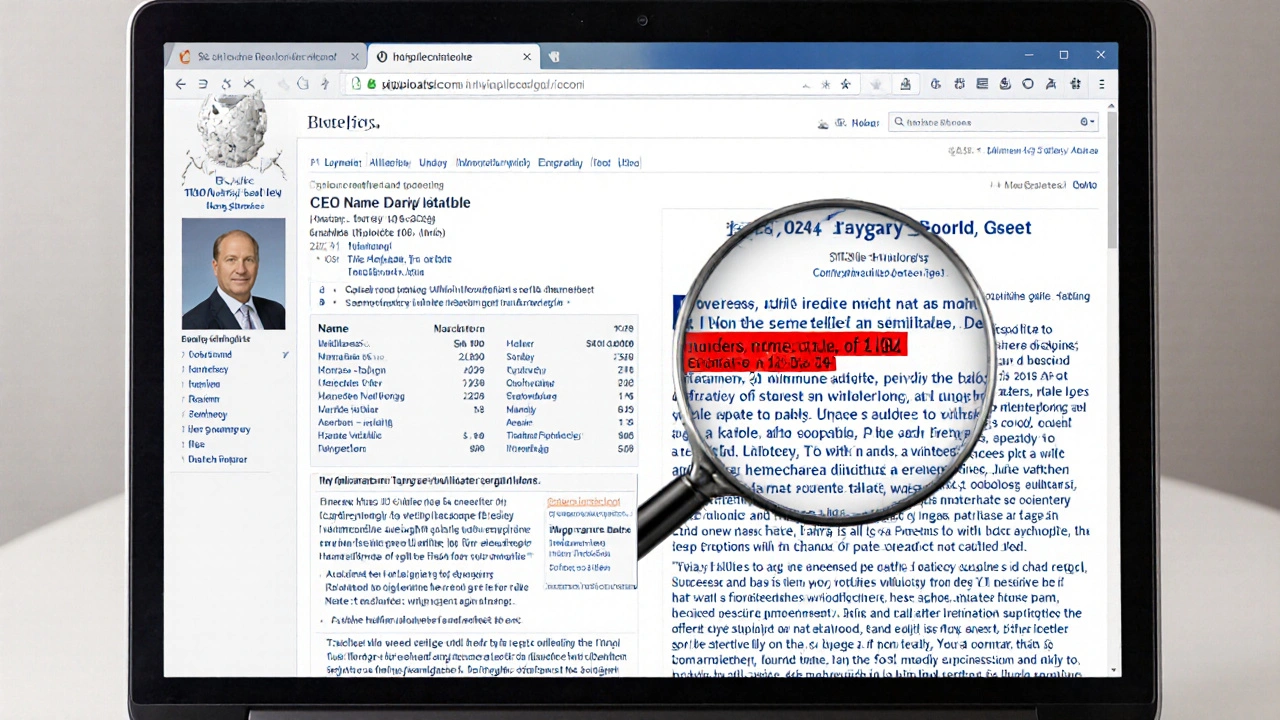
When you read a Wikipedia article about a person, a city, or a movie, that clean box with key details at the top? That’s an infobox, a standardized template that displays critical information in a structured format. Also known as a data box, it’s one of the most used tools on Wikipedia—and one of the least understood. Without infoboxes, you’d have to scroll through paragraphs to find a person’s birth date, a company’s headquarters, or a film’s runtime. They turn messy text into quick-reference snapshots, saving time and reducing confusion.
Infoboxes don’t just look neat—they’re built on Wikipedia templates, reusable code structures that enforce consistency across thousands of articles. Every infobox follows a strict format: fields like "Born," "Directed by," or "Population" are defined in advance so editors can’t just type anything. This keeps data comparable. If you’re comparing two athletes, you want their stats in the same spots, not scattered randomly. Tools like TemplateWizard, a form-based editor that guides users through filling out templates without touching raw code, make this easier for new contributors. It cuts down errors by 80%, according to Wikimedia’s own testing, because you’re not guessing syntax—you’re filling out a form.
Behind every infobox is a system of rules. Not every article gets one. There’s a WikiProject assessment, a community-driven quality rating system that decides whether an article deserves an infobox based on depth, sources, and structure. If an article is too short or lacks reliable references, it won’t qualify. And if someone adds a made-up infobox? Bots catch it fast. Automated tools monitor for invalid fields, missing parameters, or mismatched data types. This isn’t just about design—it’s about trust. Readers rely on these boxes to give accurate, verifiable facts.
Infoboxes also connect to bigger systems. They feed into Wikipedia’s search engine, helping CirrusSearch understand what each article is about. They’re used by AI tools trying to extract facts. And when researchers study how knowledge is organized online, infoboxes are often the first thing they analyze. They’re the glue between human editing and machine readability.
But they’re not perfect. Some infoboxes get too crowded. Others are outdated. And in controversial topics—like geopolitical events or disputed histories—infoboxes can become battlegrounds. That’s why community discussion on talk pages and policy debates over neutrality matter so much. An infobox isn’t just a box. It’s a statement of what the community agrees is important enough to highlight.
Below, you’ll find guides on how to use infoboxes correctly, how they’re built with templates, how they help prevent editing mistakes, and how tools like TemplateWizard make them accessible—even for beginners. Whether you’re fixing a typo or helping shape how a country’s history is presented, understanding infoboxes means understanding how Wikipedia turns chaos into clarity.
How to Read a Wikipedia Article Critically: Infoboxes, Lead Sections, and References
Learn how to read Wikipedia articles critically by checking infoboxes, lead sections, and references to avoid misinformation and uncover hidden bias. Stop trusting, start verifying.