Wikipedia is everywhere. You’ve probably used it to check a fact, settle a bet, or get a quick overview before writing a paper. But here’s the thing: Wikipedia isn’t a textbook. It’s a living document written by volunteers, edited by strangers, and sometimes manipulated by bots or biased contributors. Reading it like a source you can trust without question? That’s where things go wrong.
Start with the Infobox
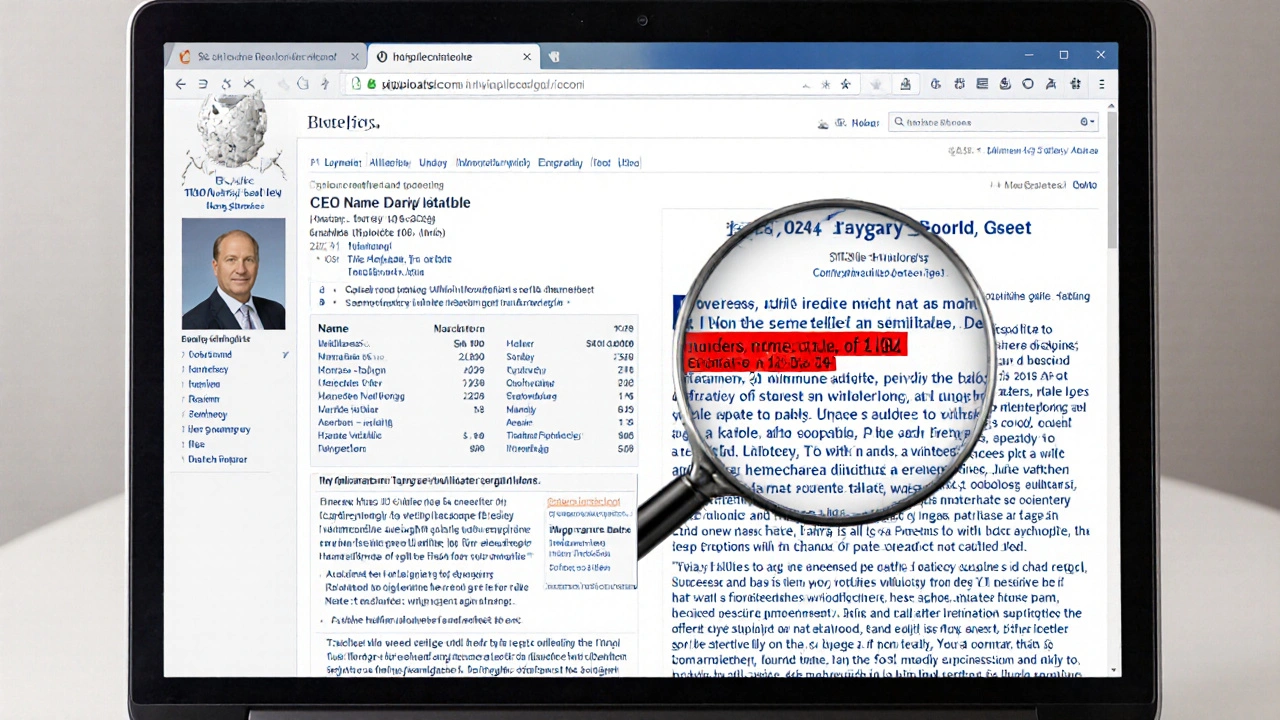
The infobox is that neat little table on the right side of most Wikipedia articles. It looks official-dates, names, numbers, locations-all packed into one spot. It’s tempting to treat it like a summary from an encyclopedia. But don’t. The infobox is a snapshot, not a guarantee.
It’s built by editors using templates, and those templates can be outdated or incomplete. For example, a Wikipedia article on a company might list its CEO as of 2021, but if someone forgot to update it after a leadership change in 2024, you’re working with wrong data. Always cross-check the infobox with the main text. If the infobox says the population is 1.2 million, but the article body says 1.4 million, the body is more likely to be correct-it’s where the real discussion happens.
Also watch for missing context. An infobox for a political figure might list their party and term dates, but won’t tell you if they were impeached, resigned under scandal, or won by a landslide. Those details live in the article, not the box. Treat the infobox as a quick reference, not a final answer.
Read the Lead Section Like a News Hook
The first paragraph of any Wikipedia article is called the lead section. It’s supposed to summarize the entire article in a few sentences. And it’s often the only part people read. That’s dangerous.
The lead section is written to be neutral, concise, and accessible. But because of that, it can oversimplify complex topics. Take an article on climate change. The lead might say, “Climate change is a long-term shift in global temperatures.” That’s technically true-but it doesn’t mention the overwhelming scientific consensus (97% of climate scientists agree human activity is the main driver, per NASA and IPCC reports). It doesn’t mention tipping points, regional impacts, or policy debates.
Think of the lead like a news headline: it grabs attention, but it doesn’t tell the whole story. If you stop there, you’re missing nuance. Always read past the lead. Ask yourself: What’s being left out? What assumptions is this summary making? Is the tone too calm for a controversial topic? Is a disputed claim presented as fact?
Follow the References-Not Just the Links
This is where most people skip. They click a link in the article and think they’ve verified the claim. But Wikipedia’s references aren’t just hyperlinks. They’re citations-sources that support each claim. And not all sources are equal.
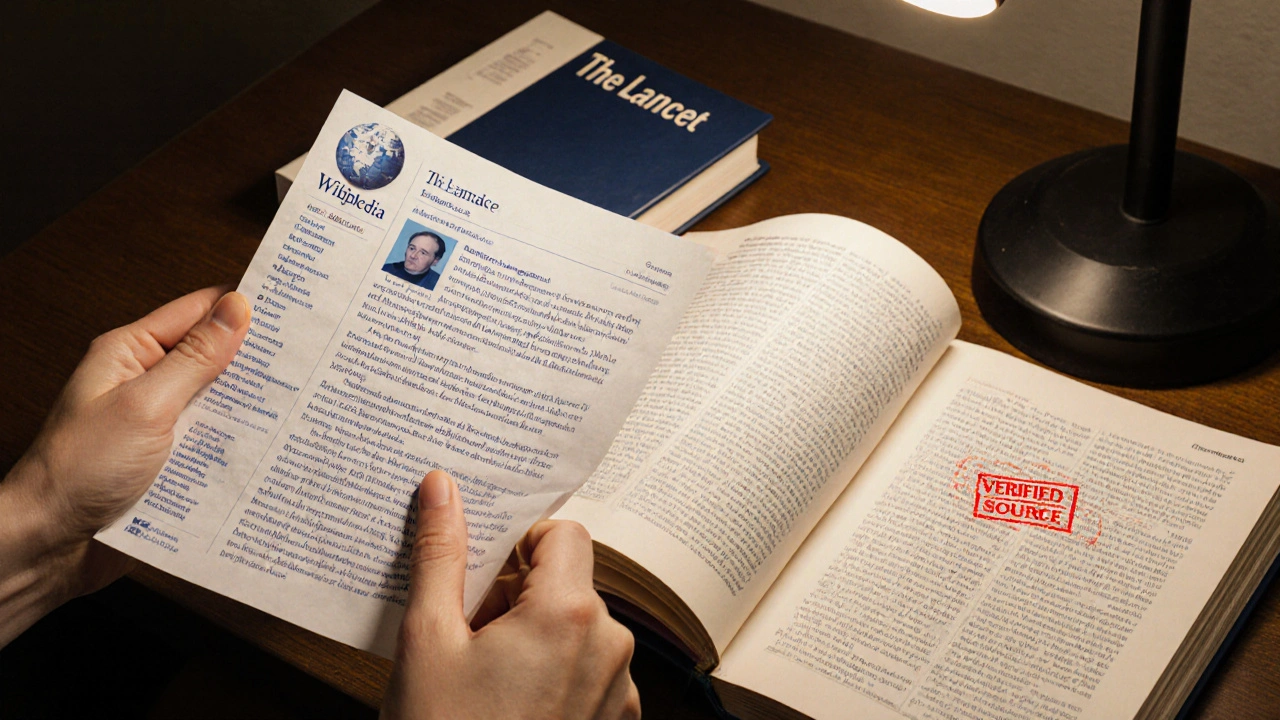
Look at the reference list at the bottom of the article. Are they from peer-reviewed journals? Books from university presses? Reputable news outlets like The New York Times or BBC? Or are they blogs, personal websites, forums, or self-published material? Wikipedia allows all of them, but the reliability varies wildly.
Here’s a real example: An article on a medical treatment might cite a study from a journal like The Lancet-that’s solid. But it might also cite a post from a wellness blog that says “Dr. Smith says this works.” That’s not evidence. It’s opinion.
Check the citation style. If a reference says “Retrieved from [website]” without an author, date, or title, it’s probably unreliable. If it’s a book, check the publisher. Academic presses like Oxford University Press or Harvard University Press are trustworthy. Self-published books or vanity presses? Not so much.
And here’s a pro tip: Click the citation number in the article. It takes you to the exact sentence in the source. Don’t just read the summary-read the original context. Sometimes, the source says something completely different than what Wikipedia claims. That’s called misrepresentation. It happens more often than you think.
Check the Talk Page
Most people don’t know Wikipedia has a secret layer: the Talk page. Every article has one. It’s where editors argue, debate, and negotiate what goes into the article. If you want to know if something’s controversial or disputed, go there.
For example, the Talk page for the article on “Gender Identity” has had over 5,000 edits and hundreds of discussions since 2015. You’ll find editors pointing out biased language, outdated studies, and missing perspectives. If the article says “most scientists agree,” but the Talk page shows three editors challenging that claim with recent papers, you know the article is contested.
Look for templates like {{Citation needed}}, {{POV}}, or {{Update}}. These are flags editors use to signal problems. If you see one, the claim is either unsupported or biased. Don’t ignore them. They’re red flags, not suggestions.
Watch for Structural Bias
Wikipedia articles follow a standard structure: lead, history, controversy, impact, see also. That’s helpful for consistency-but it can hide bias.
For example, articles about Western figures often get detailed biographies with subsections on childhood, education, career, and legacy. Articles about non-Western figures? Sometimes they’re reduced to one paragraph on “notable achievements” with no personal background. That’s not neutrality. That’s systemic bias.
Also notice how long each section is. If 80% of an article on a political event focuses on one side’s version, and the other side gets three sentences, the article isn’t balanced-it’s skewed. The length of sections often reflects editorial consensus, not factual weight.
Ask yourself: Who wrote this? Who edited it? What voices are missing? Wikipedia doesn’t have a central authority. It has a community. And communities have blind spots.
Use Wikipedia as a Starting Point, Not an Endpoint
Wikipedia is excellent for getting oriented. It’s fast, free, and covers topics no one else organizes this well. But it’s not a destination. Treat it like a map to a library.
Use the references to find the real sources. If the article cites a 2023 study from the Journal of the American Medical Association, go read that study. If it mentions a government report from the CDC, download the PDF. If it quotes a historian, find their book.
Wikipedia doesn’t replace research-it points you toward it. The goal isn’t to memorize Wikipedia. It’s to use it to find better sources. That’s how you learn, not just skim.
What to Do When You Find a Problem
Found a mistake? Outdated info? A biased phrase? Don’t just complain. Fix it.
Wikipedia is editable by anyone. You don’t need to be an expert. Just click “Edit,” add a citation, and explain your change in the summary box. If you’re unsure, add a note on the Talk page first. Most editors welcome help-especially when it’s backed by evidence.
And if you’re not ready to edit? Share what you found. Tell a friend, a student, a colleague: “I checked the references on this Wikipedia page, and here’s what’s missing.” That’s how critical reading becomes collective responsibility.
Wikipedia won’t get better if you only use it. It gets better when you question it, verify it, and improve it.
Can I trust Wikipedia for academic work?
Most universities don’t let you cite Wikipedia directly in papers-but that’s not because it’s wrong. It’s because it’s a summary, not a primary source. Use it to find credible references, then cite those. If you can trace every claim in the Wikipedia article back to a peer-reviewed journal or official report, you’ve done the work. That’s what professors want to see.
Why do some Wikipedia articles have more references than others?
It depends on who edits it. Articles on popular topics like celebrities, movies, or current events often get more attention and more citations. Articles on obscure subjects, non-Western cultures, or technical fields may have fewer because fewer people know enough to cite them. This isn’t about quality-it’s about visibility. Always dig deeper if a topic seems under-supported.
Are Wikipedia’s references always accurate?
No. Sometimes editors misquote sources, link to paywalled articles they haven’t read, or cite outdated versions. Always check the original source yourself. If the Wikipedia article says a study found “X,” go find that study and see if it actually says that. Many claims on Wikipedia are based on secondhand summaries, not direct evidence.
How do I know if an article is well-maintained?
Look at the article’s history tab. If it’s been edited frequently over the past year, especially by multiple users, it’s likely well-maintained. Check the Talk page for recent discussions. Articles with stable content, no dispute templates, and recent citations are more reliable. Also, articles marked as “Good Article” or “Featured Article” have passed formal review-but even those can become outdated.
Can I rely on Wikipedia for medical or legal advice?
Never. Wikipedia is not a substitute for professional advice. Medical information can be life-or-death. Legal summaries can be dangerously oversimplified. Use Wikipedia to understand the topic, then consult a licensed doctor, lawyer, or official government resource. Wikipedia’s disclaimers exist for a reason.