Over 20% of images on Wikipedia a free online encyclopedia have been removed due to licensing issues. This isn’t just a technical problem-it’s a threat to the encyclopedia’s credibility. Properly sourcing and licensing media ensures content stays online and maintains trust. Let’s break down exactly how to do it right.
Why Media Quality Matters on Wikipedia
Every image or video you upload to Wikipedia must meet strict quality and legal standards. Poorly sourced media leads to removals, which can disrupt articles and waste contributors’ time. In 2024, Wikipedia’s administrators removed over 350,000 files for licensing violations. This happens because many new editors don’t understand how copyright works on a free encyclopedia. For example, using a Google Images result without checking the license often violates copyright law. Proper licensing isn’t optional-it’s the foundation of Wikipedia’s reliability.
Understanding Licensing Standards
Media on Wikipedia falls into three main categories: public domain, Creative Commons licenses, and fair use. Public domain works have no copyright restrictions. These include government documents, expired copyrights, or works explicitly released into the public domain. For instance, NASA images are automatically public domain. Creative Commons licenses come in several types. CC BY requires attribution, while CC BY-SA also requires sharing derivative works under the same license. Fair use is rare on Wikipedia-it only applies in very specific cases like critical commentary. Most editors should avoid fair use unless they’re experts.
Where to Find Legally Safe Media
The safest source for media is Wikimedia Commons. This repository hosts over 100 million freely licensed files. Files here are pre-vetted for licensing compliance. For example, searching for "Eiffel Tower" on Commons returns thousands of images with clear license information. Government websites like the U.S. National Archives also offer public domain media. Always verify the source. If you find an image on Flickr, check if the license is compatible with Wikipedia. A 2023 study showed that only 12% of Flickr images uploaded to Wikipedia were properly licensed. Stick to trusted sources to avoid problems.

Common Sourcing Mistakes and How to Avoid Them
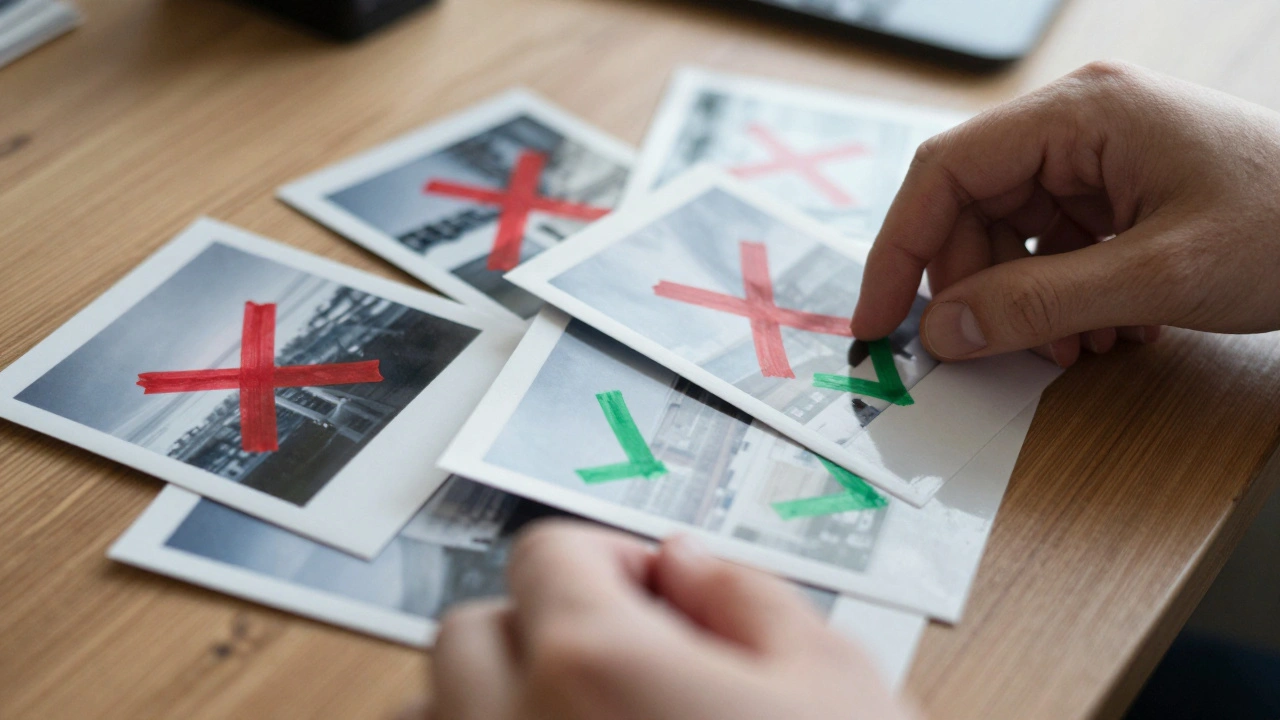
New editors often make these mistakes. First, assuming all images found via Google Images are free to use. This is false-Google Images often shows copyrighted content. Second, not checking license details. For example, a CC BY-NC license (non-commercial) can’t be used on Wikipedia, which is a commercial platform. Third, using screenshots from YouTube videos without permission. YouTube’s terms usually prohibit this unless the video is under a compatible license. Fourth, not verifying resolution. Low-quality images look unprofessional and get removed. Always check the license type, source, and resolution before uploading.
Step-by-Step Guide to Uploading Media
Follow these steps to upload media correctly. First, find the image on Wikimedia Commons or a trusted source. Second, download the file and check its metadata. Third, visit the Wikipedia upload page. Fourth, fill in the source field with the exact URL. Fifth, select the correct license from the dropdown menu. Sixth, add a descriptive caption and relevant categories. Seventh, review the upload summary for accuracy. For example, when uploading a CC BY-SA image from Commons, the license field should say "Creative Commons Attribution-ShareAlike 4.0 International" and the source should link to the original Commons page.
Checklist for Compliance
| Check | Why It Matters |
|---|---|
| Verify the license type | Ensures legal use and avoids takedowns |
| Check image resolution | Prevents blurry or low-quality contributions |
| Include proper attribution | Meets licensing requirements and credits creators |
| Confirm source reliability | Reduces risk of copyright infringement |
Frequently Asked Questions
Can I use images from Flickr on Wikipedia?
Yes, but only if the image is under a compatible Creative Commons license like CC BY or CC BY-SA. Always verify the license details on Flickr-some users mistakenly mark images as CC when they’re not. In 2023, 47% of Flickr uploads to Wikipedia were rejected due to incorrect licensing.
What’s the difference between CC BY and CC BY-SA?
CC BY requires giving credit to the creator. CC BY-SA adds a "share alike" requirement-any derivative works must use the same license. For example, if you modify a CC BY-SA image, your new version must also be CC BY-SA. This ensures the work stays free for others to use.
How do I check if an image is in the public domain?
Public domain works have no copyright restrictions. This includes government documents like U.S. federal agency photos, expired copyrights (usually over 95 years old), or works explicitly released into the public domain. Always verify the status-some sites incorrectly label images as public domain. For example, a photo taken in 1920 might still be copyrighted in some countries.
Is fair use applicable for most images on Wikipedia?
Rarely. Fair use only covers specific cases like critical commentary, news reporting, or education. Most images on Wikipedia use public domain or Creative Commons licenses. Overusing fair use risks legal issues and removal. The Wikimedia Foundation recommends avoiding fair use unless absolutely necessary and well-documented.
What resolution should images have for Wikipedia?
Minimum resolution is 1280x720 pixels for most articles. Higher resolutions (like 4K) are preferred for detailed images. Low-resolution images look blurry and get removed. For example, a 640x480 screenshot of a historical event would likely be rejected, while a 3000x2000 photo would be ideal.