Wikipedia isn’t just a collection of articles. It’s a living, breathing project run by volunteers who need tools to keep things organized. If you’ve ever seen a little banner at the top of a Wikipedia article saying "This article needs cleanup" or "Class: B", you’ve seen WikiProject tools in action. These tools aren’t decorative-they’re essential for maintaining quality across thousands of topics. But most people don’t know how they work, or how to use them. This guide breaks down the three core tools: banners, assessment, and worklists-what they do, how to use them, and why they matter.
What Are WikiProject Banners?
WikiProject banners are small templates placed at the top or bottom of article talk pages. They tell you which WikiProject the article belongs to, its current quality rating, and sometimes what kind of help it needs. You’ll see them on articles about history, science, pop culture, or even obscure local government structures. These banners aren’t random-they’re part of a coordinated system.
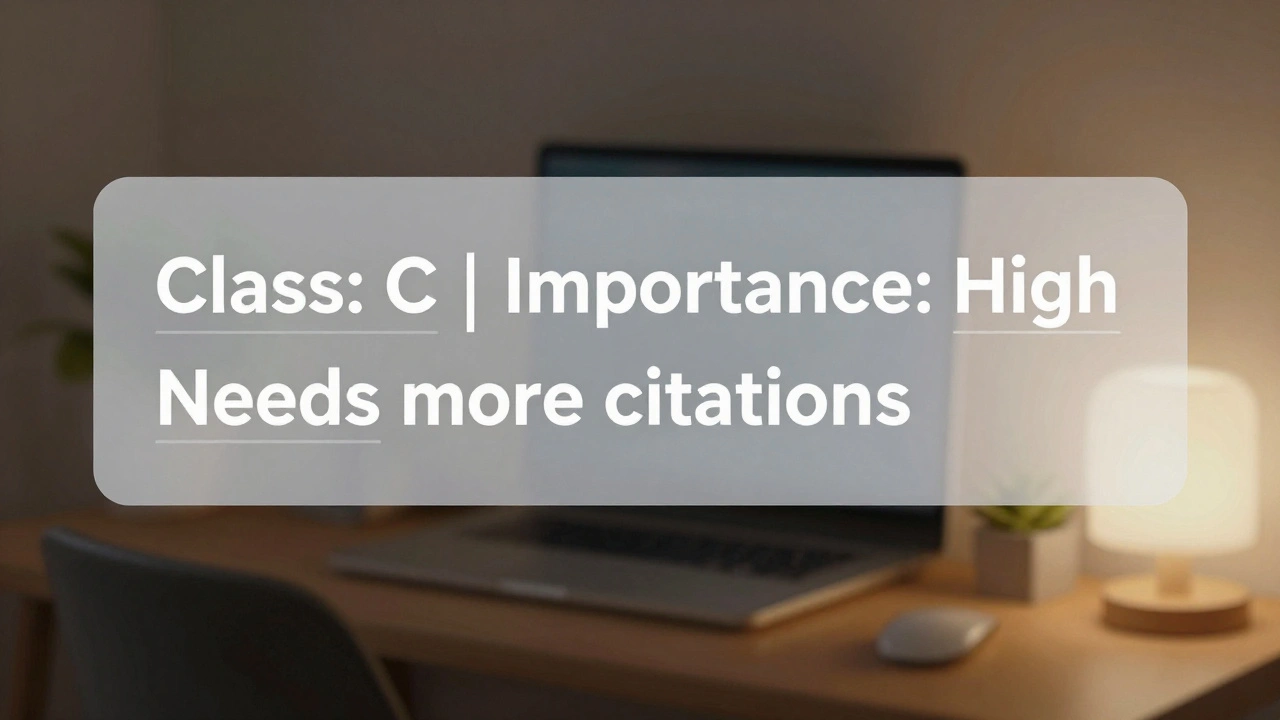
For example, the banner for WikiProject Medicine might say: "Class: C | Importance: High". That means the article is mid-quality but covers a topic that’s vital to public knowledge. Another banner from WikiProject Film might add: "Needs more citations" or "Needs infobox". These aren’t just notes-they’re signals to editors who want to improve articles in that area.
Each banner links to a specific WikiProject page, where you can find guidelines, common issues, and a list of other articles needing attention. Clicking the banner takes you to a project’s assessment page, which shows how many articles are rated Stub, Start, C, B, GA (Good Article), or FA (Featured Article). These ratings aren’t arbitrary. They follow strict criteria published by each project. A C-class article in WikiProject History has different standards than a C-class article in WikiProject Video Games.
How Article Assessment Works
Assessment is how WikiProjects measure article quality. It’s not about popularity or views-it’s about completeness, sourcing, structure, and neutrality. Each project has its own scale, but most use the same six levels:
- Stub - One or two paragraphs, barely more than a definition.
- Start - A basic outline with some content, but missing key sections or sources.
- C - Solid content, decent references, but may lack depth or polish.
- B - Well-developed, well-sourced, meets core content policies.
- Good Article (GA) - Rigorously reviewed, meets Wikipedia’s high standards for accuracy and flow.
- Featured Article (FA) - The best of the best. Selected through a formal peer review process.
Assessments are done by experienced editors who know the project’s standards. You don’t need to be an expert to help, but you do need to follow the guidelines. If you’re unsure how to rate an article, check the project’s assessment page. Most WikiProjects have a detailed rubric with examples. For instance, WikiProject Biography requires a minimum of five reliable sources for a B-class article, while WikiProject Astronomy might require specific data points like coordinates or discovery dates.
Why does this matter? Because assessment helps prioritize work. A Stub article on a major historical figure gets more attention than a Stub on a minor character from a 1980s TV show. Projects use these ratings to track progress and allocate effort. Without assessment, improvement efforts would be scattered and inefficient.
Understanding Worklists: The Hidden Engine of Wikipedia
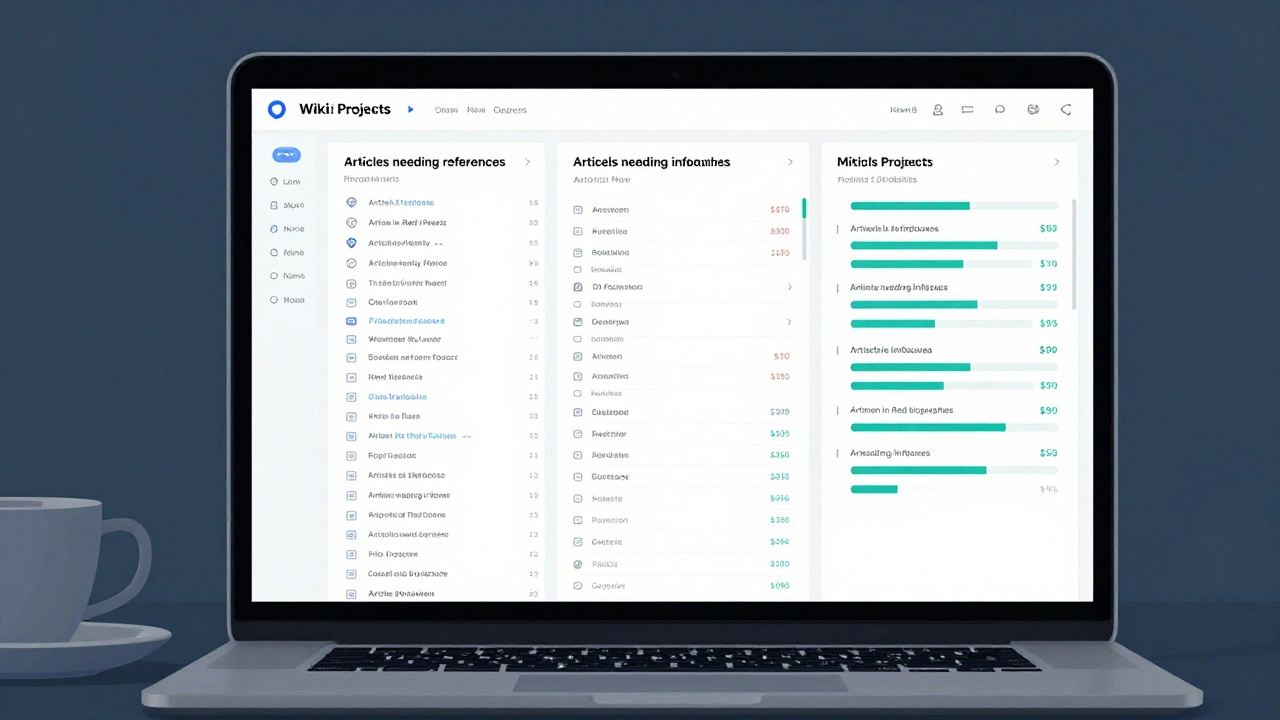
Worklists are where the real work happens. They’re dynamic, automatically generated lists of articles that need specific attention. Think of them as to-do lists for volunteers. You won’t see them on the main article pages-they’re hidden in project spaces, but they’re one of the most powerful tools on Wikipedia.
For example, the WikiProject Women in Red maintains a worklist of biographies of notable women who don’t yet have Wikipedia articles. Volunteers use this list to create new pages. Another worklist from WikiProject Missing Encyclopedic Articles tracks topics that should have articles but don’t, based on existing links from other pages.
Worklists can be filtered by quality level, importance, language, or even by the type of fix needed. A common worklist is "Articles needing references"-it pulls every article tagged with a citation needed template across all WikiProjects. Another is "Articles needing infoboxes"-a massive list of pages that lack structured data summaries.
These lists are updated in real time. When someone adds a citation to an article, it drops off the "needs references" list. When someone creates a new biography, it disappears from the Women in Red list. This automation saves hours of manual searching. You can find worklists by going to any WikiProject’s main page and looking for links like "Tasks," "To-do list," or "Worklist." Many projects also have dashboards with charts showing how many articles need improvement.
How to Use These Tools as a New Editor
You don’t need to be a veteran to help. Here’s how to start using these tools:
- Find a WikiProject that matches your interest. Search "WikiProject [topic]" on Wikipedia. Try WikiProject Books, WikiProject Climate Change, or WikiProject Music.
- Check the assessment guidelines on the project’s page. Know what C-class or B-class means for that topic.
- Look at the worklist. Pick one article that needs a small fix-like adding a citation, expanding a section, or adding an image.
- Use the banner. If the article has a banner, click it. It will take you to the project’s talk page where you can see what others have said about the article.
- Make your edit. Then, update the banner if needed. If you improved the article from Start to C-class, change the rating. Don’t guess-use the project’s criteria.
Many new editors think they need to write long articles to help. But most improvements are small: fixing a broken link, adding a reference from a book, correcting a typo in a date. These tiny edits add up. In 2024, over 200,000 article assessments were updated on Wikipedia-most by editors making minor, focused changes.
Why These Tools Matter More Than You Think
Wikipedia’s reliability comes from this system. Without banners and assessments, you couldn’t tell if an article about a medical condition was trustworthy. Without worklists, no one would know where to start improving. These tools turn chaos into order.
They also make collaboration possible. Someone in Berlin can fix a citation on a Japanese anime article because the banner told them it needed it. Someone in Lagos can create a biography of a Nigerian scientist because the worklist pointed them there. These tools break down language and geography barriers.
And they’re not perfect. Some projects are more active than others. Some ratings are outdated. But the system works because it’s transparent. Anyone can see how an article was rated, why it was tagged, and what’s needed next. That openness is what makes Wikipedia different from other encyclopedias.
Common Mistakes to Avoid
Even experienced editors slip up. Here are the most common errors:
- Changing ratings without checking guidelines - Don’t upgrade an article just because you added one source. Follow the project’s criteria.
- Adding banners to the wrong project - An article about a physicist belongs in WikiProject Physics, not WikiProject Science in general.
- Ignoring worklists - If you’re looking for something to do, start here. These lists are curated by people who know what’s most needed.
- Assuming a GA or FA article is perfect - Even featured articles can be improved. They’re just the best so far.
- Using personal judgment instead of project standards - If WikiProject Music says a B-class article needs three peer-reviewed sources, don’t use a blog post just because you like it.
The key is consistency. Wikipedia’s strength isn’t in having perfect articles-it’s in having a system that lets anyone help improve them.
How do I find out which WikiProject an article belongs to?
Look at the article’s talk page. At the top or bottom, you’ll see one or more WikiProject banners. Each banner links to the project’s main page. If there’s no banner, the article may not be part of any WikiProject-or someone forgot to add one. You can add a banner if the topic fits a project’s scope, but only if you’re familiar with that project’s guidelines.
Can I change an article’s assessment rating myself?
Yes, but only if you’ve read the project’s assessment criteria and your edit clearly meets the next level. Don’t upgrade an article just because you fixed a typo. You need to show that the content, structure, and sourcing now meet the higher standard. If you’re unsure, leave a note on the talk page asking for a second opinion. Many projects have assessment review queues for this reason.
What’s the difference between a worklist and a task list?
A worklist is an automated list generated by Wikipedia’s software based on templates and tags-like "all articles needing references." A task list is manually created by project members to track specific goals, like "create 100 articles on African scientists by June." Worklists are always up to date. Task lists are more strategic and may be updated weekly or monthly.
Do all WikiProjects use the same rating system?
Most use the same six levels (Stub to FA), but the details vary. For example, WikiProject Comics might require a specific number of panel descriptions for a B-class article, while WikiProject Law might require citations to legal codes. Always check the specific project’s assessment guidelines before rating.
Can I create my own WikiProject?
Yes, but it takes effort. You need at least five active editors interested in the topic, a clear scope, and a set of assessment guidelines. Start by creating a draft on Wikipedia’s WikiProject directory. You’ll need to show that the topic has enough articles to warrant a dedicated project and that there’s enough interest to maintain it. Many proposed WikiProjects never get off the ground because they lack ongoing participation.
Where to Go Next
If you want to help improve Wikipedia, start with a worklist. Pick one article that needs a small fix. Add a citation. Expand a section. Fix a broken link. Then update the banner if the rating changed. That’s it. You don’t need to write a novel. You just need to care enough to make one small improvement.
Thousands of articles are waiting for exactly that kind of help. And with banners, assessments, and worklists, you’ll always know where to look.