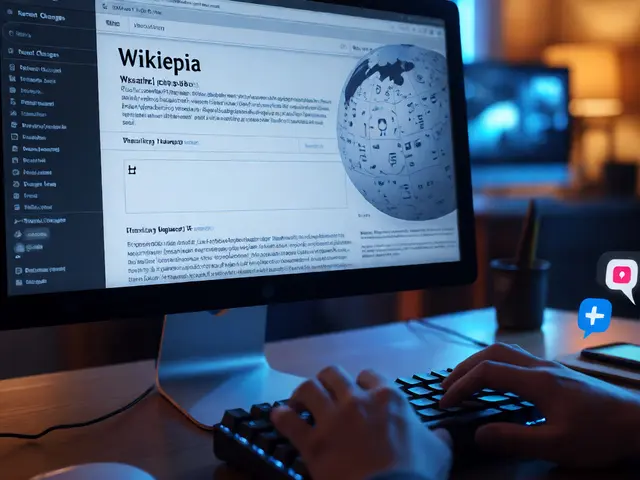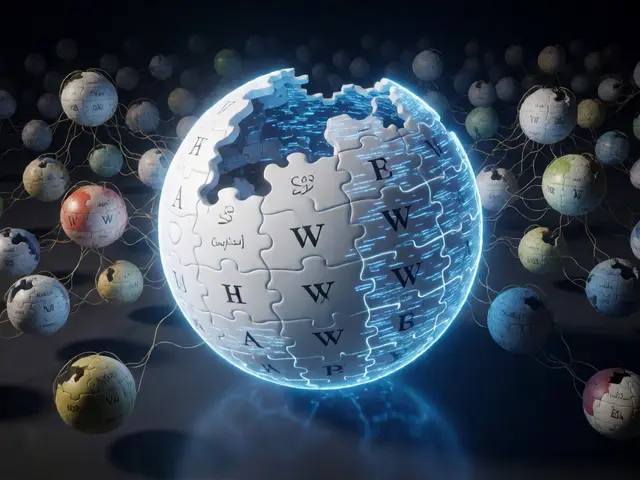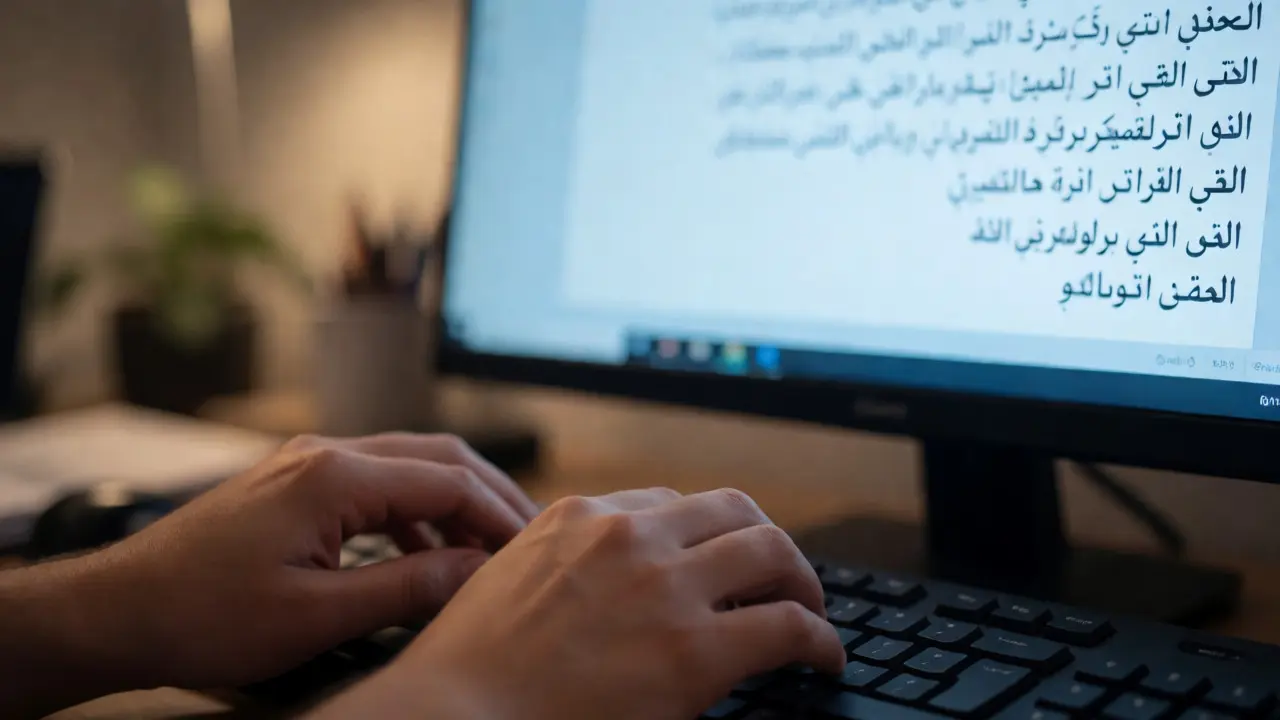
Imagine trying to read an encyclopedia entry in Arabic or Devanagari using a screen reader. Now imagine the software reading it backwards, skipping diacritics, or completely ignoring right-to-left text flow. This isn't a hypothetical glitch; it is the daily reality for millions of users accessing Non-Latin Wikipedias. While the English Wikipedia sets the global standard for digital knowledge, its infrastructure often assumes Latin script compatibility by default. For communities speaking languages with complex scripts-like Hebrew, Thai, Japanese, or Hindi-accessibility tools frequently fail to interpret content correctly, creating a silent barrier to information.
This gap matters because accessibility isn't just about visual design; it's about how code interprets language structure. When we talk about Screen Readers, we are referring to assistive technologies like JAWS, NVDA, or VoiceOver that convert text into speech or braille output. These tools rely heavily on correct metadata, proper HTML semantics, and accurate Unicode implementation. If a Wikipedia page lacks specific attributes indicating script direction or character set nuances, the screen reader treats the text as generic data rather than meaningful language. The result? A user might hear "Hello World" when the text actually says something entirely different in their native tongue, or worse, they hear nothing at all.
The Core Technical Challenges
The primary issue stems from how web browsers and assistive technologies process text direction. Most modern sites use the `dir` attribute in HTML to define layout direction (left-to-right or right-to-left). However, this attribute controls visual layout, not necessarily how a screen reader parses linguistic units. For scripts like Arabic or Hebrew, which are inherently right-to-left (RTL), the logical order of characters differs from the visual display order. If the underlying HTML doesn't explicitly map these logical sequences, screen readers may read characters in isolation or reverse the sentence structure.
Another major hurdle involves complex script shaping. Scripts like Devanagari (used for Hindi) or Thai require ligatures and combining marks. A single visible glyph might consist of multiple Unicode code points. Standard screen readers, trained primarily on English phonetics, often struggle to synthesize these combined sounds correctly. They might pronounce each component separately, resulting in robotic, unintelligible audio. This isn't a bug in the browser; it's a limitation in the text-to-speech (TTS) engine's language model. Without specific localization data, the TTS engine defaults to a generic pronunciation guide that fails for nuanced phonetic rules.
Why Latin-Centric Defaults Fail
The software ecosystem supporting web accessibility was largely built around Latin-based languages. Tools like NVDA (NonVisual Desktop Access) have made massive strides in recent years, adding support for dozens of languages. Yet, coverage remains uneven. High-resource languages like Spanish or French benefit from extensive voice packs and grammar correction algorithms. Low-resource languages, particularly those with limited digital corpora for training AI models, lag behind.
| Script Family | Primary Challenge | Common Screen Reader Error | Mitigation Strategy |
|---|---|---|---|
| Right-to-Left (Arabic, Hebrew) | Bidi Algorithm Complexity | Reversed sentence order; mixed LTR/RTL confusion | Explicit `lang` and `dir` tags; Bidi overrides |
| Indic (Hindi, Bengali) | Combining Marks & Ligatures | Split syllables; incorrect vowel pronunciation | Proper Unicode normalization; specialized TTS voices |
| CJK (Chinese, Japanese, Korean) | Punctuation & Context Ambiguity | Ignoring context-dependent pronunciations | Language-specific dictionaries; pause markers |
| Complex Diacritics (Vietnamese) | Tonal Marking Recognition | Flattened tone; loss of meaning | Phonetic annotation; high-fidelity voice packs |
This table highlights a critical truth: one size does not fit all. A fix that works for Arabic won't necessarily help Hindi. Each script family requires tailored approaches in both markup and backend processing. Editors and developers must understand that Multilingual Initiatives cannot rely solely on automated translation tools. Human oversight is required to ensure semantic correctness.
Practical Steps for Wiki Contributors
If you edit or contribute to non-Latin Wikipedias, small changes can yield significant accessibility improvements. First, always use the `lang` attribute in your HTML or MediaWiki templates. For example, wrapping a paragraph in `` tells the browser and screen reader to switch its internal dictionary and pronunciation engine to Arabic. Without this, the system might try to apply English phonetic rules to Arabic characters, producing gibberish.
- Use Semantic HTML: Ensure headings (`
` to `
`) are used correctly. Screen readers navigate by landmarks. If your article structure is flat or uses bold text instead of headers, navigation becomes difficult.
- Alt Text Matters: Images and charts need descriptive alt text in the target language. Don't just say "image." Say "Chart showing population growth in Tokyo from 2010 to 2020." This provides context that visual users take for granted.
- Avoid Visual Formatting for Meaning: Don't use color alone to convey status (e.g., red for error). Screen readers might not detect color. Use icons or text labels alongside color cues.
Another crucial aspect is handling mixed-direction text. Many articles contain technical terms in English within a predominantly RTL language body. These are called bidirectional (bidi) texts. Improper handling here causes the infamous "mirror effect," where parentheses appear reversed or numbers jump to the wrong side of the line. Using explicit bidi control characters (like RLE/LRE) can stabilize this, though modern CSS solutions are increasingly preferred for cleaner code maintenance.

The Role of Community and Standards
Solving these issues isn't just a technical task; it's a community effort. The Wikimedia Foundation has invested in improving internationalization, but local communities drive adoption. In regions like East Asia, there is growing demand for better integration between Wikipedia and local assistive tech vendors. Collaborative projects allow testers to report specific bugs related to script rendering, helping developers prioritize fixes.
Consider the case of Japanese Wikipedia. It faces unique challenges due to the mix of Kanji, Hiragana, and Katakana. Screen readers must distinguish between these scripts to provide appropriate intonation. Recent updates have improved this, but edge cases remain, especially with historical texts containing archaic kanji variants. Similarly, Persian Wikipedia struggles with Persian numerals versus Western digits, requiring careful tagging to ensure consistent reading order.
Education plays a vital role here. New editors often learn formatting through trial and error. Providing clear, localized guidelines on accessibility best practices helps sustain long-term improvements. Workshops focused on "Accessible Editing" can empower contributors to spot and fix common errors before they become entrenched in thousands of articles.
Looking Ahead: AI and Future Tools
Artificial intelligence offers new hope for bridging the accessibility gap. Modern Text-to-Speech (TTS) engines powered by neural networks are becoming better at understanding context. Instead of reading word-by-word, these systems analyze sentence structure to predict emphasis and pauses. For non-Latin scripts, this means more natural-sounding output.
However, AI needs data. Training high-quality TTS models requires large datasets of spoken words in specific dialects. For many minority languages represented on Wikipedia, such datasets are scarce. Crowdsourcing audio samples from native speakers could accelerate progress. Imagine a future where every edited article contributes to a growing library of phonetic examples, continuously refining the accuracy of screen readers worldwide.
Ultimately, making non-Latin Wikipedias accessible is about equity. Knowledge should be available to everyone, regardless of how they consume it. By addressing technical barriers and empowering communities, we move closer to a truly inclusive digital encyclopedia. It’s not just about fixing code; it’s about respecting linguistic diversity and ensuring no user is left behind in the digital age.
Why do screen readers sometimes read Arabic text backwards?
This usually happens when the HTML lacks proper `dir="rtl"` attributes or when the browser's bidirectional algorithm misinterprets mixed-direction content. Explicitly defining the text direction in the markup ensures the screen reader processes characters in the correct logical order.
Does adding alt text help screen readers for non-Latin images?
Yes, absolutely. Alt text provides a textual description that screen readers vocalize. For non-Latin contexts, it is crucial to write alt text in the same language as the article content to maintain consistency and comprehension for the user.
How can I test if my Wikipedia edits are accessible?
You can use free tools like NVDA (Windows) or VoiceOver (macOS/iOS). Turn off your monitor and try navigating your edited page using only keyboard shortcuts and audio feedback. Check if headings are announced correctly and if links make sense out of context.
Are there specific plugins for better Asian script support?
While most modern screen readers handle CJK scripts natively, some users install language-specific voice packs or dictionaries. For example, Chinese users might prefer voices trained specifically on Mandarin tones rather than generic Cantonese or English-accented models.
What is the biggest mistake editors make regarding accessibility?
Using visual formatting (like bold or color) to convey structural importance without using semantic HTML tags. Screen readers rely on tags like `