
When a major breaking story hits the wire, your CMS doesn't just handle traffic; it handles chaos. One wrong click by an intern or a delayed update from the field can turn a solid report into a headline correction nightmare. Article protection is the set of technical and procedural controls that prevent unauthorized or accidental changes to published stories during these critical moments. It’s not just about locking a page; it’s about preserving the integrity of information when millions are watching.
In the age of real-time updates, the line between reporting and speculation gets blurry fast. Without proper safeguards, editors risk publishing half-baked details while chasing the next lead. This guide breaks down how modern newsrooms use specific tools and workflows to keep high-stakes stories accurate, even when the server load spikes and the pressure mounts.
Why Standard Locks Fail Under Pressure
Most basic Content Management Systems (CMS) offer a simple "lock" feature. You lock the article, and only you can edit it. Sounds good, right? In practice, this often creates bottlenecks. If a typo appears in the second paragraph while you’re locked out verifying a quote in the first, the story stays broken until you finish your task. For high-traffic topics, speed is currency. A rigid lock slows down the very corrections that accuracy requires.
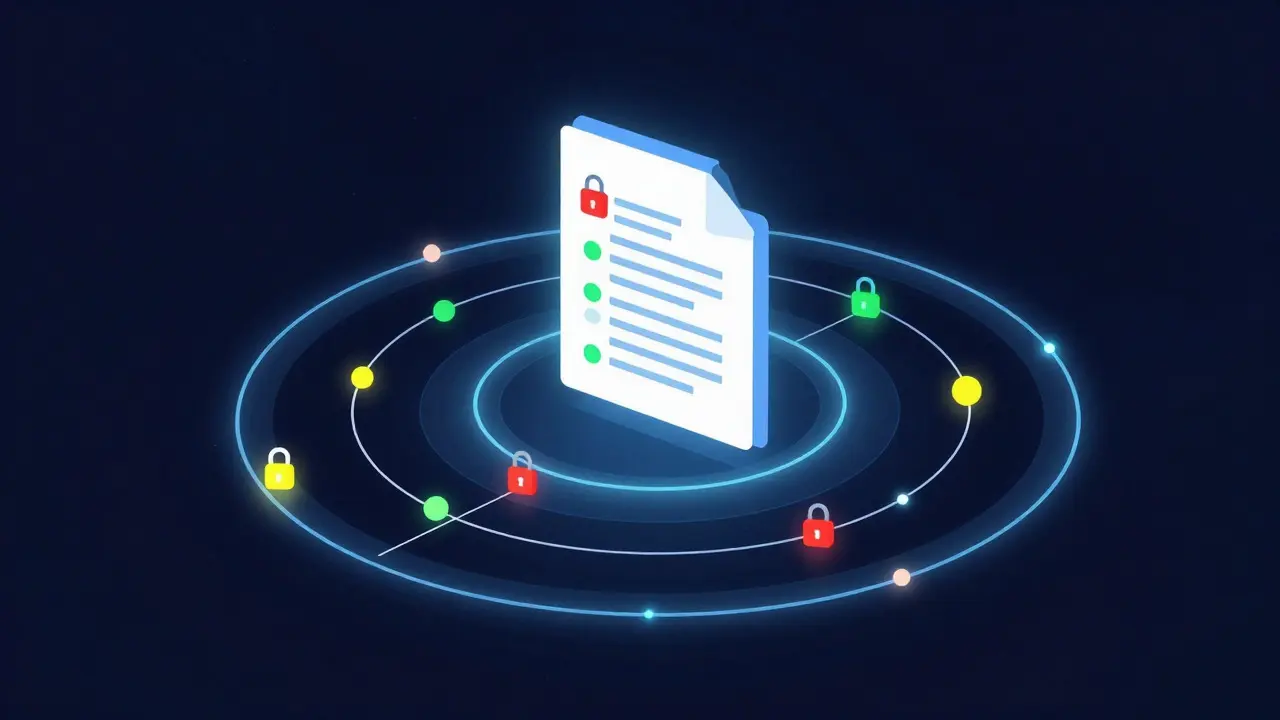
Advanced Article Protection is a multi-layered system combining role-based access control, version history tracking, and automated metadata validation. Unlike a simple lock, it allows granular permissions. A producer can update the weather section while an editor verifies the legal review status. This separation of duties ensures that no single point of failure holds up the entire publication process.
The Core Components of Robust Protection
Effective protection isn't one button; it's a stack of features working together. Here’s what separates a professional setup from a fragile one:
- Role-Based Access Control (RBAC): Instead of binary edit/no-edit, RBAC assigns specific permissions. A stringer might only be able to submit drafts, while a senior editor can publish but not delete. This prevents junior staff from accidentally overwriting verified facts with unconfirmed rumors.
- Version History and Rollback: Every change should be logged with a timestamp and user ID. If a bad update goes live, you need to revert to the previous state in seconds, not minutes. This audit trail is crucial for accountability and post-mortem analysis.
- Metadata Validation Rules: Before a story publishes, the system checks for missing required fields. Is the byline present? Is the source cited? Does the headline match the slug? These automated checks catch human errors before they reach the public eye.
- Time-Limited Edit Windows: For developing stories, you might open editing privileges for 15 minutes, then auto-lock them until the next scheduled check-in. This forces a rhythm of verification rather than constant, chaotic tweaking.
Workflow Integration: From Desk to Digital
Technology alone doesn’t save you; workflow does. The best protection systems integrate directly into the editorial pipeline. When a story moves from "Draft" to "In Review," the protection settings automatically tighten. When it moves to "Published," certain fields like the URL slug become immutable to prevent SEO disasters.
Consider the scenario of a live election night. Multiple reporters are feeding in results. The central desk needs to aggregate this data without letting individual reporters edit the main summary paragraph. Using Editorial Workflow Automation is the process of defining state transitions and permission sets that trigger based on story status. As soon as the desk marks a segment as "Finalized," the reporter’s access to that specific block is revoked. This modular approach allows different parts of a long-form piece to have different levels of stability.
Handling Concurrency and Conflict Resolution
What happens when two editors try to change the same sentence at the exact same time? In high-traffic environments, this is inevitable. Poorly designed systems either overwrite one change silently (data loss) or throw a generic error that freezes the UI (productivity killer).
Modern solutions use optimistic concurrency control. Both editors make their changes locally. When they hit save, the system compares the versions. If there’s a conflict, it presents a clear, visual diff showing exactly where the overlaps are. The editor chooses which text to keep. This transparency builds trust in the system because users know their work won’t vanish mysteriously. It turns a potential panic moment into a manageable decision.
Performance Implications of Protection Layers
A common fear is that security slows things down. Will checking permissions add latency to every keystroke? Generally, no. Most protection logic runs server-side upon submission, not during typing. However, complex validation rules can slow down the "Save" action if not optimized.
To maintain speed, offload heavy processing to asynchronous tasks. For example, instead of blocking the save while the system checks for plagiarism or image copyright issues, queue those checks for after the save completes. The editor sees immediate feedback that the draft is saved, while the background processes handle the deeper scrutiny. This keeps the user experience snappy even under heavy load.

Case Study: The Viral Misinformation Loop
Last year, a mid-sized regional outlet faced a crisis when a social media rumor about a local fire spread faster than their confirmed reports. Because they lacked strict article protection, a junior writer updated the main story with the unverified detail to "keep up with Twitter." By the time the chief editor noticed, the incorrect figure had been syndicated to three partner sites. The rollback took four hours. With a robust version history and mandatory peer-review locks on key statistics, the error would have been caught at the draft stage, saving the outlet significant reputational damage.
This incident highlights that protection is also a cultural tool. It signals to staff that accuracy matters more than speed. When the system enforces checks, it removes the psychological pressure to publish prematurely. Editors feel safer taking the extra minute to verify because the system supports that pause.
Future-Proofing Your Editorial Stack
As AI-assisted writing becomes more common, the definition of protection will evolve. Soon, we’ll need to protect against algorithmic hallucinations, not just human typos. Your current system should allow for plugin-based validation hooks. This means you can add new checks-like AI confidence scoring or source credibility ratings-without rebuilding the core engine.
Start small. Audit your current CMS to see where manual overrides happen most often. Those are your weak points. Implement version control first, as it provides the safety net for all other changes. Then layer in role-based permissions. Finally, automate the metadata checks. Each step reduces the cognitive load on your editors, allowing them to focus on journalism rather than interface management.
Frequently Asked Questions
Does article protection slow down publishing speed?
If implemented correctly, no. While it adds a few seconds for validation, it prevents the much longer delays caused by fixing errors after publication. The goal is to reduce total time-to-correctness, not just time-to-publish.
What is the difference between a lock and role-based access?
A lock is binary: either you can edit or you can't. Role-based access is granular: it defines *what* you can edit and *when*. For example, a photographer might be able to upload images but not change captions, whereas an editor can do both.
How do I handle conflicts when two people edit the same story?
Use optimistic concurrency control. The system saves both versions and shows a side-by-side comparison. The user resolves the conflict manually. Avoid last-write-wins strategies, as they silently discard data.
Is version control necessary for short blog posts?
Yes. Even short posts can have factual errors discovered days later. Version control allows you to trace back who changed what and why. It’s essential for accountability and learning from mistakes, regardless of article length.
Can I customize protection rules for different types of content?
Absolutely. Breaking news should have stricter, faster-acting protections than evergreen lifestyle pieces. Look for CMS platforms that allow template-specific permission sets. This lets you tailor the workflow to the risk profile of each content type.