You’ve just spent three hours crafting a perfectly sourced paragraph on the latest geopolitical dispute. You hit publish, feel good about your contribution, and close the tab. Two days later, you check back to find your text deleted, your talk page flooded with aggressive messages, and a warning template slapped onto your user page that feels more like a threat than a notification. This isn’t an anomaly; it’s the daily reality for thousands of Wikipedia volunteers working in high-conflict zones.
Editing controversial topics-whether they’re political elections, ongoing wars, or heated cultural debates-isn’t just intellectually demanding. It’s emotionally taxing and, frankly, dangerous for your mental health. The platform’s governance model relies heavily on consensus, but when users disagree violently, that mechanism breaks down. If you’re thinking about jumping into these arenas, or if you’re already there feeling the heat, understanding how to protect yourself is just as important as knowing how to cite sources.
The Anatomy of High-Conflict Zones
Not all disputes are created equal. A disagreement over the spelling of a historical figure’s name is annoying. A dispute over whether a current military action constitutes a genocide is explosive. These hotspots attract what experienced editors call "edit warriors"-users who revert changes not because they have better evidence, but because they want their version to stand. In these environments, the normal rules of polite discourse often evaporate.
The core issue is that Wikipedia requires a Neutral Point of View (NPOV), but human beings are rarely neutral, especially when identity politics or national pride is involved. When you enter a thread on a topic like the Israeli-Palestinian conflict or US election integrity, you aren’t just editing text; you’re stepping into a proxy war where every word choice is scrutinized for bias. The speed at which these conflicts escalate can be shocking. One minute you’re discussing a citation format; the next, you’re being accused of having a hidden agenda.
Why Governance Fails in the Heat of Battle
You might assume that administrators or experienced users will step in to mediate. Sometimes they do. But often, the very people tasked with maintaining order are part of the problem. Administrators are volunteers too, and they have their own biases. In highly charged topics, you might find that one side claims the admins are biased against them, while the other side argues the opposite. This creates a vacuum where no one trusts the referee.
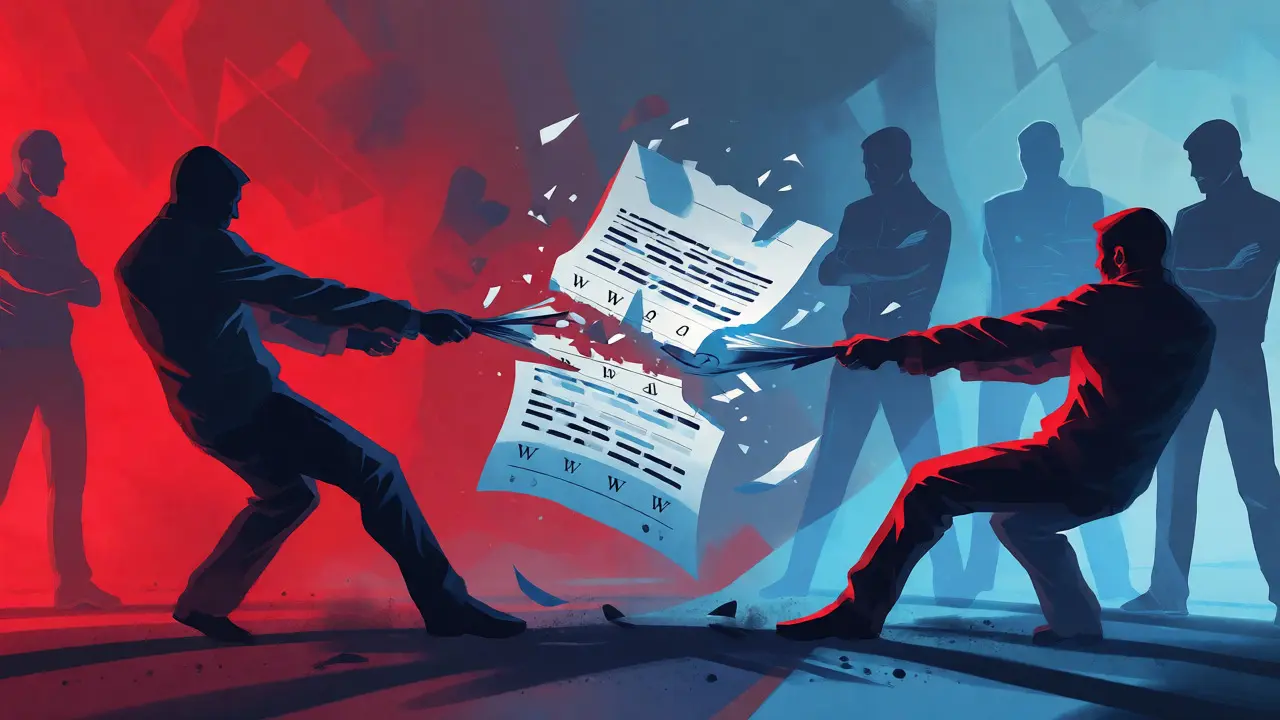
This breakdown leads to what we see in many long-running disputes: the cycle of reverts. User A makes an edit. User B reverts it. User A reverts User B. Repeat ten times. This is known as edit warring, and it violates Wikipedia’s Three-Revert Rule. But enforcing this rule requires judgment calls. If the person enforcing the rule is perceived as taking sides, the punishment feels unjust, fueling further resentment. For a volunteer, this lack of clear, trusted authority is exhausting. You stop editing because you realize that winning an argument doesn’t mean you’ve improved the encyclopedia; it just means you’ve made an enemy.
Practical Tactics for Self-Protection
If you’re committed to contributing to these areas, you need armor. Not digital armor, but behavioral strategies that keep you safe from burnout and harassment.
- Pick your battles carefully: Not every edit needs to be defended. If someone removes a minor detail that doesn’t change the meaning of the article, let it go. Fighting over trivialities drains the energy you need for substantive issues.
- Assume Good Faith (AGF) until proven otherwise: This is a cornerstone policy, but it’s hard to practice when someone is yelling at you in caps lock. Try to interpret ambiguous edits as mistakes rather than malice. It saves you from spiraling into paranoia.
- Use the Talk Page, not the Article: Never engage in a debate by editing the main article back and forth. Move the discussion to the Talk page immediately. This separates content creation from interpersonal conflict. It also leaves a paper trail that shows you tried to resolve things civilly.
- Avoid Personal Attacks: Even if the other person insults you, don’t insult them back. Attack the argument, not the editor. Saying "Your source is outdated" is productive. Saying "You clearly don’t know history" invites retaliation.
These tactics sound simple, but they require immense self-discipline. When you’re tired and frustrated, the urge to snap back is powerful. Remember, your goal is to contribute to knowledge, not to win a shouting match.
The Role of Community Support Systems
You shouldn’t have to navigate these storms alone. Wikipedia has specific mechanisms designed to help, though they aren’t always intuitive. The most underutilized tool is the Noticeboard. If you feel an editor is behaving disruptively, you can post a neutral summary of the situation on the relevant noticeboard (like AN/I for administrative intervention). Other uninvolved editors will review the case. This third-party perspective is crucial because it breaks the binary "us vs. them" dynamic.
Another vital resource is the Arbitration Committee (ArbCom). For the most severe, long-standing conflicts, ArbCom can impose binding sanctions. They might ban specific users from certain topics or restrict editing privileges. While getting involved with ArbCom can feel intimidating, knowing that this ultimate backstop exists can provide some peace of mind. It reminds you that even if local mediation fails, there is a higher structure attempting to maintain order.
| Mechanism | Best For | Timeframe | Outcome Certainty |
|---|---|---|---|
| Talk Page Discussion | Minor disagreements, clarifying intent | Hours to Days | Low (depends on goodwill) |
| Mediation Request | Stalled discussions between two parties | Days to Weeks | Medium (requires cooperation) |
| Administrative Noticeboard | Clear violations of policy (e.g., vandalism) | Hours to Days | High (if evidence is clear) |
| Arbitration Committee | Complex, multi-user, long-term disputes | Weeks to Months | Very High (binding decisions) |

Digital Hygiene and Mental Health Boundaries
Beyond the technical tools, you need to manage your own exposure. High-conflict topics are magnets for trolls and bad-faith actors who thrive on reaction. One effective strategy is limiting your monitoring frequency. Don’t check your watchlist every hour. Check it once a day, or even every few days. This reduces the immediate emotional spike of seeing a revert and gives you time to cool off before responding.
Consider using filters or browser extensions that allow you to hide comments from specific users. If a particular editor consistently derails discussions, muting them allows you to continue editing without constantly seeing their noise. You’re not ignoring the policy violation; you’re just choosing not to feed the troll. Your mental bandwidth is a finite resource. Spend it on improving articles, not decoding passive-aggressive subtext.
Also, remember that the internet is forever, but your participation doesn’t have to be permanent. It is okay to take a break. Many experienced editors rotate through different topics to avoid burnout. If a specific article becomes toxic, step away. There are millions of other pages that need attention. Protecting your enthusiasm for the project is more important than fixing one disputed sentence today.
Building Resilience Through Community
Isolation amplifies conflict. When you’re fighting alone, it feels personal. When you’re part of a group, it feels procedural. Joining a WikiProject related to your interest area can provide a support network. Other members understand the nuances of the topic and can offer advice or back up your points with shared expertise. They’ve likely faced similar battles and can share what worked and what didn’t.
Furthermore, mentoring relationships can be invaluable. Finding an experienced editor who is willing to answer questions about process-not just content-can save you months of frustration. They can teach you the unwritten rules of engagement, such as when to ask for a third opinion or how to phrase a request for comment effectively. These social capital networks act as a buffer against the harshness of anonymous critics.
What should I do if I’m threatened by another editor?
If you receive a direct threat of harm, do not engage in debate. Immediately report the incident to the Wikimedia Foundation via their legal team or use the emergency noticeboards. Do not delete the message; preserve it as evidence. For non-physical threats, such as accusations of bias, move the discussion to the appropriate noticeboard and request input from uninvolved administrators.
How do I handle an edit war without breaking the Three-Revert Rule?
Stop reverting after the third time. Instead, start a discussion on the Talk page explaining why you believe your version is supported by reliable sources. Use the {{subst:uw-3rr}} template to notify the other party that you are stopping edits pending discussion. This demonstrates good faith and shifts the burden of proof to those who wish to continue the conflict.
Are administrators always fair in high-conflict topics?
No, administrators are human volunteers with their own perspectives. While most strive for neutrality, perceptions of bias are common in polarized topics. If you believe an admin’s decision was flawed, you can appeal through the proper channels, such as requesting a review or bringing the matter to the Arbitration Committee. Always focus on the procedural fairness rather than accusing the admin of personal bias.
Can I block a user who harasses me?
Regular users cannot block others. Only administrators and stewards can issue blocks. If you are experiencing harassment, file a report on the Administrative Noticeboard (AN/I) with diffs (links to specific edits) showing the behavior. An administrator will then assess whether the behavior warrants a block based on community policies regarding civility and disruption.
How does anonymity affect volunteer safety?
Anonymity can both protect and endanger volunteers. It protects your real-life identity from potential offline consequences of your edits. However, it also emboldens some users to behave aggressively because they face fewer social repercussions. To mitigate risks, avoid sharing personal details in your user profile and consider using a pseudonymous account name that doesn’t reveal your gender or location if you prefer extra privacy.
Editing high-conflict topics on Wikipedia is a marathon, not a sprint. It requires patience, thick skin, and a willingness to accept that consensus is sometimes elusive. By prioritizing your mental well-being, leveraging community resources, and sticking to procedural norms, you can contribute meaningfully without sacrificing your sanity. The encyclopedia needs diverse voices, including yours, but only if you stay healthy enough to keep typing.