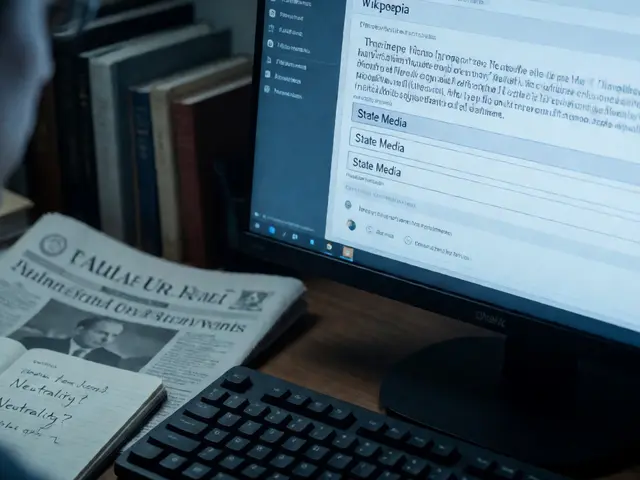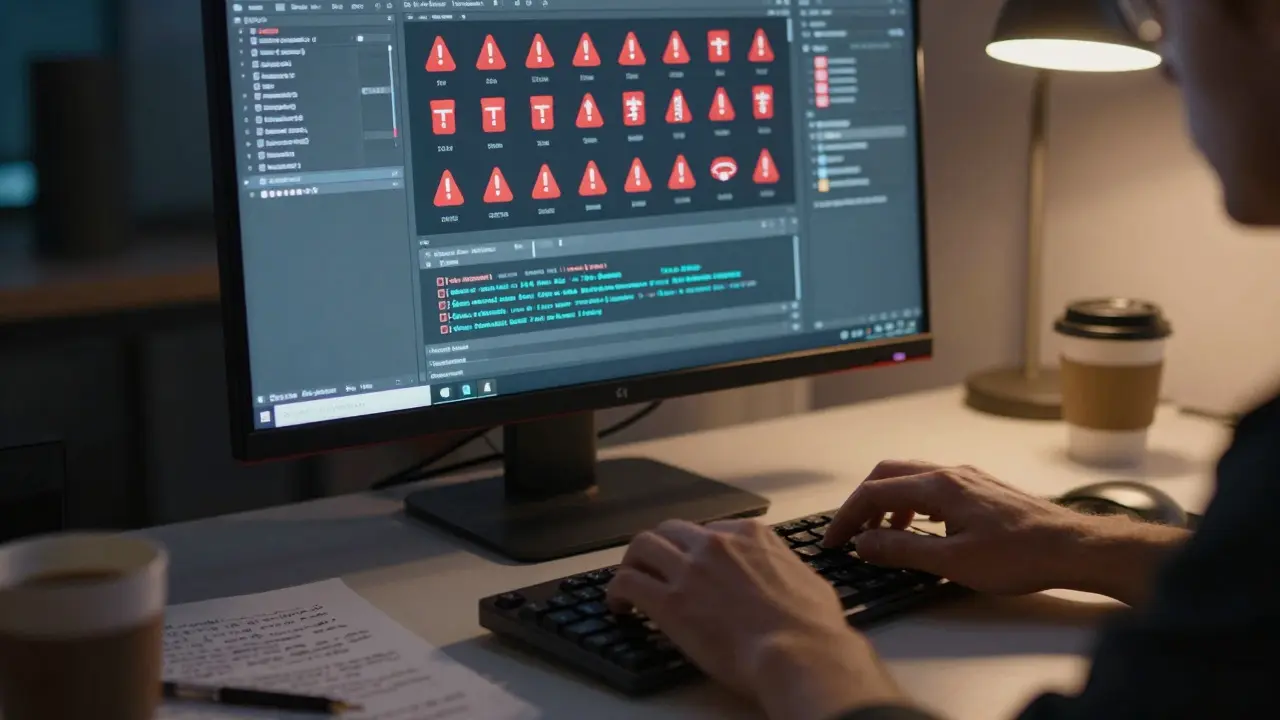
Ever stared at a Wikipedia article riddled with broken links and missing sources, wondering if there’s a faster way to fix it than manually editing every line? You’re not alone. For editors dealing with citation fixes, the process can feel like wading through mud-especially when you’re trying to maintain high-quality content across thousands of pages. But what if you could let software handle the heavy lifting while you focus on accuracy?
That’s where automated tools come in. These aren’t magic wands that rewrite history, but they are powerful assistants that scan articles, flag issues, and even apply standard corrections based on established rules. Whether you’re a seasoned editor or just starting out, understanding how these tools work can save you hours of repetitive labor and help keep Wikipedia’s vast knowledge base reliable.
Why Automated Citation Maintenance Matters
Wikipedia relies on verifiability as one of its core pillars. Every factual claim should be backed by a reliable source. But sources rot. Links break, paywalls appear, and citations get formatted incorrectly over time. Without consistent maintenance, articles drift into a state of disrepair where readers lose trust.
Manual checking is slow and error-prone. Imagine scanning 500 references in a single article. Now multiply that by the millions of articles on the platform. This is why automation became essential. By using scripts and bots, the community can scale quality control efforts without requiring every editor to become a coding expert. The goal isn’t to replace human judgment, but to handle the mechanical parts so humans can focus on context and nuance.
The Core Players: Bots and Scripts
When we talk about automated tools for citation fixes, we’re mostly talking about two types of actors: user-run scripts and global bots. User-run scripts are small programs that an individual editor runs from their own account. They offer flexibility-you choose which pages to scan and what changes to make. Global bots, on the other hand, run continuously on a schedule, applying standardized fixes across the entire encyclopedia.
InternetArchiveBot is a widely used bot that automatically adds archived versions of dead external links via the Wayback Machine. It helps preserve access to sources that might otherwise disappear. Similarly, Citation Bot is a tool designed to normalize citation parameters, ensuring that fields like title, author, and date follow consistent formatting standards. These tools don’t guess; they follow strict logic. If a link is dead, InternetArchiveBot checks the archive. If a citation is missing a DOI, Citation Bot looks it up and inserts it.
There’s also the role of semi-automated tools like Zotero, a reference management software that integrates with Wikipedia through browser extensions to pull metadata directly from library databases. While not a bot itself, it bridges the gap between academic research and wiki editing, making it easier for editors to add high-quality sources without manual typing.
How the Automation Process Works
Understanding the workflow helps you trust the results. Most automated citation fixes follow a predictable sequence:
- Scanning: The tool identifies pages with specific issues, such as "dead link" tags or malformed citation templates.
- Validation: It checks the source against a database (like Crossref for DOIs) or an archive (like the Wayback Machine).
- Correction: It applies a standard fix, such as adding an
archive-urlparameter or correcting a date format. - Logging: Every change is recorded in the edit summary, often with a link to the specific rule applied.
This transparency is crucial. Unlike black-box algorithms, these tools leave a clear trail. If a bot changes a citation, you can see exactly what was wrong and how it was fixed. This auditability builds confidence among editors who might be wary of automated changes.

Choosing the Right Tool for the Job
Not all tools solve the same problems. Here’s a quick breakdown of when to use which:
| Tool Name | Primary Function | Best Use Case | User Control Level |
|---|---|---|---|
| InternetArchiveBot | Adds Wayback Machine archives to dead links | Preserving access to broken external sources | Low (Global Bot) |
| Citation Bot | Normalizes citation template parameters | Standardizing formats across large batches of articles | Medium (User-Run Script) |
| Zotero + Wiki Extension | Imports metadata from library catalogs | Adding new, high-quality academic sources | High (Editor-Driven) |
| ReferenceChecker | Flags missing or incomplete references | Auditing articles for verifiability gaps | Medium (User-Run Script) |
If you’re working on a single article, a user-run script gives you the most control. You can preview changes before saving. If you’re maintaining a category of articles, a global bot ensures consistency without your constant oversight. The key is matching the tool’s capability to your specific task.
Pitfalls to Avoid When Using Automation
Automation is powerful, but it’s not infallible. Here are some common traps editors fall into:
- Over-reliance on DOIs: Not every reliable source has a Digital Object Identifier. Relying solely on DOI-based tools can miss books, newspapers, and older journals.
- Ignoing Context: A bot might fix a date format, but if the source itself is questionable, the citation remains weak. Always verify the source’s reliability separately.
- Template Conflicts: Sometimes, automated tools clash with custom templates used in specific subject areas. Check the article’s talk page for local conventions before running broad fixes.
The best practice is to treat automated fixes as a first pass. Run the tool, review the changes, and then apply human judgment to any edge cases. This hybrid approach maximizes efficiency while minimizing errors.

Getting Started: A Step-by-Step Approach
New to citation automation? Start small. Pick one article you know well. Run a simple script to check for dead links. Review the suggested fixes. Once you’re comfortable with the output, expand to related articles. Over time, you’ll develop an intuition for which tools work best in different contexts.
Remember, the goal is sustainable quality. You don’t need to fix every citation on the site today. Focus on high-traffic articles or those flagged for improvement. Consistent, incremental improvements beat sporadic, massive overhauls every time.
Frequently Asked Questions
Do automated tools require coding skills?
No. Most user-run scripts have graphical interfaces or simple command-line options that don’t require programming knowledge. You just select the pages and the type of fix, then click run.
Can bots make mistakes?
Yes, but rarely. Bots follow strict rules, so they usually only fail when the input data is ambiguous or non-standard. Always check the edit summary and revert if something looks off.
What is the difference between a bot and a script?
A bot runs automatically on a server, often 24/7. A script is run manually by an editor from their own computer or browser. Scripts offer more control; bots offer more scale.
Are automated citation fixes accepted by the community?
Generally, yes, as long as the changes are transparent and follow established guidelines. Major projects like WP:REFBOT have been active for years and are trusted by the editor community.
How do I find articles that need citation fixes?
Use category pages like "Articles needing better citations" or watchlists. Many automated tools also have built-in search functions to find pages with specific errors, such as missing dates or broken links.