Ever typed Apple into Wikipedia and ended up on a page listing fruit, a tech company, a record label, and a 1970s band? That’s not a mistake. It’s a disambiguation page-and it’s one of the most visited, yet completely ignored, parts of Wikipedia.
Most people scroll past these pages like clutter. But behind the plain layout and simple bullet points lies a massive, quiet engine driving millions of clicks every day. These pages aren’t just helpful-they’re essential traffic hubs that keep Wikipedia running smoothly.
What Exactly Is a Disambiguation Page?
A disambiguation page on Wikipedia exists because some words or phrases mean more than one thing. The word Java could refer to an island in Indonesia, a programming language, or a type of coffee. Without a disambiguation page, Wikipedia would have to pick one meaning as the main article and bury the others. That wouldn’t work. So instead, they create a neutral landing page that says: “Here are all the things this term could mean.”
These pages follow a strict format. They start with a short definition: “Java may refer to:” Then they list links to the actual articles, usually grouped by category-geography, technology, entertainment, etc. Sometimes they include a brief clarifying phrase like “Java (programming language)” or “Java, Indonesia” to help users pick the right one.
They’re not articles. They don’t have citations. They don’t have detailed histories. They’re signposts. And yet, they get more traffic than most full-length Wikipedia entries.
Why Do Disambiguation Pages Get So Much Traffic?
Think about how people use Wikipedia. Most don’t come in knowing the exact title of the article they want. They search for a term they’ve heard-maybe from a news headline, a conversation, or a YouTube video. That term is often ambiguous.
Google sends traffic to Wikipedia all day long. When someone searches “iPhone 15 release date,” Google often shows the Wikipedia page as the top result. But if someone searches “iPhone,” Google might show the disambiguation page because “iPhone” could mean the phone, the movie, the song, or even a brand of apple juice (yes, that exists).
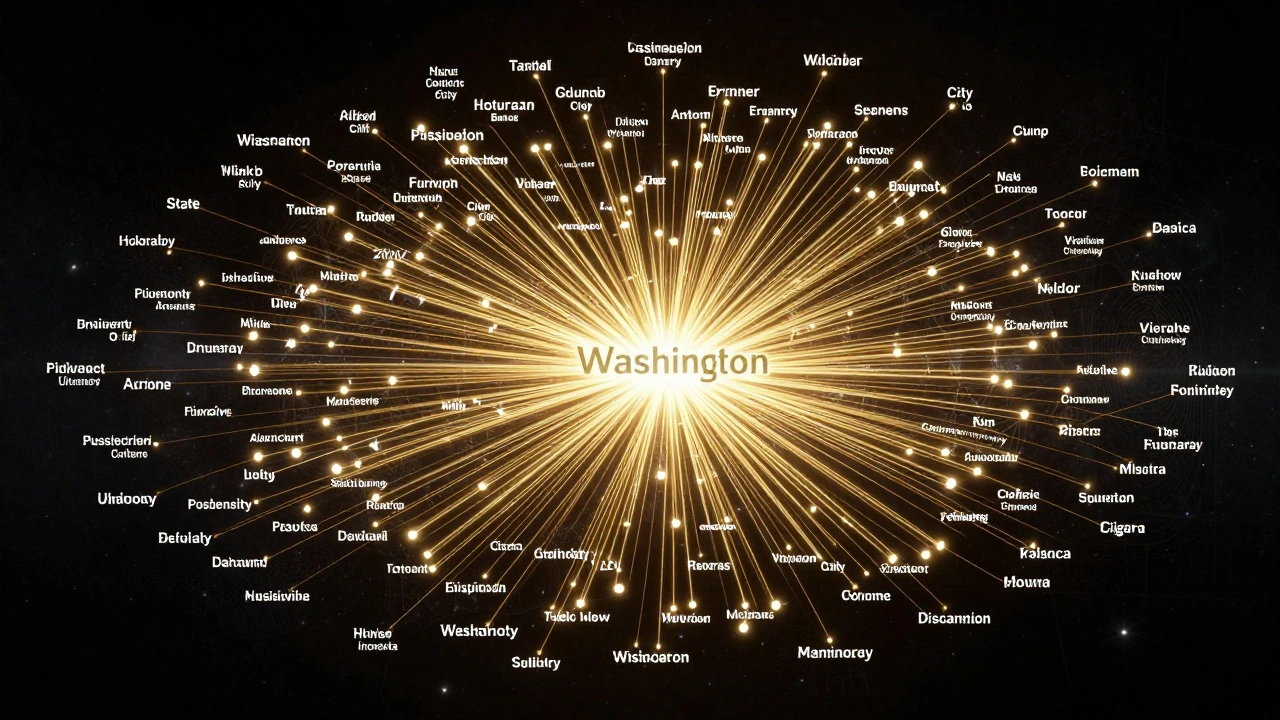
According to Wikipedia’s internal traffic data from 2024, the top 10 disambiguation pages each received over 2 million views per month. The page for Washington-which lists the U.S. state, the capital city, the president, the university, and dozens of towns-gets more than 5 million views monthly. That’s more than many celebrity biographies.
These pages aren’t just popular. They’re the most efficient way Wikipedia handles search ambiguity. Instead of forcing users to guess the right title, they give them a clear, organized menu. That reduces bounce rates and keeps people exploring.
The Hidden Architecture of Wikipedia’s Navigation
Wikipedia doesn’t just rely on disambiguation pages for user navigation-it depends on them. Behind the scenes, these pages are connected to thousands of other articles through internal links and redirects.
When someone edits an article about the Apple Inc. company, they don’t link directly to “Apple.” They link to “Apple (company)” because that’s the actual article title. But if you type “Apple” into the search bar, Wikipedia’s system automatically sends you to the disambiguation page. That’s because the disambiguation page acts as the central hub for all ambiguous terms.
Wikipedia’s software uses a system called “disambiguation templates” to automatically generate these pages. Editors don’t have to build them from scratch. They just tag articles with a template like {{disambiguation}} and the system pulls in all linked terms. This keeps the system scalable.
There are over 1.2 million disambiguation pages on Wikipedia. That’s nearly 5% of all articles. And they’re not just for single words. Phrases like “New York Times” and “The Office” also have their own disambiguation pages because they refer to TV shows, newspapers, and even a 2006 indie film.
Who Uses These Pages-and Why?
It’s not just casual readers. Researchers, journalists, and even Wikipedia editors use disambiguation pages constantly.
Journalists writing about “Biden” might need to distinguish between Joe Biden and his son Hunter Biden. They don’t want to accidentally link to the wrong person. Disambiguation pages give them the clarity they need in seconds.
Students doing research on “Mercury” might be looking for the planet, the element, the Roman god, or the car brand. Without a disambiguation page, they’d waste hours clicking through wrong articles. With it, they find the right one in under 10 seconds.
Even bots and automated tools rely on these pages. Wikipedia’s own maintenance bots scan disambiguation pages to fix broken links, detect duplicate articles, and suggest new redirects. They’re the quiet backbone of Wikipedia’s data integrity.
Common Mistakes and How They’re Fixed
Not all disambiguation pages are created equal. Some are messy. Some are outdated. Some have too many obscure entries.
One common problem is “orphaned disambiguation pages”-pages that exist but no one links to them. That happens when an article gets renamed or deleted, but the disambiguation page stays behind. Wikipedia’s bots flag these and move them to a “candidate for deletion” list.
Another issue is overloading. A disambiguation page for “Smith” could list hundreds of people with that last name. That’s overwhelming. So editors follow a rule: only include notable people or entities. If someone is not notable enough for their own Wikipedia article, they don’t get listed on the disambiguation page.
There’s also a cultural bias. English Wikipedia has far more disambiguation pages than other language versions. Why? Because English has more ambiguous terms due to its global use and borrowed vocabulary. A disambiguation page for “Paris” on French Wikipedia might only list the city. On English Wikipedia, it includes the city, the movie, the singer, the university, and the fashion brand.
How to Use Disambiguation Pages Like a Pro
If you’re trying to find something on Wikipedia, here’s how to use disambiguation pages effectively:
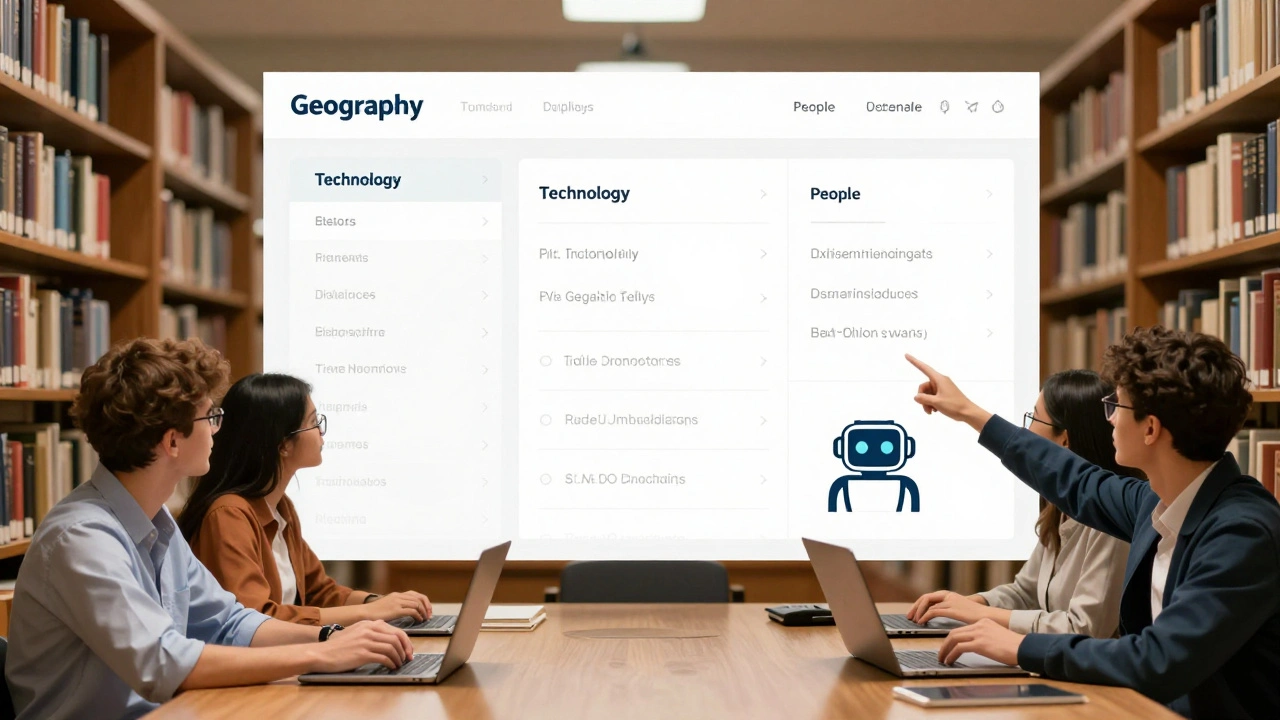
- When you land on a disambiguation page, scan the categories first. Most are grouped by topic-geography, people, technology, media.
- Look for the most likely match based on context. If you’re reading about tech, pick the software or company. If you’re reading about history, pick the person or place.
- Use the search bar to refine. Type “Java programming” instead of just “Java” to skip the fruit and coffee.
- If you’re unsure, click the “What links here” link on the left sidebar. It shows you which articles link to each option, helping you spot the most relevant one.
- Don’t assume the first link is the right one. Sometimes the most popular article is listed first, but not the most accurate for your search.
Pro tip: Bookmark disambiguation pages you use often. You’ll save time the next time you need to find “Spring” (the season, the town in Texas, the software framework, or the movie).
The Bigger Picture: Why Disambiguation Matters
Wikipedia’s success isn’t just about the quality of its articles. It’s about how well it handles confusion.
Real life is messy. Words are ambiguous. People don’t know the exact names of things. Wikipedia’s disambiguation pages acknowledge that. Instead of pretending everything has a single meaning, they embrace complexity and make it navigable.
Compare that to search engines like Google, which guess what you mean and often get it wrong. Wikipedia gives you control. You see all the options. You choose.
That’s why disambiguation pages are more than just a technical feature. They’re a philosophy: respect the user’s intent, don’t force assumptions, and make ambiguity clear.
Next time you see one of these pages, don’t scroll past it. Look at it as the quiet hero of Wikipedia-the page that keeps the entire encyclopedia from collapsing under its own weight.
Are disambiguation pages considered real Wikipedia articles?
No, disambiguation pages are not full articles. They don’t meet Wikipedia’s content policies for encyclopedic depth. They’re navigational tools, not informational ones. They don’t have references, detailed history, or analysis. Their sole purpose is to direct users to the correct article. Editors treat them as maintenance pages, not content pages.
Can anyone edit a disambiguation page?
Yes, but with limits. Any registered user can add or remove links if they follow Wikipedia’s guidelines. You can’t add obscure or non-notable entries. You can’t remove links just because you dislike a topic. All changes must be based on whether the linked article exists and meets notability standards. Edits are often reviewed by experienced editors who monitor these pages closely.
Why don’t disambiguation pages have citations?
Because they don’t make claims-they list links. Citations are required for factual statements, like “Apple Inc. was founded in 1976.” A disambiguation page just says, “This term links to these articles.” Since the links themselves are clickable and verifiable, citations aren’t needed. Adding them would clutter the page and go against its design purpose.
Do other websites use disambiguation pages like Wikipedia?
Most don’t. Search engines like Google and Bing use algorithms to guess the best result. Some wikis, like Fandom or MediaWiki-based sites, copy Wikipedia’s model. But outside of open wikis, most sites avoid ambiguity by using unique URLs-like “/apple-inc” or “/apple-fruit.” Wikipedia’s approach is unique because it’s user-driven, open, and designed for ambiguity, not control.
How do disambiguation pages affect SEO for Wikipedia?
They help a lot. Because they capture searches for ambiguous terms, they act as traffic magnets. Google often ranks these pages highly for broad queries. That means more people land on Wikipedia, then click through to the right article. This increases overall site engagement and reduces bounce rates. Without disambiguation pages, Wikipedia would lose millions of visits every month to confusion and dead ends.