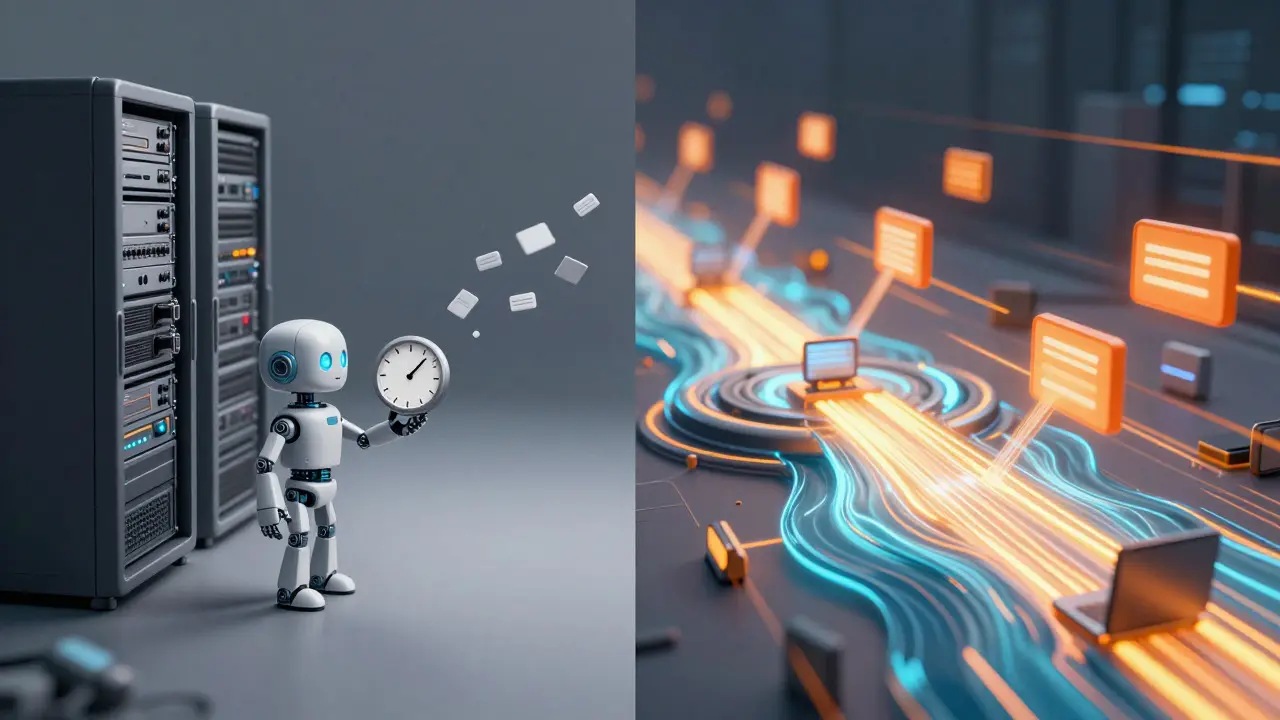
Building a live dashboard that tracks edits as they happen? You’re likely staring at two main options: the legacy RecentChanges feed or the modern EventStreams platform. While both pull data from Wikipedia’s servers, they serve different needs. If you need simple polling for a small script, RecentChanges might suffice. But if you want low-latency, high-volume data for a serious application, EventStreams is the industry standard. Choosing the wrong one can mean missing critical events or drowning in unnecessary data.
The Core Difference: Polling vs. Streaming
To understand why developers are migrating to EventStreams is a server-sent events (SSE) service that pushes real-time updates directly to clients without requiring constant re-requests. This architecture fundamentally changes how your app interacts with Wikipedia’s infrastructure. In contrast, the RecentChanges feed is an XML-based endpoint that requires clients to poll the server at regular intervals to fetch new changes.
Think of it this way: RecentChanges is like checking your email inbox every five minutes. It works, but you might miss urgent messages until your next check. EventStreams is like having a dedicated line where someone shouts out each new message the moment it arrives. For real-time applications, that distinction matters immensely. The latency difference isn’t just theoretical; it affects user experience and data accuracy significantly.
How EventStreams Works Under the Hood
MediaWiki is the open-source web software used to power Wikipedia and other large collaborative projects. EventStreams integrates deeply with MediaWiki’s internal event bus. When an edit happens, a bot, or a page move occurs, the system generates a specific event object. These objects are then streamed via HTTP using the Server-Sent Events protocol.
You don’t need to manage complex WebSockets or maintain persistent connections manually. The browser or client library handles the reconnection logic automatically. If your connection drops, it resumes from the last received event ID, ensuring no data loss. This reliability is crucial for bots that track vandalism or coordinate multi-step editing tasks. The payload includes detailed metadata about the change, such as the editor’s username, the revision ID, and the timestamp, all structured in JSON format.
When to Stick with RecentChanges
Does that mean RecentChanges is obsolete? Not entirely. It still has its place. If you’re building a simple cron job that runs once an hour to archive changes, the overhead of setting up an SSE listener might be overkill. RecentChanges is stateless and easy to debug. You can hit the URL, parse the XML, and move on. No long-lived connections to monitor, no heartbeats to manage.
However, the trade-off is clear. You’re limited by your polling frequency. Poll too often, and you risk rate-limiting yourself. Poll too rarely, and your data becomes stale. For most production-grade real-time apps, this compromise is unacceptable. That’s why major tools like WikiEdits and various community monitoring dashboards have shifted to EventStreams. They need immediacy, not hourly snapshots.
Comparison: EventStreams vs. RecentChanges
| Feature | EventStreams | RecentChanges |
|---|---|---|
| Protocol | Server-Sent Events (SSE) | XML over HTTP |
| Data Format | JSON | XML |
| Latency | Near-instant (<1 second) | Depends on polling interval (seconds to hours) |
| Connection Type | Persistent push | Stateless pull |
| Best For | Real-time dashboards, active bots | Batch processing, simple scripts |
| Complexity | Medium (requires handling reconnections) | Low (simple GET requests) |
Implementing EventStreams in Your App
Getting started with EventStreams is straightforward if you know JavaScript or Python. The core concept is subscribing to a stream. You specify which events you care about-like "edit", "newpage", or "delete"-and the server sends only those. This filtering happens server-side, saving bandwidth and processing power on your end.
Here’s what a basic implementation looks like in practice:
- Open a connection to the EventStreams endpoint.
- Specify the desired event types in the request parameters.
- Listen for incoming data chunks.
- Parse the JSON payload for each event.
- Process the data and update your UI or database.
Common Pitfalls and How to Avoid Them
Many developers make the mistake of treating EventStreams as a firehose. They subscribe to all possible events and then filter locally. This wastes resources and clutters your logs. Instead, use the built-in filters to narrow down the stream to only what you need. For example, if you’re tracking edits to science articles, filter by namespace or tag rather than pulling every single edit on the site.
Another common issue is ignoring rate limits. While EventStreams is more efficient than polling, it’s not unlimited. If your bot processes events slowly and lets the buffer grow, you might hit throttling thresholds. Keep your processing pipeline fast. If you need to store data, write to a local queue first, then process asynchronously. This decouples ingestion from processing, keeping your real-time listener responsive.
Future-Proofing Your Infrastructure
The Wikimedia Foundation continues to invest in EventStreams, adding new event types and improving documentation. This signals a long-term commitment to the platform. On the other hand, while RecentChanges remains stable, it receives fewer feature updates. Building on EventStreams now positions your app to take advantage of future enhancements, such as richer metadata or improved filtering capabilities.
If you’re maintaining legacy code that relies on RecentChanges, consider a phased migration. Start by running both systems in parallel. Compare the data streams to ensure consistency. Once you’re confident in the EventStreams implementation, switch over completely. This approach minimizes risk and gives you time to optimize your new pipeline.
Is EventStreams free to use?
Yes, EventStreams is free for public use, similar to the rest of the Wikipedia API. However, you should adhere to fair-use guidelines to avoid excessive load on the servers.
Can I use EventStreams for non-Wikipedia MediaWiki sites?
Generally, yes, provided the site has enabled the EventStreams extension. Many large MediaWiki installations support it, but smaller personal wikis may not have it configured.
What is the maximum latency for EventStreams?
Under normal conditions, latency is typically under one second. Network issues or server load can occasionally increase this, but it remains significantly faster than polling-based methods.
Do I need a special API key for EventStreams?
No, EventStreams does not require an API key for read-only access. However, identifying your bot with a User-Agent header is recommended for good citizenship.
How do I handle missed events during downtime?
Use the Last-Event-ID header when reconnecting. The server will resend events from that point forward. If the gap is too large, fall back to the standard API to backfill missing data.