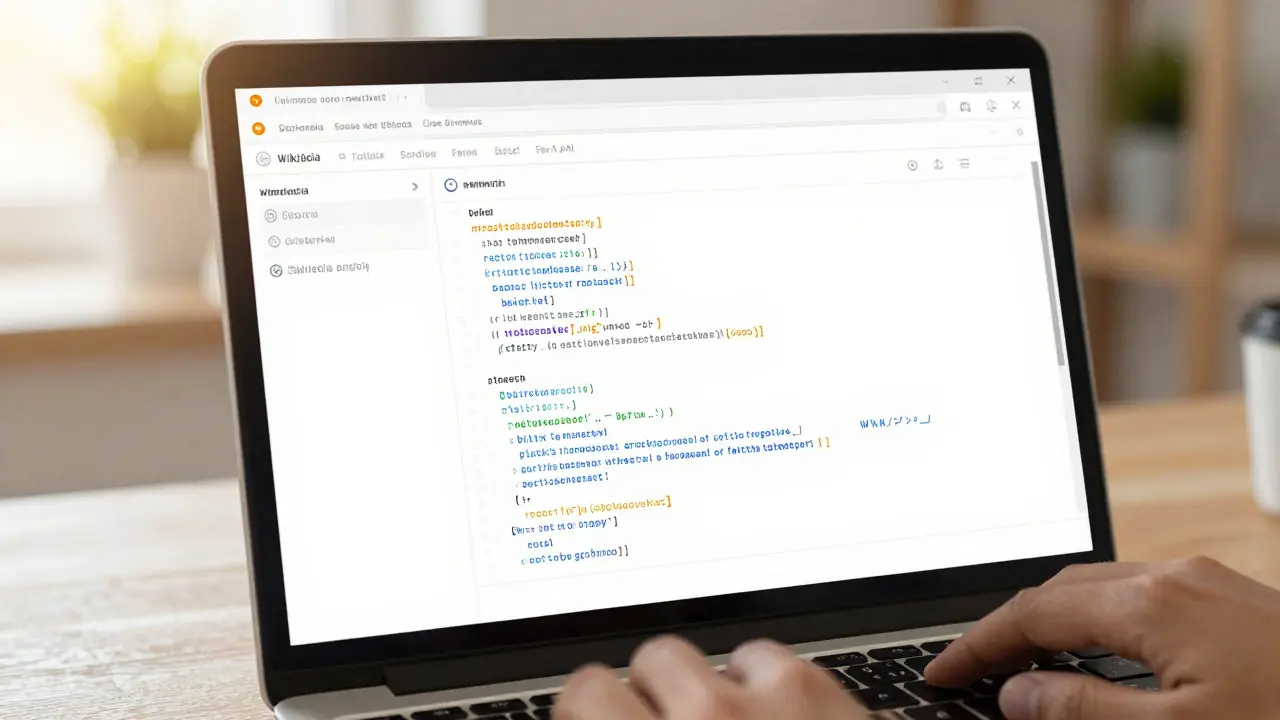
Have you ever noticed how the text in Wikipedia’s edit box changes color as you type? Bold text turns one shade, links another, and code blocks a third. That visual feedback isn’t magic; it’s CodeMirror a lightweight JavaScript library for embedding a programmable text editor in web browsers. It sits quietly under the hood of the modern Wikipedia editing interface, turning raw Wikitext the markup language used to format articles on Wikimedia projects into something readable before you even hit save.
For most casual editors, this feature is just a nice touch. But for power users, translators, and administrators dealing with complex templates or source code snippets, syntax highlighting is the difference between a clean edit and a confusing mess. It reduces cognitive load by visually grouping related elements, making it easier to spot unclosed tags or mismatched brackets at a glance.
Why Wikipedia Switched to CodeMirror
Before the current interface, Wikipedia relied on a simple HTML textarea for editing. While functional, it offered zero context. You typed `'''bold'''` and had to mentally parse the structure. As articles grew longer and more complex, the error rate climbed. Editors frequently broke layouts because they couldn't see where a template started or ended.
The Wikimedia Foundation partnered with developers to integrate CodeMirror, specifically leveraging its ability to handle custom modes. Unlike generic editors that only know JavaScript or Python, CodeMirror can be taught any grammar. In this case, the team built a specific mode for Wikitext that understands the unique quirks of the platform, such as nested templates, magic words, and transclusion syntax.
This shift wasn't just about aesthetics. It was about performance. A standard textarea struggles with documents exceeding 50,000 characters, causing lag and freezing. CodeMirror uses a virtual rendering technique, meaning it only draws the lines currently visible in your viewport. This allows editors to work on massive pages without their browser crashing.
How the Highlighting Logic Works
At its core, CodeMirror works by parsing the text stream character by character. When applied to Wikitext, it looks for specific patterns defined in a configuration file. For example, when the parser sees double curly braces `{{`, it knows a template has begun. It then highlights everything until the matching closing brace `}}` in a distinct color.
The system handles nesting intelligently. If you have a template inside another template, the inner content gets a slightly different shade or border style, creating a visual hierarchy. This is crucial for understanding complex infoboxes or navigation boxes that often contain dozens of nested parameters.
Here is a breakdown of the primary elements highlighted in the default Wikipedia setup:
- Headings: Lines starting with equals signs (`= Heading =`) are bolded and colored to stand out from body text.
- Links: Blue square brackets `[[]]` indicate internal links, while external links `[http://...]` appear in a different hue.
- Formatting: Asterisks for bullets and tildes for signatures are marked clearly to distinguish structural elements from prose.
- Templates: Curly braces `{{}}` are highlighted to show parameter boundaries, helping prevent missing commas or quotes.
- Comments: Double dashes `` turn gray, allowing editors to hide notes or disabled code without cluttering the view.
Customizing Your Editing Experience
One of the best-kept secrets of the new editor is that it’s highly customizable. Through your user preferences, you can toggle specific features on or off. If you find the highlighting too busy, you can switch to a plain text view. Conversely, if you work heavily with code, you can enable additional modes that recognize programming languages within `` tags.
Power users often install user scripts via the Gadget system. These scripts can extend CodeMirror’s capabilities further. For instance, some scripts add auto-completion for common template names or suggest valid parameters based on the template being edited. Others add linting features that warn you about deprecated syntax before you publish.
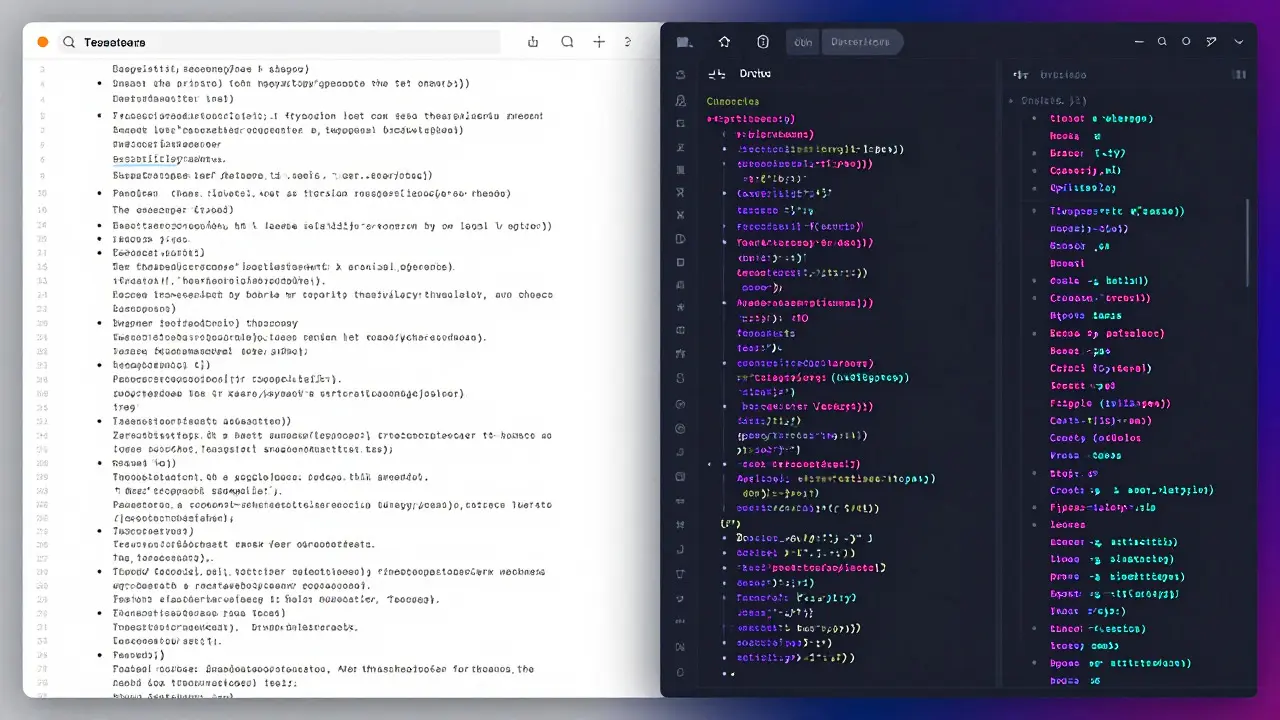
You can also adjust the theme. The default light theme is easy on the eyes during the day, but many night owls prefer dark themes like 'Dracula' or 'Monokai.' These themes reduce eye strain and make the syntax colors pop against a dark background. Changing the theme takes just a few clicks in the preferences menu, and the change applies instantly across all your edits.
Performance and Browser Compatibility
CodeMirror is designed to be lightweight, but performance still depends on your hardware and browser. Modern browsers like Chrome, Firefox, and Safari handle the editor efficiently. However, older devices or those with limited RAM might experience slight delays when opening very large pages.
To mitigate this, the editor loads asynchronously. It doesn't block the rest of the page from rendering. You can start reading the article or checking the talk page while the editor initializes. Once loaded, the transition is seamless. If you encounter issues, clearing your browser cache or disabling conflicting extensions often resolves the problem.
It’s worth noting that the mobile version of Wikipedia uses a simplified editor. While it still leverages similar underlying technologies, the full CodeMirror experience with advanced syntax highlighting is primarily available on desktop browsers. Mobile users get basic formatting tools but lack the deep structural visualization found on the desktop interface.
Troubleshooting Common Issues
Even with robust technology, glitches happen. Here are a few common scenarios and how to fix them:
- Highlighting stops working: This usually happens after a failed script update. Try hard-refreshing the page (Ctrl+Shift+R) to clear cached assets.
- Colors look wrong: Check if a browser extension is overriding CSS styles. Disabling ad-blockers or privacy tools temporarily can help isolate the issue.
- Cursor jumps around: This can occur if multiple instances of the editor are initialized. Ensure you’re using the official Wikipedia interface and not a third-party wrapper.
- Slow typing on long pages: Close other tabs to free up memory. If the problem persists, try switching to a lighter browser profile or updating your graphics drivers.
If none of these steps work, report the bug on the MediaWiki Bugzilla tracker. The community is active, and many issues are resolved within days of being reported.
| Feature | Legacy Textarea | CodeMirror Interface |
|---|---|---|
| Syntax Highlighting | None | Full Wikitext support |
| Performance on Large Pages | Sluggish above 50k chars | Smooth via virtual rendering |
| Customizability | Limited | Themes, modes, and scripts |
| Error Detection | Manual review only | Visual cues for unmatched tags |
| Mobile Support | Basic | Simplified version |
Frequently Asked Questions
Does CodeMirror work offline?
Not directly. Since Wikipedia is a web service, you need an internet connection to load the editor assets. However, once loaded, the editor functions locally in your browser until you save, so brief connectivity drops won't lose your unsaved text immediately.
Can I disable syntax highlighting completely?
Yes. Go to your User Preferences, navigate to the 'Editing' section, and select 'Plain text' instead of 'Visual editor' or 'Source editor with highlighting.' This reverts to the basic textarea behavior.
Is the highlighting accurate for all Wikitext variants?
It covers the vast majority of standard syntax. However, highly experimental or non-standard extensions may not be recognized. If a tag isn't highlighted, it usually means it's treated as plain text, which is safe but less informative.
Do I need to install anything to use this feature?
No. It is built into the default Wikipedia interface for desktop users. No plugins, extensions, or software installations are required. It works out of the box in any modern browser.
How does this compare to the VisualEditor?
The VisualEditor hides the markup entirely, showing formatted text. CodeMirror shows the markup itself but makes it readable through color coding. Power users often prefer CodeMirror because it gives direct control over the source code, whereas VisualEditor can sometimes obscure complex structures.