Ever tried to click a source link on a Wikipedia page only to hit a 404 Error? It’s frustrating. For editors, it’s worse. A dead link breaks the chain of verification that keeps Wikipedia is a free online encyclopedia where anyone can edit and contribute articles trustworthy. If you can’t prove a fact, it might get deleted. That’s why learning how to archive dead links isn’t just a nice-to-have; it’s essential for maintaining high-quality content.
The most common tool for this job is the Internet Archive, specifically its Wayback Machine. But it’s not the only option. Depending on the type of link-whether it’s a news article, a government report, or a personal blog-you might need different approaches. This guide walks you through exactly how to save those broken references so your edits stick.
Why Dead Links Matter More Than You Think
On Wikipedia, every factual claim needs a citation. If that citation points to a URL that no longer exists, readers can’t verify the information. Over time, these "red links" accumulate. They signal to other editors that an article might be poorly maintained. In severe cases, articles with too many broken references end up in categories like Categories are used on Wikipedia to group related pages together for easier navigation "Articles needing better sources."
Archiving doesn’t just fix the link; it creates a permanent record. Even if the original website shuts down entirely, the archived version remains accessible. This stability is crucial for topics that rely on historical data or ephemeral web content, like social media posts or temporary government announcements.
The Gold Standard: Using the Wayback Machine
The Wayback Machine is the go-to solution for most web pages. It captures snapshots of websites at specific points in time. Here is how to use it effectively:
- Find the Broken Link: Identify the exact URL that is failing. Copy it from the reference section of the Wikipedia article.
- Visit the Internet Archive: Go to the Wayback Machine website. Paste the URL into the search bar.
- Select a Snapshot: Look for a snapshot date close to when the article was originally written or last verified. Avoid snapshots that are too old (which might miss recent updates) or too new (if the site changed drastically).
- Verify the Content: Click on the snapshot to ensure the text matches what is cited in the Wikipedia article. If the content has changed significantly, look for an older snapshot that aligns with the current text.
- Capture the URL: Copy the full URL of the selected snapshot. It will look something like `web.archive.org/web/20231015120000/http://example.com/article`.
- Update the Citation: In the Wikipedia edit box, replace the dead link with the new archived URL. You can also add the original URL as a note if desired, but the archived link must be the primary target.
Pro tip: If the Wayback Machine hasn't captured the page recently, you can request a capture directly from the site's interface. Just paste the URL and click "Save Page Now." It usually takes a few minutes to process.
Alternatives When Wayback Machine Fails
Sometimes, the Wayback Machine misses a page, or the snapshot is incomplete. Here are some robust alternatives:
Google Cache
While Google has reduced the prominence of its cache feature, it still works for many sites. Search for the specific page title plus the domain name. If a cached version appears, right-click the link and choose "Copy Link Address." However, be aware that Google caches expire faster than Wayback Machine archives, so they are less permanent.
Archive.today
Also known as "archive.ph," this service is popular among archivists because it often captures pages that the Wayback Machine misses. It’s particularly good for dynamic sites or those that block bots. The interface is simpler: paste the URL, wait for the capture, and copy the resulting link. Note that some users find the interface cluttered with ads, but the reliability is high.
Official Government Archives
If the dead link points to a U.S. federal document, check the National Archives or the specific agency’s digital repository. Many government sites have their own internal archival systems that are more stable than general web crawlers. For example, Congressional records are preserved by the Library of Congress, which offers permanent access to legislative documents.
Academic Repositories
For research papers or academic reports, look for the DOI (Digital Object Identifier). DOIs are persistent identifiers that redirect to the current location of a paper, even if the publisher changes their website structure. If the original PDF is gone, searching the DOI in a database like Crossref often leads you to a mirror or an open-access version.
Comparison of Archiving Tools
| Tool | Best For | Permanence | Ease of Use | Limitations |
|---|---|---|---|---|
| Wayback Machine | General web pages, news articles | High | Medium | May miss dynamic content; requires manual snapshot selection |
| Archive.today | Pages blocked from bots, niche sites | Medium-High | Low | Interface can be cluttered; less standardized URL structure |
| Google Cache | Quick fixes for recent deletions | Low | High | Caches expire quickly; not suitable for long-term archiving |
| DOI Systems | Academic papers, scientific reports | Very High | Medium | Only works for published academic literature |
Best Practices for Maintaining Citations
Prevention is better than cure. Here are some habits that help keep your citations healthy:
- Use Stable URLs: Prefer canonical URLs over session-based or tracking-heavy links. Remove unnecessary parameters like `?utm_source=...` before citing.
- Add Access Dates: Always include the date you accessed the link. This helps future editors understand which snapshot is relevant.
- Check Before Publishing: Verify all links work before saving your edit. One broken link can trigger a review flag.
- Use Templates: Wikipedia has templates like `` that automatically format citations and make it easier to add archive links later.
- Monitor Changes: If you edit an article frequently, set up alerts for major sources. Some browser extensions notify you when a saved page changes or disappears.
Common Pitfalls to Avoid
Even experienced editors make mistakes when archiving. Watch out for these:
Archiving the Wrong Version: If a news article was updated after publication, the latest snapshot might differ from what was cited. Always compare the text in the snapshot with the text in the Wikipedia article. If they don’t match, find an older snapshot.
Forgetting to Update the Reference List: Adding an archive link in the body text isn’t enough. You must update the actual citation in the references section. Otherwise, the link remains broken for readers using the standard view.
Over-Archiving: Not every link needs an archive. Only cite sources that are likely to change or disappear. Stable institutional pages (like university homepages) rarely need immediate archiving unless they are being restructured.
Frequently Asked Questions
What happens if I don’t archive a dead link?
The citation becomes unverifiable. Other editors may remove the unsourced claim, or the entire paragraph might be flagged for deletion. In extreme cases, repeated broken links can lead to an article being nominated for speed deletion if it lacks sufficient reliable sourcing.
Can I archive a YouTube video for Wikipedia?
Yes, but it’s tricky. The Wayback Machine sometimes captures YouTube pages, but the video itself may not play. It’s often better to cite the video description or a transcript if available. If you must archive the video, ensure the snapshot includes the metadata and title clearly visible.
Which is better: Wayback Machine or Archive.today?
Wayback Machine is generally preferred for its neutrality and integration with Wikipedia tools. Archive.today is a good backup when Wayback fails. Most editors try Wayback first, then switch to Archive.today if needed.
Do I need permission to archive a website?
Generally, no. Publicly accessible web pages can be archived for reference purposes. However, if a site explicitly blocks robots via `robots.txt`, it’s courteous to check their policy. For Wikipedia citations, fair use principles usually apply.
How do I find out if a link is already archived?
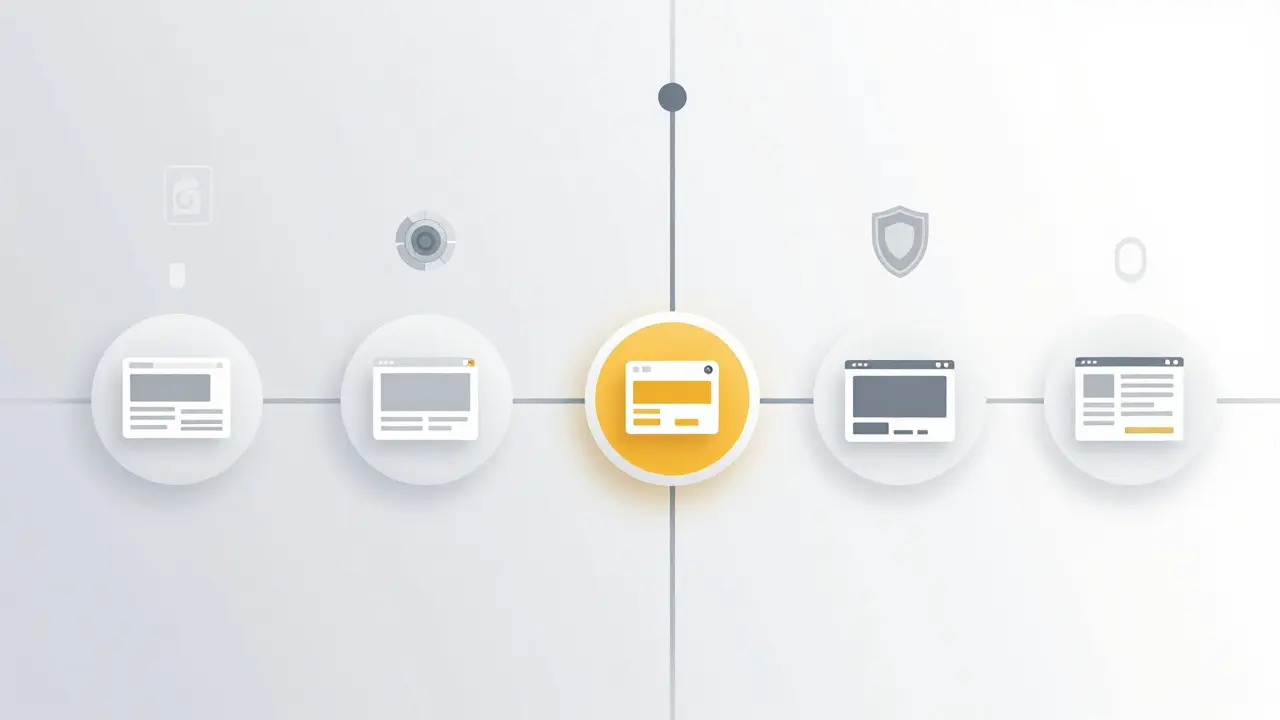
Paste the URL into the Wayback Machine search bar. If there are any snapshots, they will appear on a timeline. You can also use the `isearch:` operator in Google to search for archived versions of a specific URL.