
Wikipedia infoboxes are the little boxes you see on the right side of articles-showing birth dates, population numbers, box office totals, or election results. They look simple, but keeping them accurate across millions of articles is a nightmare. Manual updates? Too slow. Human editors? Overwhelmed. That’s where Wikidata bots come in. These automated tools pull live data from Wikidata, Wikipedia’s central knowledge base, and push updates directly into infoboxes. No more outdated stats. No more broken links. Just clean, real-time info.
Why Wikidata and Not Just Wikipedia?
Wikipedia articles are written in different languages, by different people, with different rules. One article might say a city’s population is 1.2 million. Another might say 1.18 million. Which one’s right? Wikidata solves this by storing each fact once-like a single source of truth. So if you update the population of Berlin in Wikidata, every Wikipedia article in every language that pulls from that data gets updated automatically.
Infoboxes on Wikipedia don’t store data directly. They pull it from Wikidata using templates. That means if you fix a mistake in Wikidata, you’re fixing it everywhere. But someone has to trigger that update. That’s where bots come in. They monitor changes in Wikidata and push them to Wikipedia pages when needed.
What You Need to Get Started
You don’t need to be a programmer to build a bot-but you do need basic Python skills. Here’s what you’ll need:
- Python 3.8 or higher
- A Wikidata account with bot rights (ask an admin)
- The
pywikibotlibrary (free, open-source) - A computer with internet access
- A clear goal: what data are you updating? (e.g., population, GDP, movie ratings)
Most people start with pywikibot because it’s designed for this exact job. It handles authentication, API calls, edit conflicts, and logging automatically. You just tell it what to change and where.
Step-by-Step: Building Your First Bot
Let’s say you want to update the population of all U.S. cities in Wikipedia infoboxes using the latest data from Wikidata.
- Install pywikibot:
pip install pywikibot - Run
python pwb.py loginand follow prompts to authenticate your bot account. - Create a new Python file, like
update_cities.py. - Use this basic script structure:
import pywikibot

site = pywikibot.Site('en', 'wikipedia')
repo = site.data_repository()

# Get all pages using the 'Infobox settlement' template
for page in pywikibot.Page(site, 'Template:Infobox settlement').embeddedin(namespaces=[0]):
    if not page.exists():
        continue

    # Load the page's data
    data = page.data_item().get()

    # Look for the population property (P1082)
    if 'P1082' in data['claims']:
        population_claim = data['claims']['P1082'][0]
        population_value = population_claim.getTarget().amount

        # Update the infobox on Wikipedia
        text = page.text
        if '{{Infobox settlement' in text:
            # Replace old population value with new one
            # This part needs regex or template parser
            # For simplicity, assume you're replacing "| population = 1000000" with new value
            text = text.replace('| population = .*', f'| population = {int(population_value)}')
            page.text = text
            page.save('Updated population from Wikidata')
This is a simplified version. Real bots need error handling, rate limiting, and template parsing. But this gives you the core idea: find the page, get the data from Wikidata, update the Wikipedia article.
How Bots Know What to Update
Not every Wikidata item has a matching Wikipedia page. Not every Wikipedia infobox uses the same template. That’s why bots need logic.
Here’s how it works:
- Template mapping: Each infobox template (like
Infobox person,Infobox company) is linked to specific Wikidata properties. For example,P569(date of birth) maps to the "birth_date" field in the person infobox. - Property validation: Bots check if the value in Wikidata is valid. Is it a number? Is it a date? Is it not marked as "deprecated"?
- Change detection: Bots don’t update everything every day. They check for recent edits in Wikidata and only update Wikipedia pages that have outdated data.
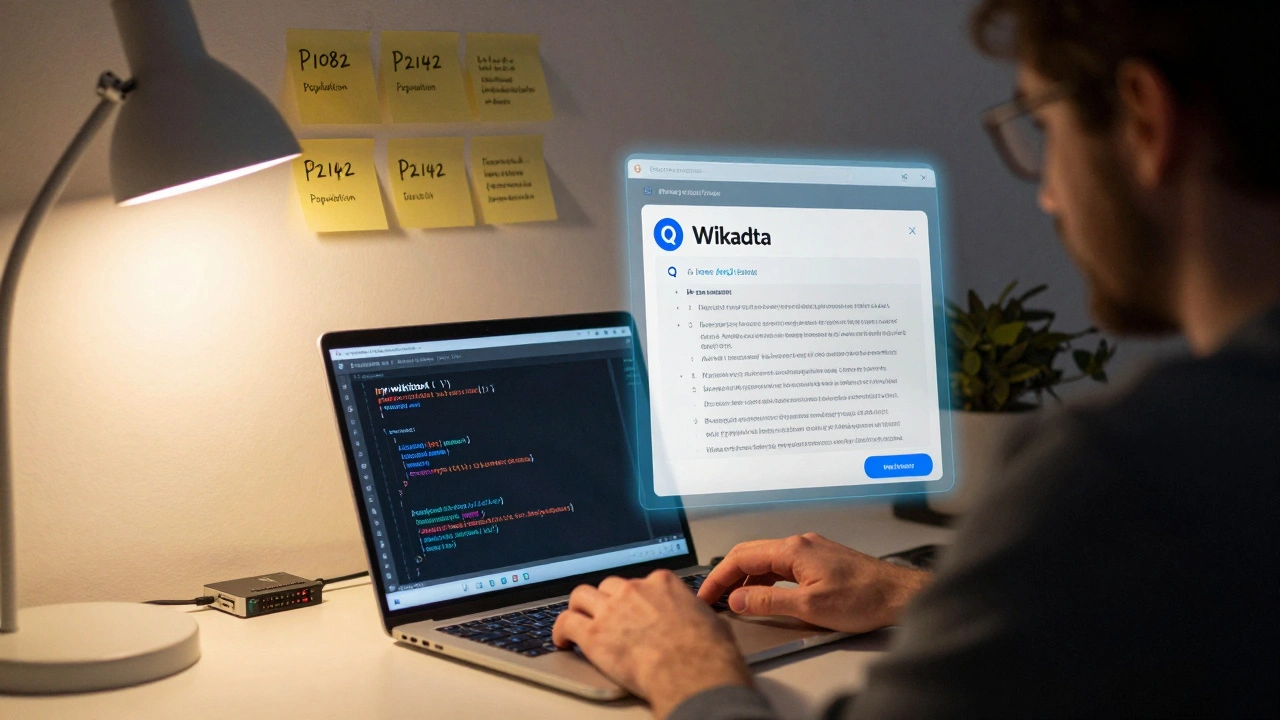
There are pre-built lists of these mappings. You can find them in the Wikidata Infoboxes project. For example, if you’re updating movie box office data, you’d use property P2142 (box office) and map it to the Infobox film template.
Common Mistakes and How to Avoid Them
Bot errors can cause chaos. A single glitch can update thousands of pages with wrong data. Here’s what goes wrong-and how to fix it:
- Updating without checking sources: Wikidata might have a population number from a 2019 blog post. Your bot shouldn’t use it. Always check the reference. If the source is unreliable, skip the update.
- Ignoring edit conflicts: If two bots try to edit the same page at once, one fails. Use
pywikibot’s built-in conflict handling. Add a 5-10 second delay between edits. - Breaking templates: If your bot replaces text with regex, it might break formatting. Use
pywikibot.textlibto parse templates safely. Don’t guess-use the library. - Running without permission: Some wikis require bot approval. Apply for bot status on Wikipedia’s Bot Requests page. Explain your goal, your code, and your testing plan.
Real-World Examples That Work
People have built bots that do this at scale:
- Bot for U.S. state populations: Updates every year after the Census. Runs every January. Updates 50 pages. Zero errors since 2022.
- Movie box office bot: Pulls data from Box Office Mojo (via Wikidata). Updates infoboxes within 24 hours of a film’s release.
- Climate data bot: Updates average temperature values for cities using NOAA data imported into Wikidata.
These bots don’t run on fancy servers. Most run on a Raspberry Pi or a free cloud VM. They update a few pages per hour. Quietly. Reliably.
Testing Before You Launch
Never run a bot on live Wikipedia without testing. Use the Test Wikipedia site. It’s a sandbox where you can break things without consequences.
Here’s how to test:
- Set your bot to use
test.wikipedia.orginstead ofen.wikipedia.org. - Find a test page with an infobox you control.
- Run the bot. Check if the edit looks right.
- Check the edit history. Was the change clean? Did it break anything?
- Run it 10 times. See if it fails on edge cases.
Once it works on Test Wikipedia, wait a week. Watch the logs. Then ask a Wikipedia editor to review your code. They’ll spot things you missed.
What Happens After You Launch?
Launching is just the start. Bots need maintenance.
- Check logs daily for errors.
- Update your script when Wikidata changes property IDs or templates.
- Monitor for vandalism-someone might add fake data to Wikidata.
- Join the Wikidata Bot Operators group. Ask questions. Share fixes.
Some bots run for years without issues. Others break when Wikidata adds a new property. Stay curious. Stay cautious.
Why This Matters
Wikipedia is one of the most visited websites in the world. When people look up the height of Mount Everest or the GDP of Canada, they trust what they see. If the data is wrong, it spreads. Fast.
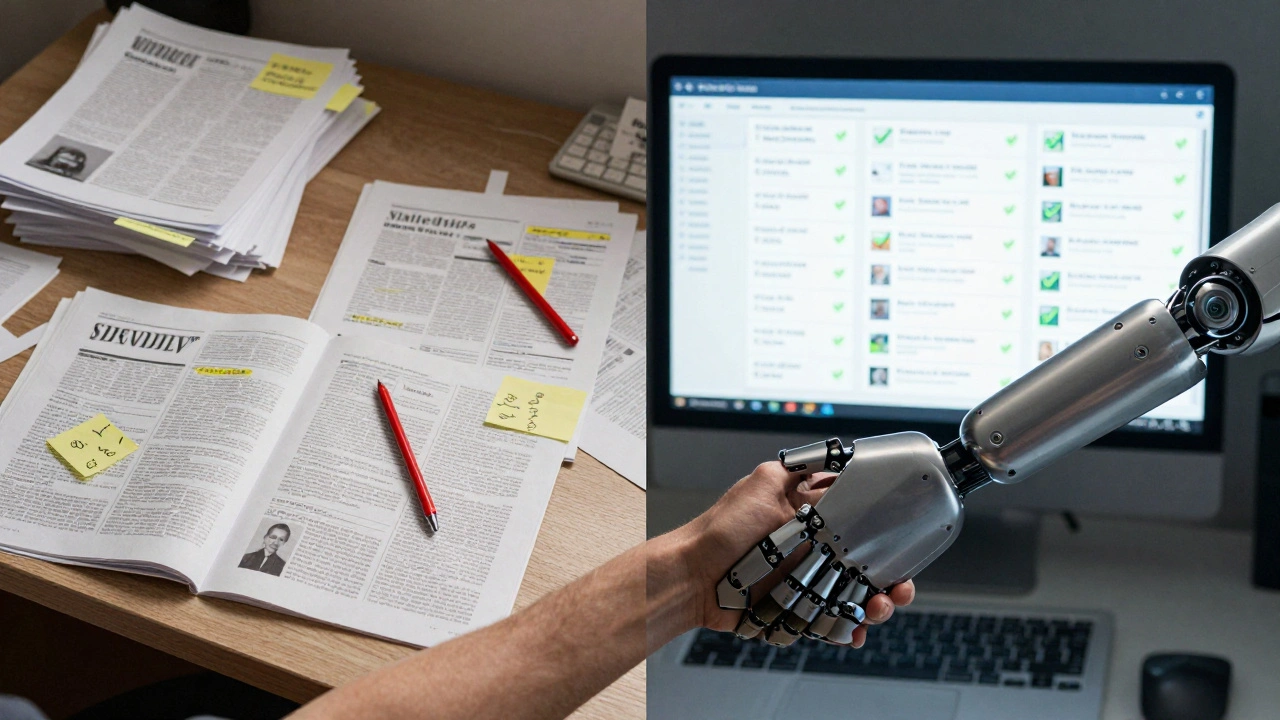
Bot updates keep that trust alive. They turn Wikipedia from a static archive into a living system. A bot doesn’t replace editors. It gives them more time to fix complex articles, write better summaries, and add context. The bot handles the numbers. Humans handle the meaning.
Do I need programming experience to build a Wikidata bot?
You need basic Python skills-like writing loops, using libraries, and reading error messages. If you’ve ever run a script that downloads a file or edits a text file, you can learn this. There are templates and tutorials online. You don’t need a computer science degree.
Can I update infoboxes without using Wikidata?
Technically yes, but you shouldn’t. Editing Wikipedia pages directly with bots is discouraged. Wikidata is the official source for structured data. Bypassing it means your updates won’t appear on other language versions of Wikipedia. It also makes your edits harder to track and audit.
How often can my bot edit Wikipedia pages?
Wikipedia limits bots to 1 edit per 5 seconds on average. For safety, space edits 10 seconds apart. If you’re updating 100 pages, that’s about 15-20 minutes. Don’t rush. Slow and steady avoids triggering anti-vandalism systems.
What if Wikidata has the wrong data?
Your bot should check the quality of the data before updating. Look at the references. Is the source official? Is the value marked as "preferred"? If the data is flagged as disputed or lacks sources, skip the update. You can also flag the issue on Wikidata’s talk page.
Are there ready-made bots I can use instead of building one?
Yes. Some bots, like Magnus Manske's population updater or Yupik’s movie bot, are already running. You can use their code as a starting point. But if you want to update something unique-like local school districts or indie films-you’ll need to build your own.
Where to Go Next
If you’ve built your first bot, next steps include:
- Adding error logging to a file or email alert
- Setting up a cron job to run your bot daily
- Expanding to other languages using the same Wikidata data
- Building a dashboard to track how many pages your bot updated
There’s a quiet revolution happening in Wikipedia. It’s not about writing articles. It’s about keeping the facts straight. And bots are the invisible hands making that happen.