Wikipedia articles don’t improve by accident. Big changes-like rewriting a poorly structured entry, adding missing citations, or fixing systemic bias-require planning. You can’t just jump in and edit live. One wrong move, and your changes get reverted, flagged, or worse, your account gets blocked. That’s where sandboxes come in. They’re your private workspace inside Wikipedia, and if you’re serious about making real improvements, you’re not using them enough.
What a Wikipedia sandbox actually does
A sandbox is a blank page where you can write, test, and polish content without affecting the live article. It’s not a draft folder. It’s not a backup. It’s a lab. You can experiment with structure, tone, sourcing, and formatting without worrying about edit wars or bot reverts. Every major Wikipedia editor uses sandboxes. The difference between a good article and a great one often comes down to how much time was spent in the sandbox before hitting "Publish".
Wikipedia gives you two types: user sandboxes (like User:YourUsername/Sandbox) and article-specific draft spaces (like Wikipedia:Draft/YourArticleName). For major improvements, use the draft space. It’s visible to other editors, which means you can get feedback before you even touch the main article. That’s huge. You’re not working in isolation-you’re inviting collaboration from the start.
Why live editing fails for big changes
Imagine you’re fixing a 5,000-word article on climate change impacts in the Arctic. The current version has outdated data, no sources from peer-reviewed journals, and a tone that reads like a blog post. You decide to rewrite it all in one edit. What happens?
- A bot flags it as a "massive edit" and puts it in review.
- Another editor reverts it because they don’t recognize your changes as improvements.
- Someone adds a notice: "This edit needs citation verification."
- Three days later, your version is gone, and the old one is back.
This isn’t rare. It’s standard. Wikipedia’s system is built to protect stability. That’s good for the encyclopedia. Bad for you if you want to make bold, necessary changes. Sandboxes solve this by letting you work slowly, iteratively, and transparently.
Step-by-step: How to use a sandbox for major improvements
Here’s exactly how to do it right. This isn’t theory. It’s what experienced editors follow.
- Start with the draft space. Go to
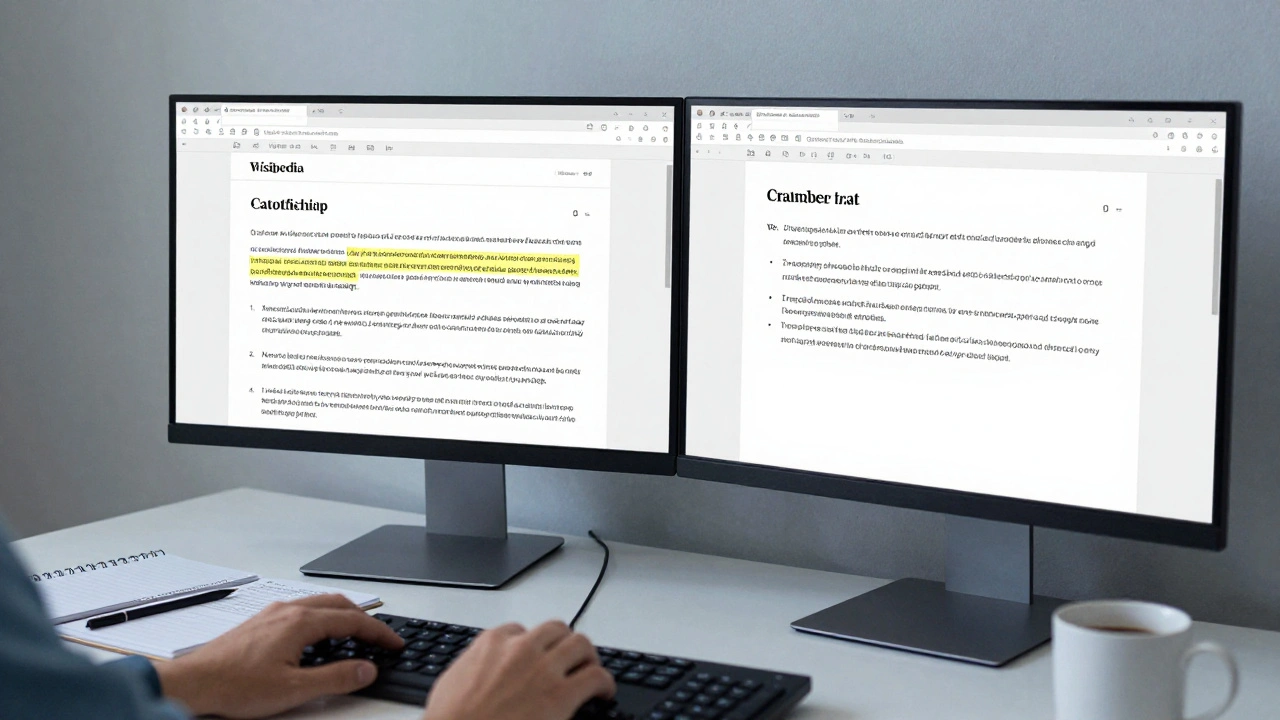
Wikipedia:Draft/YourArticleName. If it doesn’t exist, create it. Don’t use your personal sandbox unless you’re working on something that doesn’t yet have a live article. - Copy the current version. Paste the existing text into your draft. Don’t delete it. You’ll need it to compare changes later.
- Mark what’s broken. Highlight sections that lack citations, have biased language, or contain outdated stats. Use comments like
or. - Research and add. Find recent, reliable sources. Use Google Scholar, JSTOR, or library databases. Don’t just link to news sites. Academic journals, government reports, and peer-reviewed studies are gold. Add them as footnotes.
- Restructure for clarity. Move sections so the article flows logically: introduction → history → current state → impacts → controversies → sources. Use clear headings. Avoid jargon. Read it aloud. If it sounds like a textbook, simplify it.
- Ask for feedback. Add
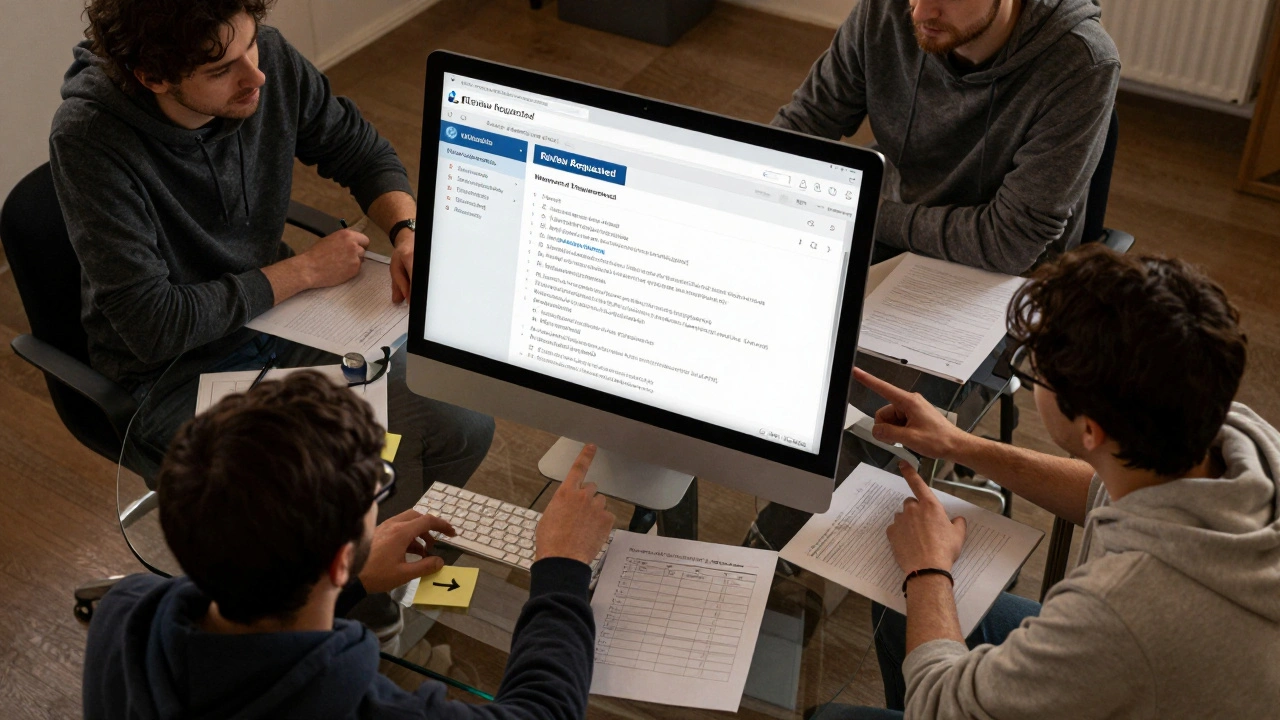
{{subst:review}}at the top of your draft. This puts it on the review queue. Other editors will comment on structure, sourcing, neutrality. Listen. Don’t argue. Adjust. - Test formatting. Try different templates, infoboxes, or tables. See how they render. Use the preview button. Fix broken links. Check for red links (pages that don’t exist yet).
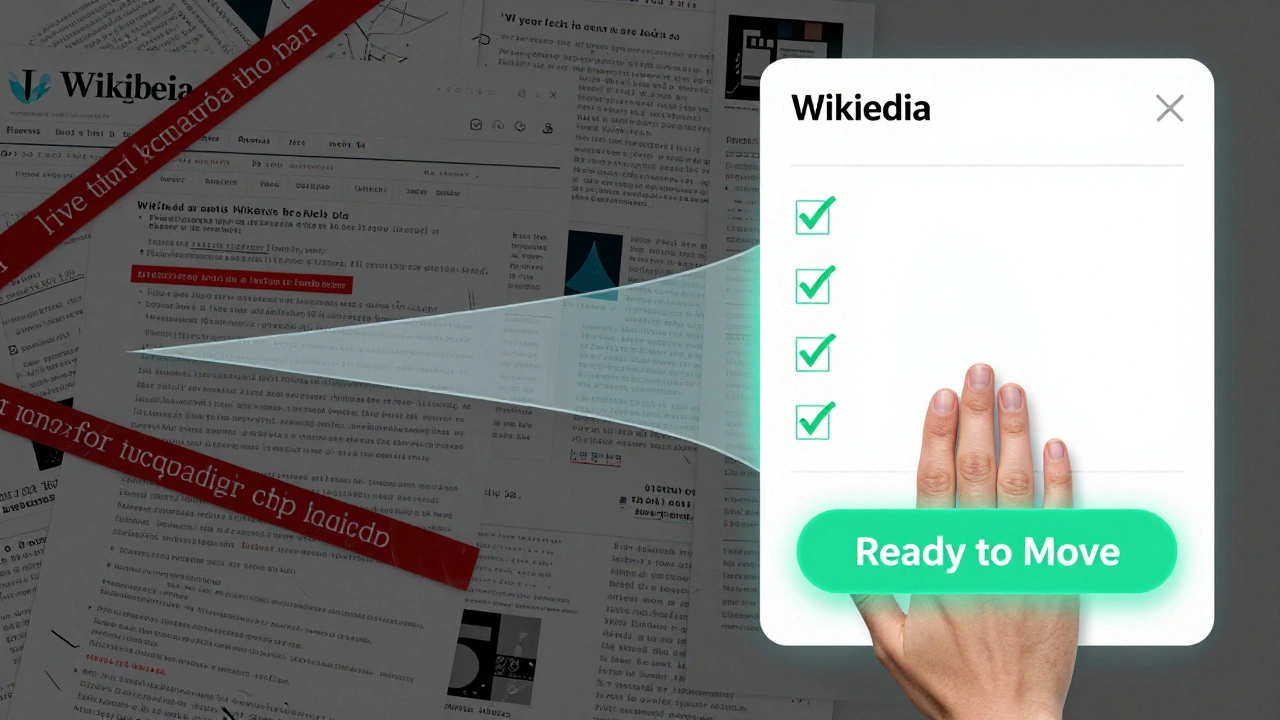
- Wait for consensus. Don’t rush. Wait a week. If three or more editors say "This is ready," you’re good to move it.
- Move to main space. Use the "move" function. Don’t copy-paste. That breaks edit history. Moving preserves your sandbox’s edit trail, which protects you from accusations of plagiarism or vandalism.
Real example: Rewriting "Climate Change in Alaska"
In late 2024, an editor named "ArcticResearcher" used this method to overhaul the article on climate change in Alaska. The original version had three citations, all from 2010. It called permafrost thaw "a problem," without explaining economic or cultural impacts.
They created a draft, added 17 new sources-including data from NOAA, the USGS, and four peer-reviewed papers from 2022-2024. They added subsections on Indigenous land rights, infrastructure damage, and wildfire frequency. They used tables to show temperature increases by region since 1980.
They left the draft open for two weeks. Four editors gave feedback. One pointed out a misquoted statistic. Another suggested splitting a long paragraph. They made the changes. Then they moved the draft to the main article. The result? The article went from a C-class to a Featured Article in under a month. No reverts. No complaints. Just better information.
Common mistakes to avoid
Even experienced editors mess this up. Here’s what not to do:
- Don’t write in isolation. If you never ask for feedback, you’ll miss biases you didn’t know you had. Wikipedia’s strength is collective editing. Use it.
- Don’t use personal sandboxes for public articles. They’re invisible to others. You lose the chance to get help before you publish.
- Don’t wait until it’s "perfect". Perfection is the enemy of progress. Publish when it’s solid, not flawless.
- Don’t delete the original. Keep the old version in your draft for comparison. It helps you track what you changed and why.
- Don’t rush the move. Moving too soon triggers automatic flags. Wait for consensus.
How sandboxes improve article quality long-term
Using sandboxes isn’t just about one article. It’s about building a habit of quality. When you plan changes before publishing, you stop treating Wikipedia like a blog. You start treating it like a reference work.
Over time, editors who use sandboxes consistently produce articles with:
- Higher citation density
- Lower reversion rates
- More neutral language
- Better structure and readability
A 2023 study by the Wikimedia Foundation analyzed 12,000 article edits. Articles improved using draft sandboxes were 47% more likely to be rated as "Good" or "Featured" within six months. The difference wasn’t the amount of text added-it was the planning.
Next steps: Where to go from here
If you’ve never used a sandbox before, start small. Pick one article you care about. Copy the text into your draft. Fix one section. Ask for feedback. Move it. Then do it again.
If you’re already using sandboxes, try this: invite someone new to review your draft. Teach them how you work. Wikipedia’s quality depends on people who know how to edit well passing that knowledge on.
There’s no shortcut to great Wikipedia articles. But there is a proven path: plan, test, collaborate, then publish. Sandboxes are your tool for doing it right.
Can I use my personal sandbox instead of the draft space?
You can, but you shouldn’t for articles that already exist. Personal sandboxes are hidden from other editors, so you miss out on feedback. Draft spaces are public, visible to reviewers, and help you build consensus before moving content. Use personal sandboxes only for testing templates, experimenting with formatting, or writing new articles from scratch.
How long should I wait before moving my draft to the main article?
Wait at least five to seven days. That gives enough time for feedback from different time zones and editor types. If you get three or more constructive comments and no major objections, you’re ready. Don’t move just because you’re tired of waiting. Move when the article is better, not when you’re done.
What if no one comments on my draft?
Post a note on the article’s talk page: "I’ve improved this article in draft space-can someone review?" You can also join the Wikipedia:Teahouse or WikiProject related to your topic. Many editors actively look for drafts needing review. Don’t assume silence means approval. Proactively ask.
Can I reuse a sandbox for multiple articles?
Yes, but don’t. Each draft should be for one article only. Mixing content makes it hard to track changes and confusing for reviewers. Create a new draft for each article: Wikipedia:Draft/ArticleA, Wikipedia:Draft/ArticleB, etc. It keeps things clean and professional.
Will my sandbox edits count toward my edit count?
Only the final move to the main article counts. Sandbox edits don’t show up in your public edit stats. But they matter more than you think. They’re the unseen work behind every high-quality article. Quality isn’t measured by numbers-it’s measured by impact.