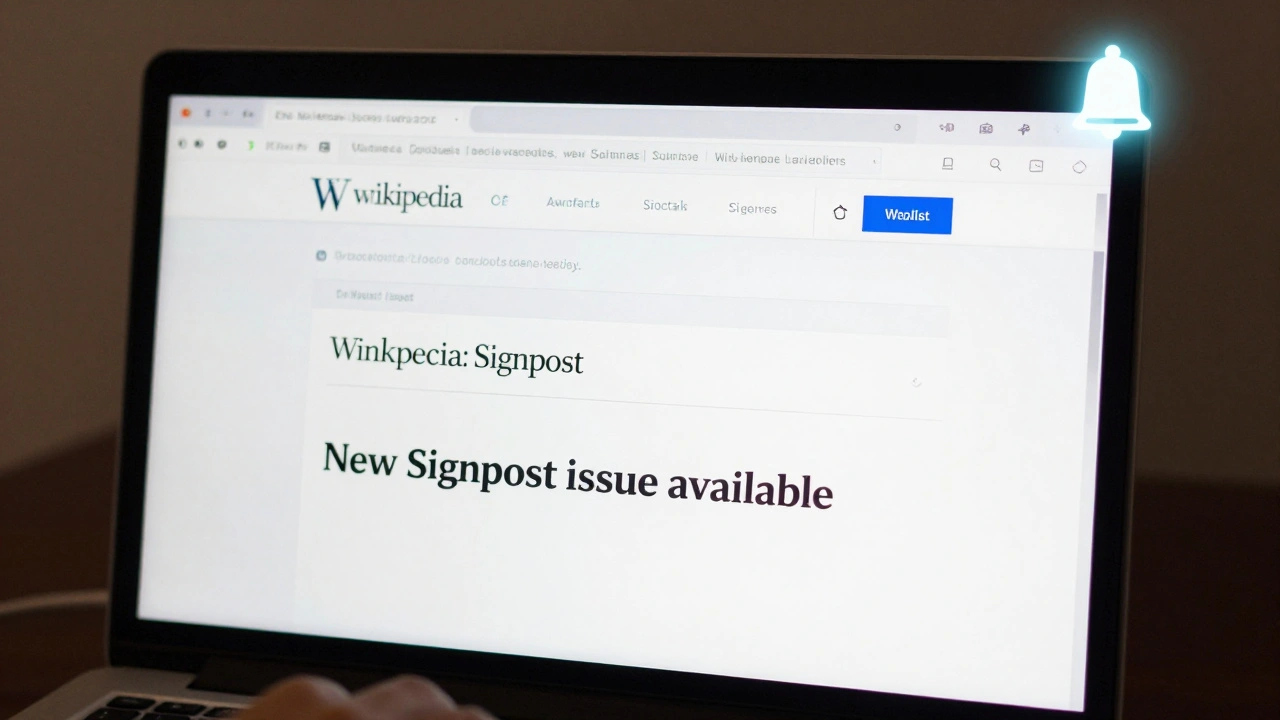
Want to stay up to date with the latest news from Wikipedia? The Signpost is the independent, community-run newspaper for Wikipedia editors. It covers everything from policy changes and editor conflicts to tech updates and community debates. But if you're not checking it daily, you’ll miss half the story. The good news? You don’t need to visit the site manually. You can subscribe to The Signpost using your Wikipedia watchlist and notifications - and it’s easier than you think.
What is The Signpost?
The Signpost isn’t just another blog. It’s a real newspaper, written by volunteers, published weekly since 2005. It’s hosted on Wikipedia’s own servers and follows the same open, editable model as the encyclopedia. Articles are sourced from community discussions, official announcements, and editor submissions. It’s where you’ll find out why a major policy changed, who got blocked for violating guidelines, or how a new bot got approved.
Unlike Wikipedia’s official news channels, The Signpost has editorial independence. It doesn’t speak for the Wikimedia Foundation. It speaks for the editors. And if you’re active on Wikipedia - whether you edit articles, patrol new changes, or help with admin tasks - you need to know what’s happening here.
Why Use Watchlist and Notifications?
Most people check The Signpost by visiting Wikipedia:Signpost every week. But that’s reactive. You’re waiting for news to find you. What if you could get notified the moment a new issue drops? That’s where your watchlist and notifications come in.
Wikipedia’s notification system is powerful. It doesn’t just alert you when someone edits your talk page. It can ping you when a page you’re watching gets updated. And The Signpost? It’s just another page. You can watch it like you watch your favorite article.
Once you set this up, you’ll get a notification in your Wikipedia inbox every time a new issue is published. No more forgetting. No more scrolling through archives. Just a clean alert saying: "New Signpost issue available."
How to Add The Signpost to Your Watchlist
Here’s how to start getting updates:
- Log in to your Wikipedia account. You need to be logged in to use watchlists.
- Go to Wikipedia:Signpost.
- Look for the Watch button near the top of the page, right above the article title.
- Click it. The button will turn blue and change to "Unwatch" - that means you’re now watching the page.
That’s it. You’re now on the watchlist. The next time The Signpost publishes a new issue - usually every Sunday - you’ll get a notification.
Set Up Notifications So You Don’t Miss Anything
Watching the page is step one. But notifications? That’s step two. By default, Wikipedia sends you email alerts and in-site notifications for watched pages. But you need to make sure they’re turned on.
Here’s how to check your notification settings:
- Click your username in the top-right corner of any Wikipedia page.
- Select Preferences from the dropdown menu.
- Go to the Notifications tab.
- Under "Email notifications," make sure "Email me when a page on my watchlist is changed" is checked.
- Under "In-site notifications," ensure "Notify me when a page I am watching is changed" is also enabled.
- Scroll down and click Save.
Now, every time The Signpost updates, you’ll see a little bell icon light up in your top-right toolbar. Click it, and you’ll be taken straight to the new issue. If you have email notifications on, you’ll get an email too - even if you’re not logged in.
What You’ll See in Each Issue
Once you start getting notifications, you’ll notice The Signpost follows a consistent format. Each issue includes:
- Editorial - A short opinion piece from the editor-in-chief.
- Community - Updates on disputes, elections, and policy changes.
- Technology - News about new tools, bots, or interface changes.
- In the media - How Wikipedia is being covered outside its own ecosystem.
- Obituaries - Tributes to longtime editors who’ve passed away.
- Events - Upcoming meetups, edit-a-thons, or conferences.
Some issues include interviews with administrators, breakdowns of edit wars, or deep dives into how a controversial decision was made. It’s not fluff. It’s journalism - by editors, for editors.
What Happens If You Don’t Subscribe?
If you skip The Signpost, you’re flying blind. You might not know why a tool you use was disabled. You might miss a major policy vote that affects how you edit. You might not realize that a fellow editor you respect has been banned - and why.
Wikipedia doesn’t have a centralized newsroom. The Signpost fills that gap. It’s the only place where the community’s voice is organized, edited, and published regularly. If you care about how Wikipedia works - not just what’s on it - you need this.
And here’s the kicker: most active editors don’t subscribe. A 2024 internal survey found that only 18% of editors who edit more than 100 times a month regularly read The Signpost. That means you’re already ahead of most if you set this up.
Pro Tips: Make It Even Easier
Want to go further? Here are three ways to make The Signpost part of your daily workflow:
- Use the mobile app - The official Wikipedia app sends notifications for watched pages. You’ll see The Signpost updates even when you’re on the go.
- Bookmark the latest issue - Go to Wikipedia:Signpost/Current. It always links to the newest issue. Add it to your browser bookmarks.
- Set a weekly reminder - Even with notifications, set a calendar alert for Sunday evening. That’s when The Signpost usually drops. Open it, read the headlines, and you’ll be caught up in five minutes.
What If You Don’t Want Email?
Some editors hate email clutter. That’s fine. You don’t need email notifications to stay informed. Just make sure in-site notifications are on. Those show up right in your Wikipedia interface - no inbox to manage.
You can also customize notification filters. In Preferences > Notifications, you can choose to be notified only for major changes - like new page edits - and ignore minor ones. The Signpost updates are always major. So you won’t get spammed.
Final Thoughts
Subscribing to The Signpost isn’t about reading more. It’s about staying informed where it matters. Wikipedia isn’t just a collection of articles. It’s a living, breathing community - and The Signpost is its heartbeat. If you edit here, you’re part of that community. You deserve to know what’s happening.
Setting up watchlist and notifications takes less than two minutes. But the payoff? You’ll never be caught off guard again.
Do I need to be an admin to read The Signpost?
No. Anyone with a Wikipedia account can read The Signpost. You don’t need special rights. You don’t even need to edit frequently. All you need is a login to watch the page and receive notifications.
Can I subscribe to The Signpost via email without using Wikipedia?
Not directly. The Signpost doesn’t have a standalone email newsletter. The only official way to get updates is through Wikipedia’s watchlist and notification system. Some third-party services scrape the site and send summaries, but those aren’t official and may be unreliable.
How often is The Signpost published?
Weekly. New issues are typically published every Sunday evening UTC. There are occasional breaks - like during holidays - but you’ll be notified if a publication is delayed.
Can I contribute to The Signpost?
Yes. The Signpost welcomes submissions from any registered editor. You can pitch article ideas, write reports, or even apply to become an editor. Guidelines and submission forms are available on the main page under "How to contribute."
What if I accidentally unwatch The Signpost?
No problem. Just go back to Wikipedia:Signpost and click "Watch" again. Your notification settings won’t reset. You’ll start receiving alerts as soon as the next issue is published.