Wikipedia isn’t just a website-it’s a living project run by tens of thousands of volunteers around the world. Every day, editors fix errors, debate policies, launch new tools, and respond to controversies. But keeping up with all of it? That’s where Wikipedia Community News comes in.
What is Wikipedia Community News?
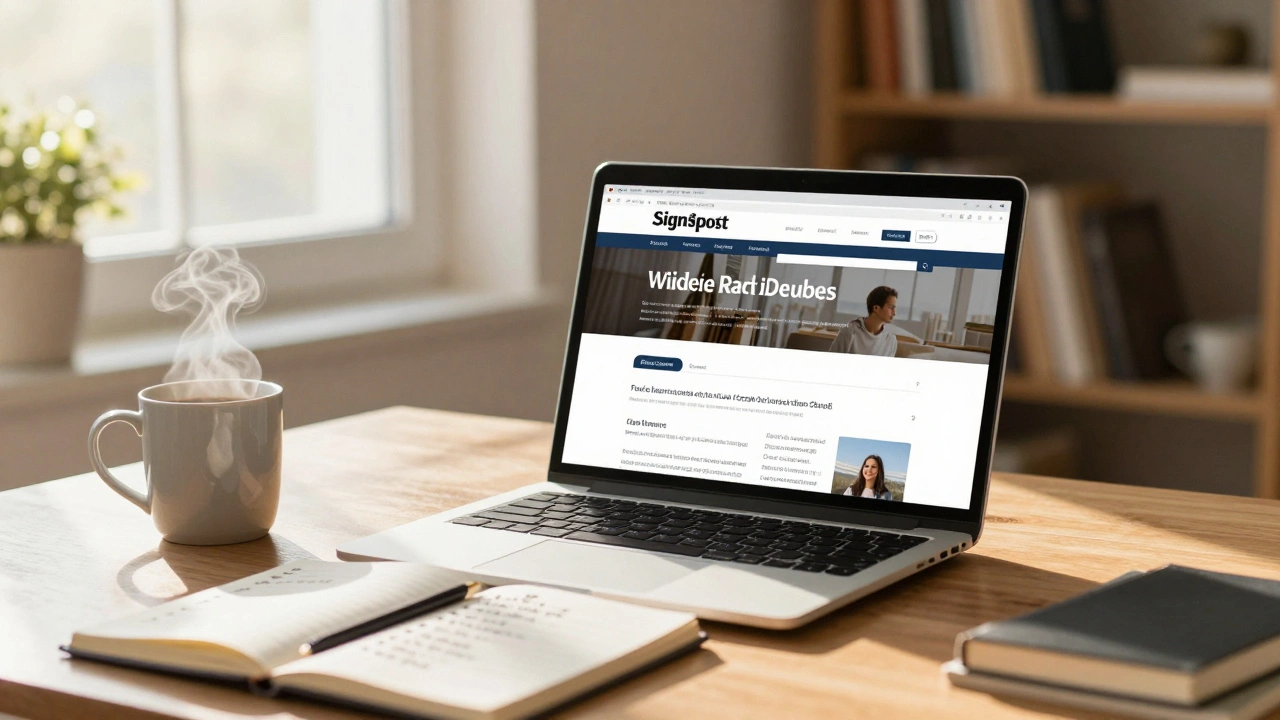
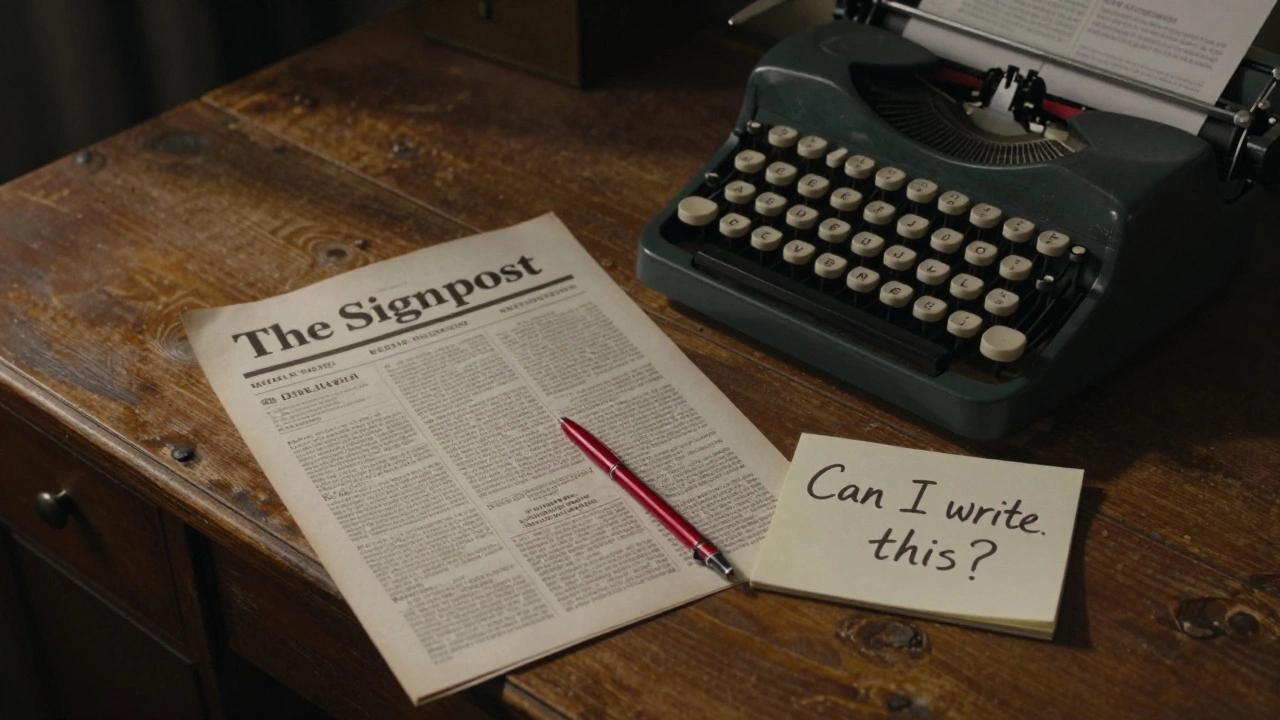
Wikipedia Community News, often called The Signpost, is the official newspaper of the Wikipedia community. It’s not written by corporate staff or paid editors. It’s made by volunteers-just like you-who report on what’s happening across Wikipedia, Wikidata, Wikimedia Commons, and other sister projects.
Each issue covers things like:
- Major policy changes approved by the community
- Notable edit wars or disputes between editors
- New tools or bots that help automate tasks
- Interviews with long-time contributors
- Updates from the Wikimedia Foundation
- Events like edit-a-thons or conferences
It’s not a news site about world events. It’s news about Wikipedia itself. If you’ve ever wondered why a certain article got locked, or how a new guideline was voted in, The Signpost explains it.
Why Subscribe?
Most people visit Wikipedia to read articles. But if you edit even once a month, you’re part of the community-and you should know what’s going on.
Imagine editing articles about climate science, only to find out later that a new policy changed how sources are evaluated. Or you spend hours improving a page, then learn it was reverted because of a rule you never heard about. That’s why people subscribe: to avoid surprises, stay informed, and make better contributions.
Subscribers get:
- Weekly updates delivered directly to their email or feed
- Early notice of upcoming votes or discussions
- Context behind controversial edits or blocks
- Insight into how decisions are made
You don’t need to be an expert. You just need to care about how Wikipedia works.
How to Subscribe via Email
The easiest way to get The Signpost is through email. Here’s how:
- Go to https://en.wikipedia.org/wiki/Wikipedia:Signpost
- Scroll down to the section labeled “Subscribe to The Signpost”
- Click on the link that says “Subscribe via email”
- Enter your email address in the form that opens
- Click “Subscribe”
- You’ll get a confirmation email. Open it and click the confirmation link
That’s it. You’ll start receiving issues every Monday morning (UTC), usually around 8-10 AM. Each issue includes a link to read it online, plus a plain-text version for email clients that block HTML.
How to Subscribe via RSS
If you prefer to use a news reader like Feedly, Inoreader, or Thunderbird, you can subscribe via RSS instead.
- Visit https://en.wikipedia.org/wiki/Wikipedia:Signpost
- Find the “RSS feed” link near the bottom of the page
- Copy the URL:
https://en.wikipedia.org/w/index.php?title=Wikipedia:Signpost&feed=rss - Paste it into your RSS reader
- Set your reader to check for updates daily
RSS is great if you follow multiple Wikimedia projects or want to combine The Signpost with other feeds like Wikidata updates or Commons news.
How to Access Past Issues
Every issue of The Signpost is archived and searchable. You can browse by date, topic, or author.
To see all past editions:
- Go to https://en.wikipedia.org/wiki/Category:Wikipedia_Signpost_archives
- Click on any year or month to see the list of issues
- Each issue has a table of contents with clickable links to each article
Looking for something specific? Use the search bar on Wikipedia and type Signpost [keyword]. For example, search for Signpost arbitration to find all issues that mention dispute resolution.
How to Contribute
Did you notice something important that didn’t make it into The Signpost? Want to write a story yourself?
The Signpost welcomes contributions from any registered Wikipedia editor. You don’t need to be a journalist. You just need to be observant.
Here’s how to get started:
- Read the contributing guidelines
- Find a topic: a recent vote, a new tool, a community debate
- Write a short draft (300-800 words) in plain English
- Post it on the submission page
- Wait for feedback from the editorial team
Many contributors start by writing short “Community Notes”-brief updates under 200 words. These get published quickly and help you learn the style.
What You Won’t Find in The Signpost
It’s important to know what The Signpost doesn’t do:
- It doesn’t report on breaking news events (like wars or celebrity scandals)
- It doesn’t cover Wikipedia’s traffic stats or financial reports
- It doesn’t publish opinion pieces without community context
- It doesn’t promote products or services
The focus is always on the community-how people interact, make decisions, and improve the encyclopedia together.
Related News Sources
If you want more than The Signpost, here are other reliable community updates:
- Wikimedia Foundation blog - Official announcements from the nonprofit that supports Wikipedia
- Wikidata Weekly Summary - Updates on data changes and new tools for Wikidata editors
- Commons:Village pump - Discussions about image uploads, licensing, and media issues
- Meta-Wiki: Notices - Global updates affecting all Wikimedia projects
You can subscribe to these too, but The Signpost remains the most comprehensive source for English Wikipedia’s internal life.
Common Mistakes to Avoid
People often make these errors when starting out:
- Signing up with a disposable email-some filters block newsletters from Wikipedia
- Confusing The Signpost with the Wikimedia Foundation’s press releases
- Not checking the archives before writing a submission-many topics have been covered before
- Expecting instant replies-editorial reviews take 1-3 weeks
Keep your submissions factual, neutral, and sourced. If you’re unsure, ask on the Signpost talk page before publishing.
What Happens After You Subscribe?
Once you’re subscribed, you’ll start seeing patterns. You’ll recognize regular columnists. You’ll notice recurring debates. You’ll understand why certain articles are protected or why a template was changed.
Many long-time editors say The Signpost helped them become better contributors. They didn’t just learn rules-they learned why the rules exist.
It’s not mandatory. But if you care about Wikipedia’s future, it’s one of the most useful things you can do.
Is The Signpost free to read and subscribe to?
Yes. The Signpost is completely free. There are no subscriptions, paywalls, or ads. It’s funded by the Wikimedia Foundation and run entirely by volunteers. You can read every issue, subscribe via email or RSS, and even contribute without paying anything.
Can I read The Signpost on my phone?
Yes. The Signpost website is mobile-friendly. You can also use any email app to read the weekly newsletter. For RSS, apps like Feedly or Inoreader work well on both Android and iOS. The plain-text version is optimized for small screens.
How often is The Signpost published?
It’s published weekly, every Monday (UTC). There are no issues during major holidays like Christmas or New Year’s Day. The archive shows gaps around those times, but otherwise it’s consistent.
Do I need a Wikipedia account to subscribe?
No. You can subscribe to the email list without a Wikipedia account. But if you want to comment on articles, submit your own stories, or edit the Signpost page itself, you’ll need a registered account.
Can I get The Signpost in another language?
The main Signpost is in English. But other language Wikipedias have their own community newsletters-for example, the German Wikipedia has Der Teufel, and the French Wikipedia has Le Courrier de Wikipédia. You can find links to these on the Meta-Wiki page for community publications.
Next Steps
Ready to get involved? Start by subscribing today. Read the next three issues. Look for one topic that interests you. Then, ask yourself: “Can I write about this?”
You don’t need to be perfect. You just need to care enough to notice.