There is a quiet panic that hits many students and researchers when they realize their bibliography is full of Wikipedia entries. You’ve done the reading, you found the perfect summary on the wiki page, but now you’re stuck. Can you cite it? Should you use Zotero is an open-source reference manager designed to help users collect, organize, annotate, cite, and share research. If you are trying to bridge the gap between quick information gathering and rigorous academic output, this guide explains exactly how to handle those tricky references without getting flagged for poor sourcing.
The short answer is: you generally shouldn’t cite Wikipedia as your primary source in formal academic work. However, using it as a starting point to find better sources is a standard practice. The problem arises when people try to force a direct citation into their reference managers like Zotero because the metadata is messy. Let’s look at why this happens and how to fix it so your research stays credible.
Why Wikipedia Is Tricky for Reference Managers
Wikipedia is a free online encyclopedia written by volunteers, known for its vast scope but variable reliability. It changes constantly. The URL you click today might be different tomorrow if someone rewrites the section or moves the article. For a tool like Zotero, which relies on stable data to generate accurate bibliographies, this fluidity is a nightmare.
When you use the Zotero browser connector on a Wikipedia page, it often pulls in incomplete data. It might miss the author (because there isn’t one), grab the wrong date (the last minor edit instead of the major revision), or fail to capture the specific section you actually read. This leads to broken citations in your final paper. Unlike a peer-reviewed journal article from JSTOR is a digital library providing access to thousands of academic journals, books, and primary sources., where every field is structured perfectly, Wikipedia requires manual intervention to be useful for citation purposes.
The Right Way to Use Wikipedia in Research
Before we get into the technical steps of Zotero, let’s clarify the strategy. In academic writing, Wikipedia serves two main roles:
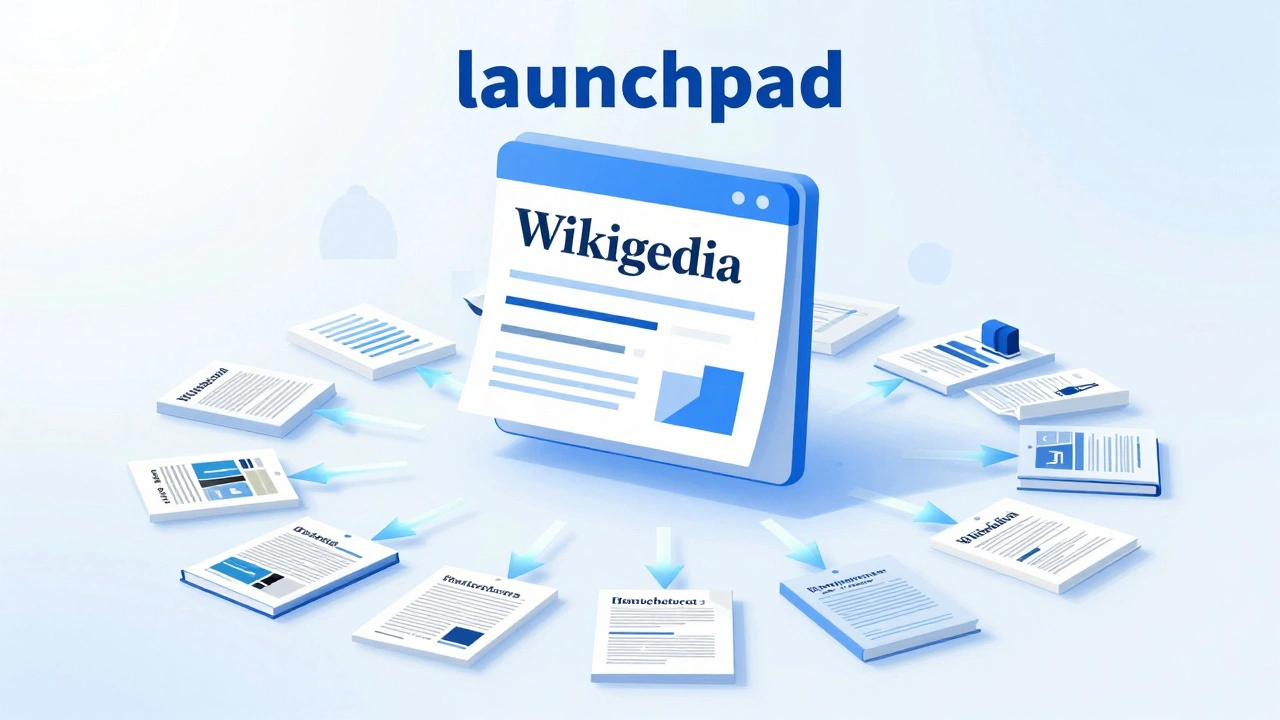
- The Launchpad: Use it to understand a complex topic quickly. Look at the "References" and "Bibliography" sections at the bottom of the page. These are the gold mines. They contain the actual books, articles, and reports you should be citing.
- The Context Check: Use it to verify dates, names, and basic facts before diving into deeper archives.
If you must cite Wikipedia directly-perhaps for a media studies project analyzing how knowledge is constructed online-you need to treat it differently than a standard book. You aren’t citing an author; you are citing a community-edited resource. This distinction matters for your Zotero entry type.
Step-by-Step: Saving a Wikipedia Entry in Zotero
If you have decided that a Wikipedia article is necessary for your bibliography, here is how to save it correctly so it doesn’t break your formatting later.
- Install the Connector: Ensure you have the Zotero Connector installed in your browser (Chrome, Firefox, Safari, or Edge). This is the bridge that talks to the website.
- Navigate to the Article: Go to the specific Wikipedia page you want to cite. Make sure you are on the main article page, not a talk page or history log.
- Click the Icon: Click the Zotero icon in your browser toolbar. It should show a generic document icon or a book icon. Click it to save the item.
- Check the Item Type: Open Zotero. Look at the new item in your library. By default, it might save as a "Web Page." This is okay, but "Encyclopedia Entry" is more precise for some citation styles like APA or Chicago. You can change this by clicking the dropdown menu next to the title.
Once saved, you will notice several fields are empty or incorrect. This is normal. We need to clean this up manually.
Cleaning Up Your Metadata
This is the most critical step. A raw save from Wikipedia is rarely ready for publication. Here is what you need to fix in the right-hand pane of Zotero:
- Title: Ensure the title matches the exact heading of the Wikipedia article. Remove any parenthetical disambiguation notes unless they are part of the official title.
- Date: Wikipedia does not have a single publication date. For academic integrity, you should use the "Accessed" date (the day you read it) or the "Revision ID" date if required by your style guide. In Zotero, leave the "Date" field blank or enter the year, and fill in the "Accessed" field with the current date.
- URL: Double-check that the URL ends with the correct article slug. Sometimes the connector grabs a search result URL instead of the direct article link. Copy the URL directly from your browser address bar and paste it over the existing one.
- Author: Do not put "Anonymous" or "Wikipedia Editors" unless your specific citation style explicitly demands it. Most modern styles (like APA 7th edition) prefer no author listed, starting the citation with the title instead.
Finding Better Sources via Wikipedia References
This is where Zotero shines. Instead of citing the wiki page, use it to find the real source. Scroll to the bottom of the Wikipedia article. Look for the "References" section. You will see numbered links [1], [2], etc.
Click on a reference link. It will take you to the original source-a newspaper article, a university press release, or a scientific journal. Now, use your Zotero connector to save that page. Because these sources are usually professional publications, Zotero will automatically pull in the correct authors, publication dates, and journal names. This saves you hours of manual typing and ensures your bibliography looks professional.
If the reference link goes to a paywalled site (like ProQuest is a global provider of information solutions, offering access to academic journals, dissertations, and newspapers.), don’t despair. Copy the DOI (Digital Object Identifier) or the title and use Zotero’s "Magic Key" feature. Paste the DOI into the Magic Key box, and Zotero will fetch the complete metadata from CrossRef or other databases, even if you can’t access the full text.
Citation Styles and Wikipedia
Different academic disciplines have different rules about Wikipedia. It is crucial to know which style guide you are following. Zotero makes switching between styles easy, but you need to know what to expect.
| Style Guide | Acceptable? | Key Requirement |
|---|---|---|
| APA (7th Ed.) | Rarely | No author. Start with Title. Include Accessed date. |
| MLA (9th Ed.) | Sometimes | List "Wikipedia" as the container. Include URL and access date. |
| Chicago (Notes) | For general info only | Include the revision ID and timestamp if possible. |
| HARvard | No | Usually discouraged due to lack of verifiable authorship. |
In Zotero, go to Edit > Preferences > Cite > Styles to download the latest version of these guides. Older versions might format Wikipedia incorrectly. Always ensure you are using the most recent update.
Avoiding Common Pitfalls
Even with Zotero, mistakes happen. Here are the most common errors I see students make when mixing Wikipedia and reference managers:
- Citing the Talk Page: Sometimes the connector accidentally saves the "Talk" page associated with an article. This is a discussion forum, not the content. Check the title. If it starts with "Talk:", delete it and resave the main article.
- Ignoring Section Titles: If you only used one paragraph from a long Wikipedia article, some styles require you to specify the section title in your citation. Zotero doesn’t do this automatically. You may need to add the section name to the "Title" field or use a note field depending on your professor’s instructions.
- Using Broken Links: Wikipedia redirects URLs frequently. A link that worked last month might 404 today. Always check your bibliography before submitting. If a link is broken, consider using the Internet Archive (Wayback Machine) to save a snapshot, though this is advanced and rarely needed for undergraduate work.
Alternatives to Wikipedia for Reliable Sourcing
If you find yourself relying too heavily on Wikipedia because it’s easy to search, consider shifting your habit slightly. There are other resources that are easier for Zotero to parse and more respected by academics.
Britannica is a trusted commercial encyclopedia with verified editorial standards, often accepted as a secondary source. While still an encyclopedia, Britannica has named editors and fact-checkers, making it safer to cite than Wikipedia. Zotero handles Britannica pages much better because the metadata is cleaner.
Another option is Google Scholar is a search engine specifically for scholarly literature, including articles, theses, books, and court opinions.. Instead of searching Wikipedia, search Google Scholar. You can install a plugin that lets you send results directly to Zotero with one click. This ensures you are always pulling from peer-reviewed or published sources, eliminating the anxiety of whether your source is "good enough."
Final Thoughts on Academic Integrity
Using Zotero with Wikipedia is less about the software and more about your research habits. The tool helps you organize, but it cannot judge the quality of your source. If you cite Wikipedia, be transparent about it. If you use it to find better sources, let those better sources shine in your bibliography. By cleaning up your metadata and understanding the limitations of crowd-sourced knowledge, you protect your academic reputation and produce work that stands up to scrutiny.
Can I cite Wikipedia in my thesis?
Generally, no. Most universities discourage citing Wikipedia in theses or dissertations because it lacks verifiable authorship and stability. Use it to find primary sources, then cite those instead. If you must cite it, check with your supervisor first.
Does Zotero automatically detect Wikipedia articles?
Yes, the Zotero Connector recognizes Wikipedia domains. However, it often saves them as generic "Web Pages" rather than "Encyclopedia Entries." You should manually change the item type in Zotero for better citation formatting.
What date should I use for a Wikipedia citation?
Since Wikipedia articles change constantly, there is no single publication date. Use the date you accessed the article. Some styles also ask for the revision ID, which you can find in the URL or at the bottom of the page.
How do I fix a broken Wikipedia link in Zotero?
Copy the current URL from your browser and paste it into the URL field in Zotero. If the article has been moved, the old link will break. Always verify that the link works before submitting your paper.
Is it better to use MLA or APA for Wikipedia citations?
It depends on your discipline. Humanities often use MLA, which allows for Wikipedia citations more gracefully. Sciences and social sciences use APA, which is stricter. Both styles require the access date, but APA discourages the practice more strongly.
Can I use the Zotero Magic Key for Wikipedia?
No, the Magic Key works with DOIs and ISBNs from publishers and libraries. Wikipedia articles do not have DOIs, so the Magic Key will not retrieve metadata for them. You must save them manually via the browser connector.
Why does Zotero save Wikipedia as a Web Page?
Wikipedia’s HTML structure does not always provide clear signals that it is an encyclopedia entry. Zotero defaults to "Web Page" to avoid misclassifying content. Changing it to "Encyclopedia Entry" manually improves citation accuracy.
Should I include the editor’s name in a Wikipedia citation?
No. Wikipedia articles are collaborative and do not have a single responsible editor. Listing individual contributors is inaccurate and impractical. Leave the author field blank or follow your specific style guide’s instructions for anonymous works.