Ever typed a question into Wikipedia’s search bar and got the exact page you needed-even if you misspelled it or used vague words? It doesn’t feel like magic, but it’s built on years of engineering, data tuning, and smart compromises. Wikipedia doesn’t rely on Google or any external search engine. It runs its own search system, handling over 20 billion searches a year across 300+ languages. That’s more than most commercial sites. And it all happens in under half a second.
What Happens When You Type Into Wikipedia’s Search Bar
When you type something like ‘moon landing facts’ and hit Enter, the system doesn’t just scan page titles. It breaks your query into individual words, normalizes spelling (‘colour’ → ‘color’), strips stop words like ‘the’ or ‘and’, and checks for common typos. If you meant ‘Neil Armstrong’ but typed ‘Neil Armstong’, the system catches it. That’s not just spell-check-it’s semantic matching powered by a custom-built index.
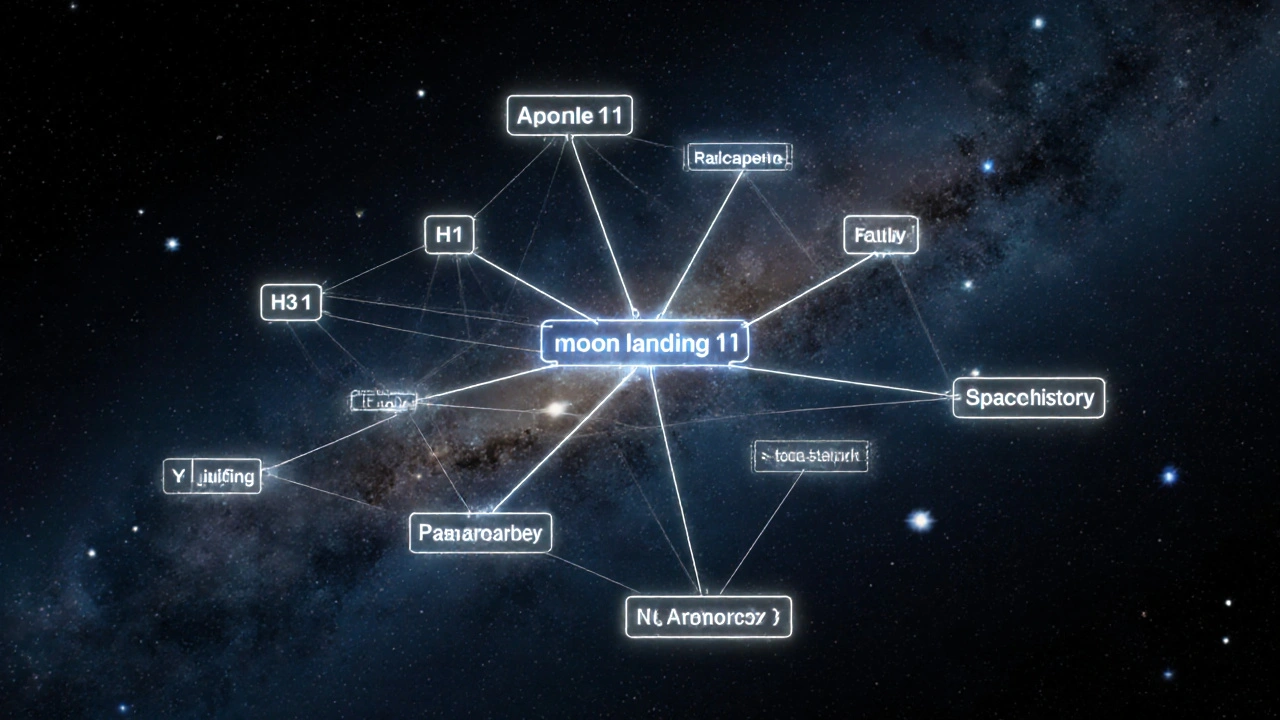
The search engine, called CirrusSearch, uses Elasticsearch as its backbone. But it’s heavily modified. Unlike typical search engines that rank pages by backlinks or click-through rates, Wikipedia’s system prioritizes relevance based on content structure. A page that mentions ‘moon landing’ in the introduction, summary, and multiple sections will rank higher than one that mentions it once in a footnote. It also knows that ‘Apollo 11’ is closely tied to ‘moon landing’ because of how editors link articles internally.
The Role of Internal Links and Page Structure
Wikipedia’s search doesn’t work in a vacuum. It leans heavily on the wiki’s own architecture. Every article links to others-thousands of times per article. These links aren’t just for readers; they’re training data for the search engine. If you search for ‘quantum entanglement’, the system notices that this term appears in over 1,200 other articles as a linked term. That signals importance. The engine gives extra weight to pages that are frequently linked from high-traffic or high-quality articles.
Headings matter too. A section titled ‘History of the Moon Landing’ is treated as more authoritative than the same phrase buried in a paragraph. The search engine scans H1, H2, and H3 tags differently. It also ignores boilerplate text like navigation boxes, citation templates, and infoboxes unless they contain direct matches. That keeps results clean and focused on actual content.
How Typos and Misspellings Are Handled
People make mistakes. A lot of them. In 2024, over 18% of Wikipedia searches contained at least one typo. The system doesn’t just suggest corrections-it learns them. If 5,000 people search for ‘reciepe’ and then click on ‘recipe’, the system assumes that’s a common misspelling and starts auto-correcting it. This isn’t static. It updates daily based on real user behavior.
The correction algorithm uses edit distance (Levenshtein distance) to find close matches, but it’s weighted by popularity. ‘Reciepe’ → ‘recipe’ is corrected because ‘recipe’ is a common word. ‘Wikipidea’ → ‘Wikipedia’ is corrected because it’s the site’s own name. But ‘Beyonce’ → ‘Beyoncé’? That’s trickier. The system checks whether the accented version is used more in official sources and Wikipedia’s own articles before deciding.
Language and Localization in Search
Wikipedia isn’t just English. It has 330+ language editions. The search engine doesn’t treat them the same. In Spanish, for example, the word ‘coche’ (car) and ‘automóvil’ (automobile) are treated as synonyms because editors use them interchangeably in articles. In Japanese, the system recognizes kanji, hiragana, and katakana variants of the same word. A search for ‘東京’ (Tokyo in kanji) will return results for ‘とうきょう’ (hiragana) and even ‘トウキョウ’ (katakana).
But here’s the catch: cross-language search doesn’t work by default. If you search in French for ‘lune’ (moon), you won’t get results from the English Wikipedia unless you switch languages manually. The system doesn’t translate queries-it indexes each language separately. Translation happens only when users use the interlanguage links after finding a result.
What Search Doesn’t Do
Wikipedia’s search isn’t a chatbot. It won’t answer ‘How old is the moon?’ directly. It won’t summarize paragraphs or pull facts into a box like Google’s featured snippets. It returns articles-full pages-because Wikipedia’s mission is to link to knowledge, not to replace it.
It also doesn’t prioritize recent events unless they’re well-documented. A new celebrity scandal might trend on Twitter, but if it hasn’t been added to Wikipedia yet, you won’t find it in search. The system waits for consensus: at least two editors must have added the information, and it must be cited with reliable sources. That’s why you can’t search for ‘2025 Mars mission’ and get results if no article exists.
And it doesn’t use your browsing history. Unlike Google or Bing, Wikipedia doesn’t track who you are. No login? No profile. No personalized results. Everyone sees the same ranking for the same query. That’s intentional-it keeps the system neutral and verifiable.
Why This Matters Beyond Wikipedia
Wikipedia’s search system is one of the most transparent and community-driven search engines in the world. It doesn’t optimize for ad revenue. It doesn’t favor big brands. It doesn’t push trending content unless it’s also accurate. Its ranking logic is open-source. Anyone can read the code, test changes, or propose improvements on GitHub.
That openness has made it a model for other public knowledge projects. The Internet Archive, Wikimedia Commons, and even some government digital libraries have adapted parts of CirrusSearch for their own needs. Universities use it to teach information retrieval because it’s real, functional, and free from corporate bias.
For users, it means you can trust that what you find isn’t being manipulated to keep you scrolling. If you search for ‘climate change causes’, you get a well-sourced, edited article-not a paid ad or a viral blog post dressed up like a fact sheet.
How to Get Better Results
Want to find what you’re looking for faster? Here’s what works:
- Use precise terms: Instead of ‘things about dinosaurs’, try ‘Triceratops diet and habitat’.
- Check spelling: Even though the system corrects typos, exact matches load faster.
- Use quotes for exact phrases: Type “Cold War timeline” to find pages with that exact sequence.
- Use the advanced search: Click the gear icon to filter by namespace (articles only, not talk pages), language, or date created.
- Follow internal links: If the first result isn’t perfect, scan the links at the bottom. Often, the right page is one click away.
Wikipedia’s search doesn’t try to guess what you want. It tries to show you what’s there-accurately, fairly, and quickly. That’s why, after 20 years, it still works better than most paid systems when you’re looking for reliable, structured knowledge.
Does Wikipedia search use AI to understand queries?
Not in the way you might think. Wikipedia doesn’t use generative AI like ChatGPT to answer questions. Instead, it uses machine learning models trained on millions of past searches and edits to improve spelling correction, synonym recognition, and relevance ranking. These models are rule-based and transparent-no black-box AI.
Why doesn’t Wikipedia search show summaries like Google does?
Wikipedia’s goal is to link to complete, editable articles-not to replace them. Showing a summary would mean pulling content out of context, which could misrepresent the source. The site trusts readers to click through and read the full article, which is always updated by volunteers.
Can I search for images or media files on Wikipedia?
Yes, but not through the main search bar. Use the dedicated Media Search tool on Wikimedia Commons, which indexes over 90 million images, videos, and audio files. The main Wikipedia search only returns text articles and redirects.
How often is the search index updated?
The search index rebuilds continuously. New edits appear in search results within 30 seconds to a few minutes. Major updates, like adding a new language or changing ranking rules, are tested on staging servers before rolling out to production.
Is Wikipedia’s search faster than Google’s?
For Wikipedia content, yes-by a wide margin. Google has to crawl and index billions of sites. Wikipedia’s search engine only needs to index its own 60+ million articles. Average response time is under 300 milliseconds. Google may return results faster for general web queries, but for Wikipedia-specific knowledge, its own system is quicker and more precise.