Ever clicked a link on the English version of Wikipedia is a free, web-based collaborative project that aims to compile all human knowledge into an encyclopedia. It operates in over 300 languages, making it the largest multilingual reference source on the internet. and found yourself staring at a blank page or a completely different article than expected? You are not alone. For editors working across multiple language editions, navigating this vast linguistic landscape can feel like trying to find a needle in a haystack made of other needles. The challenge isn't just finding information; it's ensuring that your edits resonate correctly across borders without losing context or accuracy.
The core problem for many contributors is that search engines often treat each language edition as a silo. What works perfectly in French might be invisible or misinterpreted in Spanish. This disconnect leads to duplicate work, broken interlanguage links are hyperlinks that connect articles about the same topic across different language versions of a website., and missed opportunities for collaboration. To fix this, you need more than just good intentions; you need specific strategies for multilingual search and discovery that respect the unique structure of each language community.
Understanding the Architecture of Language Editions
Before you can master search, you have to understand what you are searching through. Wikipedia is not one database with a language filter; it is a collection of distinct databases, each with its own culture, standards, and technical quirks. The MediaWiki is a free and open-source wiki software engine used by Wikipedia and other projects. platform powers all these editions, but the data within them does not automatically sync. When you type a query into the global search bar, the system attempts to match terms based on lexical similarity, but this fails frequently with idioms, proper nouns, and culturally specific concepts.
Consider the concept of "privacy." In the English edition, it is a broad legal and social construct. In the German edition (Privatsphäre), it carries heavier legal weight due to specific constitutional protections. If you search for "privacy" on the German Wikipedia, you might miss articles that use more precise legal terminology. This is where manual verification becomes essential. Always check the local naming conventions before assuming a direct translation will yield results. The goal is to map concepts, not just words.
Advanced Search Techniques Beyond Basic Keywords
Most editors rely on simple keyword matching, which is the least effective method for cross-lingual discovery. Instead, leverage the advanced search operators available in MediaWiki. These tools allow you to constrain searches by namespace, file type, and even syntax, drastically reducing noise.
- Namespace Filtering: Use
namespace:0to restrict results to main articles only. This prevents clutter from talk pages, user pages, and categories that often appear in default searches. - Title Matching: Use
intitle:to ensure the keyword appears in the article title. This is crucial when dealing with proper nouns that might be spelled differently in various languages. - Full-Text Precision: Combine terms with
ANDorORto build complex queries. For example, searching"climate change" AND "policy"yields far more relevant results than a loose phrase search.
One pro tip: if you are looking for a specific entity, try searching for its ISO 639 code or its standard identifier (like ISBNs for books or DOI for papers) within the text. These identifiers are universal and do not suffer from translation errors. If you are hunting for images, add filemime:image/* to your query to isolate visual assets that can serve as visual anchors for your interlanguage links.
The Role of Interlanguage Links in Discovery
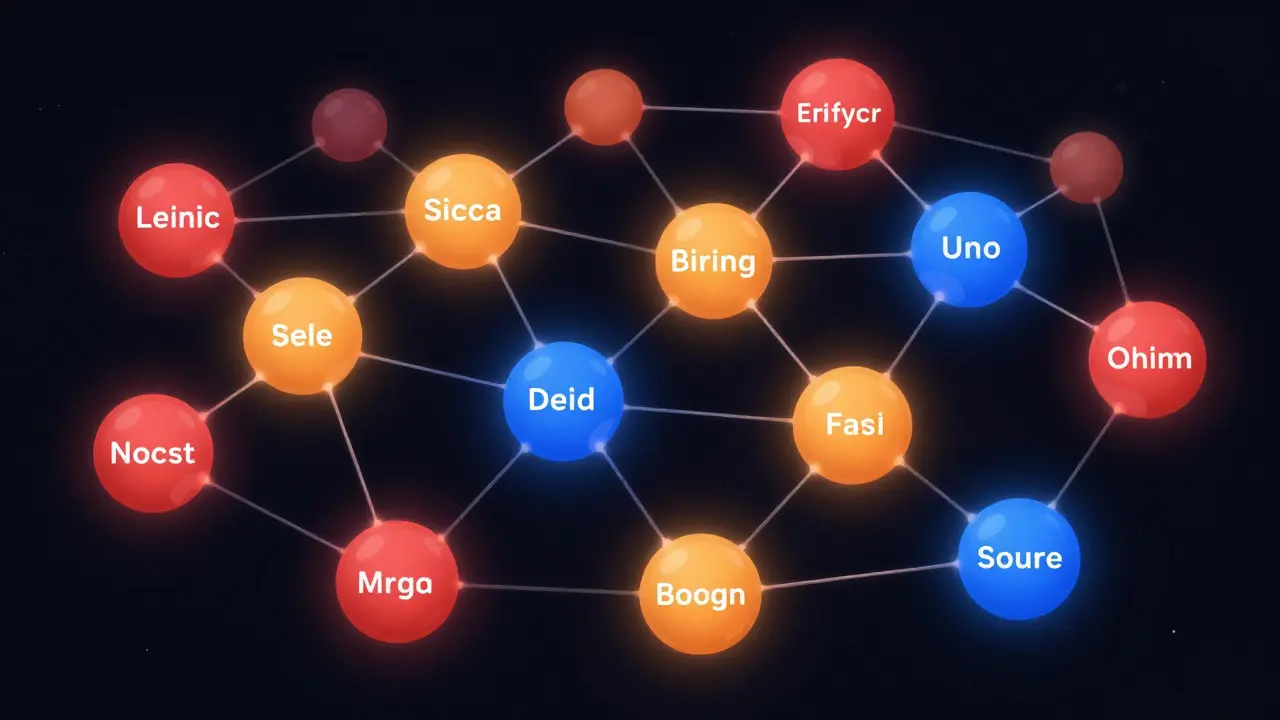
Interlanguage links are the backbone of multilingual navigation. They act as bridges between equivalent articles in different languages. However, they are only as good as the editor who maintains them. A common pitfall is linking to an article that exists but is a stub, or worse, an article that has been merged or renamed in the target language.
To improve discovery, editors should regularly audit their outgoing links. Here is a practical workflow:
- Identify the canonical article in your primary language.
- Check the sidebar for existing links to other languages.
- Verify the target article’s quality using the star rating system or talk page discussions.
- If no link exists, perform a targeted search in the target language using the concept name, not just the literal translation.
- Create the link only if the content is substantively equivalent.
This process ensures that when a reader clicks a flag icon, they land on meaningful content. It also helps search algorithms understand the semantic relationship between articles, improving their ranking in global search results. Think of interlanguage links as metadata that defines the identity of an article across cultures.
Leveraging Variants and Dialects
Many languages have significant dialectal variations that Wikipedia treats as separate entities. For instance, Simplified Chinese and Traditional Chinese are distinct language codes (zh-hans and zh-hant). Similarly, Norwegian Bokmål and Nynorsk are treated separately. Ignoring these distinctions can lead to dead ends.
When searching for topics related to regions with strong dialectal identities, specify the variant in your search parameters. MediaWiki supports variant-specific searches, allowing you to target the exact orthography you need. This is particularly important for historical texts or regional literature where spelling differences are pronounced. By being precise about variants, you reduce the risk of retrieving articles that are technically correct but culturally irrelevant to your specific audience.

Tools and Extensions for Cross-Lingual Work
You don’t have to do this manually every time. Several browser extensions and external tools can streamline the process. While Wikipedia doesn’t officially endorse third-party tools, many editors rely on them for efficiency.
| Tool Name | Primary Function | Best For | Limitation |
|---|---|---|---|
| Universal Language Selector | Switches UI language instantly | Navigating non-native interfaces | Does not translate content |
| Interwiki Link Checker | Validates existence of linked articles | Auditing broken links | Requires manual execution per page |
| Machine Translation Plugins | Provides real-time text translation | Quick comprehension of foreign text | Low accuracy for idioms/names |
Always verify machine translations against the original source. Relying solely on automated translation can introduce subtle errors that compromise the integrity of your edit. Use these tools as starting points, not final authorities.
Building a Personal Multilingual Workflow
Consistency is key. Develop a personal checklist for every cross-lingual edit. Start by defining the scope: Are you translating a whole article, adding a section, or just fixing a link? Next, identify the authoritative sources in the target language. Academic journals and government publications often have standardized titles that make search easier. Finally, document your reasoning in the edit summary. Mentioning that you verified the link against the Spanish Wikipedia or cited a specific French academic journal adds transparency and helps other editors trust your contribution.
Remember, multilingual editing is a marathon, not a sprint. The most successful editors are those who invest time in understanding the nuances of each language community. They ask questions on talk pages, participate in local projects, and remain humble about their linguistic limitations. By combining technical precision with cultural sensitivity, you turn the complexity of multilingual search into a powerful asset for global knowledge sharing.
What is the best way to find equivalent articles in another language?
Start by checking the interlanguage links sidebar. If none exist, use the advanced search function with the concept name translated into the target language, restricting the search to the main namespace. Verify the result by reading the first few paragraphs to ensure topical alignment.
Do I need to be fluent in a language to edit its Wikipedia edition?
Fluency is not strictly required for minor edits like adding references or fixing formatting. However, for substantive content changes, native-level proficiency is recommended to avoid cultural misunderstandings or grammatical errors that may be rejected by local reviewers.
How do I handle articles that exist in one language but not another?
If an article is missing, you can create a stub in the target language using a template that indicates it is a translation. Include a link back to the source article. This helps other editors know the topic is worth covering and provides a foundation for future development.
Are there any official guidelines for multilingual editing?
Yes, the Wikimedia Foundation publishes general guidelines on neutrality and sourcing, which apply across all languages. Additionally, individual language editions have their own style guides and review processes, so always check the local help pages for specific requirements.
Why do some interlanguage links break after an article move?
Links are tied to the article title. If an article is moved to a new title, the old link becomes invalid unless updated. Regular maintenance checks and using automatic link-update tools can help mitigate this issue, but manual verification remains the safest approach.