Wikipedia doesn’t run on magic. It runs on MediaWiki-a free, open-source software platform built specifically to handle the chaos of millions of edits, thousands of editors, and billions of page views every month. If you’ve ever wondered how a website with no corporate backing can stay up, stay fast, and stay accurate, the answer starts here.
What Is MediaWiki?
MediaWiki is the software that powers Wikipedia. It’s not just a content management system-it’s a custom-built engine designed for collaborative editing at scale. Launched in 2002, it replaced the earlier UseModWiki software when Wikipedia outgrew its original platform. Today, it handles over 60 million articles across 300+ languages and serves more than 2 billion page views daily.
Unlike WordPress or Drupal, MediaWiki wasn’t made for blogs or business sites. It was built for one thing: letting anyone edit anything, anywhere, without breaking the system. It handles edit conflicts, version history, user permissions, and spam filters automatically-even when hundreds of people are editing the same page at once.
It’s written in PHP and uses MySQL or MariaDB for storage. But don’t let the tech jargon fool you-its real strength isn’t in the code, it’s in the design. Every feature exists to support collaboration, not control.
How MediaWiki Handles Mass Collaboration
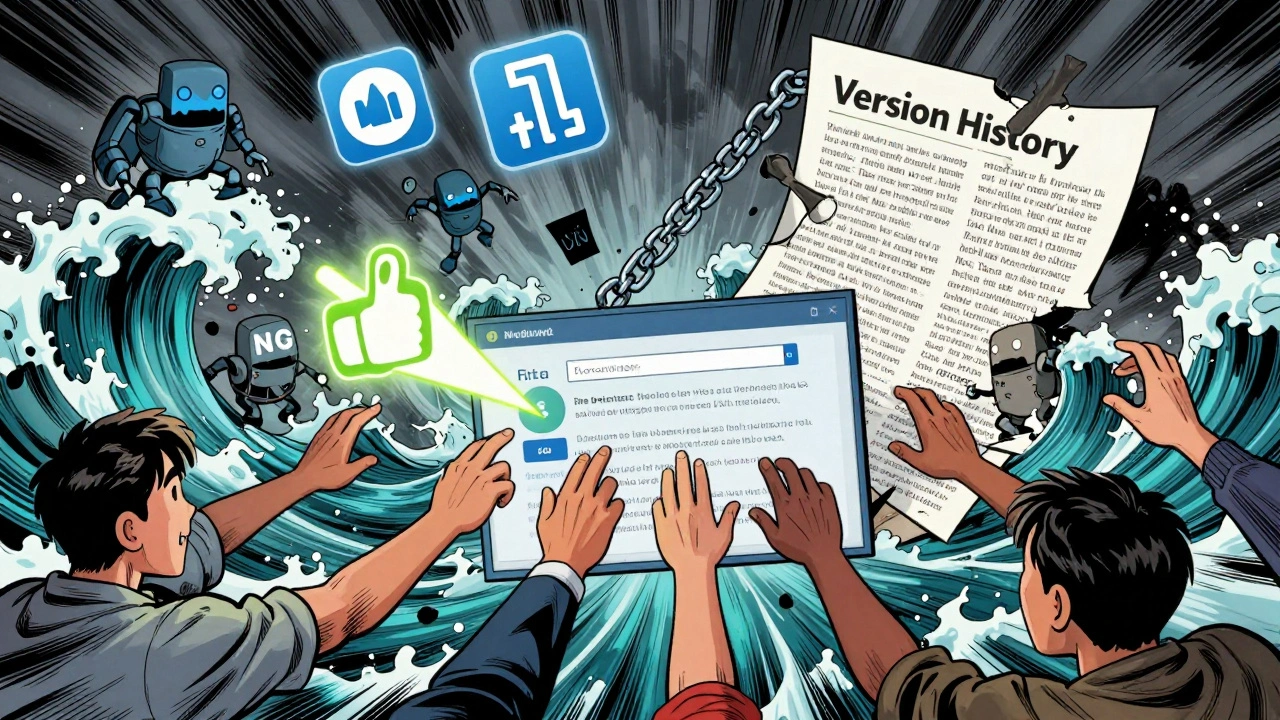
Imagine 50 people trying to edit the same Wikipedia article at the same time. Most websites would crash. MediaWiki doesn’t. It uses a system called optimistic concurrency control. That means it lets everyone edit freely, then checks for conflicts when you hit “Save.” If two people changed the same sentence, it shows you both versions and asks you to pick which one to keep. No locks. No waiting. No downtime.
Every edit gets saved as a new version. You can click “View history” on any article and see every change made since the day it was created. You can compare versions side by side, restore an older version, or even see who made a specific edit. This transparency is why Wikipedia works. It’s not about trusting editors-it’s about trusting the record.
MediaWiki also handles user roles automatically. Regular users can edit most pages. Registered users get extra tools like watchlists and block reports. Administrators can delete pages, block users, or protect articles from edits. These roles aren’t assigned by a boss-they’re earned by the community through trust and activity.
Why MediaWiki Is Built for Wikipedia, Not Blogs
Most content platforms assume you’re publishing finished work. MediaWiki assumes you’re still figuring it out. That’s why it has features you won’t find elsewhere:
- Templates let editors reuse blocks of text-like infoboxes, citation formats, or warning banners-across thousands of pages. Change one template, and it updates everywhere.
- Categories let users tag articles so they group together logically. Type “Category:Climate change” and you’ll see every article tagged with it, even if they’re written in different languages.
- Parser functions let editors do math, check dates, or pull data from other pages without writing code.
- Discussion pages live alongside every article. That’s where editors argue, negotiate, and reach consensus-without cluttering the main page.
These aren’t nice-to-haves. They’re survival tools. Without templates, Wikipedia’s infoboxes would be inconsistent. Without categories, finding related articles would be impossible. Without discussion pages, edits would turn into edit wars.
Who Uses MediaWiki Beyond Wikipedia?
MediaWiki isn’t just for Wikipedia. It’s used by over 1,500 organizations worldwide, including governments, universities, and corporations. The U.S. Department of Defense uses it for internal knowledge bases. The European Union runs its policy documentation on MediaWiki. Universities like MIT and Stanford use it for course wikis and research archives.
Why? Because it scales. A small team can set up a private wiki in minutes. A big company can customize it to handle thousands of users with strict access controls. And since it’s open source, no one owns it. You can download it, modify it, or host it anywhere-even on a $5 cloud server.
Some popular alternatives like Confluence or Notion are easier to use, but they lock you in. MediaWiki gives you full control. You own your data. You control your plugins. You don’t pay per user. That’s why it’s still the go-to for serious, long-term knowledge projects.
How MediaWiki Keeps the Lights On
Running Wikipedia is like managing a city that never sleeps. MediaWiki handles this with a mix of smart architecture and community policing.
Behind the scenes, Wikipedia uses a network of servers spread across the U.S., Europe, and Asia. Requests are routed to the nearest server. Popular pages are cached so they load in under 100 milliseconds. Less popular pages are pulled from disk-but even then, it’s fast.
Spam and vandalism? MediaWiki doesn’t rely on AI alone. It uses a combination of bots and human reviewers. Bots like ClueBot NG detect obvious vandalism-like random strings of symbols or offensive language-and revert them in seconds. Human reviewers handle the gray areas: biased edits, subtle misinformation, or edit wars over controversial topics.
And it’s all free. The Wikimedia Foundation, a nonprofit, pays for the servers and staff. No ads. No subscriptions. No tracking. That’s why you can use Wikipedia without logging in-and why you can trust it’s not being manipulated for profit.

What Makes MediaWiki Different From Other Wikis
There are dozens of wiki platforms out there. Here’s how MediaWiki stacks up:
| Feature | MediaWiki | Confluence | Notion | DokuWiki |
|---|---|---|---|---|
| Open source | Yes | No | No | Yes |
| Handles 10M+ pages | Yes | Hard limit | Not designed for it | Struggles beyond 100K |
| Community moderation tools | Yes | Basic | None | Manual |
| Version history | Full, detailed | Basic | Basic | Full |
| Multi-language support | 300+ languages | English-focused | Limited | Basic |
| Cost | Free | Per user | Per user | Free |
MediaWiki wins on scale, openness, and community features. It’s the only platform built to handle Wikipedia’s level of chaos. Confluence and Notion are great for teams, but they’re not built for public, global collaboration. DokuWiki is lightweight and free, but it can’t handle the traffic or complexity.
Can You Run Your Own MediaWiki?
Yes-and it’s easier than you think. The Wikimedia Foundation provides a one-click installer for most web hosts. You can install it on a shared server, a VPS, or even your home computer. The software is free. The only cost is your time.
Many schools use it for student projects. Libraries use it for local history archives. Hobbyists use it to document their collections. One man in Wisconsin runs a MediaWiki site about vintage typewriters. Another in Oregon tracks every bird sighting in his county.
Plugins (called “extensions”) let you add features: maps, math formulas, video embedding, or even AI-powered spell check. There are over 2,000 extensions available. You can turn a simple wiki into a full knowledge base.
Just remember: MediaWiki is powerful, but it’s not polished. It doesn’t have drag-and-drop editing. It doesn’t have slick themes out of the box. You’ll need to learn wikitext-the markup language Wikipedia uses. But once you do, you can build something that lasts decades.
What’s Next for MediaWiki?
The Wikimedia Foundation is slowly modernizing MediaWiki. The new VisualEditor lets users edit like they’re using Word-no wikitext needed. New accessibility tools help screen readers navigate pages. Better mobile support means edits work smoothly on phones.
But the core hasn’t changed. It still believes in openness, transparency, and community. That’s why it’s still the backbone of the world’s largest encyclopedia. Not because it’s the prettiest. Not because it’s the easiest. But because it’s the only one that can handle the truth-and the chaos-that comes with it.
Is MediaWiki the same as Wikipedia?
No. Wikipedia is the website with all the articles. MediaWiki is the software that makes Wikipedia work. Think of it like this: Wikipedia is the book, and MediaWiki is the printing press and library system that keeps it updated.
Can I use MediaWiki for my business website?
Yes, if you need a knowledge base, internal documentation, or collaborative archive. Many companies use it for employee handbooks, product specs, or support guides. But if you want a sleek marketing site with blogs and e-commerce, WordPress or Webflow are better choices.
Is MediaWiki secure?
MediaWiki is secure when properly configured. It has built-in spam filters, user permissions, and edit protection. But since it’s open source, you’re responsible for updates and server security. If you host it yourself, keep PHP and the database updated. Use strong passwords and two-factor authentication for admins.
Do I need to know how to code to use MediaWiki?
No. You can use the VisualEditor to edit pages like a word processor. But if you want to create templates, use advanced features, or customize the look, you’ll need to learn wikitext and basic HTML. You don’t need to be a programmer-just willing to learn a few new rules.
How does MediaWiki handle fake news or biased edits?
It doesn’t stop it entirely-but it makes it visible. Every edit is logged. Anyone can revert changes. Editors debate on talk pages. Bots catch obvious lies. Trusted editors review controversial topics. The system relies on transparency and community oversight, not censorship. That’s why it’s slower than Google, but more trustworthy.
If you’re looking for a platform that grows with your needs, stays free, and lets users own the content-MediaWiki is still the only choice that’s stood the test of time.